






 4
4
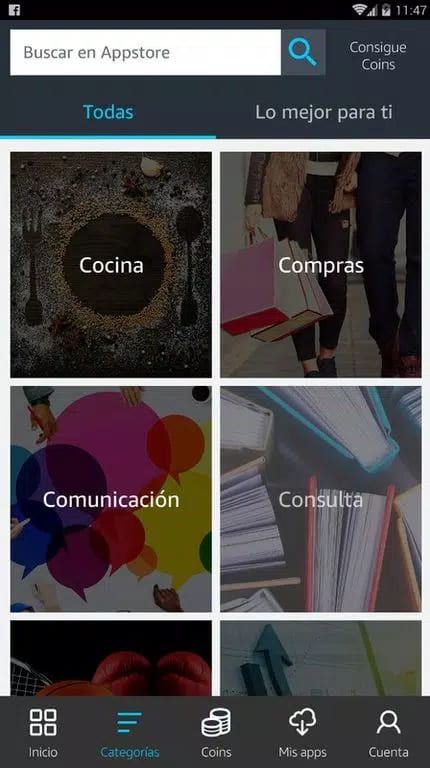


Amazon App Store App Info


Introduction
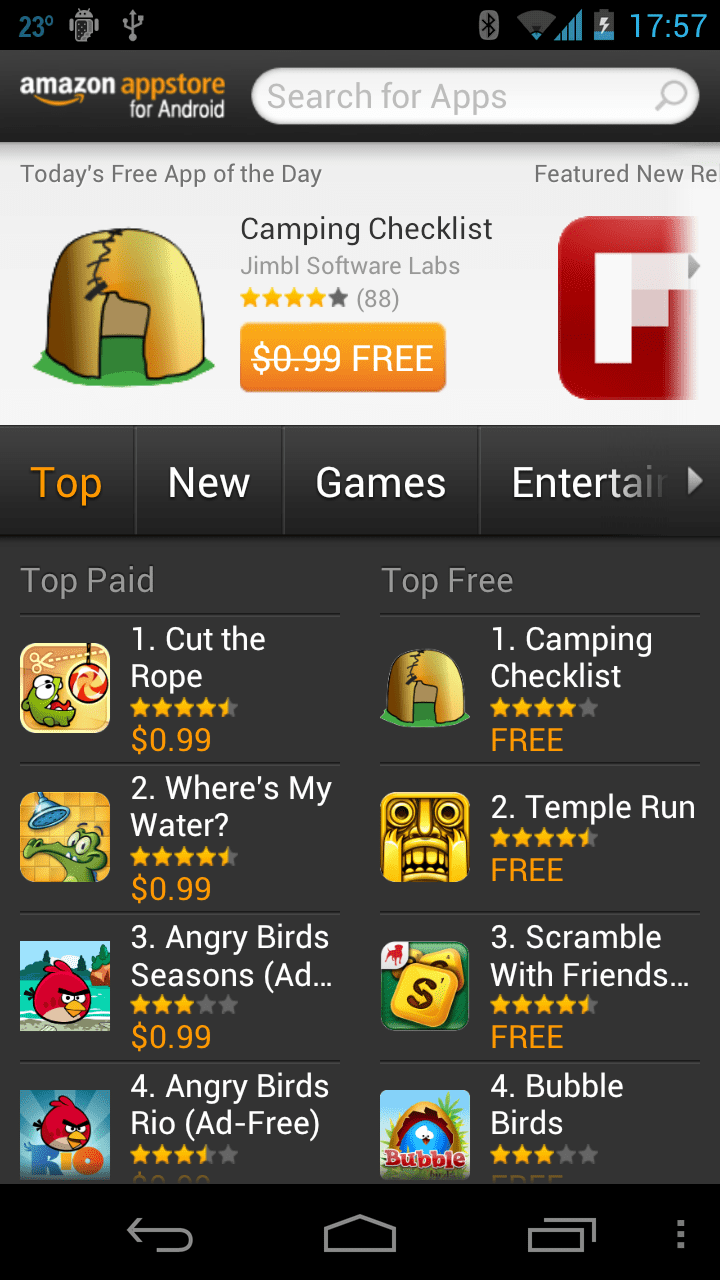
The Amazon App Store is an app store launched by Amazon that offers a large number of apps and games for Android devices. It is unique in that it offers a number of exclusive apps and games, and it launches a free app every day. Although the number of applications is small, the safety and reliability of applications are guaranteed through strict audit and screening. Users can sign in with an Amazon account and download the app. Whether it's free apps, exclusive apps, or personalized recommendations, the Amazon App Store offers users many advantages and convenience. However, users also need to be aware of some drawbacks, such as the limited number of apps and geographical restrictions. With simple operation, users can easily browse, search, download and install applications.
Features of Amazon App Store
 Exclusive Apps and Games
The Amazon App Store offers a number of exclusive apps and games that are not available in other app stores.
 Free Apps
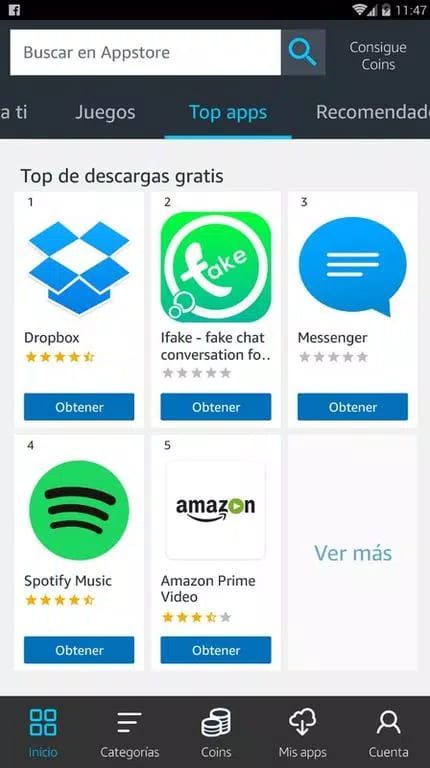
A free app is released every day, and users can download and use these apps for free.
Personalized Recommendation
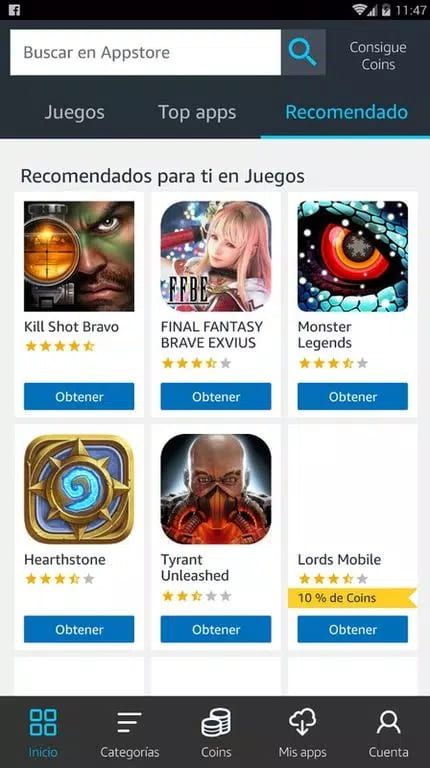
According to users' interests and usage habits, Amazon App Store will give personalized application recommendations to help users find more interesting applications.
Security
Amazon App Store conducts strict review and screening of applications to ensure that the applications downloaded by users are safe and reliable.
Highlights of Amazon App Store
 Totally Free
Launch a free app every day, users can download and use these apps for free within a specific period of time, saving users' expenses.
 Special Apps and Games
A number of exclusive apps and games are provided, and users can find apps and games in the Amazon App Store that are not available in other app stores.
Individualized Suggestions
Recommend suitable applications for users according to their interests and usage habits, and help users find more interesting applications.
Tips
 Download and Install
Users can download the Amazon App Store installation package through Amazon's official website or on Android devices. Once the installation is complete, users can log in with their Amazon account.
 Browse and Search
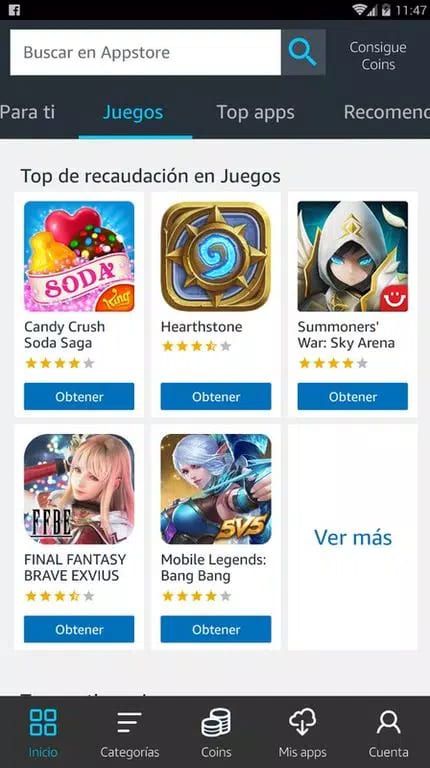
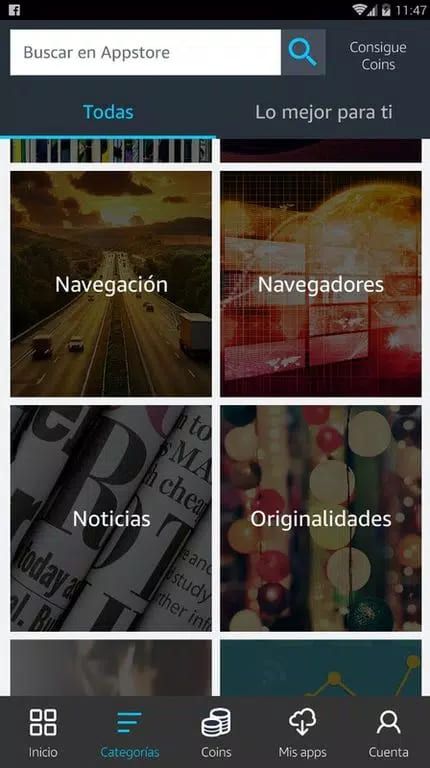
Users can browse different categories of apps, such as games, music, tools, etc., and can also use the search function to find specific apps.
Download and Install the App
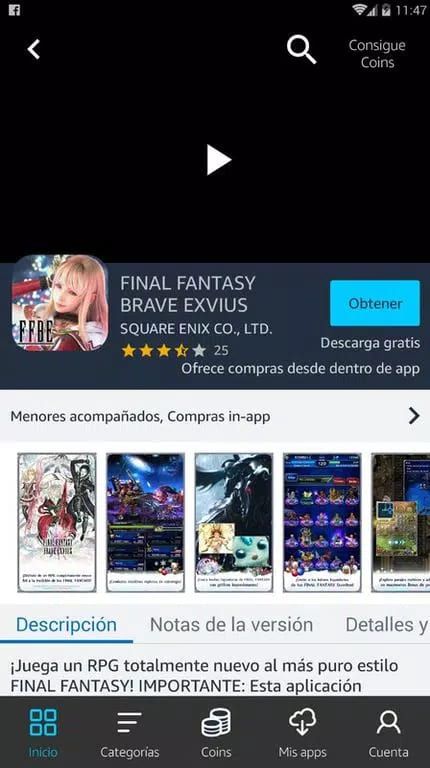
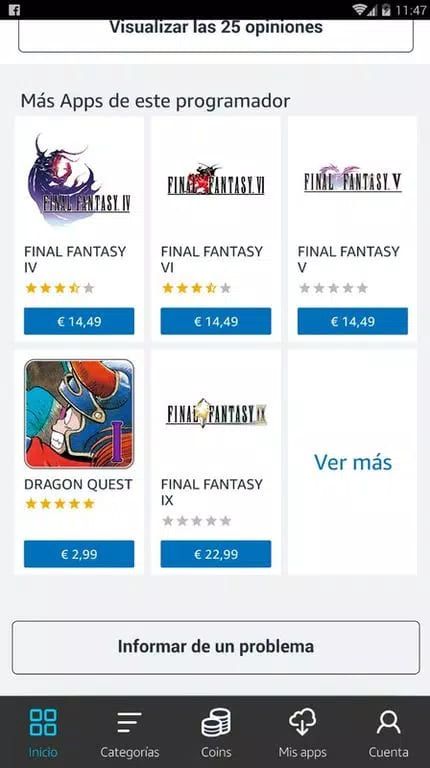
Users can download and install the app by clicking on the app's details page, viewing the app's description, reviews and screenshots, and clicking the Download button.
Pros & Cons
 Apps Free of Charge: Launch a free app every day, users can download and use these apps for free, saving users' expenses.
Unique Apps and Games: A number of exclusive apps and games are provided, and users can find apps and games in the Amazon App Store that are not available in other app stores.
Safety: Strict review and screening of applications to ensure that the downloaded applications are safe and reliable.
Apps Free of Charge: Launch a free app every day, users can download and use these apps for free, saving users' expenses.
Unique Apps and Games: A number of exclusive apps and games are provided, and users can find apps and games in the Amazon App Store that are not available in other app stores.
Safety: Strict review and screening of applications to ensure that the downloaded applications are safe and reliable.
 Limited Number of Apps: Compared to the Google Play Store, the Amazon App Store has a smaller number of apps and may not be able to meet all the needs of users.
Geographical Restrictions: Amazon App Store may not be accessible in some countries and regions, and users need to use tools such as VPN to bypass geographical restrictions.
Limited Number of Apps: Compared to the Google Play Store, the Amazon App Store has a smaller number of apps and may not be able to meet all the needs of users.
Geographical Restrictions: Amazon App Store may not be accessible in some countries and regions, and users need to use tools such as VPN to bypass geographical restrictions.
FAQ


Ratings
















