






 3.8
3.8
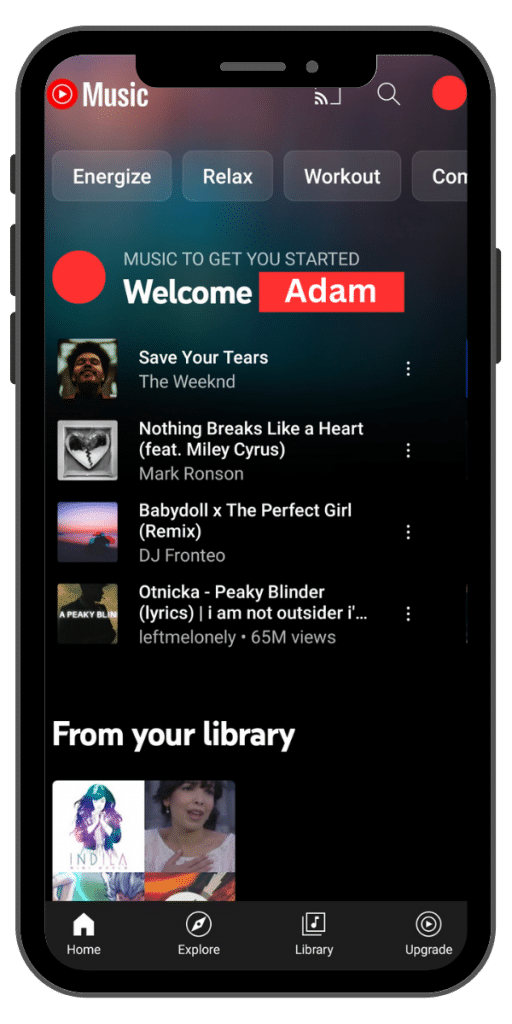

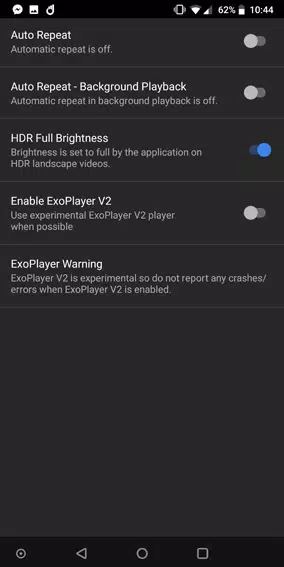
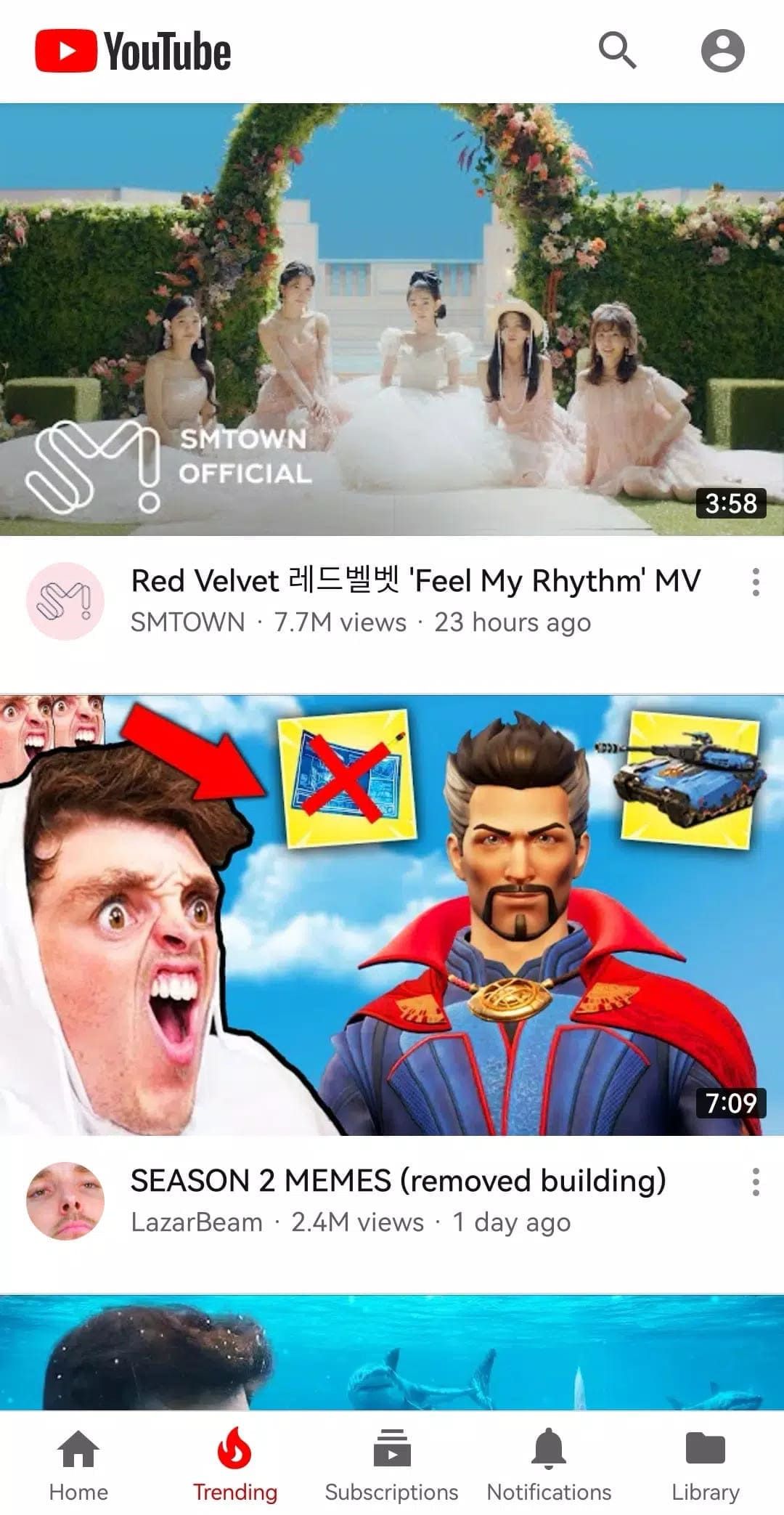
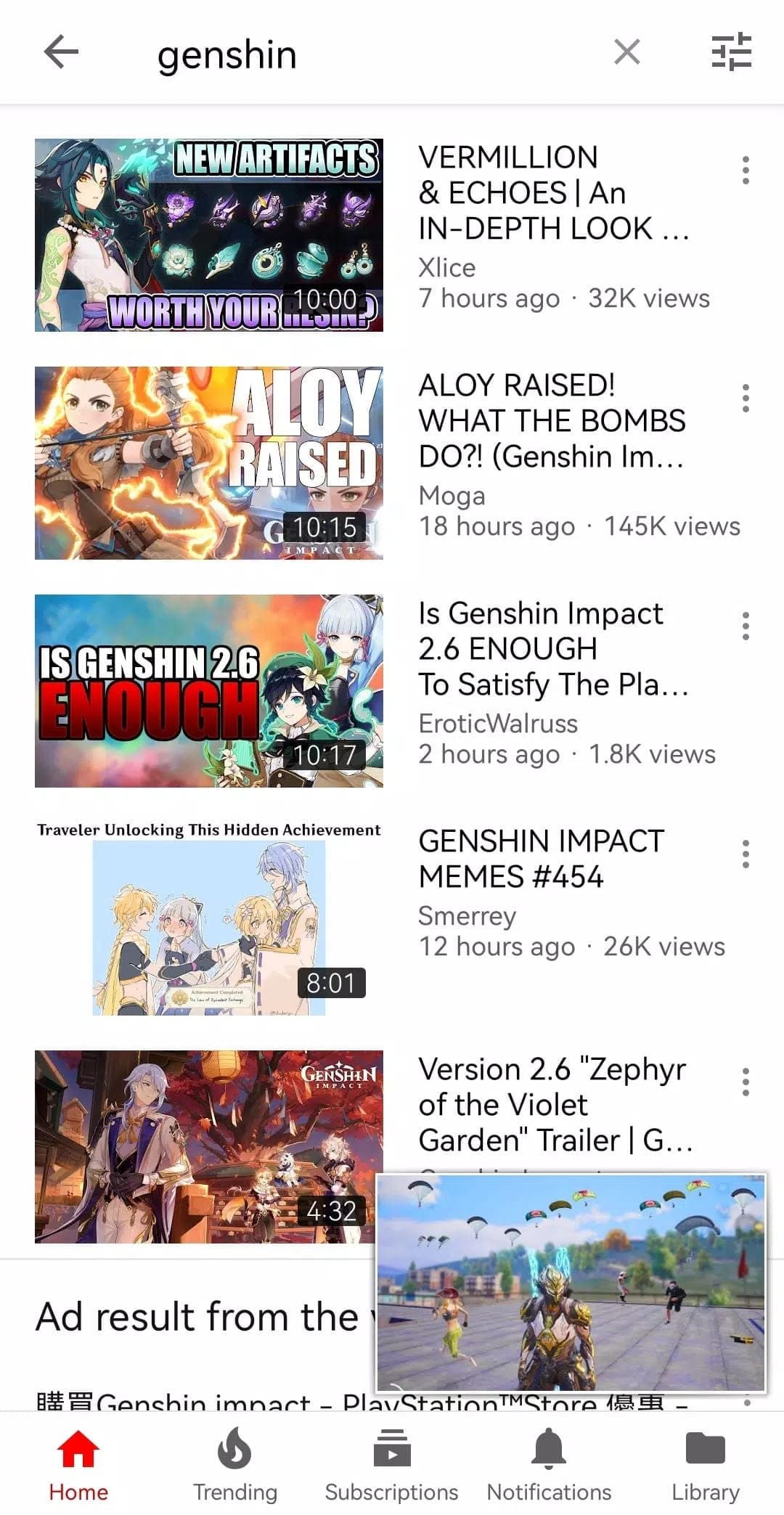


YouTube Vanced App Info


Introduction
With the development of the Internet, video sharing platforms have risen rapidly. Among the many video platforms, YouTube is undoubtedly one of the most popular. However, the official YouTube app has AD interference, background restrictions and other limitations. To offer users a better viewing experience, developers have developed an app called YouTube Vanced, which revolutionizes users' experience on YouTube. YouTube Vanced is a revolutionary piece of software that improves the viewing experience with features such as AD blocking, background playback and picture-in-picture mode. Although there are some disadvantages, the advantages far outweigh the disadvantages. If you're a regular youtuber, try this amazing app. YouTube Vanced is a secondary development on top of the unofficial YouTube app. Currently, YouTube Vanced is divided into two versions: a Root version with the Magisk framework and a non-root version. The Root version requires the phone to Root, while the non-root version works for non-root devices.
Features of YouTube Vanced
 AD Blocking
On the official version of YouTube, advertising has become a big problem for users when watching videos. In YouTube Vanced, however, ads are no longer present. This means users can enjoy a continuous video viewing experience that is no longer interrupted by ads.
 Background Playback
Official YouTube only allows videos to be played from within the app, but YouTube Vanced supports background playback. Users can switch to other apps or lock the screen and still enjoy audio playback. This allows users to use other apps at the same time without interrupting the video that is playing.
Picture-in-picture Mode
YouTube Vanced also introduces a picture-in-picture mode, in which users can shrink the video into a floating window that floats anywhere on their phone's screen. This allows users to continue watching videos while browsing other apps, allowing for more efficient multitasking.
Highlights of YouTube Vanced
 Security and Stability
YouTube Vanced was developed by an experienced team of developers who focus on software security and stability. Therefore, users can use the application with confidence, without worrying about causing instability of the device or data leakage.
 Periodic Updates
YouTube Vanced is regularly updated by the development team to ensure the software has the latest features and the best user experience. This means that users can continue to enjoy the latest feature updates and improvements.
Tips
 Installation and Configuration
Download and install the YouTube Vanced app, enable unknown sources in the device's Settings to allow the installation of apps from third-party app stores, open the YouTube Vanced app and follow the on-screen instructions to complete the Settings.
 Usage
Usage
Launch the YouTube Vanced app, browse and search for the video you want to watch, choose a video and start watching it, enjoy the ad-free experience, background playback, or picture-in-picture mode.
Pros & Cons
 Improve the viewing experience: YouTube Vanced significantly improves users' viewing experience on YouTube by blocking ads, supporting background playback and picture-in-picture modes. Users are free to watch videos without any interference.
Multitasking: Background play and picture-in-picture modes allow users to watch videos while doing other things, such as sending messages, browsing the web, and so on. This improves users' multitasking efficiency and time utilization.
Improve the viewing experience: YouTube Vanced significantly improves users' viewing experience on YouTube by blocking ads, supporting background playback and picture-in-picture modes. Users are free to watch videos without any interference.
Multitasking: Background play and picture-in-picture modes allow users to watch videos while doing other things, such as sending messages, browsing the web, and so on. This improves users' multitasking efficiency and time utilization.
 Root operation is required: The Root version of YouTube Vanced requires users to Root their phone devices, which can pose some security risks and cause the device to lose its warranty.
Space-taking: YouTube Vanced may cost a lot of space.
Root operation is required: The Root version of YouTube Vanced requires users to Root their phone devices, which can pose some security risks and cause the device to lose its warranty.
Space-taking: YouTube Vanced may cost a lot of space.
FAQ


Ratings
















