






 4.5
4.5




WPS Office App Info


Introduction
WPS Office is a powerful office suite that includes word processing, spreadsheet editing, and presentation production. It provides a wealth of features and tools that enable users to easily create, edit, and share various office documents. WPS Office is a cross-platform office suite available for Windows, Mac, Android and iOS devices. WPS Office has an intuitive user interface and powerful functions to meet the various needs of users in office and study. The advantages of WPS Office, such as cloud synchronization, template library, free use and multi-function suite, make it the first choice for users to work and study. Although advertising interference and the need to pay for some advanced features are drawbacks for some users, overall, WPS Office is a recommended office suite.
Features of WPS Office
 Compatibility
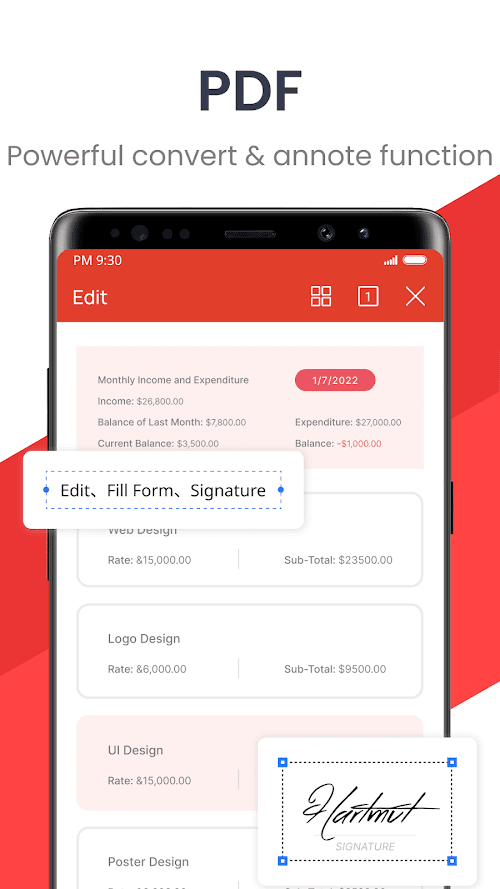
WPS Office supports a variety of common Office document formats, including Microsoft Office and PDF. Users can easily open, edit, and save documents in these formats for seamless compatibility with other office software.
 Multi-platform Support
WPS Office is available on multiple platforms, including Windows, Mac, Android, and iOS. Users can synchronize and share documents across different devices, enabling a cross-platform office experience.
Powerful Editing Function
WPS Office provides rich editing tools and functions, including format setting, chart insertion, formula editing, etc. Users can edit and typeset text, tables and presentations according to their needs.
Highlights of WPS Office
 Cloud Synchronization
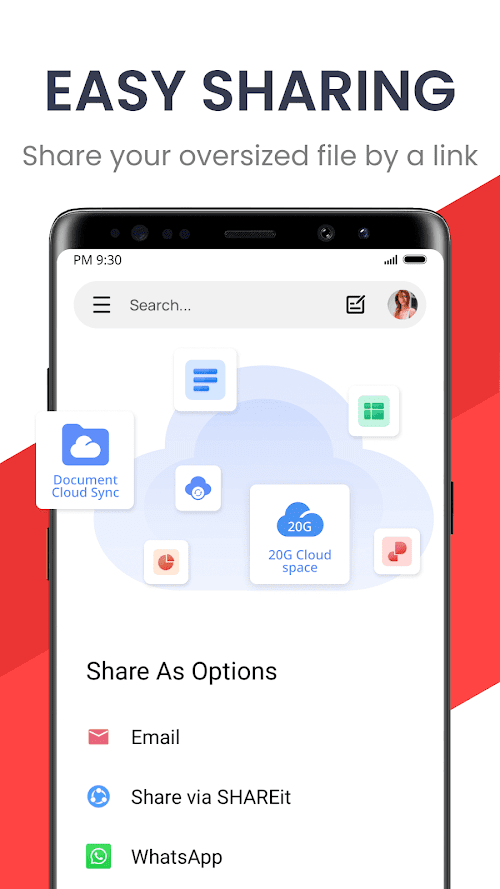
WPS Office supports cloud synchronization, users can save documents to the cloud storage space, access and edit anytime and anywhere. This makes it easy for users to sync and share documents between different devices.
 Template Library
WPS Office provides a rich template library, including resumes, reports, contracts and other types of templates. Users can choose the right template to quickly create professional-level documents.
User-friendly Interface
The user interface of WPS Office is simple and clear, easy to operate and use. Even novice users can quickly get started editing and producing office documents.
Tips
 Create and edit documents
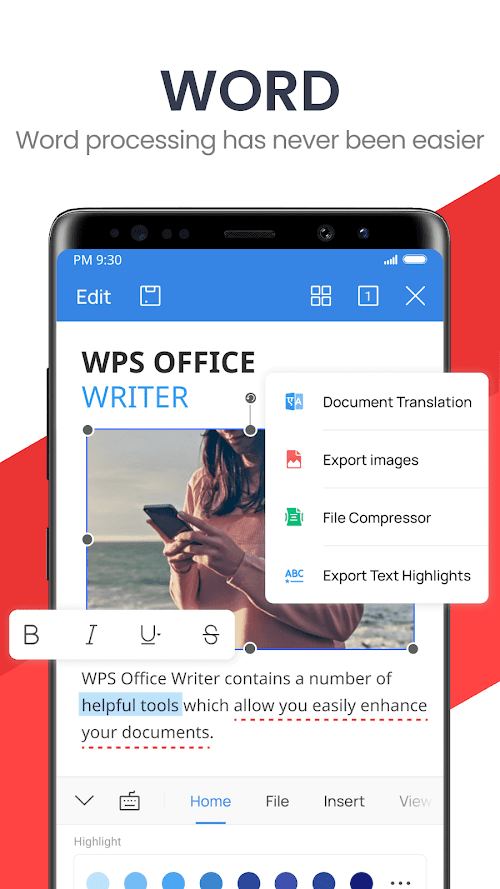
Users can use the Writer component of WPS Office to create and edit text documents. It provides rich formatting and editing tools that enable users to easily typeset and modify document content.
 Edit and analyze tables
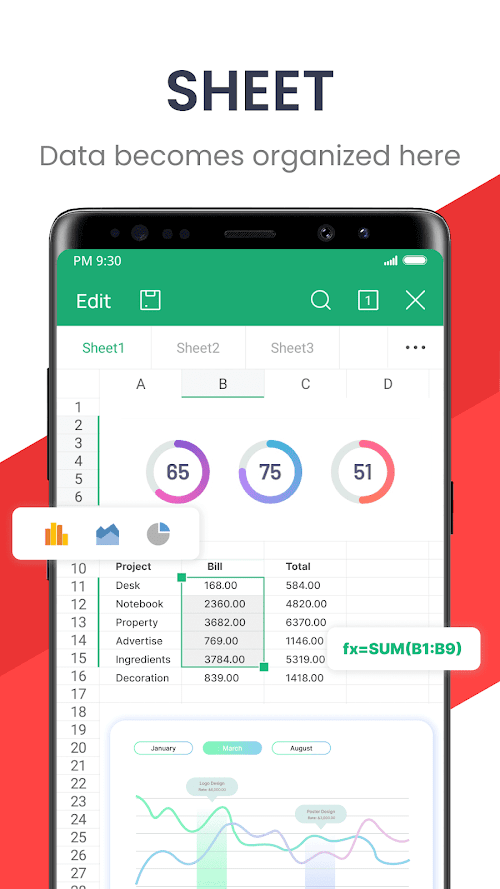
Users can create and edit tables using WPS Office's Spreadsheets component. It provides a variety of functions and tools to facilitate data analysis and processing.
Make presentations
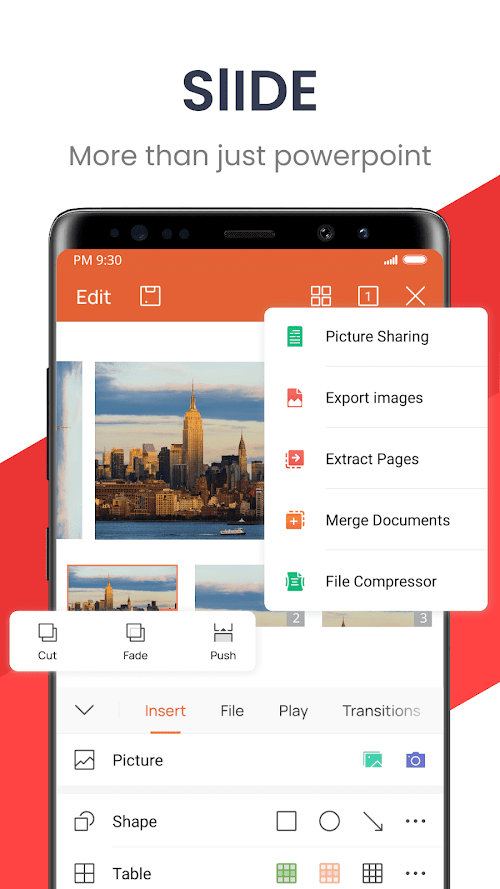
Users can use the Presentation component of WPS Office to make presentations. It offers a wealth of templates and animation effects that enable users to create vivid and engaging presentations.
Pros & Cons
 Free to use: WPS Office is available in a free version, and users can use most of the features and tools for free. This allows users to enjoy powerful office functions without paying fees.
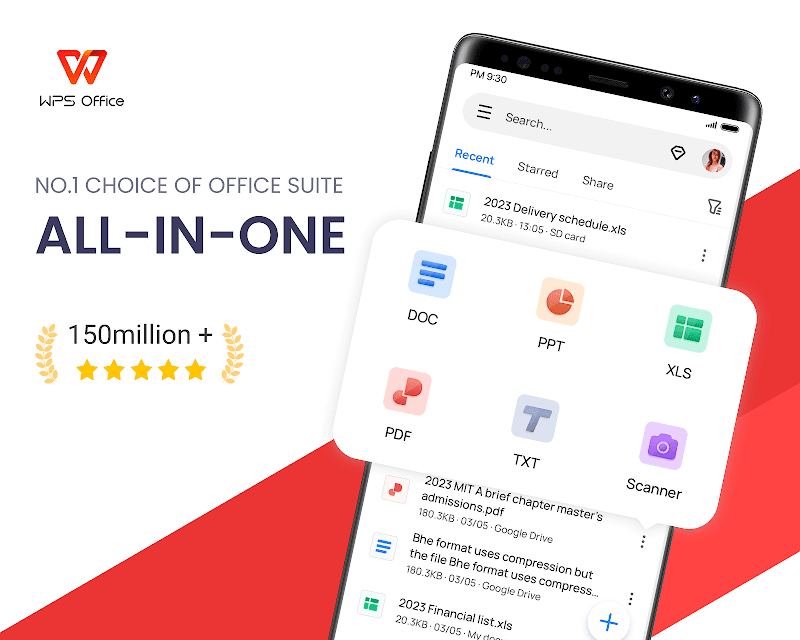
Multi-functional suite: WPS Office integrates multiple functions such as word processing, form editing and presentation production to meet the various needs of users in office and study.
Free to use: WPS Office is available in a free version, and users can use most of the features and tools for free. This allows users to enjoy powerful office functions without paying fees.
Multi-functional suite: WPS Office integrates multiple functions such as word processing, form editing and presentation production to meet the various needs of users in office and study.
 Advertising interference: The free version of WPS Office will display advertisements, which may cause some interference to the user's office experience.
Some advanced features require a fee: WPS Office offers both free and paid versions. Some advanced functions and features are only available in the paid version, which may be a drawback for some users.
Advertising interference: The free version of WPS Office will display advertisements, which may cause some interference to the user's office experience.
Some advanced features require a fee: WPS Office offers both free and paid versions. Some advanced functions and features are only available in the paid version, which may be a drawback for some users.
FAQ


Ratings
















