





 4.6
4.6



Spectrum TV App Info


Introduction
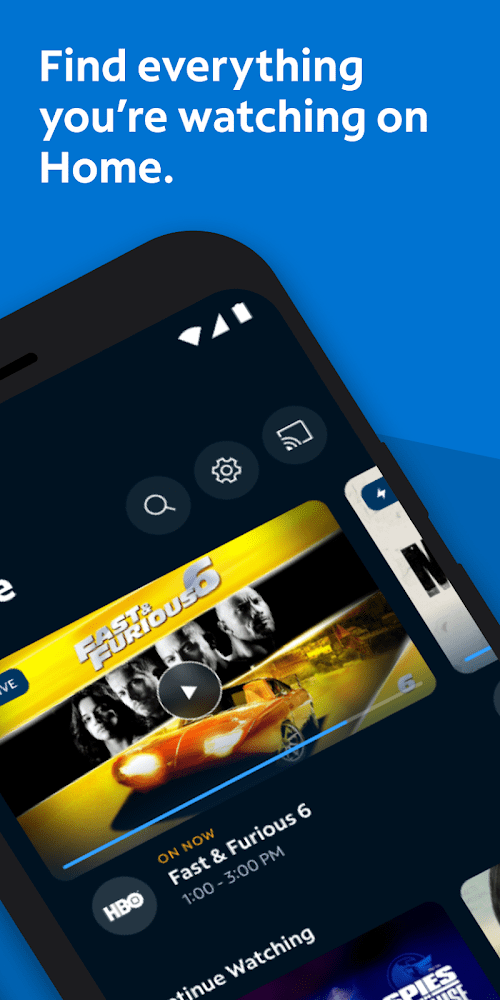
Spectrum TV is a popular digital entertainment application that offers an extensive collection of live TV channels, movies, and TV shows. With a user-friendly interface, this app enables users to watch their favorite programs anytime and anywhere, using their smartphones, tablets, or laptops. Spectrum TV also allows users to easily search and filter content based on their preferences and create a personalized list of channels for easy access. Additionally, customers can enjoy added features like DVR recording, On-Demand content, and parental controls to ensure safe and enjoyable viewing for the whole family. All in all, Spectrum TV is an excellent application for anyone looking to experience a vast array of digital entertainment options.
Features of Spectrum TV
 Extensive Channel Lineup
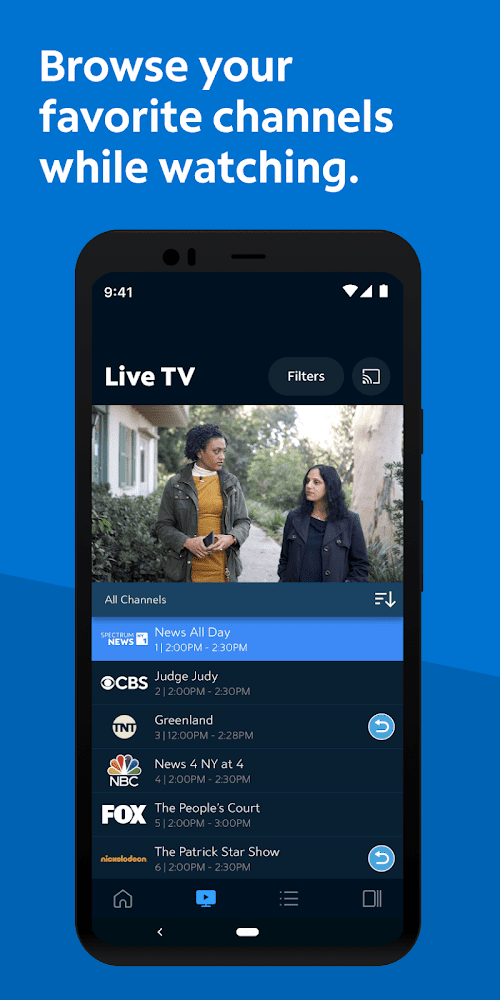
Spectrum TV software offers an extensive channel lineup, including popular channels like ESPN, Fox News, HBO, and more.
On-Demand Streaming
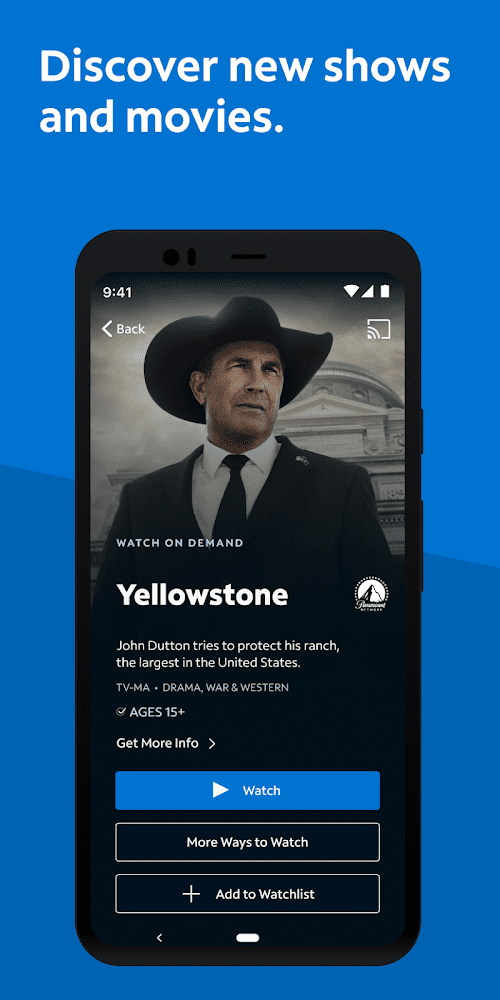
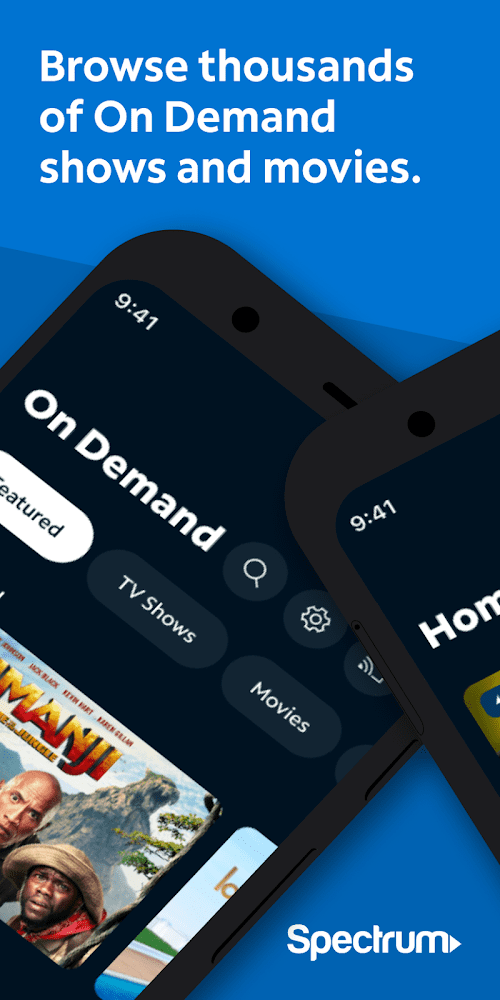
The software allows users to stream on-demand content from popular networks like ABC, NBC, and CBS. Users can also access content from premium networks like HBO and Showtime.
User-Friendly Interface
Spectrum TV software has a user-friendly interface that makes it easy to navigate through channels and content. The software also includes features like the ability to schedule recordings and manage parental controls.
Highlights of Spectrum TV
 Wide variety of content
The Spectrum TV app offers access to hundreds of TV channels, as well as on-demand and live streaming options.
Multi-device compatibility
The app can be accessed on a range of devices, including smart TVs, tablets, and smartphones, making it a versatile option for users.
Advanced Streaming Technology
It utilizes advanced streaming technology that enables seamless playback and prevents buffering issues even on slower internet connections.
Tips
 Use the search function
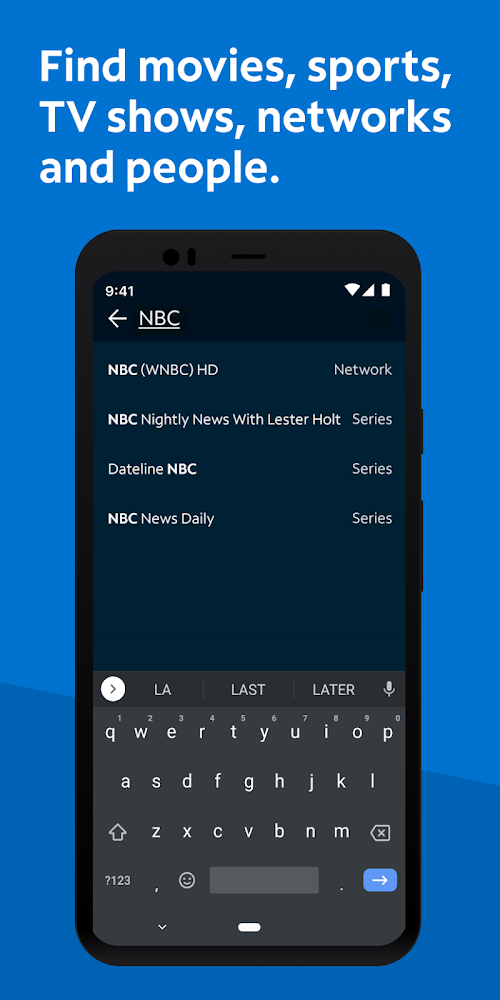
The Spectrum TV app has a search function that allows you to quickly find the content you’re looking for.  Simply tap the search icon and type in the name of the show, movie, or channel you want to watch.
Customize your guide
The app’s guide can be customized to show only the channels you’re interested in. To do this, go to the settings menu and select “Channel Lineup.” From there, you can choose which channels you want to include in your guide.
Use the app on multiple devices
The Spectrum TV app can be used on multiple devices, including smartphones, tablets, and smart TVs. This allows you to watch your favorite content no matter where you are. To use the app on a new device, simply download it and log in using your Spectrum TV account information.
Pros & Cons
 It is convenient for users to watch TV programs.
It supports real-time live broadcast and scheduled recording.
With cross-platform support, compatible with multiple devices.
It is convenient for users to watch TV programs.
It supports real-time live broadcast and scheduled recording.
With cross-platform support, compatible with multiple devices.
 It is very dependent on the quality of the network connection.
Some regions may not fully cover the TV channels users need to watch.
It is very dependent on the quality of the network connection.
Some regions may not fully cover the TV channels users need to watch.
FAQ


Ratings
















