





 4.1
4.1


Fire Stick Remote App Info


Introduction
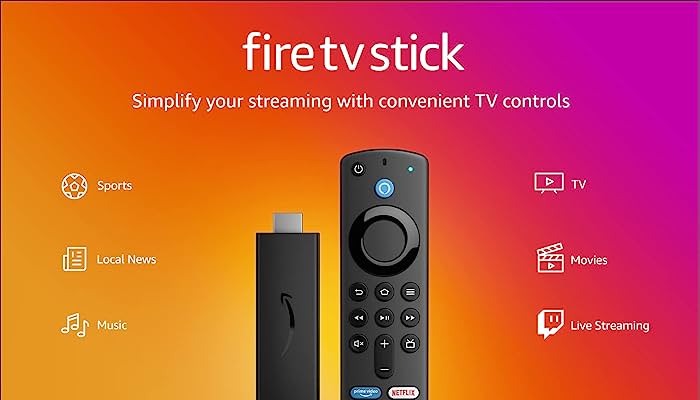
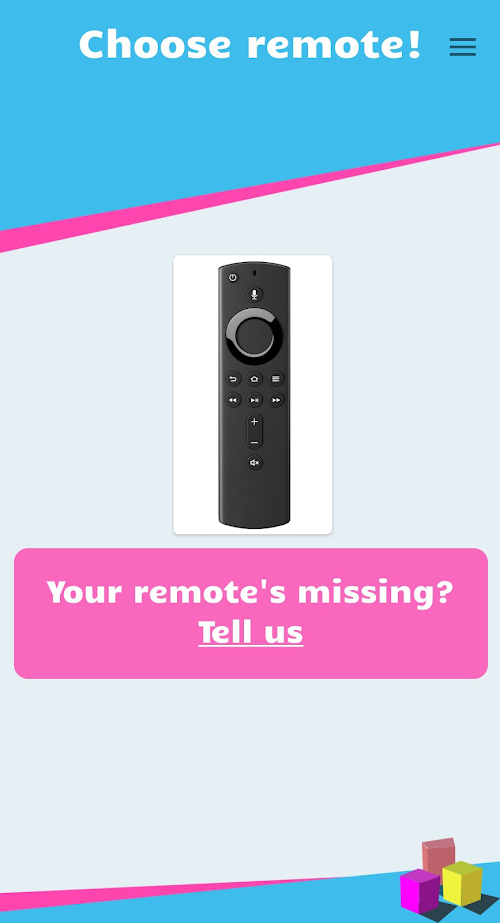
Remote for Amazon Fire Stick is an app that provides remote control for the Amazon Fire Stick. It turns your phone or tablet into a smart remote for easier control of your Fire Stick device. Remote for Amazon Fire Stick is a very convenient and practical app that allows users to turn their phone or tablet into a smart remote control for more convenient control of their Fire Stick device. Features such as intelligent remote control, voice search and keyboard input make it more intuitive and convenient for users to interact with the Fire Stick. Although there are some connectivity issues and AD display shortcomings, overall, Remote for Amazon Fire Stick provides a better user experience and brings more features and convenience to users. Whether at home or on the go, use Remote for Amazon Fire Stick for more convenience and fun.
Features of Fire Stick Remote
 Smart Remote Control Function
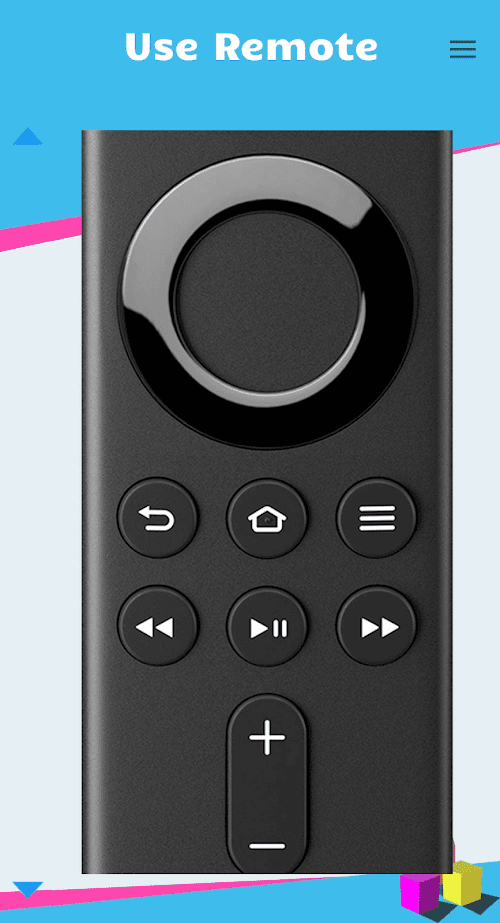
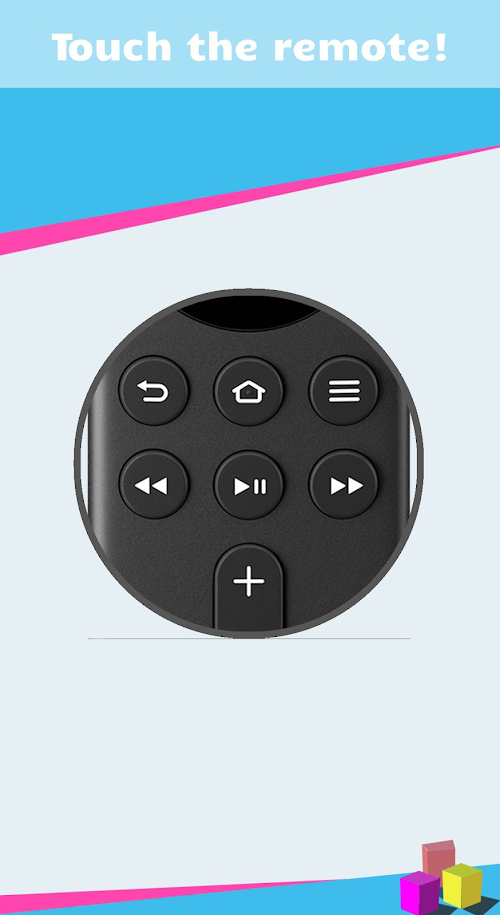
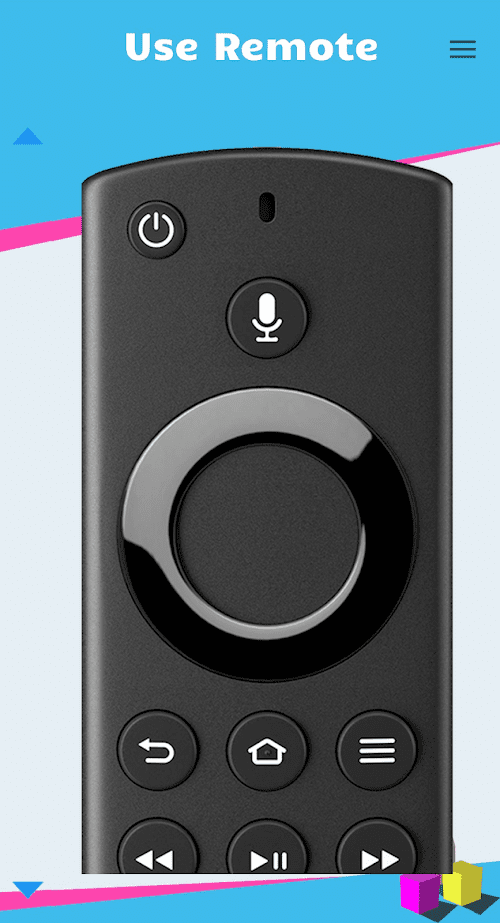
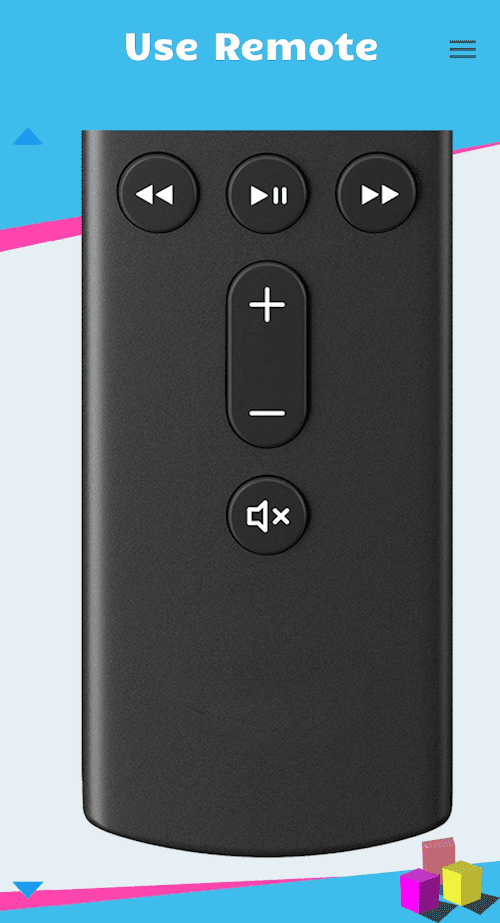
Remote for Amazon Fire Stick can fully simulate all the buttons and functions of the original remote control, including navigation buttons, volume adjustment, play/pause, and home page.
 Voice Search
With the remote Voice Search function, you can use your phone's microphone to search for the Fire Stick directly without using the physical buttons of the remote control.
Keyboard Input
When you need to type text on the Fire Stick, Remote for Amazon Fire Stick provides a convenient virtual keyboard that allows you to easily enter search keywords, web addresses, and more.
Fast Connection
Connected via a Wi-Fi network, Remote for Amazon Fire Stick can quickly connect to your Fire Stick device, ensuring a stable remote control experience.
Highlights of Fire Stick Remote
 Free and Easy to Use
Remote for Amazon Fire Stick is a free app and offers a user-friendly interface that is simple and intuitive, even for users who are not familiar with technology.
 Multi-device Support
The app allows you to install and use it on multiple devices, whether it's a phone or a tablet, just by downloading the app and making simple Settings.
Gesture Control
In addition to simulating Remote control buttons, Remote for Amazon Fire Stick also offers gesture control functions such as swiping, tapping, and zooming to provide more operating options.
Tips
 Download and install
Download and install the Remote for Amazon Fire Stick app on your phone or tablet.
 Connect the Internet
Make sure your phone and Fire Stick device are connected to the same Wi-Fi network.
Follow the instruction
Open the app and follow the on-screen instructions for Settings to establish a connection to the Fire Stick.
Enjoy the app
Once connected, you will be able to use Remote for Amazon Fire Stick to control your Fire Stick device.
Pros & Cons
 Easy and fast: With Remote for Amazon Fire Stick, you no longer need to look for the remote or worry if its battery is dead, just open the app and connect to the Fire Stick.
Better user experience: The app gives users a more intuitive and convenient way to control their Fire Stick device, whether it's watching videos, playing music, or browsing apps.
Add features: In addition to the basic Remote control, Remote for Amazon Fire Stick also offers some other useful features, such as screen mirroring, screenshots, and file sharing.
Easy and fast: With Remote for Amazon Fire Stick, you no longer need to look for the remote or worry if its battery is dead, just open the app and connect to the Fire Stick.
Better user experience: The app gives users a more intuitive and convenient way to control their Fire Stick device, whether it's watching videos, playing music, or browsing apps.
Add features: In addition to the basic Remote control, Remote for Amazon Fire Stick also offers some other useful features, such as screen mirroring, screenshots, and file sharing.
 Connection issues: Sometimes, Remote for Amazon Fire Stick may experience problems connecting to Fire Stick devices and may need to reconnect or check network Settings.
AD display: The app displays some ads in the interface, which can be disruptive to the user experience, especially if the user uses the app frequently.
Connection issues: Sometimes, Remote for Amazon Fire Stick may experience problems connecting to Fire Stick devices and may need to reconnect or check network Settings.
AD display: The app displays some ads in the interface, which can be disruptive to the user experience, especially if the user uses the app frequently.
FAQ


Ratings
















