





 4
4
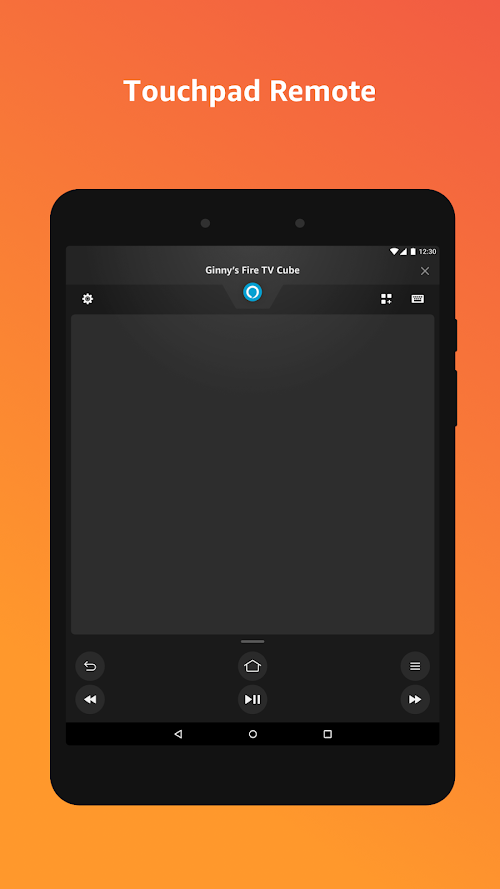
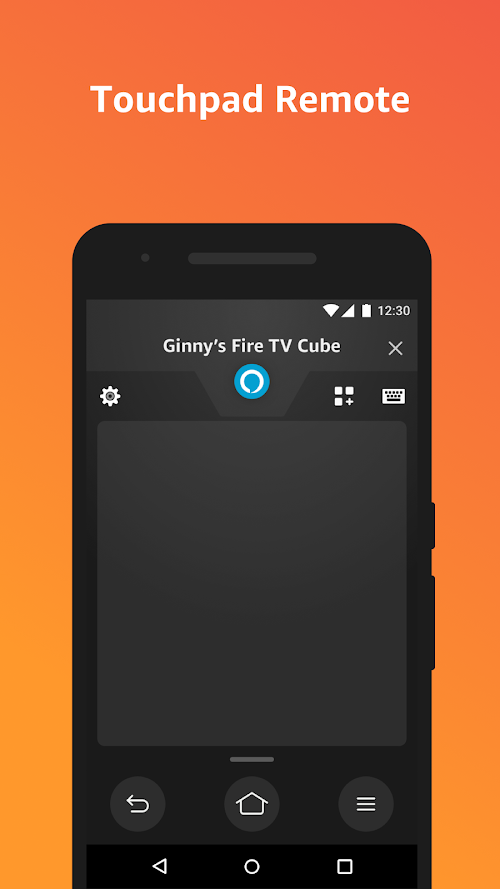
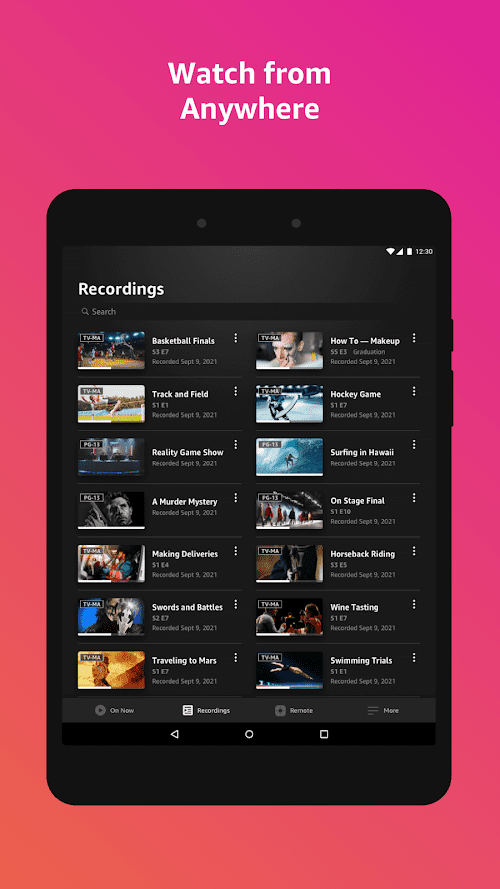


Amazon Fire TV App Info


Introduction
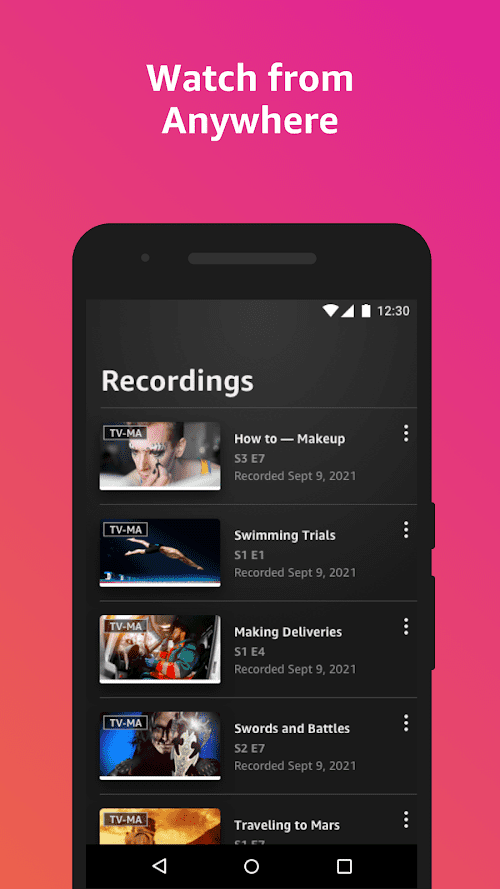
Amazon Fire TV is a streaming media player that allows users to watch TV shows, movies, and other content on their television. It has a variety of features such as access to popular streaming services like Netflix, Hulu, and Amazon Prime Video. In addition, it has Alexa integration, allowing users to use voice commands to control their TV and search for content. It also supports 4K Ultra HD, HDR, and Dolby Atmos audio for a high-quality viewing experience. With its sleek interface and easy setup, Amazon Fire TV is an excellent choice for those looking to upgrade their home entertainment system.
Features of Amazon Fire TV
 User-Friendly Interface
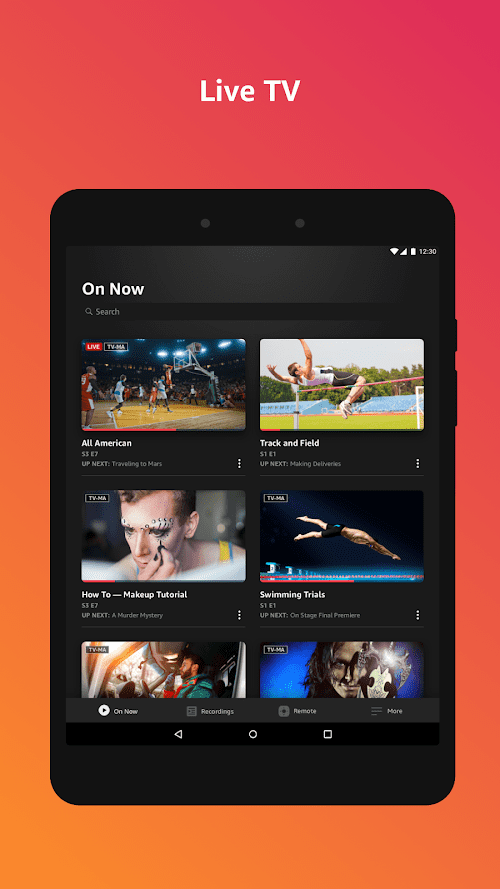
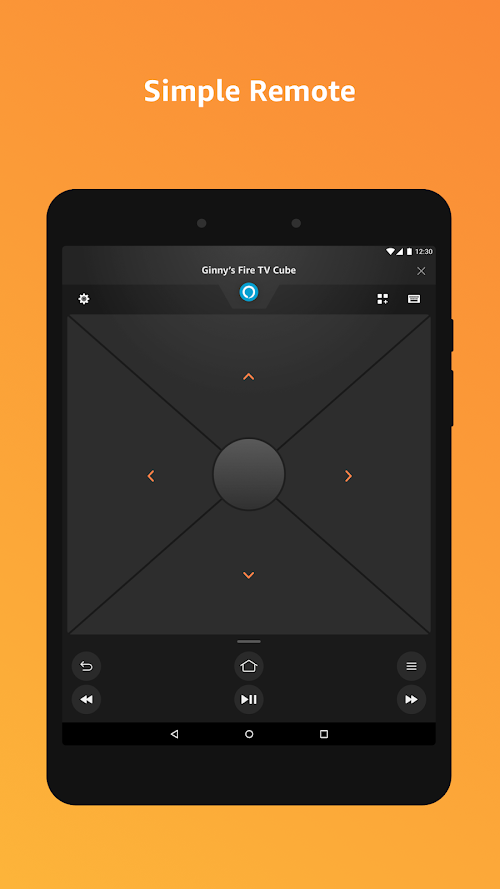
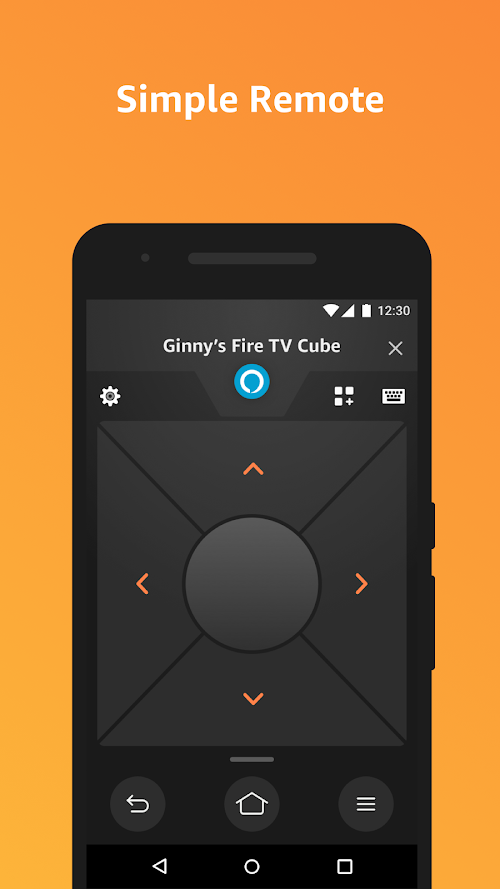
The Amazon Fire TV software offers a simple and easy-to-navigate interface, allowing users to access their favorite content with ease.
Large Selection of Streaming Content
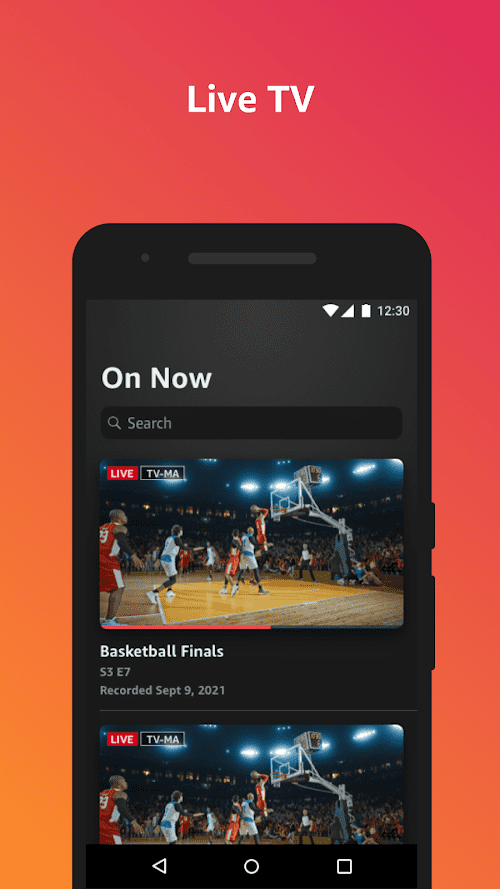
Amazon Fire TV offers a vast collection of streaming content, including movies, TV shows, and music.
Voice Search
Amazon Fire TV software includes voice search capabilities, allowing users to search for content by simply speaking into the remote control.
Parental Controls
Amazon Fire TV includes parental controls, giving parents the ability to set limits on content based on age ratings and other criteria.
Highlights of Amazon Fire TV
 Large selection of apps
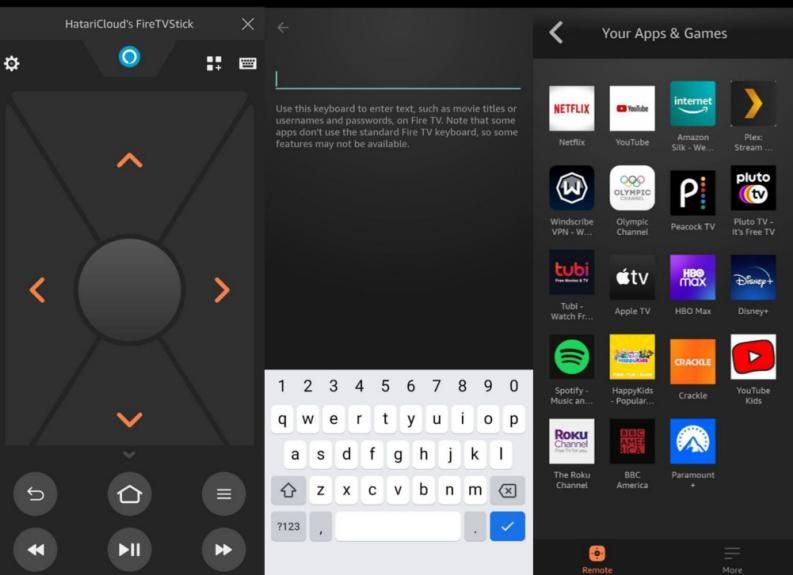
With access to over 500,000 movies and TV episodes from popular streaming services, along with thousands of apps and games, Amazon Fire TV offers a vast selection of entertainment options.
Alexa integration
Amazon Fire TV integrates with Alexa, Amazon’s virtual assistant, allowing users to control their TV with voice commands and access additional Alexa features, such as weather updates and setting reminders.
Streaming Quality
Supports 4K Ultra HD, HDR, and Dolby Atmos audio for high-quality streaming.
Tips
 Organize Your Apps
To make it easier to find your favorite apps on Amazon Fire TV, organize them into folders or move the most frequently used ones to the top of your list.
Use Alexa Voice Control
Amazon Fire TV comes with Alexa Voice Control, which allows you to search for content, play movies and TV shows, and control playback with your voice. Make sure to take advantage of this feature to enhance your viewing experience.
Clear Cache and Data
Over time, apps on Amazon Fire TV can become slow or unresponsive. To fix this, go to the Settings menu and clear the cache and data of the app you’re having trouble with.
Customize Your Screensaver
Amazon Fire TV lets you customize your screensaver with personal photos or images from Amazon Prime Photos. To do this, go to the Settings menu, select Display & Sounds, and then Screensaver.
Pros & Cons
 It offers access to a wide range of streaming services.
Equipped with voice control function.
Amazon Fire TV is easy and quick to set up.
It offers access to a wide range of streaming services.
Equipped with voice control function.
Amazon Fire TV is easy and quick to set up.
 Slow loading times or buffering issues.
There will be a crash during use.
Slow loading times or buffering issues.
There will be a crash during use.
FAQ


Ratings
















