






 3.6
3.6
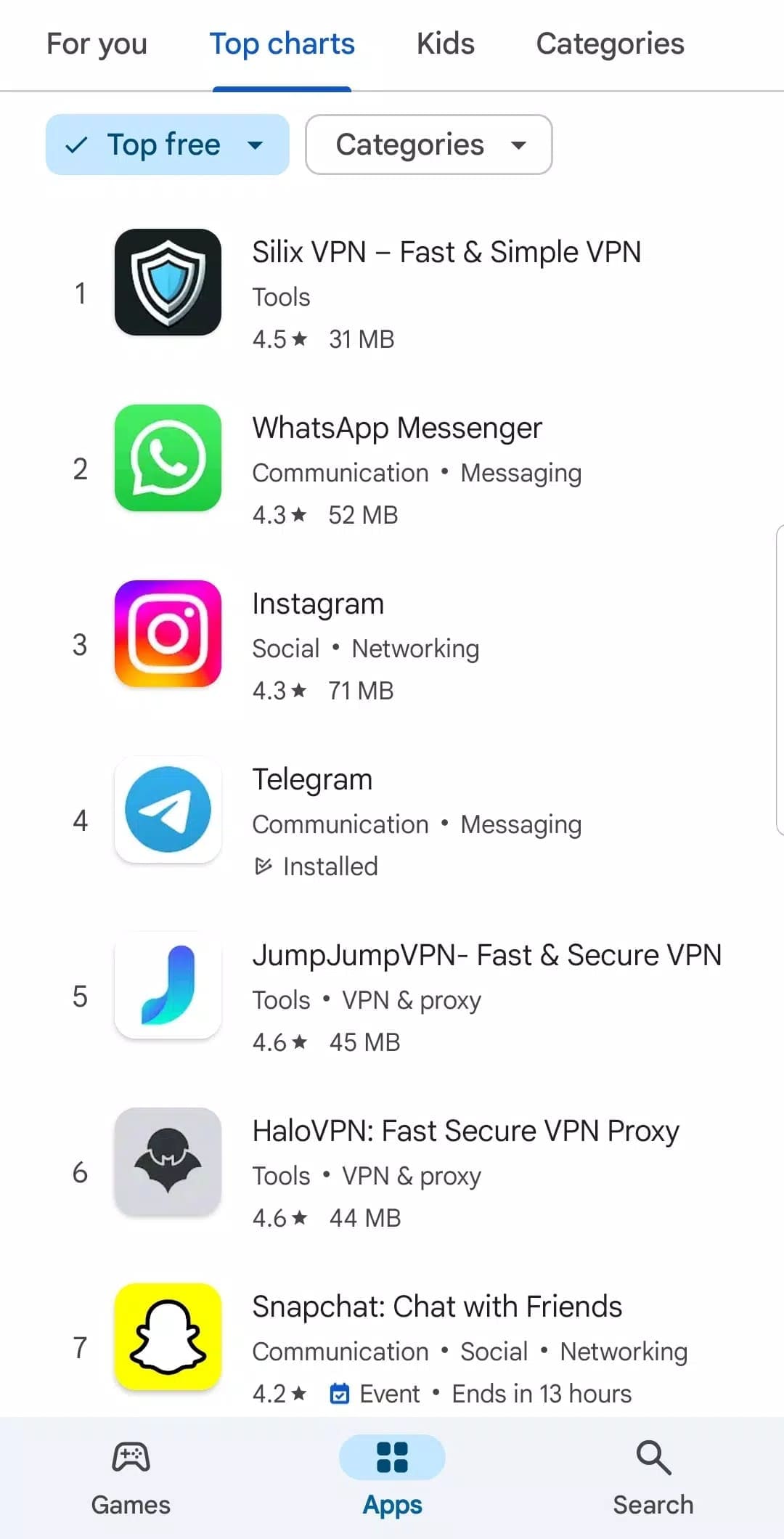
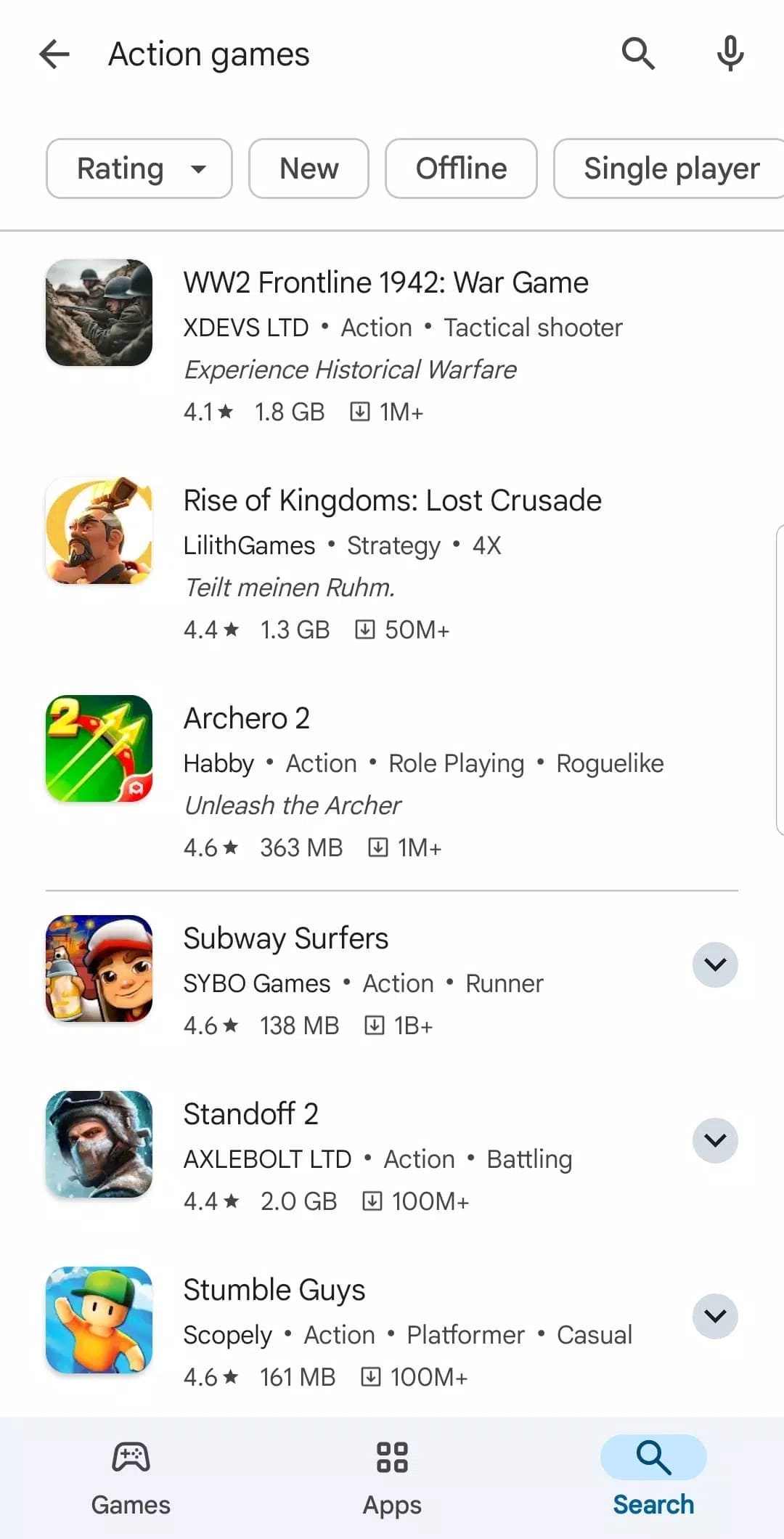
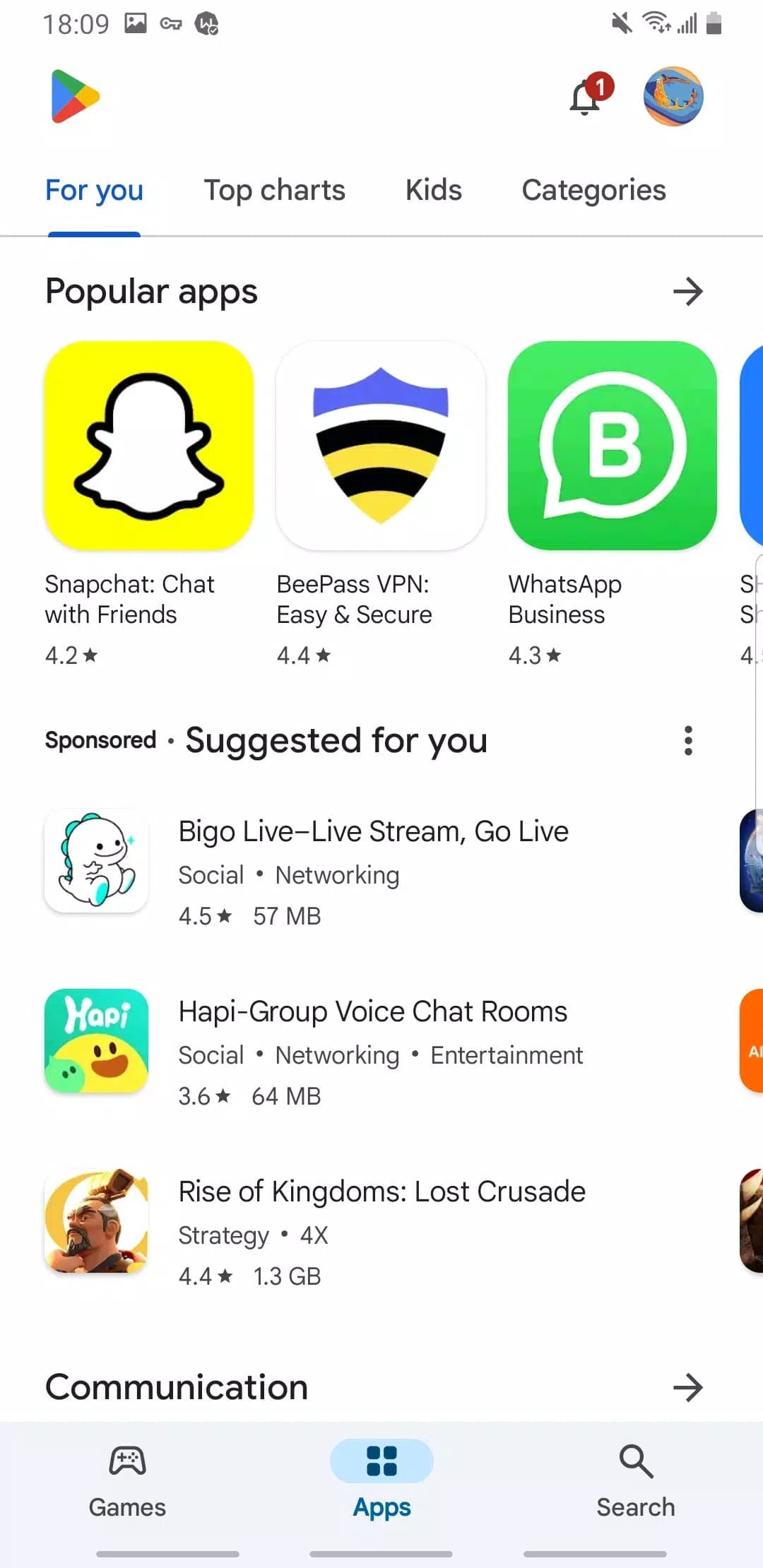
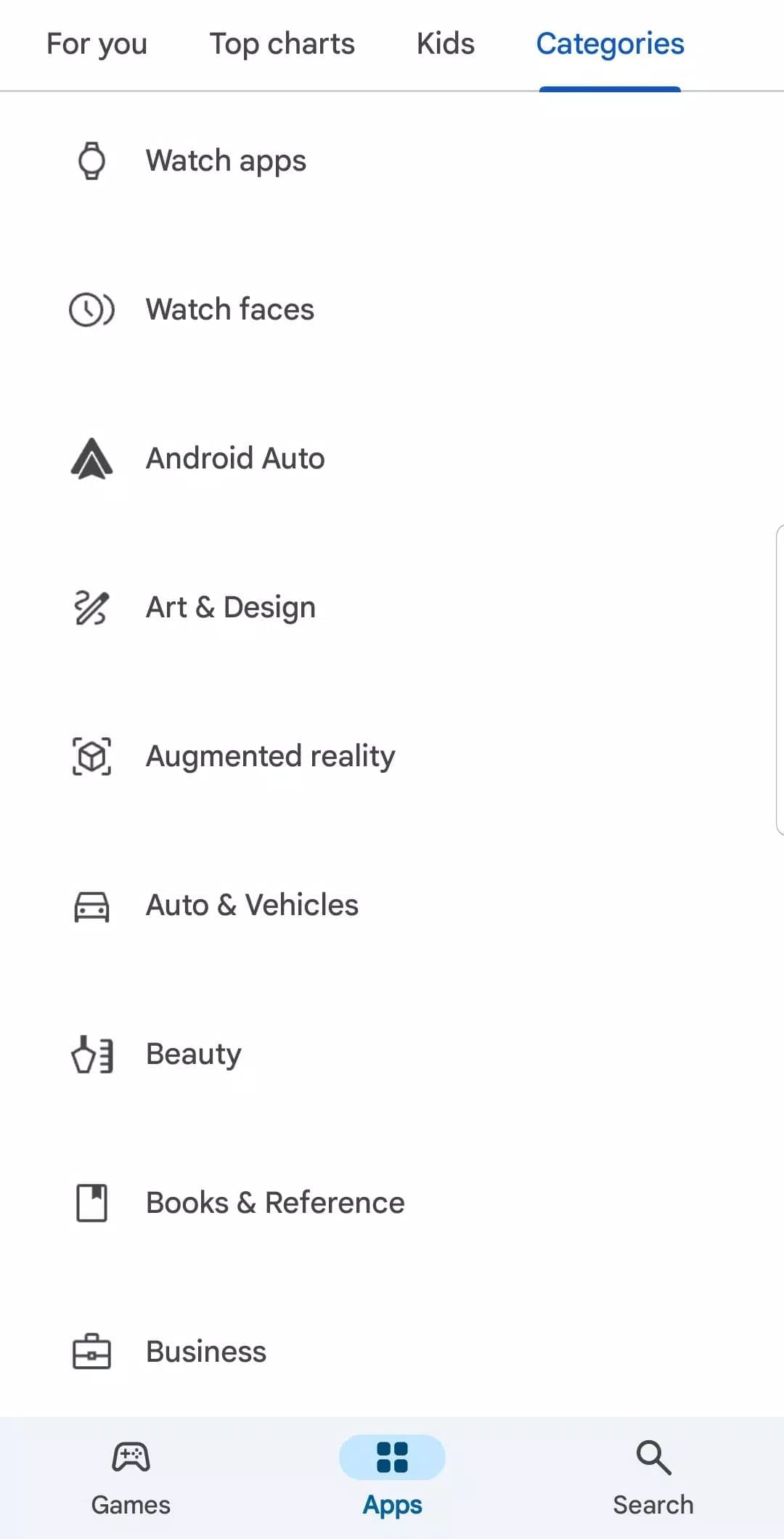


Google Play Store App Info


Introduction
It mostly contain hardware, software which are specially used for Android apps, operating systems and computers. It is a hub where users can also find applications that suit their needs, download them, and update them. With millions of apps in various domains, from productivity to entertainment apps the Google Play Store is perfect for multiple interests. It also offers personalized recommendations, user reviews, and ratings to assist users in making informed decisions. This is also a platform where developers can list their apps and sell it to a global audience. It’s an incredible hub for Android users across the globe, utilizes the advantages of better security and performance.
Features
User Reviews
It includes user reviews which assist those interested in downloading it in making an informed choice. Users can read reviews and ratings prior to installing an app.
Google Play Protection
This feature checks applications for potential threats, so that users can securely download trusted content. It also has phony application scanning to discover phishing scams.
Family Library
You can share the purchased apps, games, movies, and TV shows with up to five family members. This means once the base subscription is purchased, multiple members of the family group have access, allowing for seamless sharing of digital content.
App Return Policy
If users are not satisfied, there is a refund policy in place for the Google Play Store where money can go back in their pocket, if the app was used 48 hours after it was purchased or not.
Highlights
Comprehensive Content
Besides a plethora of apps and games, Google Play Store is also a home for books, movies, and music, and much more, providing one-stop service by digital content.
Easy Payments
Transactions are fast and easy, as the platform supports various payment methods such as credit/debit cards, Google Play Balance, and PayPal.
Google Play Pass
This subscription service offers access to hundreds of apps and games with no ads or in-app purchases, making it great value for users.
Google Play Points
Users earn points for buying apps or trying free content, and they can be redeemed for rewards or Google Play Credit.
Tips
Browse and Search for Content
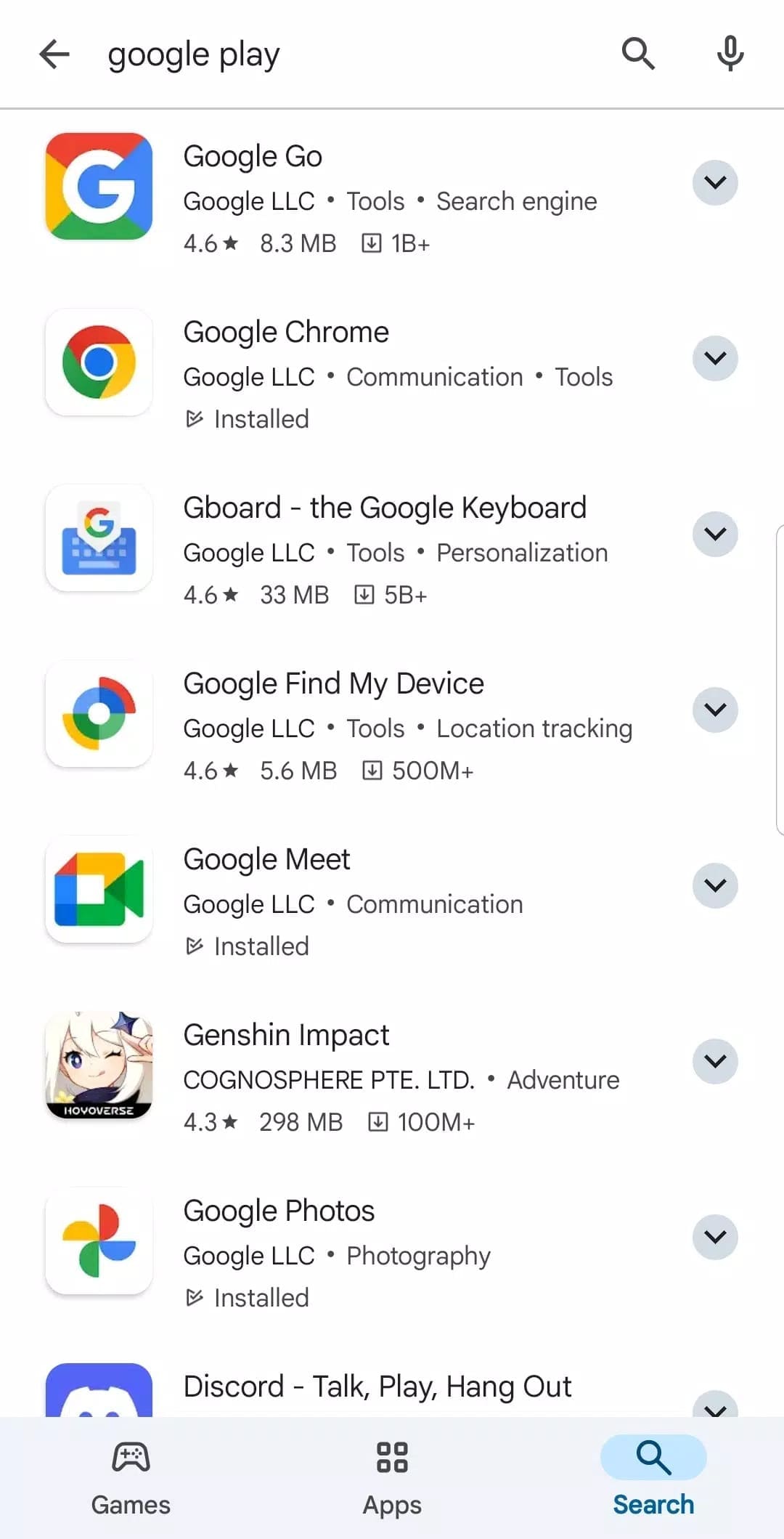
Search for apps, games, movies, books or music using the search bar at the top. Tap on the categories, top charts and personalized recommendations that appear.
Download and Install Apps
If it’s a free app or game, tap the “Install” button. To access paid content, tap on the price and follow the instructions to pay. Review and accept all needed permissions before installing. Depending on the size of the file and the speed of your internet, wait until it downloads and installs.
Uninstall Apps
If you have not done so already, go to the Google Play Store and then tap on your profile icon in the top right corner of the screen and navigate to Manage apps & devices, click Manage, select the app you wish to delete, and finally tap the garbage can icon to remove it.
Pros & Cons
 Large App Ecosystem: Users had access to a large number of apps ranging from business tools to games to media.
Regular Updates: Store also maintains app updates very well, which allows users to keep up-to-date with the latest features and security updates.
Developer Tools: The Google Play Store provides developers with a powerful set of tools, including analytics and user feedback, allowing developers to make improvements and optimizations to their applications.
Worldwide Access: Users can access apps from across the globe, as there is an extensive range of apps available on worldwide stores.
Large App Ecosystem: Users had access to a large number of apps ranging from business tools to games to media.
Regular Updates: Store also maintains app updates very well, which allows users to keep up-to-date with the latest features and security updates.
Developer Tools: The Google Play Store provides developers with a powerful set of tools, including analytics and user feedback, allowing developers to make improvements and optimizations to their applications.
Worldwide Access: Users can access apps from across the globe, as there is an extensive range of apps available on worldwide stores.
 There are high commission prices charged for in-app purchases on the Google Play Store.
FAQ


Ratings
















