





 4.6
4.6


My Spectrum App Info


Introduction
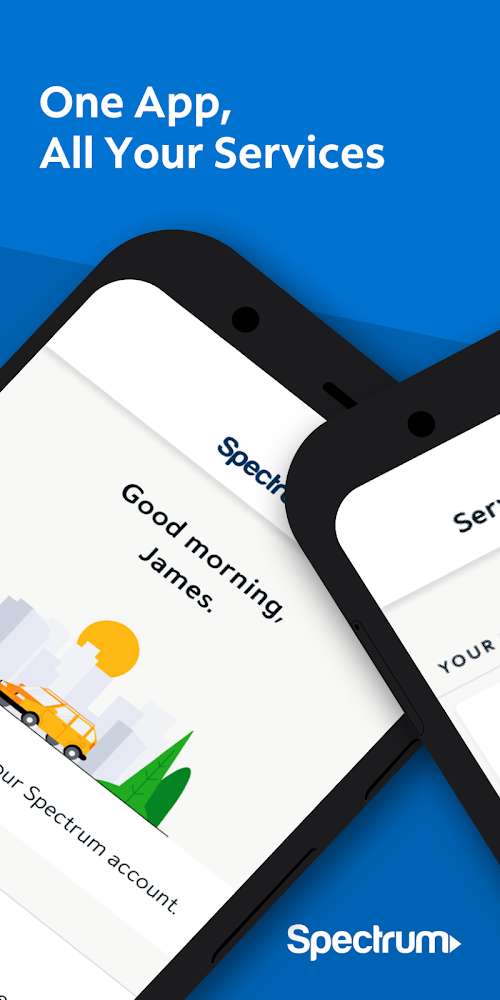
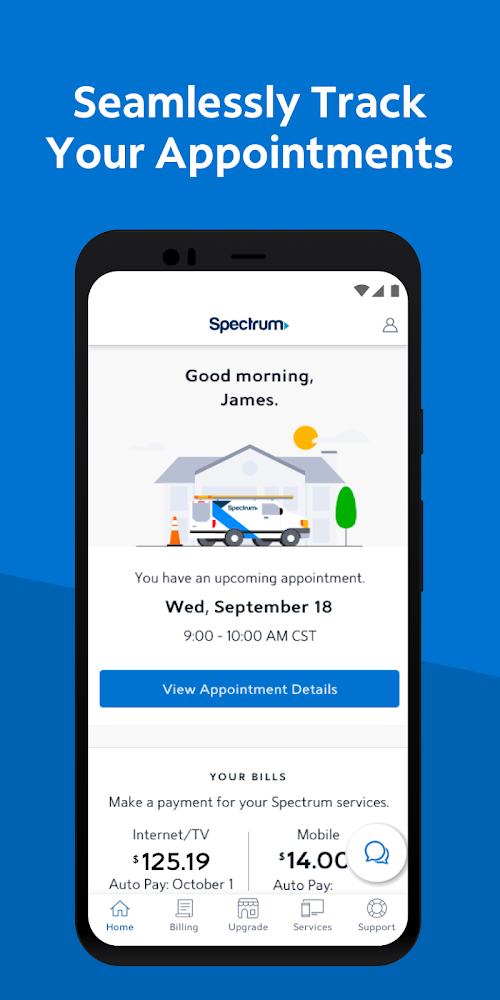
My Spectrum is a user-friendly mobile application provided by Charter/Spectrum that allows its customers to manage their Spectrum services conveniently. Spectrum is a leading provider of cable, internet, and phone services, and its mobile app provides its customers with an intuitive way to manage their services on the go. The application offers a range of features, including viewing and paying bills, managing account settings, troubleshooting and resolving service issues, and accessing customer support. With My Spectrum, customers can quickly check their account balances, pay their bills, and even set up automatic payments for future bills. Overall, the My Spectrum application is a must-have tool for Spectrum customers, allowing them to access their account information, manage their services, and communicate with Spectrum support quickly and efficiently.
Features of My Spectrum
 Bill Pay
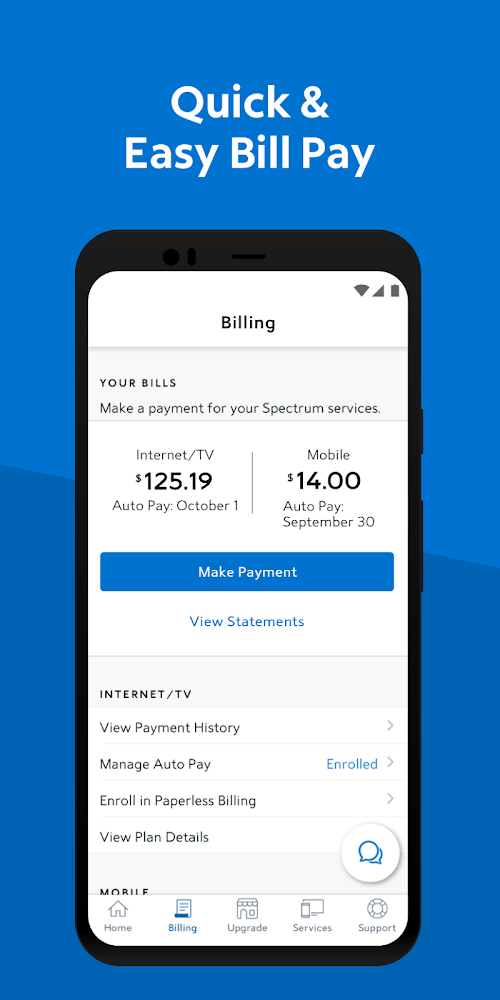
My Spectrum allows you to pay your bill quickly and easily, directly from your mobile device. You can choose to make a one-time payment or set up automatic payments, so you never have to worry about missing a payment again.
Service Status
With My Spectrum, you can easily check the status of your services, including internet, TV, and phone. If you’re experiencing any issues, you can quickly report them through the app, and a Spectrum representative will be in touch to help you resolve the problem.
Channel Lineup
Customers can view and customize their channel lineups using My Spectrum. The application provides an easy-to-use interface where customers can view currently available channels, add channels to their lineup, and remove channels they no longer need.
Technical Support
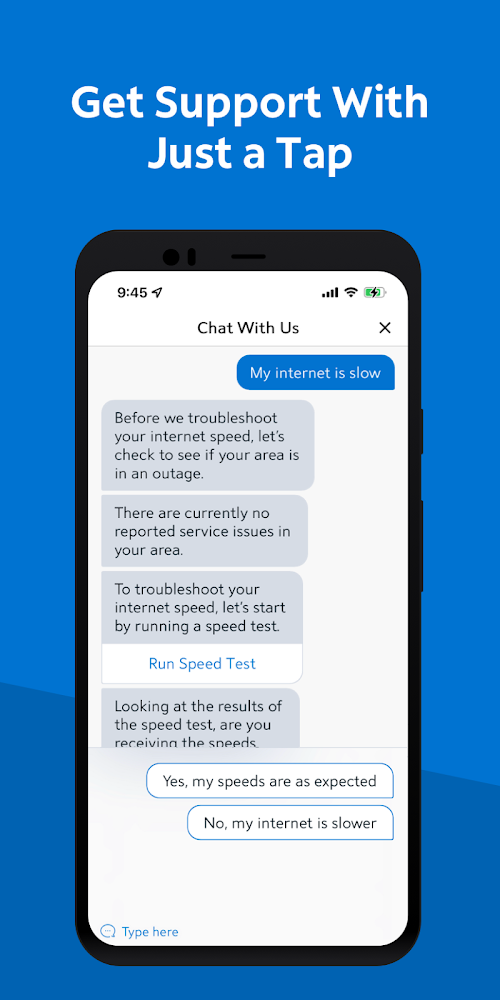
My Spectrum provides technical support to customers via a live chat feature. Customers can chat with a customer service representative and get help with technical issues related to their service.
Highlights of My Spectrum
 Manage Services
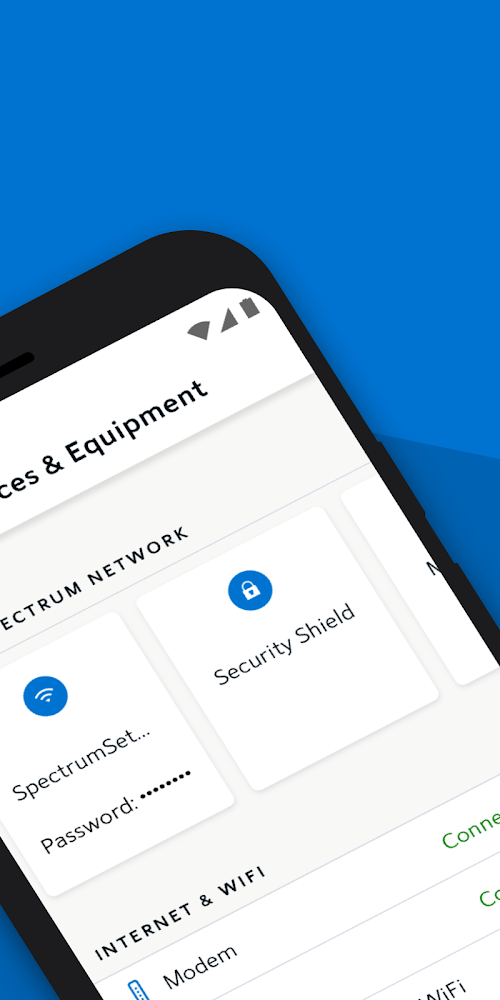
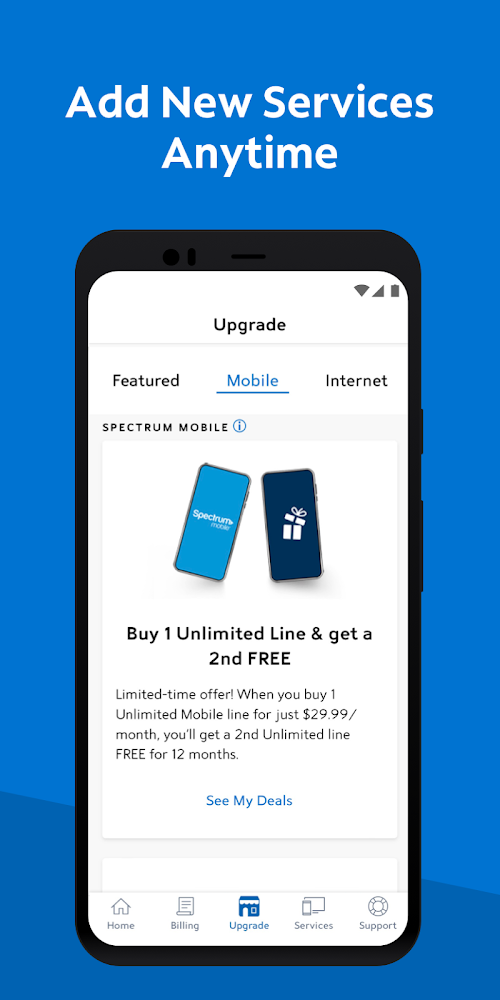
Users can manage their Spectrum services, including TV, phone, and Internet, from My Spectrum. The app allows users to view and change their scheduled services, upgrade to faster internet speeds, add channels to their TV lineup, and more.
Troubleshooting
My Spectrum eliminates the need to call customer service for help resolving a problem. Users can troubleshoot issues with their services, troubleshoot Wi-Fi, and reboot equipment using the app.
Account Management
My Spectrum makes it easy to manage your account details, including updating your contact information, managing your billing preferences, and viewing your payment history.
Tips
 Pay your bills and manage your account
With the My Spectrum app, you can easily pay your bills, view your payment history, and manage your account. You can also update your account information, such as your billing address and payment method, and set up automatic payments to ensure that you never miss a payment.
Troubleshoot common issues
If you’re experiencing issues with your Spectrum services, you can use the My Spectrum app to troubleshoot common issues. For example, if you’re having trouble with your internet connection, you can run a diagnostic test to check for any problems. You can also reboot your equipment, check your connection status, and view any outage notifications in your area.
Pros & Cons
 It enables customers to access their account information, view bills, and pay bills in one place.
It eliminates the need to call customer service for every issue, making it a time-saver solution.
It enables customers to access their account information, view bills, and pay bills in one place.
It eliminates the need to call customer service for every issue, making it a time-saver solution.
 The app may not be compatible with all mobile devices, limiting its users.
Some customers reported technical issues during use, such as slow loading times or error messages.
The app may not be compatible with all mobile devices, limiting its users.
Some customers reported technical issues during use, such as slow loading times or error messages.
FAQ


Ratings
















