






 3.6
3.6



Messenger Kids App Info


Introduction
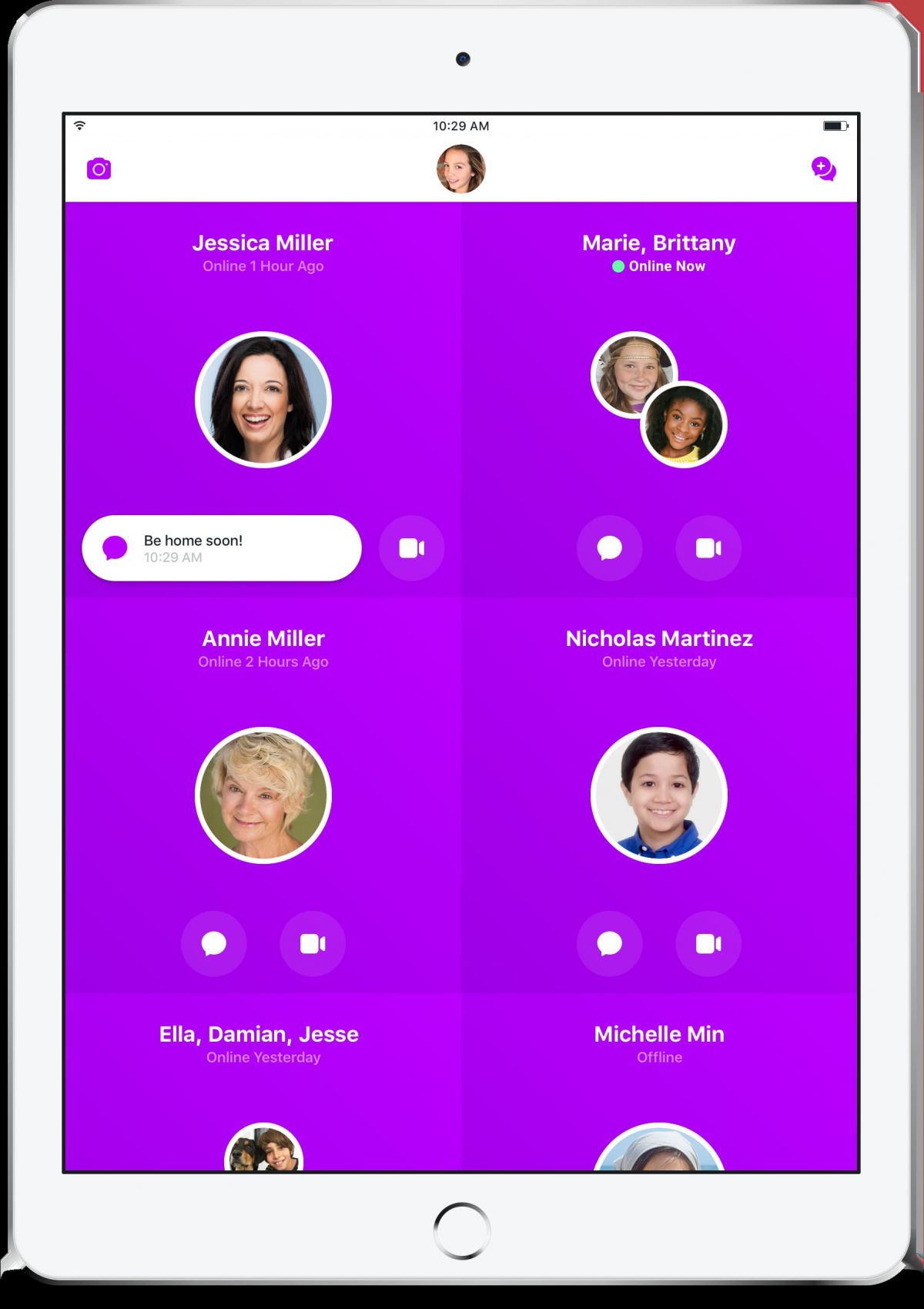
Messenger Kids – The Messaging, launched by Meta Platforms, Inc. on February 14, 2018, is a free video calling and messaging app designed for kids to connect with their family and friends in a fun, parent-controlled space. Created to cater to children aged 6 to 12 years, it bridges the communication gap between children and their families or friends. The app provides kids a platform to explore their creativity while keeping their safety as a top priority. The platform is equipped with a plethora of interactive features and tools that not only entertain but also foster learning. Messenger Kids offers parents peace of mind by giving them control over their child’s contact list, ensuring that they are always in the loop of their child’s digital interactions.
Features of Messenger Kids – The Messaging
 Parental Controls
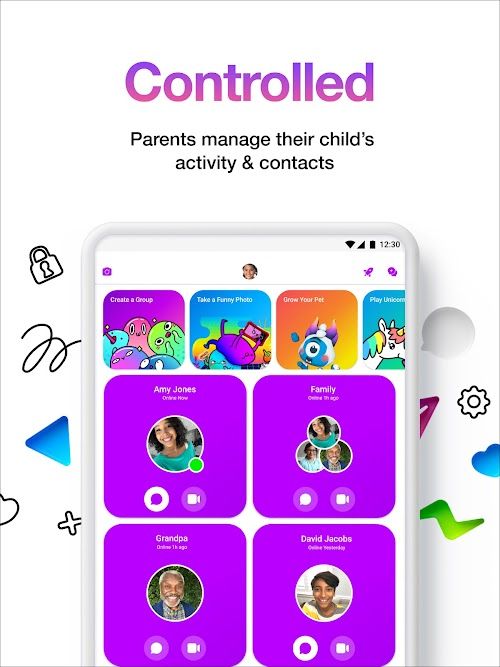
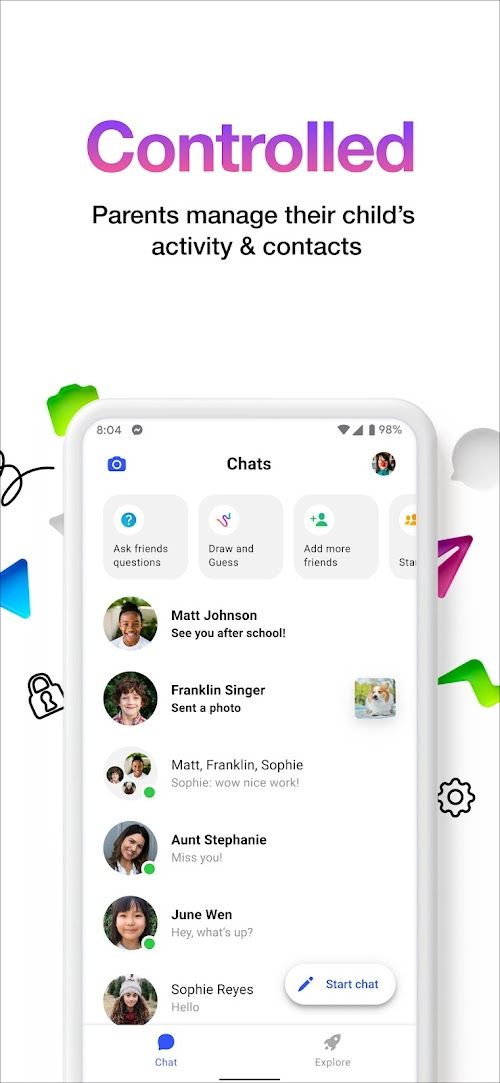
Messenger Kids grants parents full control over who their child can communicate with. Through a dedicated Parent Dashboard, parents can approve and manage contacts, ensuring a secure online environment.
 Age-Appropriate Content
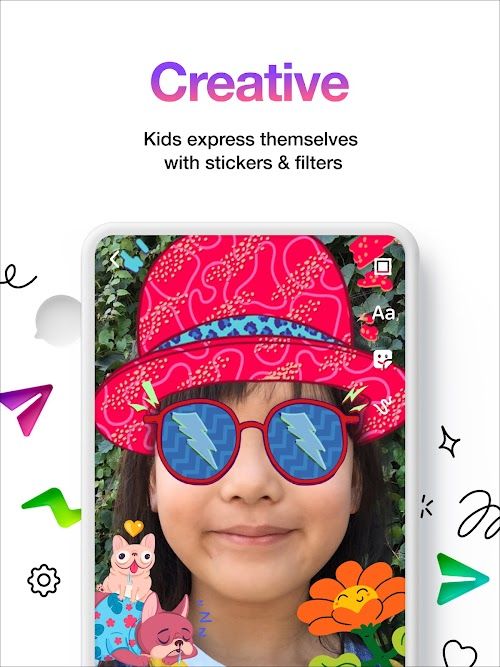
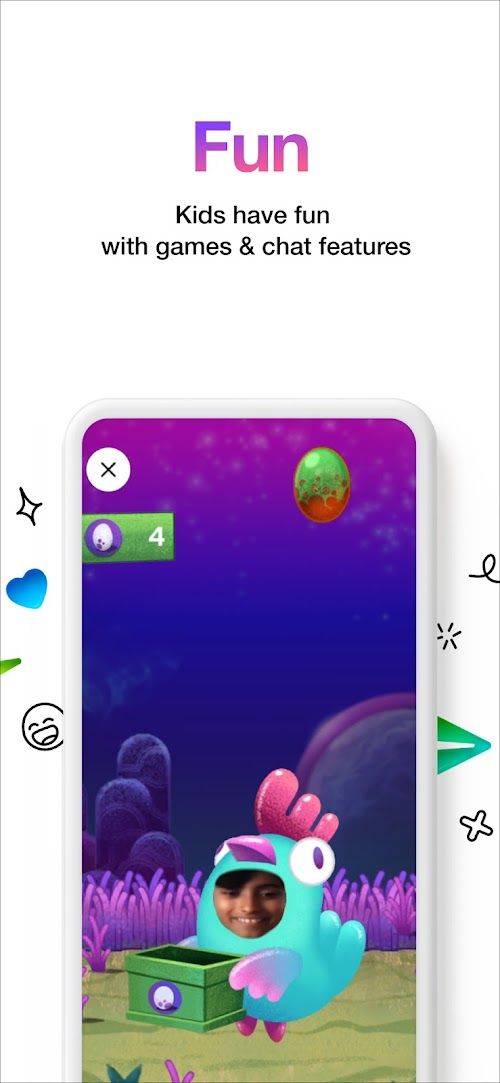
Unlike regular messaging apps, Messenger Kids offers a curated experience, with content tailored to suit young users. Kids can engage in chats, video calls, and explore age-appropriate GIFs, stickers, and interactive masks.
Fun Filters and Effects
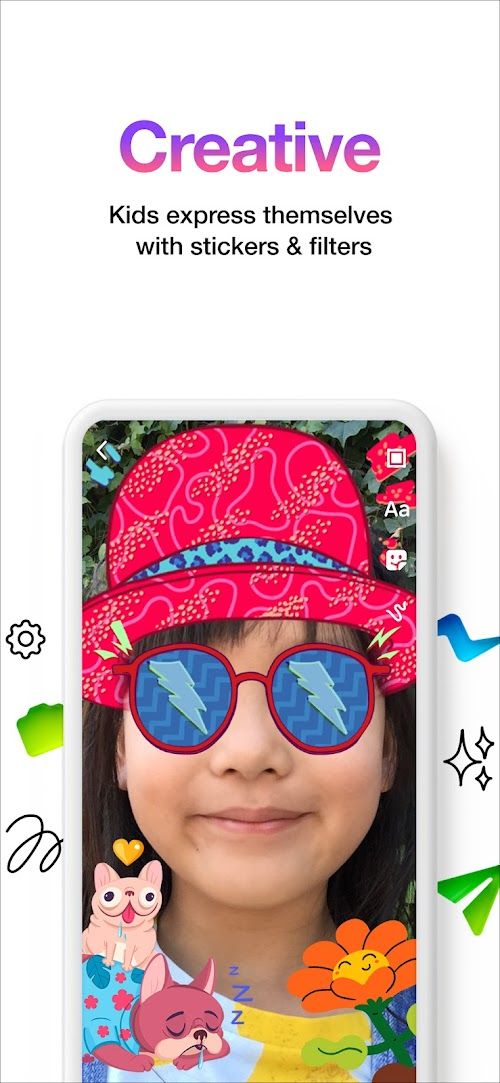
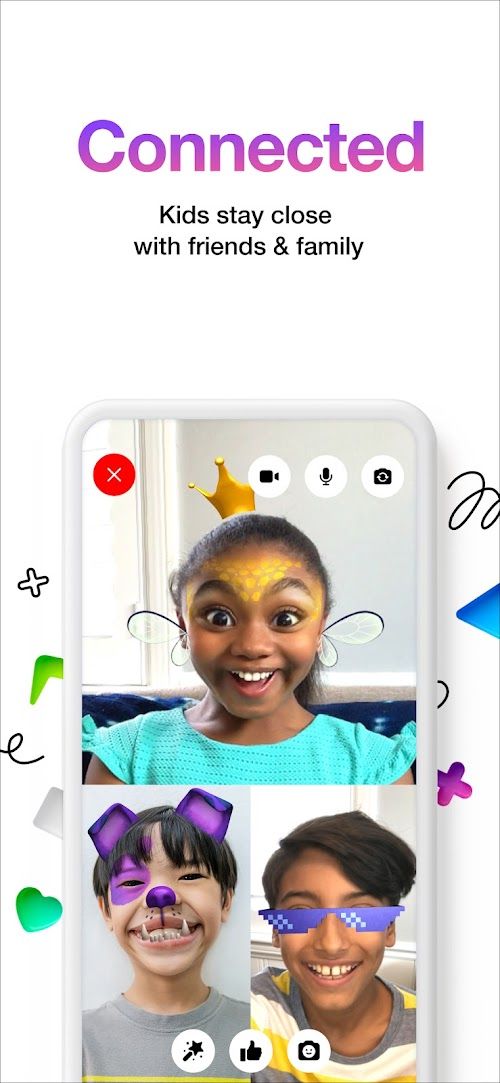
Messenger Kids includes a variety of playful filters and effects to make messaging enjoyable. With augmented reality masks and backgrounds, children can get creative in their conversations and express themselves in a vibrant way.
Group Video Calls
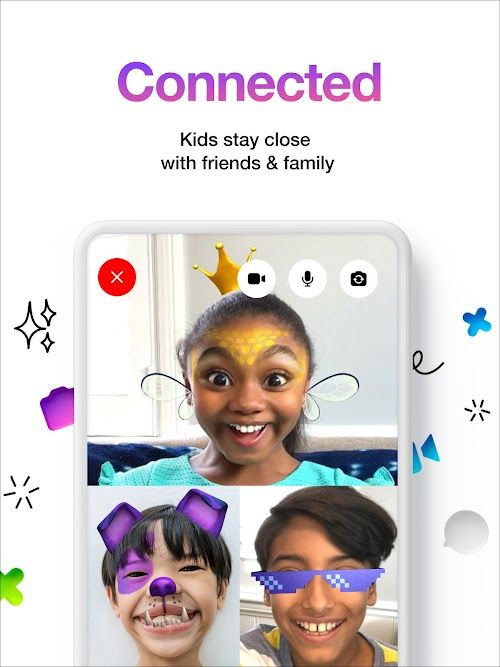
Messenger Kids encourages social connections by enabling group video calls. Kids can invite approved contacts to join them in video chats, fostering a sense of togetherness and allowing for virtual playdates or family gatherings.
Highlights of Messenger Kids – The Messaging
 Secure & Monitored
Messenger Kids employs a range of measures to ensure children’s safety, including moderation and reporting tools. Messages are not stored and cannot be deleted by kids, allowing parents to monitor their conversations.
 No Ads or In-App Purchases
Unlike many other apps, Messenger Kids - The Messaging is free from advertisements and in-app purchases, creating a distraction-free environment for kids to communicate and play.
Parental Access and Supervision
Parents have full visibility into their child‘s messaging activities through the Parent Dashboard. They can manage settings, approve requests, and stay informed about their child’s digital interactions.
Tips
 Making Full Use of Fun, Educational Content
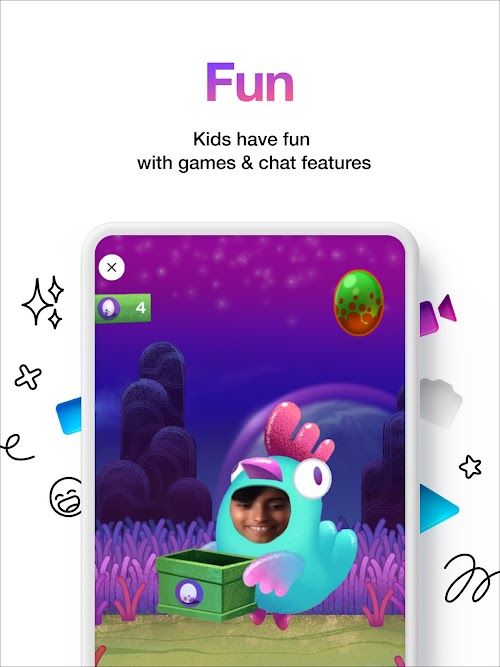
The app has a variety of engaging and educational content designed for children. Encourage your kids to use the app’s creative tools like drawing, filters, and stickers to enhance their communication skills. There are also educational games and videos that not only entertain but also stimulate critical thinking and creativity.
 Maximizing Video Chat Function
Video chats are an important feature of Messenger Kids. Kids can safely video call their friends and relatives under your supervision. This can be a great tool for maintaining social connections, especially with long-distance family members. Teach your children to use the video chat feature responsibly, reminding them about appropriate on-camera behavior and etiquette.
Pros & Cons
 The app creates a safe digital environment for kids.
It enables parent-approved contact lists.
Offers educational games and activities.
Supplies ad-free experience.
The app creates a safe digital environment for kids.
It enables parent-approved contact lists.
Offers educational games and activities.
Supplies ad-free experience.
 Limited social networking experience compared to adult versions.
May promote increased screen time among kids.
Limited content compared to other social media apps.
Limited social networking experience compared to adult versions.
May promote increased screen time among kids.
Limited content compared to other social media apps.
FAQ


Ratings
















