





 1.8
1.8


QR & Barcode Scanner App Info


Introduction
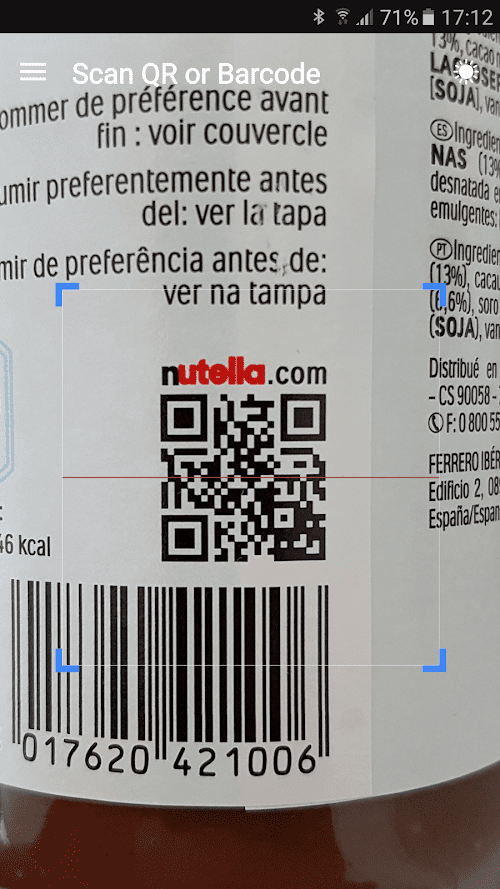
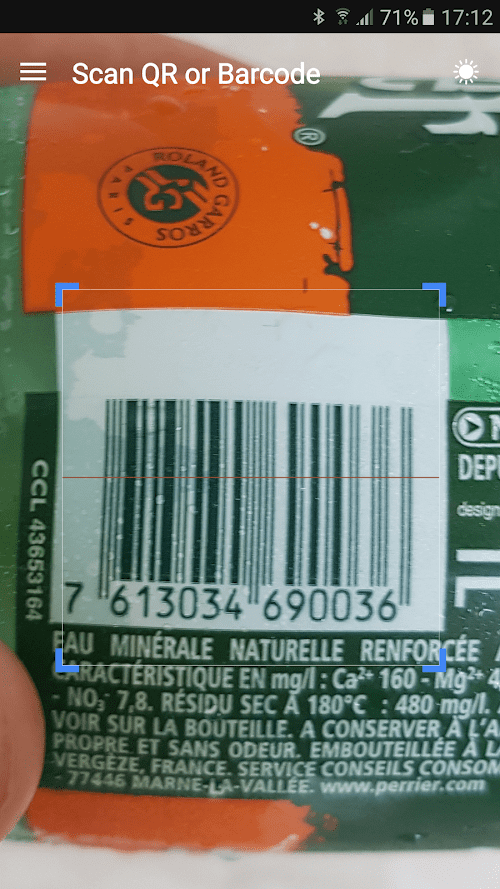
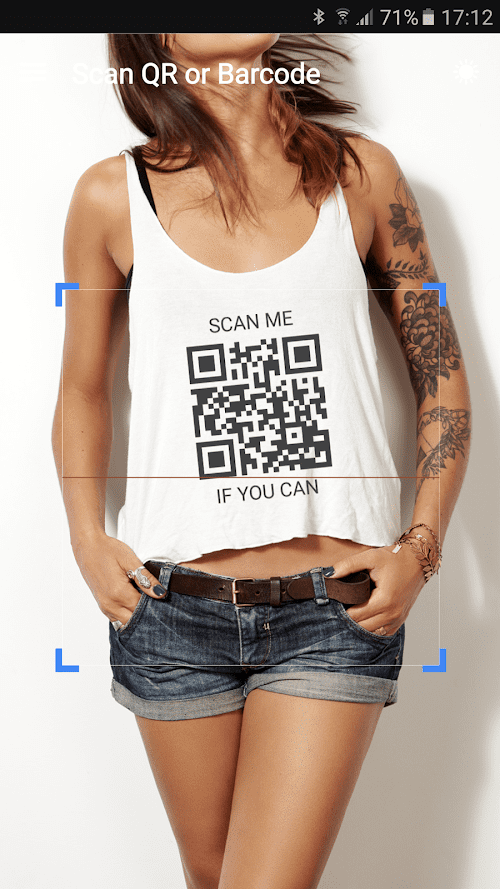
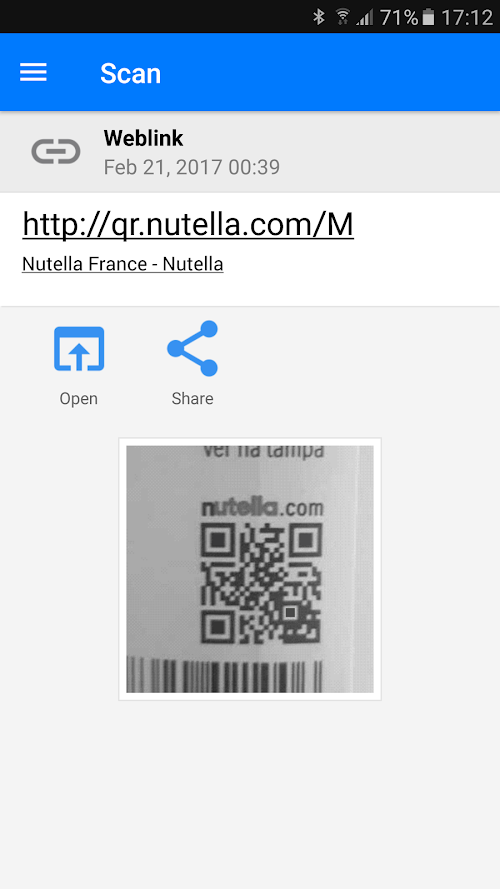
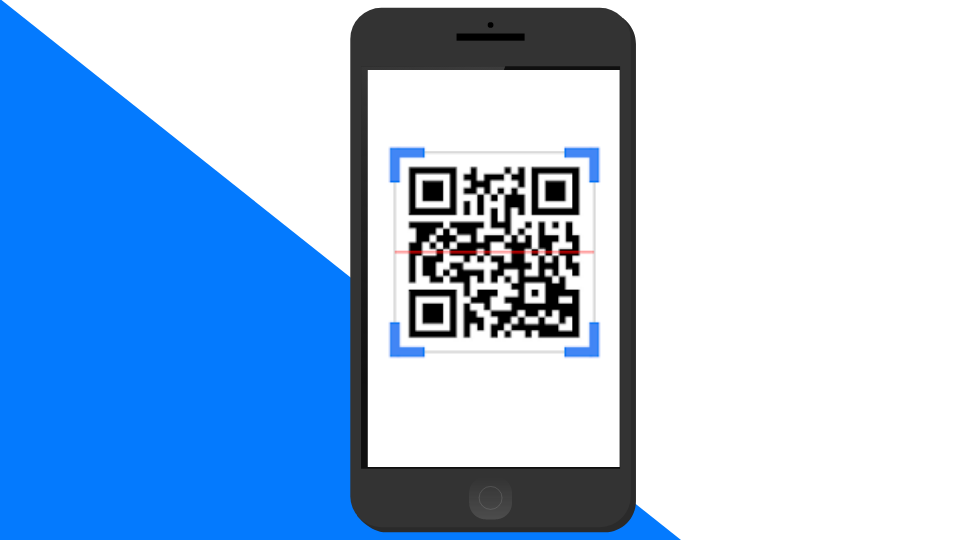
QR & Barcode Scanner is a useful mobile application that enables users to scan, decode, and read various types of QR codes and barcodes. Available for both iOS and Android devices, this app uses your device's camera to quickly scan codes and provide you with the necessary information. It supports popular barcode formats, such as EAN-13, UPC-A, Code 128, and QR Code. Additionally, it allows users to create their own custom QR codes and share them with others. With its simple yet efficient interface, this app is perfect for individuals who need to scan codes on the go, whether it’s for shopping, travel, or personal use.
Features of QR & Barcode Scanner
 Fast and accurate scanning
The QR & Barcode Scanner app is designed to scan codes quickly and accurately, allowing users to easily retrieve information on products, websites, and more.
Easy-to-use interface
The app features a user-friendly interface that is simple to navigate, making it easy for even novice users to scan codes and access information.
Multiple code types supported
The QR & Barcode Scanner app supports a wide range of code types, including QR codes, barcodes, and data matrix codes, ensuring that users can access information from a variety of sources.
Highlights of QR & Barcode Scanner
 Multiple Features and Customization Options
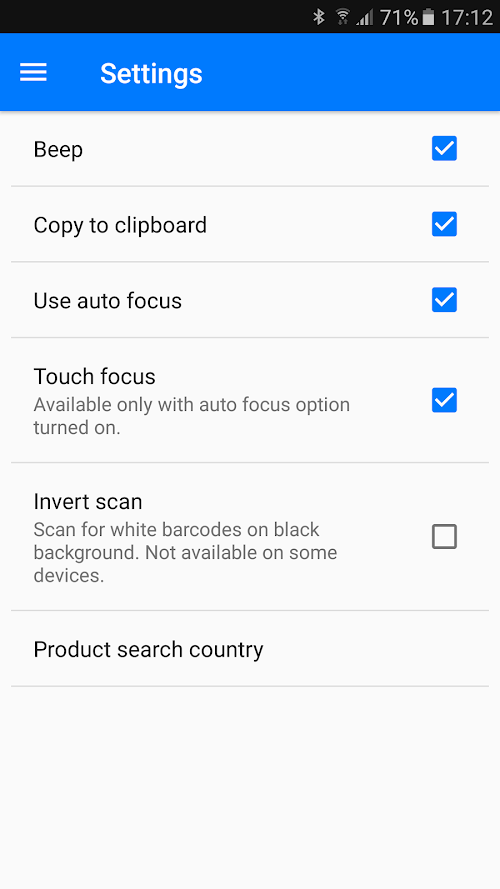
The app offers a range of features and customization options, such as the ability to create and share QR codes, scan product barcodes to compare prices and reviews, save and organize scanned codes, and adjust the app settings to your preferences.
Automatically save scanning history
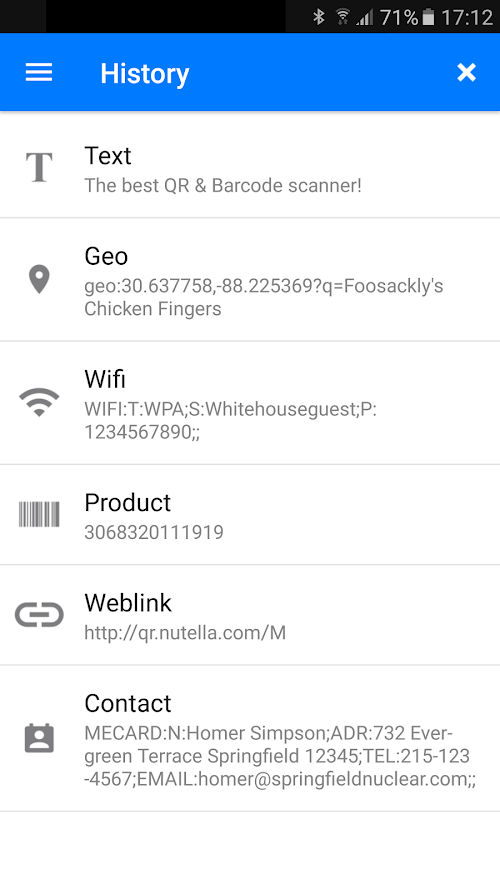
The app can automatically save scanning history, which is convenient for users to view and manage later.
Support multiple formats
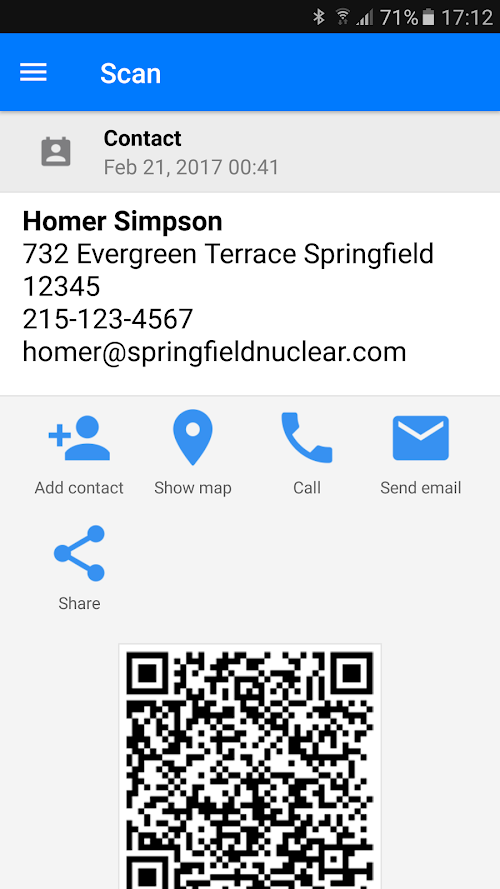
It can recognize multiple formats including text, URL, contact information, phone number, etc.
Tips
 Ensure proper lighting
To accurately scan a QR code or barcode, it is essential to have proper lighting. Ensure that the area is well-lit and avoid direct sunlight or reflections, which can interfere with the scanning process.
Hold the device steady
Keep your device steady while scanning a QR code or barcode.  Any shaking or movement can affect the clarity of the code, making it difficult for the scanner to read.
Check the scanner’s compatibility
Before downloading and using a QR & Barcode Scanner software, check its compatibility with your device’s operating system. Some scanners may not work properly on certain devices or may require additional settings to function correctly.
Pros & Cons
 The app features fast and reliable scanning.
Ability to recognize various types of barcodes and QR codes.
It has a simple and easy interface and free download.
The app features fast and reliable scanning.
Ability to recognize various types of barcodes and QR codes.
It has a simple and easy interface and free download.
 The scanning speed is relatively slow.
When recognizing barcodes or QR codes, the app may fail to recognize them.
The scanning speed is relatively slow.
When recognizing barcodes or QR codes, the app may fail to recognize them.
FAQ


Ratings
















