





 4.3
4.3
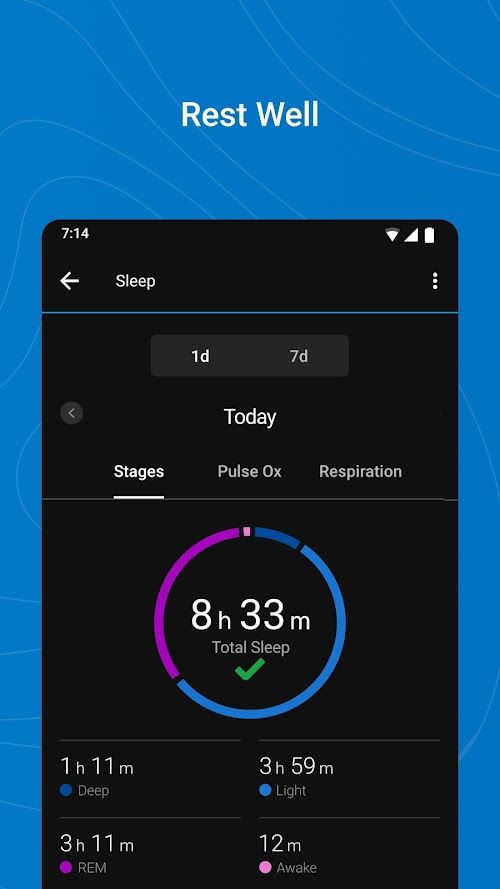
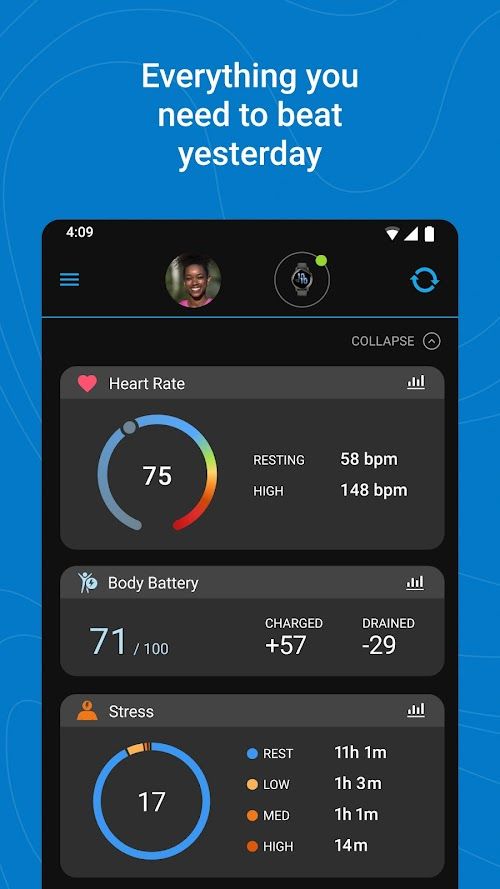


Garmin Connect App Info


Introduction
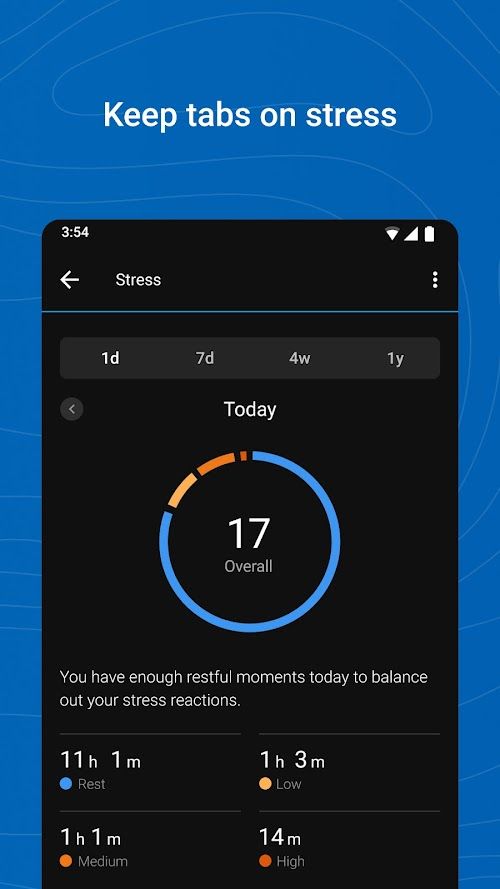
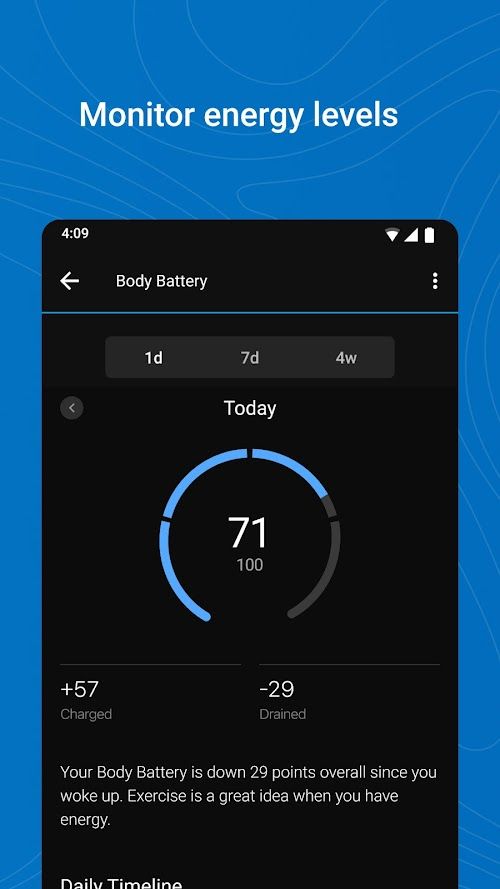
Garmin Connect™ is a popular application provided by Garmin, a company that specializes in GPS navigation, wearable technology, and fitness tracking devices. This application is designed to help users track their fitness activities, set goals, and analyze their performance over time. Garmin Connect™ allows users to connect with friends, join challenges, and share their achievements with others. The application offers a wide range of features including real-time tracking of workouts, personalized coaching, and training plans. It also provides insights into the user’s sleep patterns, stress levels, and overall wellness. The app is compatible with a variety of Garmin devices, including smartwatches, activity trackers, and cycling computers, and can be used on both Android and iOS devices.
Features of Garmin Connect™
 Activity Tracking
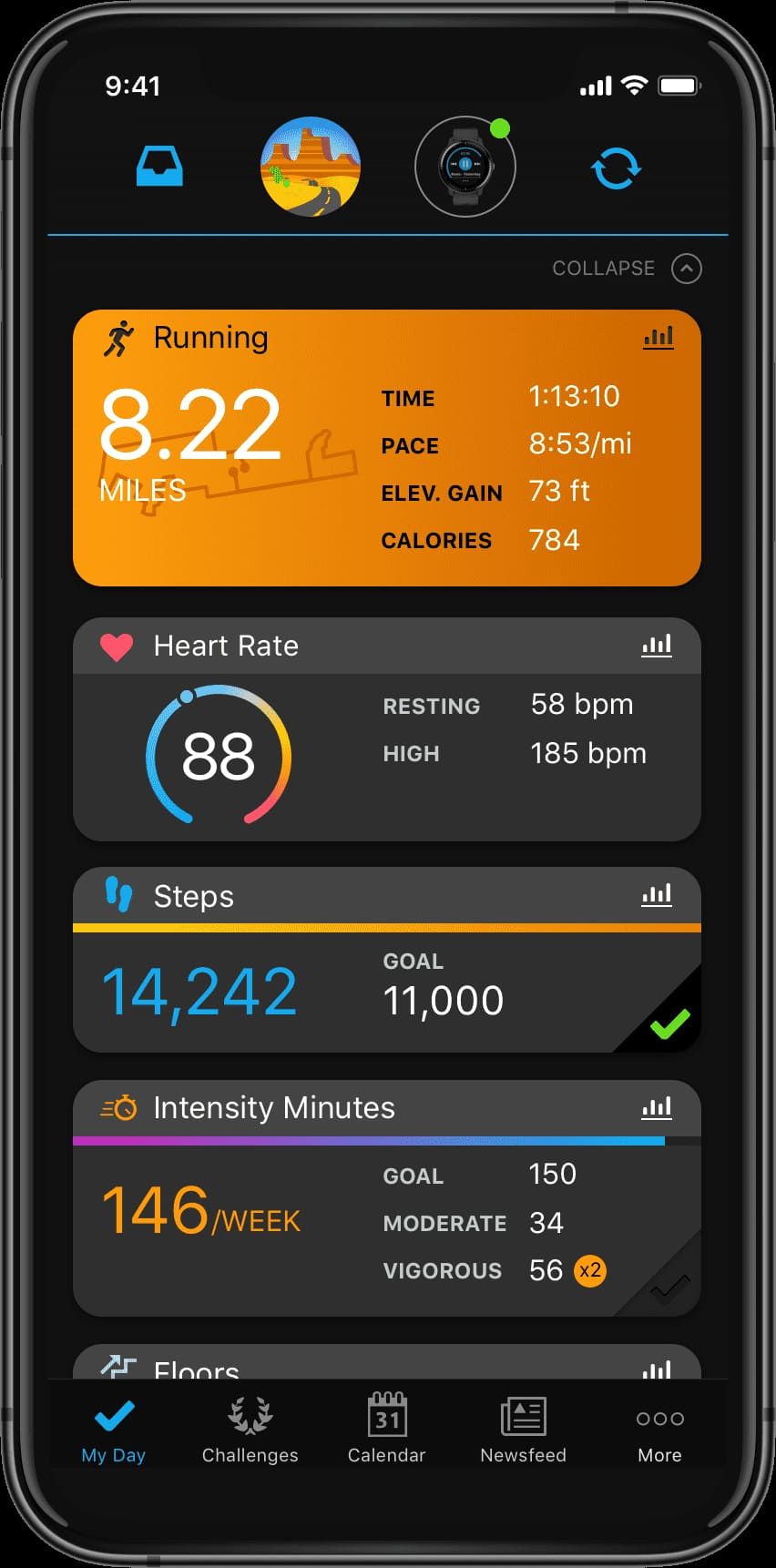
Garmin Connect™ allows users to track their daily steps, calories burned, and distance traveled. The app can be synced with Garmin’s wearable devices, such as fitness trackers, smartwatches, and GPS watches, to provide more detailed data on activities such as running, cycling, swimming, and hiking.
Workouts and Training Plans
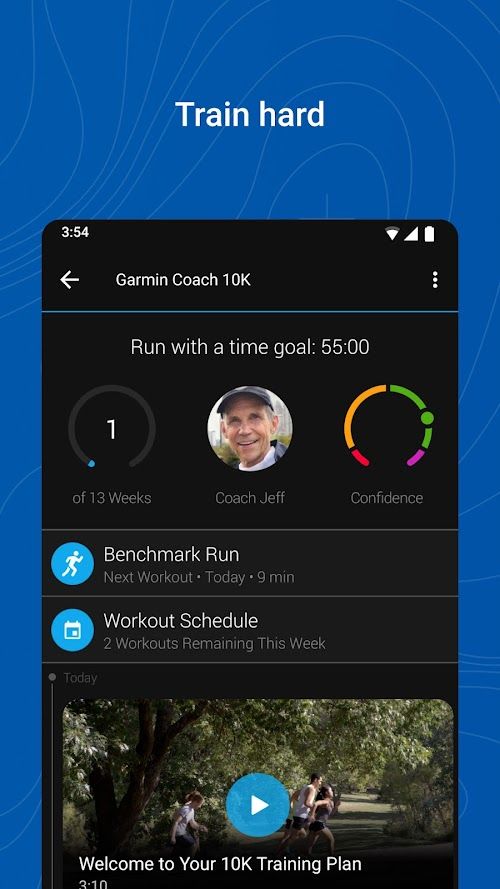
The app offers a wide range of workouts and training plans designed by Garmin’s experts and fitness professionals. Users can choose from pre-made plans or create their own customized workouts to help them achieve their fitness goals.
Social Features
Garmin Connect™ offers a range of social features that allow users to connect with other people who share their fitness interests. Users can join communities and groups based on their activity type and location, and they can also share their achievements, progress, and workout data with friends and family.
Challenges and Competitions
Garmin Connect™ allows users to participate in various challenges and competitions, which can help increase motivation and provide a sense of community. Users can compete against their friends, family, and strangers to achieve their fitness goals and win prizes.
Highlights of Garmin Connect™
 User-friendly Interface
Garmin Connect™ has a user-friendly interface that is easy to navigate and customize. Users can view their data in various formats, such as graphs, charts, and maps, and adjust the settings to suit their preferences.
Insights and Analysis
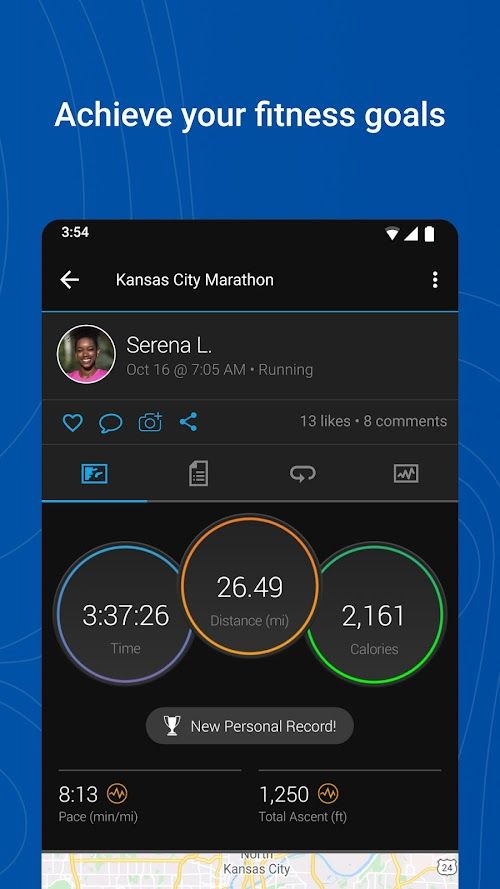
Garmin Connect™ provides a range of insights and analysis based on the user’s activity data. The app provides in-depth reports and visualizations that can help users identify trends, track progress, and achieve their fitness goals.
Compatibility
Garmin Connect™ is compatible with a wide range of Garmin devices, including fitness trackers, smartwatches, and GPS devices. This allows users to seamlessly integrate their data and track their progress across multiple devices.
Tips
 Set personalized goals
The Garmin Connect™ app enables you to set personalized goals based on your fitness level and activity preferences. You can set goals for steps taken, distance traveled, calories burned, and other metrics. Once you’ve set your goals, the app will track your progress and give you notifications when you’re close to achieving them. This feature helps you stay motivated and focused on achieving your fitness goals.
Use it to plan your routes
The Garmin Connect™ app has a feature called “Courses,” which lets you plan your routes and create customized workouts. You can choose a starting point, add waypoints, and adjust the distance and elevation gain to create a route that suits your needs. Once you’ve created a course, you can sync it to your Garmin device and use it to guide you on your workouts. This feature is particularly useful for runners, hikers, and cyclists who want to explore new routes.
Pros & Cons
 It offers a comprehensive range of tracking and coaching, being an excellent tool to improve fitness.
With social features, challenges, and competitions, it can help increase motivation and achieve fitness goals.
It offers a comprehensive range of tracking and coaching, being an excellent tool to improve fitness.
With social features, challenges, and competitions, it can help increase motivation and achieve fitness goals.
 Some users may find that its customization options are limited, and that they cannot fully personalize.
Some users may find the app’s data visualizations to be too simplistic.
Some users may find that its customization options are limited, and that they cannot fully personalize.
Some users may find the app’s data visualizations to be too simplistic.
FAQ


Ratings
















