






 4.6
4.6



GameChanger App Info


Introduction
GameChanger is a revolutionary mobile application developed by GameChanger Media that has transformed the way people experience and interact with sports. The app was first released in 2018 and it quickly became the go-to tool for coaches, parents, and players looking to improve their game. The GameChanger app is designed to provide real-time updates, scores, stats, and in-game analysis for amateur and youth sports. It can be used to track a wide range of sports, including baseball, softball, basketball, soccer, lacrosse, and football. The app is available on both iOS and Android platforms, and it has been installed by millions of users across the world.
Features of GameChanger
 Scorekeeping
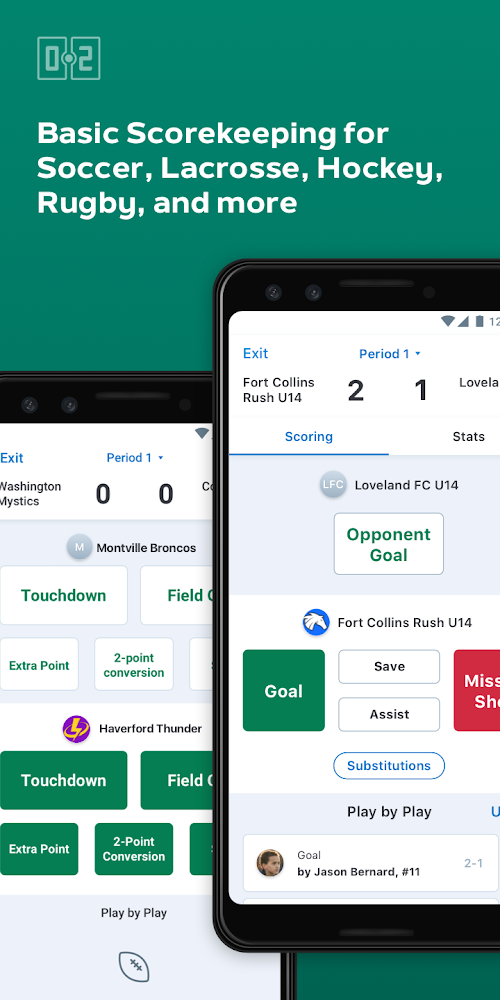
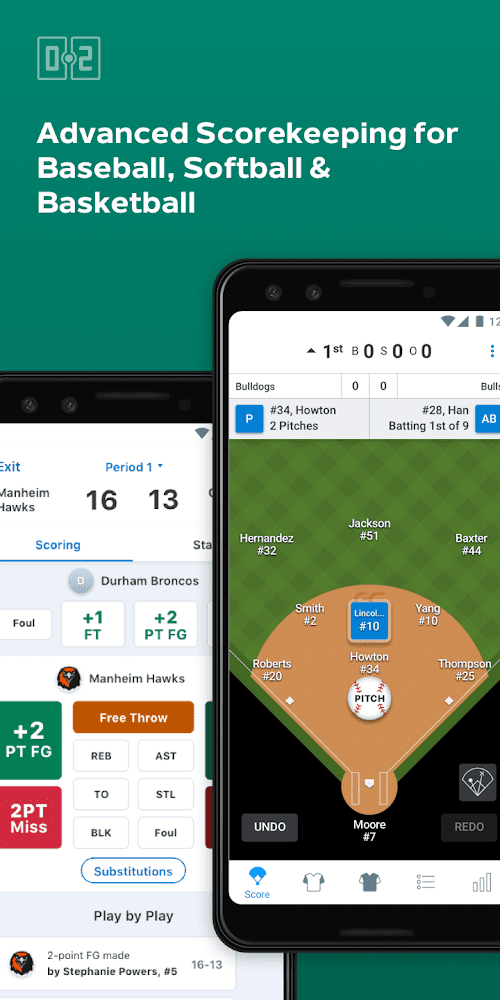
The scorekeeping feature is one of the most useful features of GameChanger. The app allows coaches or scorekeepers to keep track of every pitch, hit, run, and error during a game. The feature is not only limited to the scorekeeping aspect, but also allows for the tracking of in-game statistics such as batting average, slugging percentage, and on-base percentage.
Live Game Updates
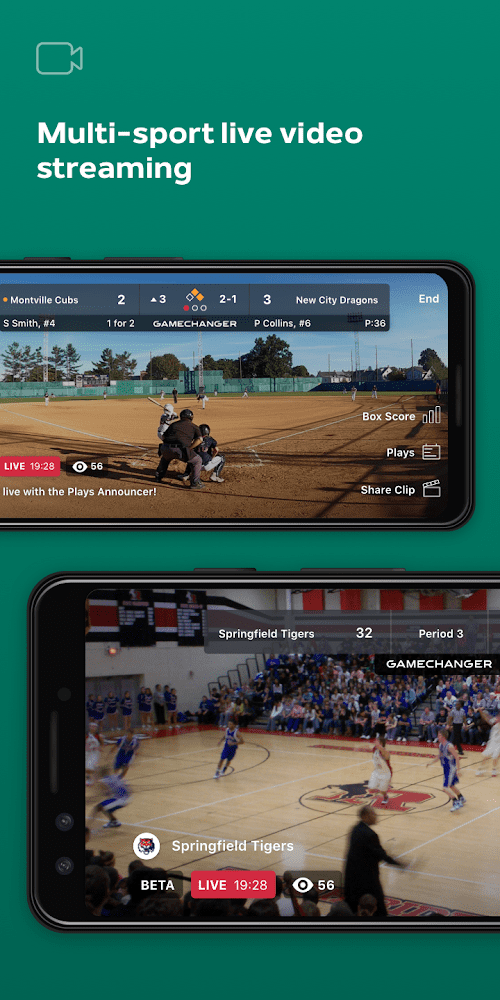
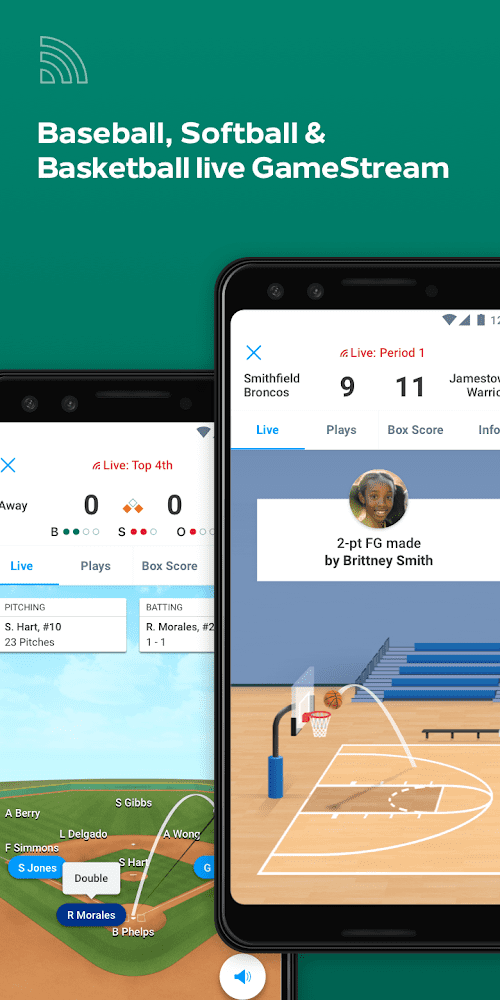
GameChanger provides live game updates for fans, parents, and players who cannot attend the game. The app provides real-time updates on the score, game highlights, and player statistics. This feature allows fans to stay connected to the game, no matter where they are.
Stat Tracking
GameChanger offers an intuitive in-game experience that enables real-time stat tracking. Coaches and parents can easily record batting, pitching, and fielding statistics that are immediately uploaded to the application. With advanced statistics features such as spray charts, heat maps, and advanced metrics, GameChanger empowers teams with data-driven insights that help coaches and players make informed decisions.
Performance Analysis
GameChanger’s performance analysis feature captures live game action and provides players and coaches with the ability to review and analyze game footage. The analysis feature captures meaningful insights for players and coaches, including strike zone heat maps, pitch speed readings, and other advanced metrics to help teams to identify areas for improvement.
Highlights of GameChanger
 Player Profiles
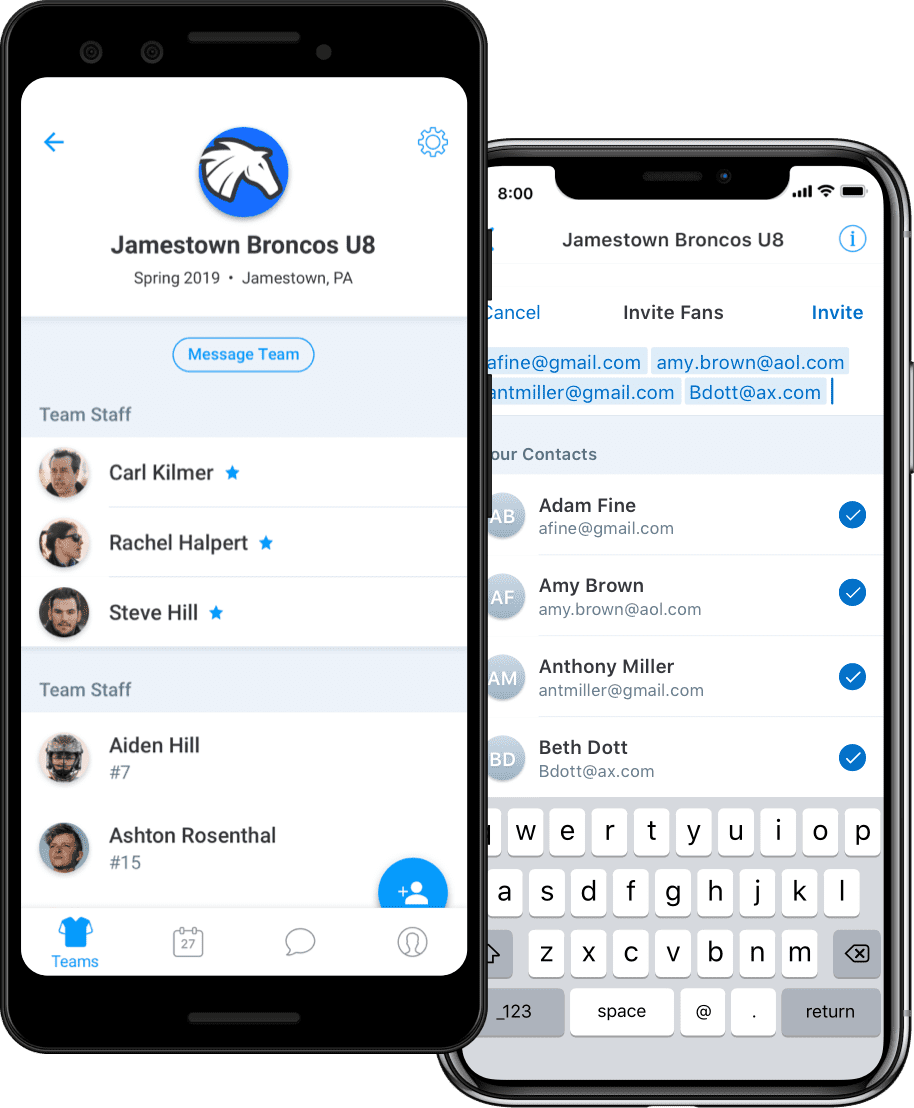
GameChanger provides players with their own profiles, which they can use to keep track of their individual statistics and accomplishments. The player profiles also allow players to connect with their coaches, teammates, and fans. Coaches can use this feature to track player development and communicate with their players.
Communication
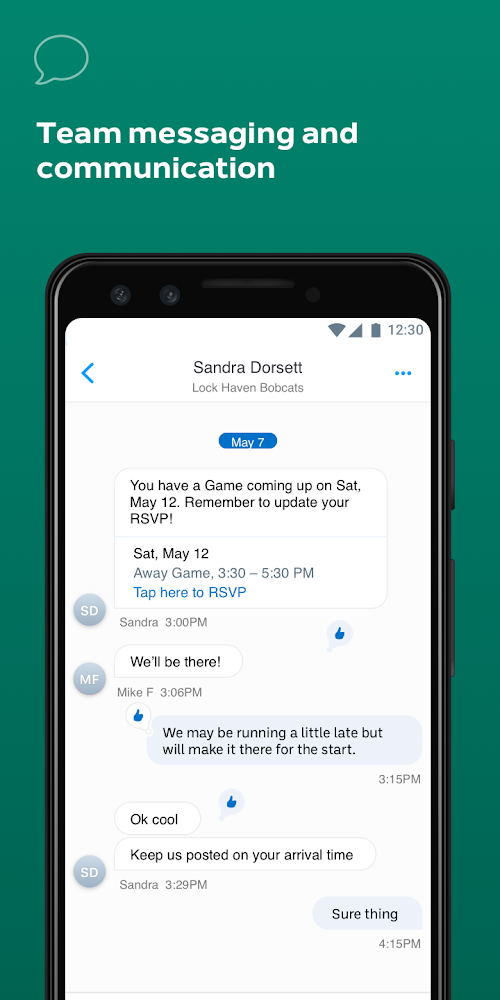
GameChanger allows coaches and team administrators to communicate with their players, parents, and fans. The app provides a range of communication tools, including in-app messaging, email, and text messaging. This feature allows coaches to stay in touch with their players and parents, and keep them updated on game schedules, practice times, and other important information.
Advanced Analytics
GameChanger’s advanced analytics features include spray charts, heat maps, and other advanced metrics to provide players and coaches with valuable insights into areas of improvement. These insights can help coaches tailor training regimes for players more effectively, leading to better team performance.
Tips
 Set up your team’s roster and schedule.
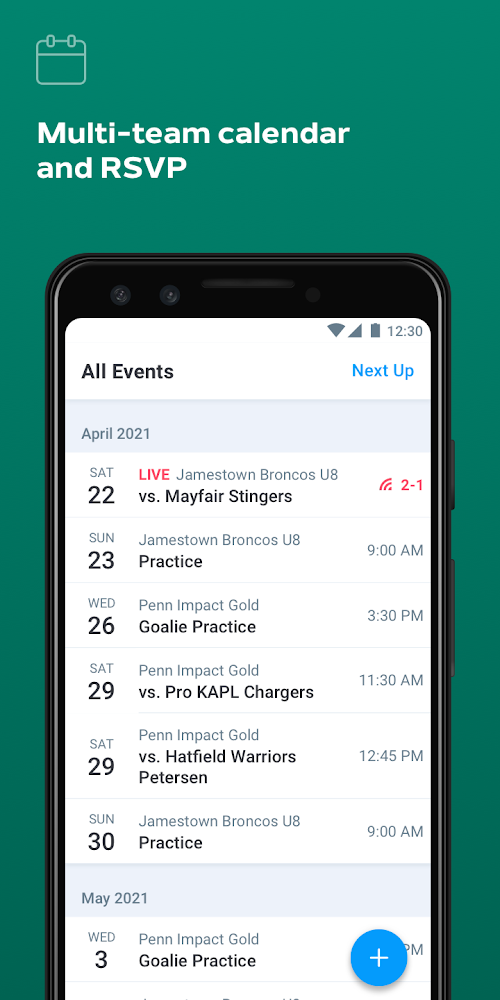
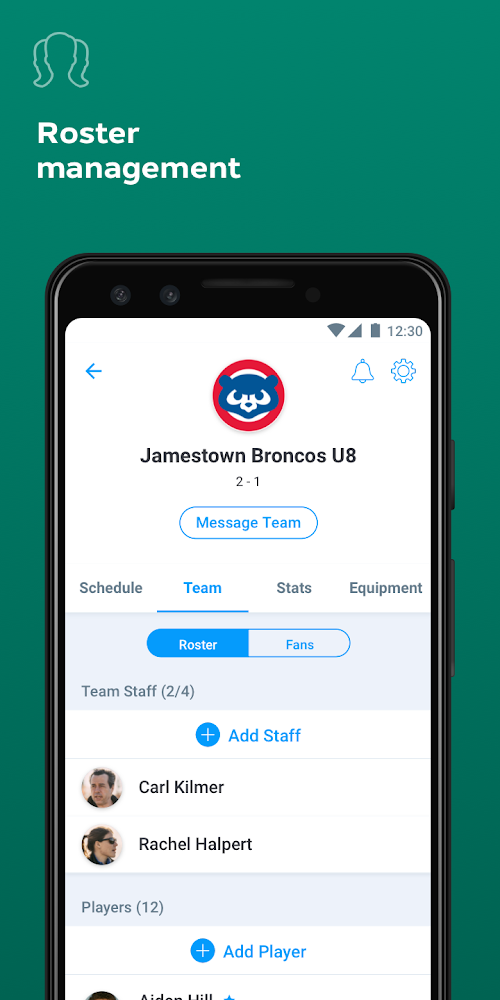
GameChanger allows coaches and team managers to set up their team's roster and schedule, which makes it easier to keep track of upcoming games and plan for practices. To set up your team's roster, simply add your team's name, players' names, and jersey numbers. You can also add a photo for each player, which can help you identify them quickly. To add your team's schedule, go to the Schedule tab, and click the "+" icon to add a new game. You can enter the date, time, location, and opponent’s name for each game.
Use the live scoring feature.
GameChanger's live scoring feature allows you to keep track of scores and statistics in real-time during a game. This feature is especially useful for coaches and scorekeepers who want to keep track of the game's progress without having to take notes on paper. To use the live scoring feature, go to the Game tab and select the game you want to score. From there, you can enter each player's statistics and update the score as the game progresses.
Pros & Cons
 GameChanger delivers real-time game information, allowing everyone to stay up-to-date while games are in progress.
Offers a variety of in-game features to help teams strategize and adjust during games.
GameChanger delivers real-time game information, allowing everyone to stay up-to-date while games are in progress.
Offers a variety of in-game features to help teams strategize and adjust during games.
 Some features, like customizing team logos and colors, are only available with paid subscriptions.
Its design may take some time to master and initially may be confusing for some users.
Some features, like customizing team logos and colors, are only available with paid subscriptions.
Its design may take some time to master and initially may be confusing for some users.


Ratings
















