





 4.3
4.3


Google Home App Info


Introduction
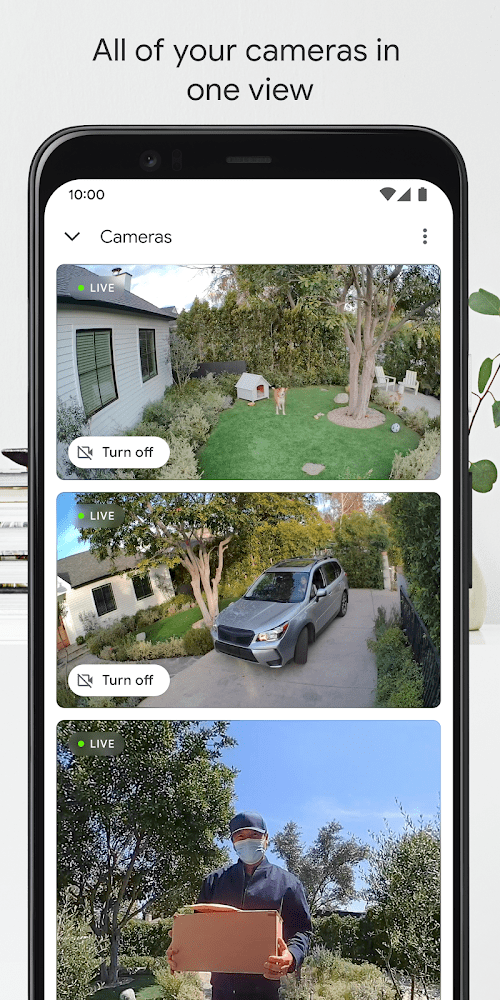
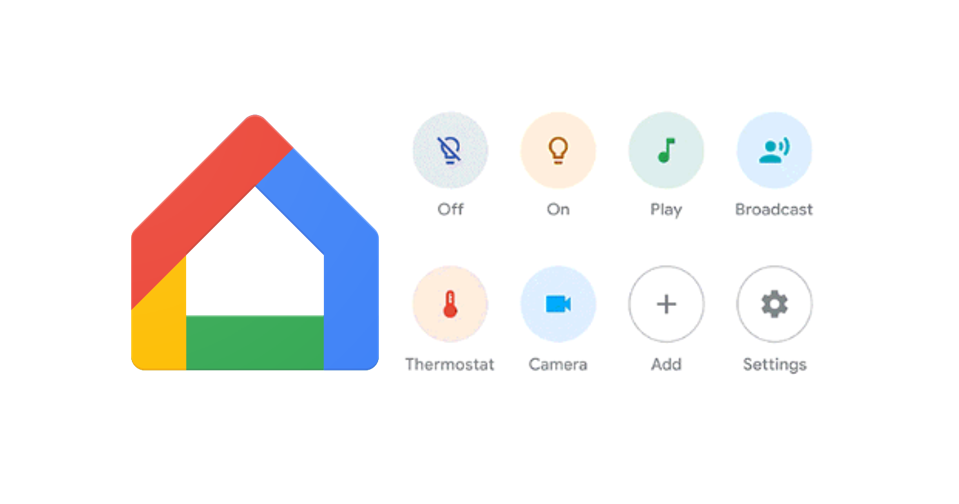
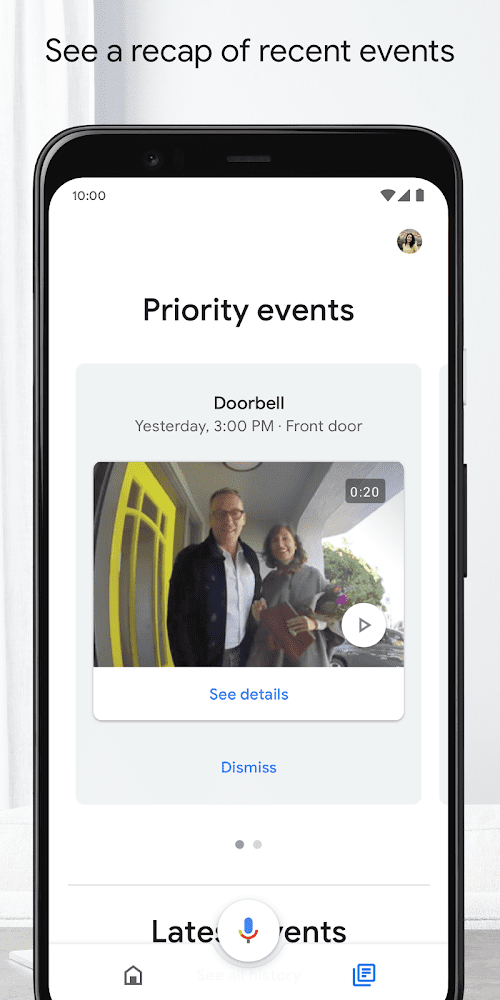
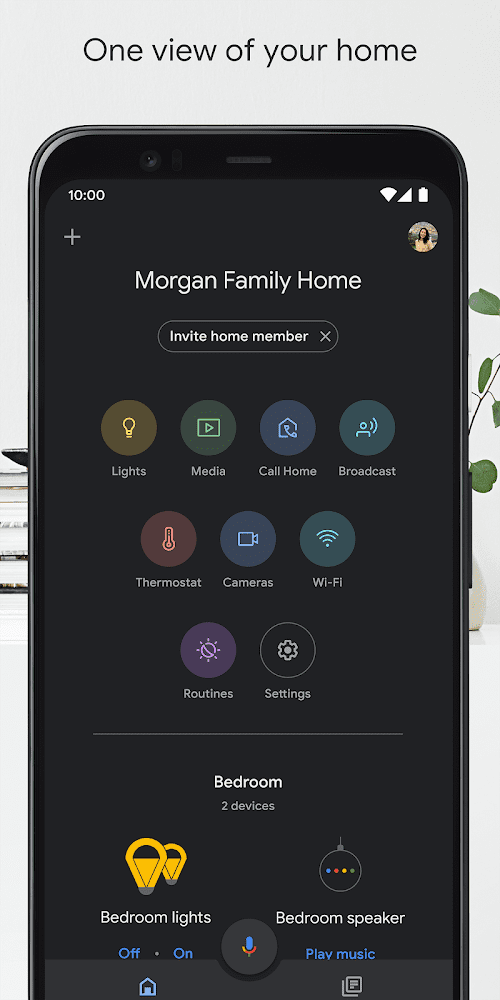
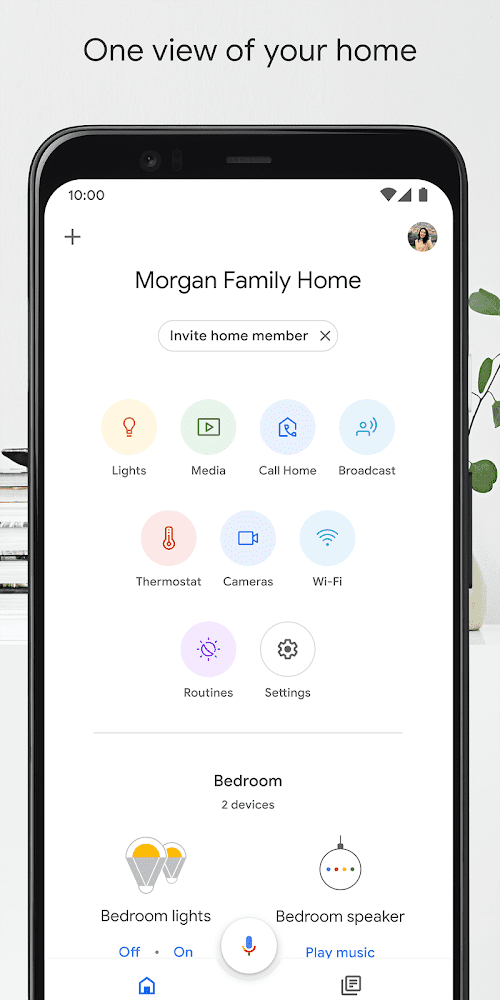
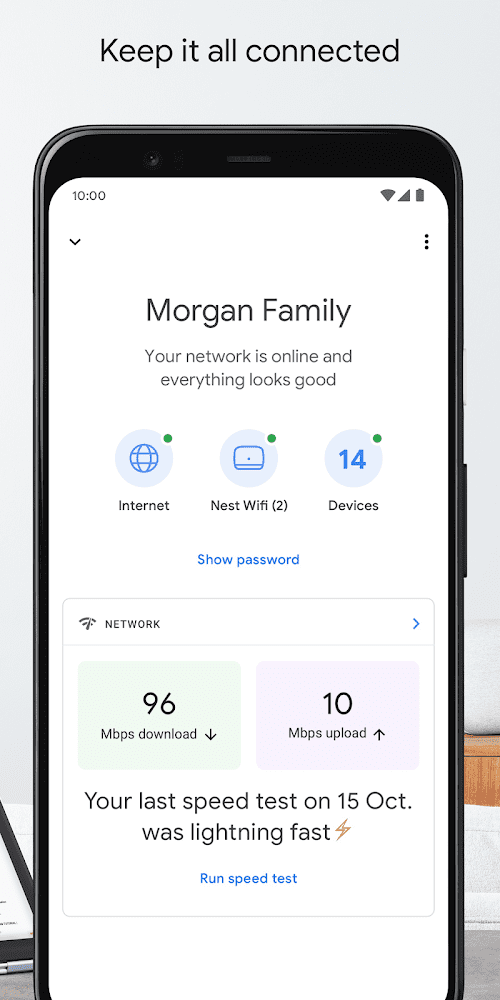
Google Home is a cutting-edge mobile application developed by Google LLC, a renowned technology giant, that has revolutionized the way people interact with their smart homes. Launched on July 18, 2013, Google Home has become a leading smart home assistant app, offering seamless control over an array of compatible smart devices. With its intuitive interface and powerful features, Google Home has quickly gained popularity among users worldwide, enabling them to effortlessly manage and automate their smart homes. The Google Home app serves as a central hub for users to control various smart home devices, such as smart speakers, smart displays, smart thermostats, smart lights, and more. It allows users to set up, configure, and customize their smart home devices, create routines, and manage multiple devices from a single platform. The app also provides a range of advanced features, including voice commands, remote access, and personalized settings, allowing users to tailor their smart homes to their preferences and needs.
Features of Google Home
 Voice Commands
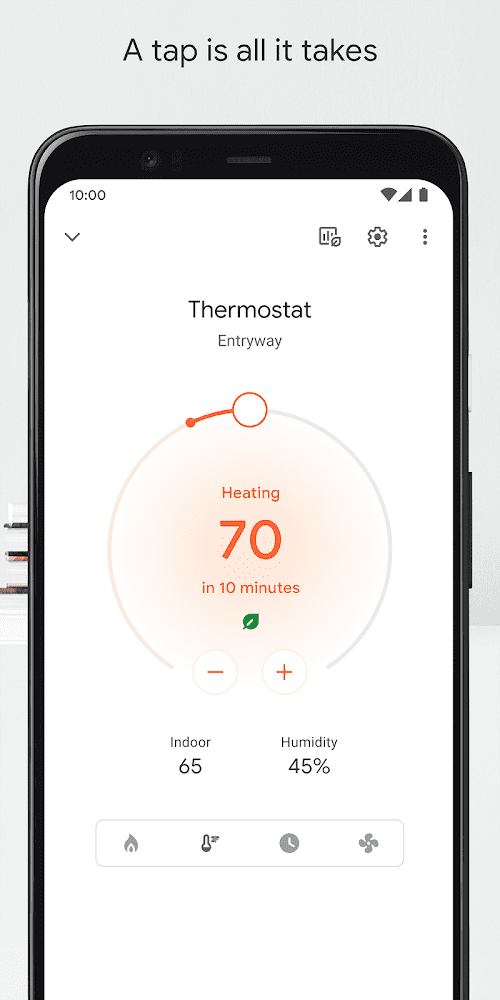
Google Home allows users to control various connected devices using voice commands. Users can ask Google Home to play music, set reminders, turn on lights, adjust thermostats, and more, simply by speaking their commands.
Smart Home Integration
Google Home is compatible with a wide range of smart home devices, including smart speakers, smart displays, smart lights, smart thermostats, and smart plugs. This allows users to create a connected ecosystem in their homes, where they can control different devices using a single voice command.
Customizable Routines
Google Home allows users to create customizable routines that can be triggered with a single voice command. Users can create routines for different scenarios, such as waking up in the morning, coming back home, or going to bed, and automate multiple actions to happen simultaneously, such as turning on lights, playing music, and adjusting the thermostat.
Wide compatibility
Google Home is compatible with a vast range of smart home devices from various manufacturers, making it a versatile application that can integrate and control different devices seamlessly. This allows users to create a customized smart home ecosystem based on their preferences and needs, without being locked into a specific brand or ecosystem.
Highlights of Google Home
 Routines
Routines are a powerful feature that allows users to create a series of actions triggered by a single voice command. This could include setting the mood for a relaxing evening by dimming the lights, playing soft music, and adjusting the thermostat to a comfortable temperature.
Convenience
Google Home offers a convenient way for users to access their Google products and services, all in one place. The application is also available on the go, making it easy for users to stay connected and productive no matter where they are.
Customizability
Google Home allows users to create customized routines and automate multiple actions with a single voice command. This provides users with the flexibility to create personalized experiences and tailor the functionality of Google Home to their specific needs and preferences.
Tips
 Set up and manage routines!
Routines are a powerful feature of the Google Home app that allow you to automate tasks and customize your smart home experience. You can create routines that are triggered by specific events, such as your alarm going off, your commute starting, or your voice command. Routines can be used to control multiple devices at once, such as adjusting your lights, thermostat, and media playback with a single command. The Google Home app provides a simple interface for creating, managing, and customizing routines, making it easy to set up personalized automation for your smart home.
Set up and manage devices!
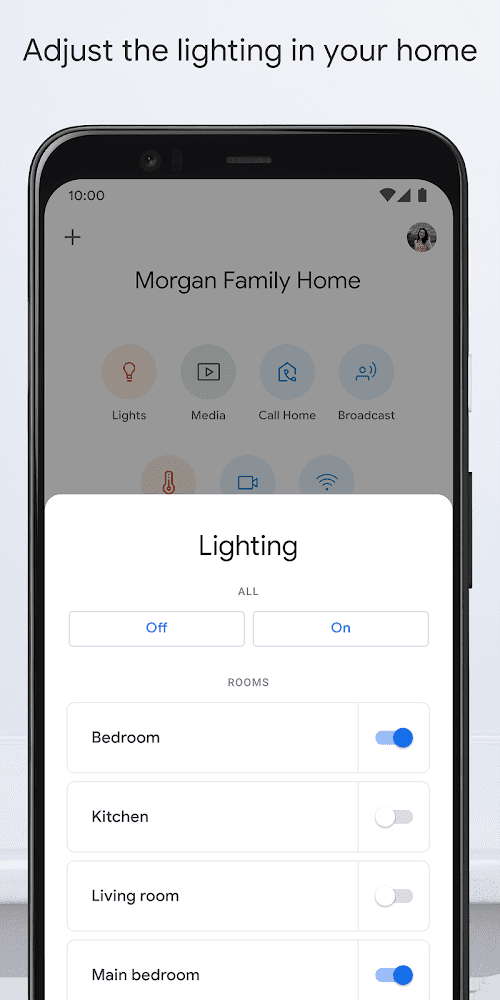
The Google Home app allows you to easily set up and manage various smart devices in your home, such as smart speakers, smart displays, smart bulbs, and smart plugs. The app provides step-by-step instructions for connecting and configuring these devices, allowing you to control them with voice commands, schedules, and custom routines. You can also organize devices into rooms, groups, and routines, making it convenient to control multiple devices at once.
Pros & Cons
 Voice-controlled convenience for managing smart home devices.
Wide compatibility with various smart home devices.
Customizable routines for personalized experiences.
Voice-controlled convenience for managing smart home devices.
Wide compatibility with various smart home devices.
Customizable routines for personalized experiences.
 Requires internet connectivity for voice commands.
Privacy concerns with voice recognition and data storage.
Requires internet connectivity for voice commands.
Privacy concerns with voice recognition and data storage.
FAQ


Ratings
















