





 4
4
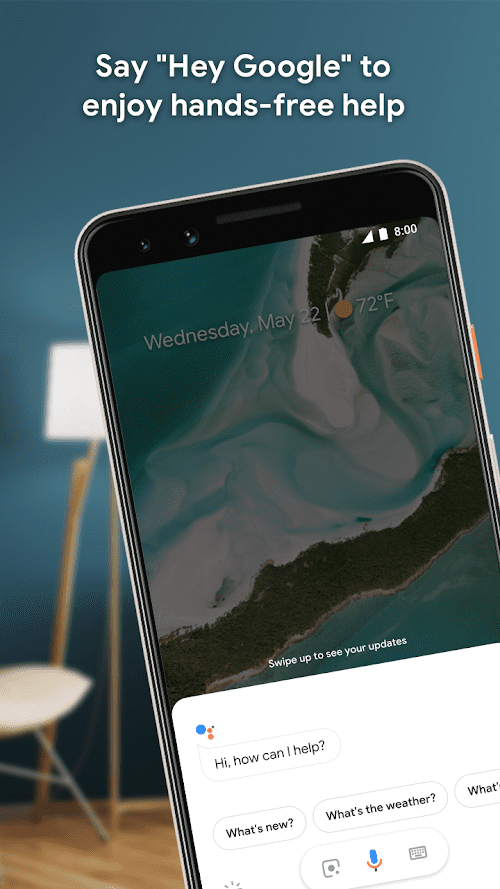


Google Assistant App Info


Introduction
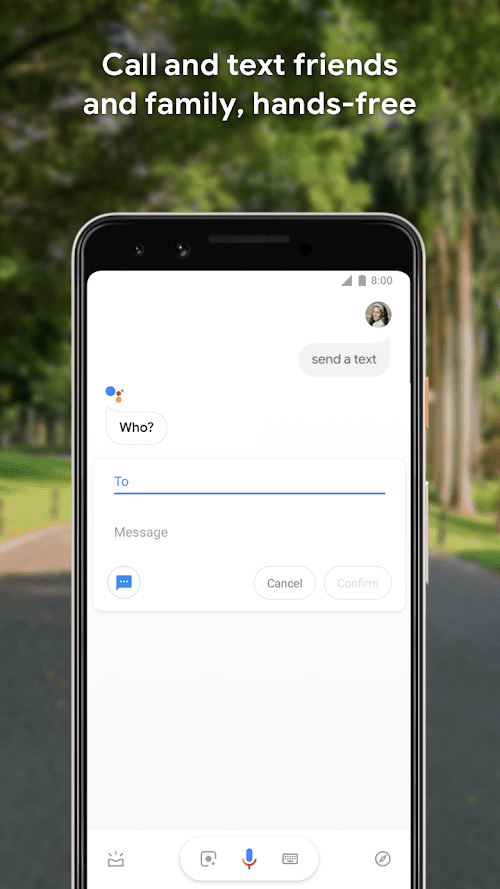
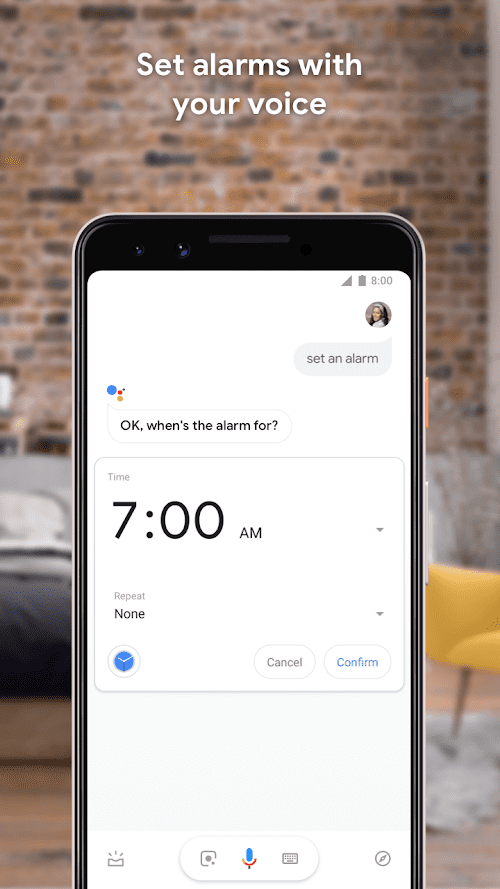
Google Assistant is an AI-powered virtual assistant that is designed to help people get things done more easily and quickly. The application is provided by Google LLC, a multinational technology company that specializes in internet-related services and products. Google Assistant is available on various platforms, including Android and iOS smartphones, Google Home smart speakers, and other devices such as smart TVs, smart displays, and smartwatches. With Google Assistant, users can use their voice to interact with the app and perform various tasks, including setting reminders, making calls, sending messages, and controlling smart home devices. The app uses natural language processing and machine learning to understand and respond to user commands, making it easy to use for people of all ages and technical backgrounds.
Features of Google Assistant
 Voice Commands
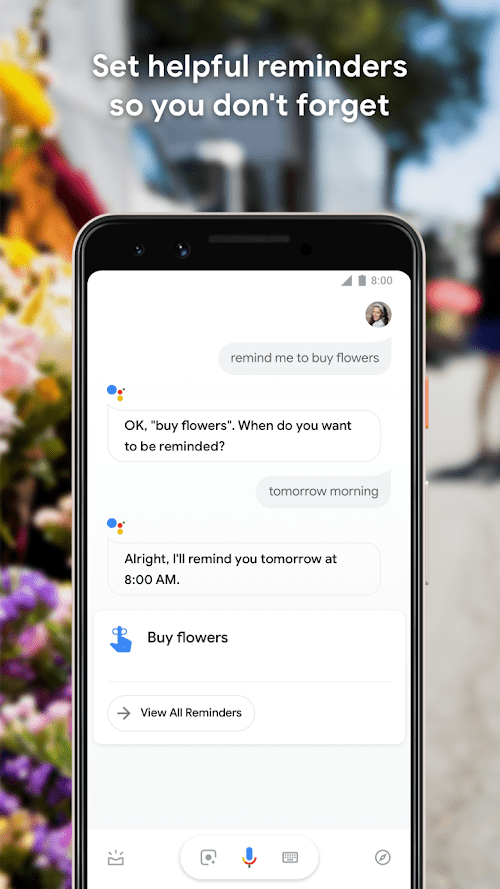
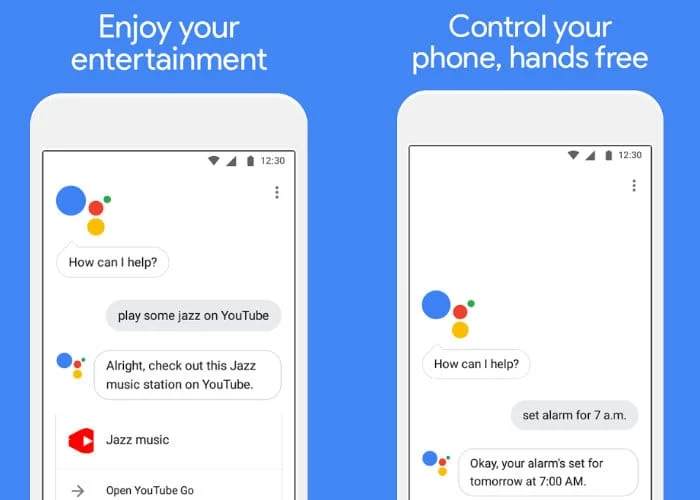
One of the most notable features of Google Assistant is its ability to recognize and respond to voice commands. Users can activate the app by saying “OK Google” or “Hey Google” and then ask it to perform a task or answer a question. The app supports a wide range of commands, including setting reminders, making phone calls, sending messages, and playing music.
Smart Home Control
Another great feature of Google Assistant is its ability to control smart home devices. Users can use the app to turn on and off lights, adjust thermostats, and even lock doors. This feature is particularly useful for people who have invested in smart home technology and want to control everything from one central location.
Multilingual Support
Google Assistant supports multiple languages, making it accessible to people from all over the world. Users can switch between languages on the fly, making it easy to communicate with the app in their preferred language.
Personalized Recommendations
Google Assistant uses machine learning to provide personalized recommendations to users based on their previous interactions with the app. For example, if a user frequently asks the app to play jazz music, it will start recommending more jazz music in the future.
Highlights of Google Assistant
 Accessibility
One of the key highlights of Google Assistant is its accessibility. As a voice-activated virtual assistant, Google Assistant is designed to be used by anyone regardless of their age or ability. This makes it an excellent tool for people who have disabilities, including those who have visual or physical impairments.
Third-Party Integrations
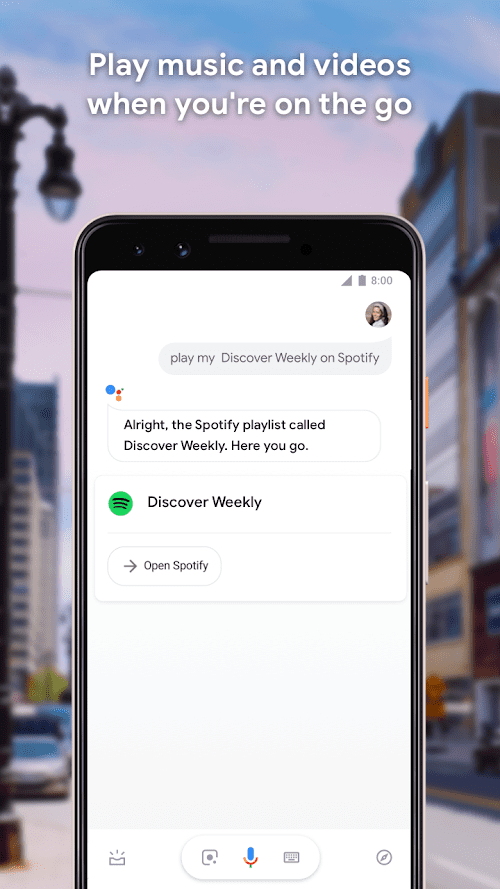
Google Assistant has integrations with a wide range of third-party apps and services, including Spotify, Uber, and Netflix. This makes it easy to use the app to perform tasks across multiple platforms without having to switch between different apps.
Natural Language Processing
Google Assistant uses natural language processing to understand and respond to user commands. This makes it easy to use for people of all ages and technical backgrounds.
Tips
 Plan Your Day
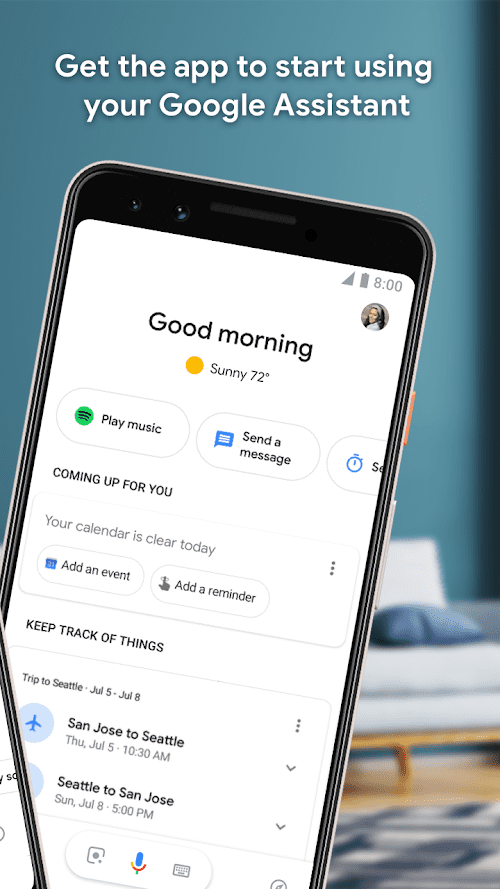
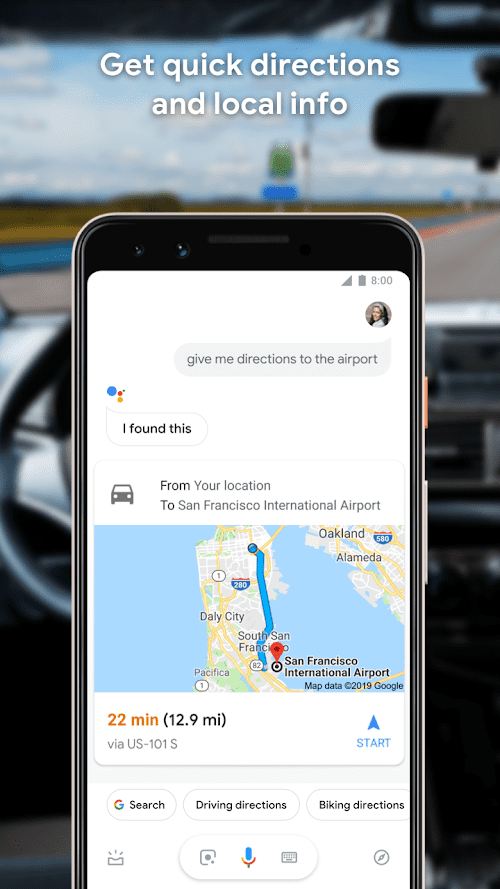
Google Assistant can be used to help plan your day by providing information on weather forecasts, traffic conditions, and upcoming events. You can also ask Google Assistant to search for information on restaurants, movies, and other activities. To plan your day, simply ask Google Assistant for information on the things you want to know, such as “Hey Google, what’s the weather forecast for today?” or “Hey Google, what are some good restaurants nearby?”.
Control Your Home Devices
Google Assistant can be used to control smart home devices such as lights, thermostats, and other appliances. You can connect your smart home devices with the Google Home app to control them using your voice. You can also set routines that allow you to control multiple devices at once with a single command. For example, you can create a bedtime routine that turns off all the lights, sets the thermostat to your preferred temperature, and plays soothing music.
Pros & Cons
 As it is used more, it becomes more personalized, offering recommendations suited to personal needs.
As a voice-activated assistant, it is designed for anyone regardless of age or technical literacy level.
As it is used more, it becomes more personalized, offering recommendations suited to personal needs.
As a voice-activated assistant, it is designed for anyone regardless of age or technical literacy level.
 There has been concern about how Google Assistant stores and uses user data and privacy.
Although it is getting better at understanding natural language, there are instances where it misunderstands.
There has been concern about how Google Assistant stores and uses user data and privacy.
Although it is getting better at understanding natural language, there are instances where it misunderstands.
FAQ


Ratings
















