






 4.4
4.4


Google Voice App Info


Introduction
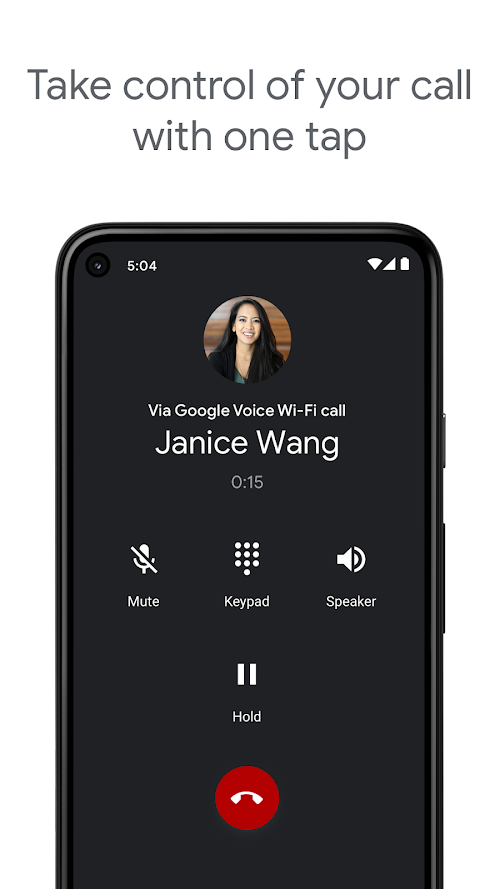
Google Voice is an application developed by Google LLC for voice over internet protocol (VoIP) phones, which allows users to make and receive phone calls, send SMS messages, and voicemail transcripts. The app was first launched in March 2009 and has since then become a reliable platform for users, with over a million installments in the Google Play Store alone. Google Voice is available as a web application or as a mobile app, providing users with the flexibility to use it on their cell phones, computers or tablets. As a robust and versatile voice communication platform that provides users with a variety of useful features, Google Voice’s customizable options and free calling and texting services make it an ideal choice for both personal and business use.
Features of Google Voice
 Flexible Call Forwarding
Google Voice allows users to forward calls to any phone number, making it easy to manage multiple phone lines. Users can customize which numbers receive forwarded calls based on the time of day or day of the week, making it easy to ensure that calls are always answered by the right person.
Powerful Voicemail Transcription
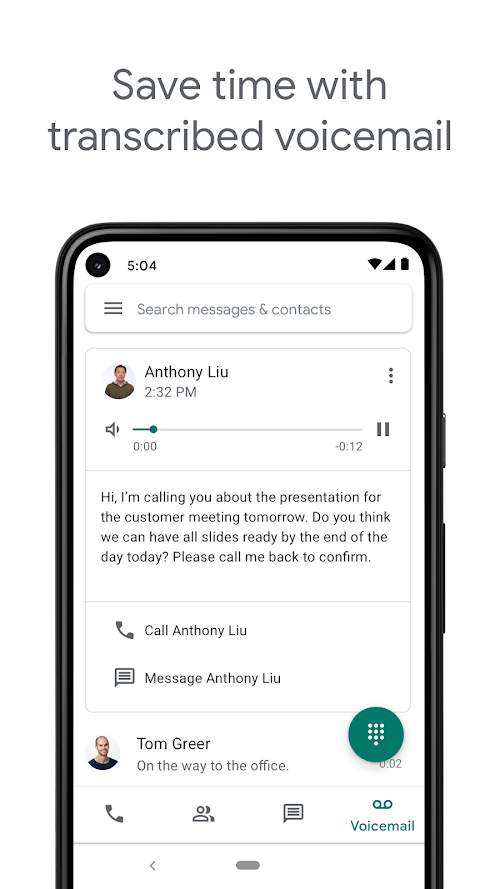
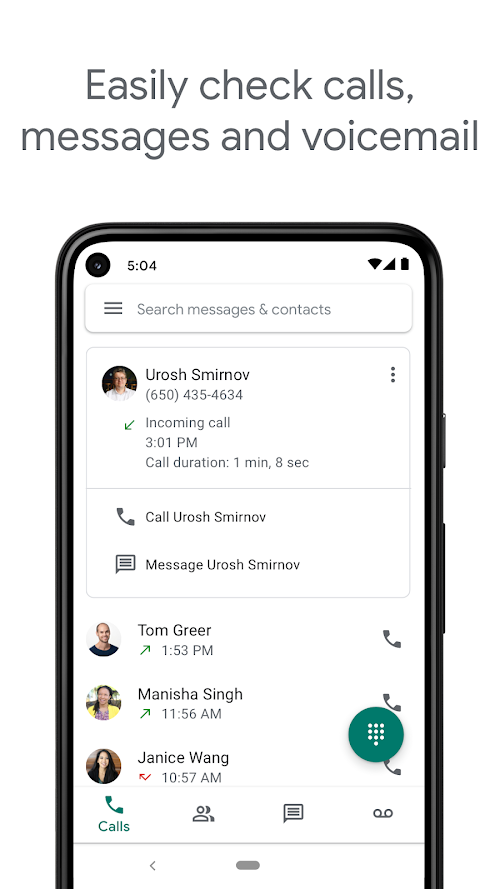
Google Voice transcribes voicemail messages into text, making it easy to read and respond to messages without having to listen to them. The transcription feature is available in multiple languages and is highly accurate, which is helpful for users who have difficulty understanding voicemail messages.
Comprehensive SMS and MMS Messaging
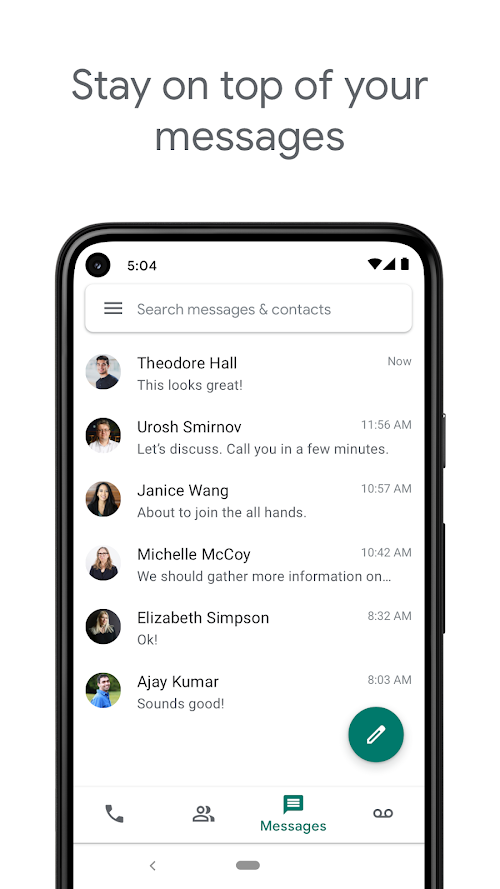
Google Voice enables users to send and receive text messages, as well as multimedia messages, such as photos and videos. This feature is especially useful for users who prefer to communicate via text message, or for those who are traveling internationally and want to avoid expensive roaming fees.
Highlights of Google Voice
 High Flexibility
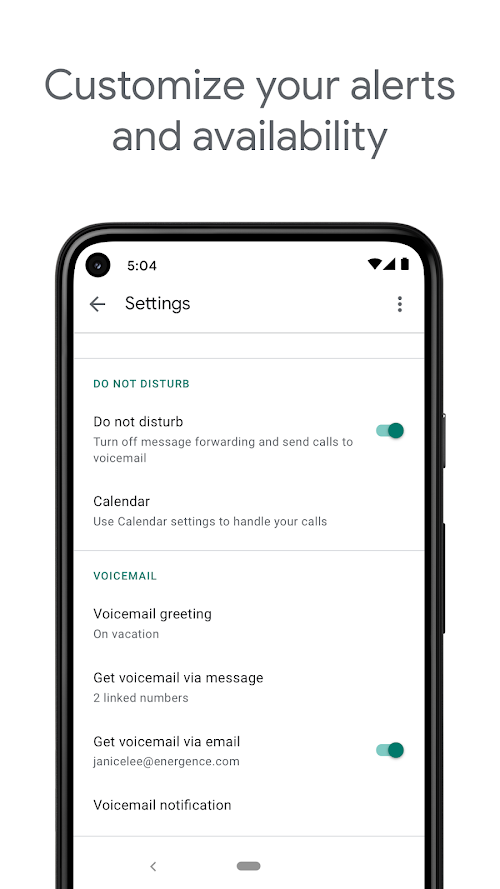
Google Voice is highly flexible and customizable, making it easy to tailor the service to the needs of individual users. Users can set up call forwarding, create custom voicemail greetings, and block unwanted calls.
High Accessibility
Google Voice is accessible from anywhere in the world, as long as there is an internet connection. This makes it easy for users to stay connected and manage their communication from anywhere, whether they are at home, in the office, or on the go.
High Reliability
Google Voice is a reliable service that provides high-quality audio and messaging. The service is backed by Google’s robust infrastructure, which ensures that calls and messages are delivered quickly and efficiently. Additionally, Google Voice is constantly updated and improved to provide the best possible user experience.
Tips
 Customize your voicemail greeting!
Google Voice allows users to create custom voicemail greetings, which can be useful for personalizing your message and setting the right tone for callers. To set up a custom voicemail greeting, go to the Google Voice settings menu and select the “Voicemail & Text” option. From there, you can record a new greeting or upload an existing audio file.
Enable call screening to block unwanted calls.
Google Voice includes a call screening feature that can help you avoid unwanted calls. When you receive a call, you have the option to screen the call and listen in before answering. If you decide not to answer, you can block the number from future calls.
Pros & Cons
 Customized greetings and number forwarding options are supported for users.
Google Voice also provides a call recording function for research and training purposes.
Customized greetings and number forwarding options are supported for users.
Google Voice also provides a call recording function for research and training purposes.
 There is limited availability of Google Voice outside the US or Canada.
Its integration with Google accounts may raise privacy concerns.
Depending on users’ network connection, there is occasional inconsistent call quality.
There is limited availability of Google Voice outside the US or Canada.
Its integration with Google accounts may raise privacy concerns.
Depending on users’ network connection, there is occasional inconsistent call quality.
FAQ


Ratings
















