






 4.3
4.3



Google Pay App Info


Introduction
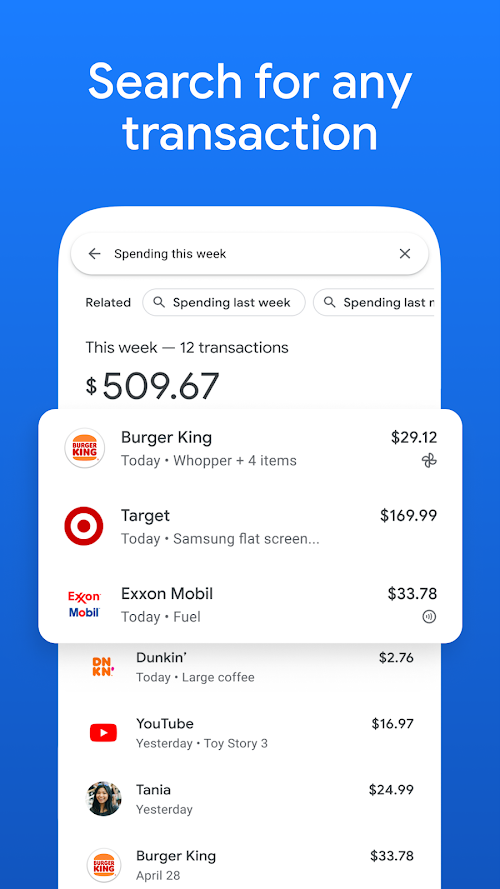
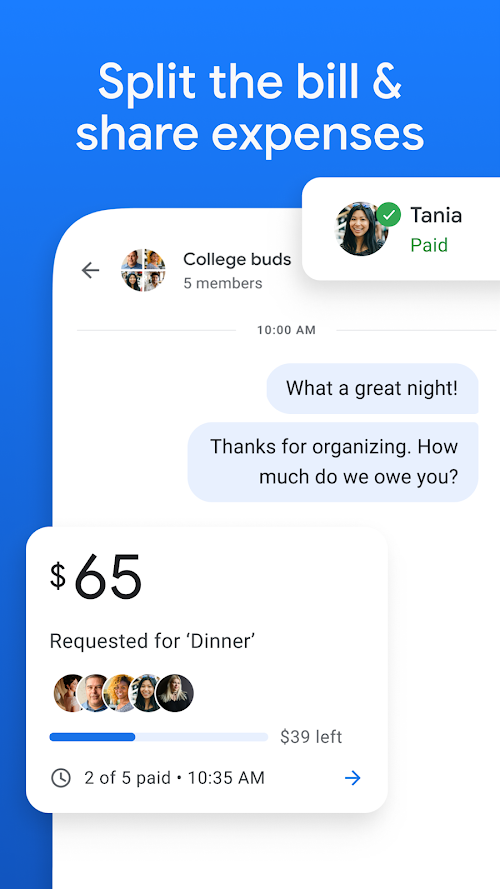
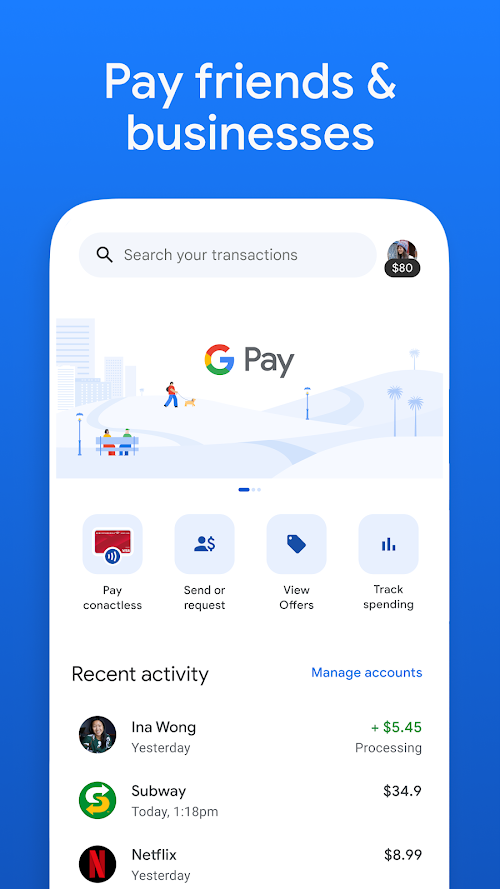
Google Pay is a mobile payment application launched and released by Google to provide a convenient and secure payment experience. Google Pay is a mobile payment app that allows users to make payments at supported merchants through the app. Google Pay supports Android and iOS devices and works with banks, credit cards and other payment service providers to provide a convenient and secure payment experience. Google Pay is a convenient, fast, secure and reliable mobile payment application. With Google Pay, users can make payments anytime, anywhere, without carrying a physical card or cash. The app supports multiple payment methods, offers a personalized payment experience, and regularly launches offers. Although Google Pay may have the disadvantages of geographical limitations and dependence on hardware, its convenience, security and reliability, and the advantages of multiple payment methods make it an indispensable payment tool in modern life. With Google Pay, you can enjoy a convenient and secure mobile payment experience without the hassle of physical card and cash payments.
Features of Google Pay
 Fast Payments
Users can pay quickly with Google Pay without carrying a physical card or cash, which greatly reduces and lowers the complexity of paying.
 Security
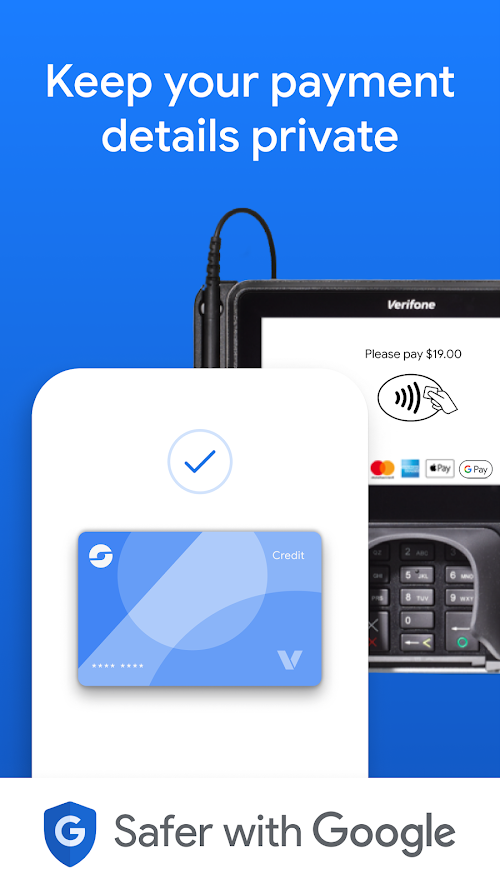
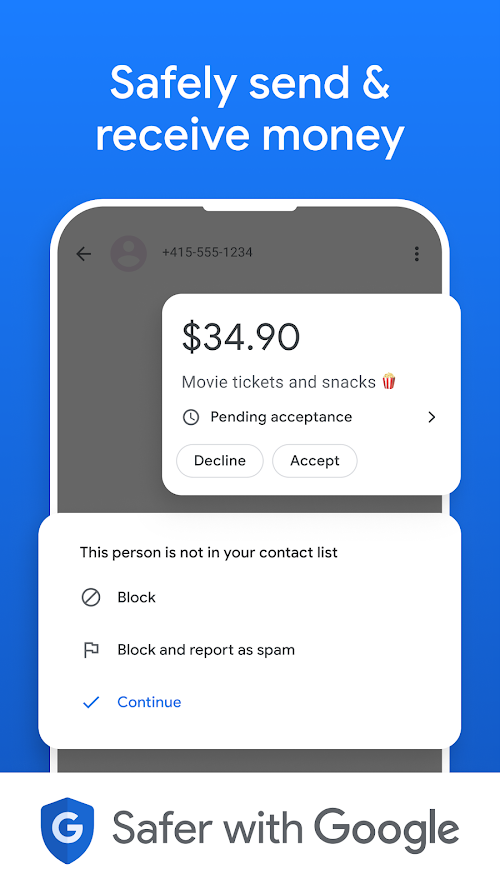
Google Pay uses multi-layer encryption technology to protect users' payment information and personal data. Users have no need to worry about their safety of their accounts and the exposure of their personal information. Google Pay, as top production of Google, has the capability to earn our trust.
Contactless Payment
Google Pay supports contactless payment technology, and users only need to place their mobile phones near the supported POS terminals to complete the payment.
Highlights of Google Pay
 Multiple Payment Methods
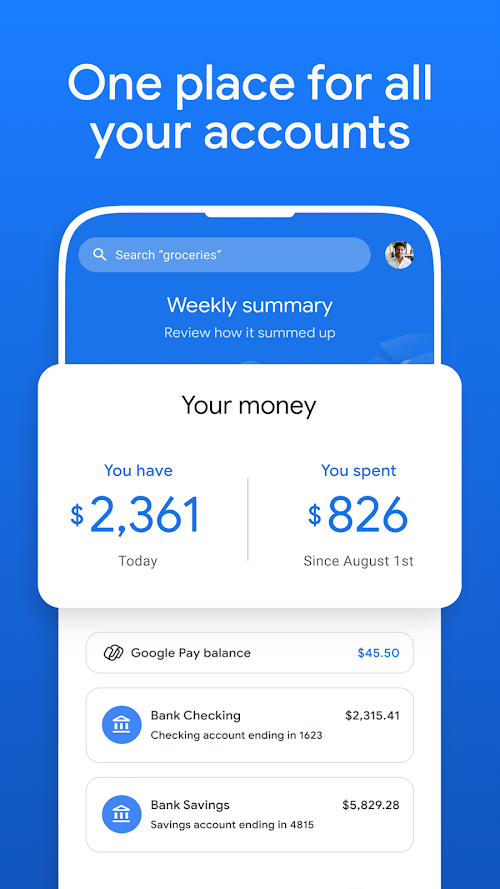
Google Pay supports binding credit cards, debit cards, bank accounts and other payment service providers, and users can choose payment methods according to their needs.
 Offers
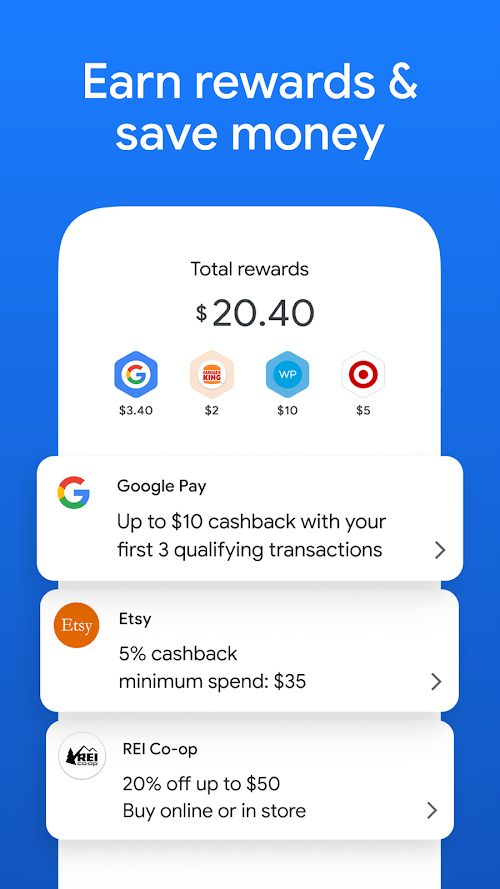
Google Pay regularly launches offers where users can access discounts and offers through the app.
Personalized Experience
Google Pay will provide personalized recommendations and suggestions based on the user's payment habits and preferences.
Tips
 Add a payment method
After downloading and installing the Google Pay app, you are supposed to add a credit card, debit card, bank account or other payment service provider to the app, which is prepared and used for you to pay. When you pay for the products, the money will be deducted from those cards.
 Make payment
At a merchant that supports Google Pay, hold your phone close to the POS terminal and follow the prompts to complete the payment. Just click the "pay" button, all the paying process will be finished.
Pros & Cons
 Convenient and fast: Google Pay provides a convenient and fast payment platform, users can pay anytime, anywhere, without carrying physical cards or cash.
Secure and reliable: Google Pay uses multiple layers of encryption technology to protect users' payment information and personal data.
Convenient and fast: Google Pay provides a convenient and fast payment platform, users can pay anytime, anywhere, without carrying physical cards or cash.
Secure and reliable: Google Pay uses multiple layers of encryption technology to protect users' payment information and personal data.
 Geographical restrictions: Google Pay may only be supported in certain regions, and for some users, the convenience of the app will not be available.
Rely on hardware: Using Google Pay requires a POS terminal that supports contactless payments, and if the merchant does not support the technology, users cannot use the app to make payments.
Geographical restrictions: Google Pay may only be supported in certain regions, and for some users, the convenience of the app will not be available.
Rely on hardware: Using Google Pay requires a POS terminal that supports contactless payments, and if the merchant does not support the technology, users cannot use the app to make payments.
FAQ


Ratings
















