






 3.8
3.8
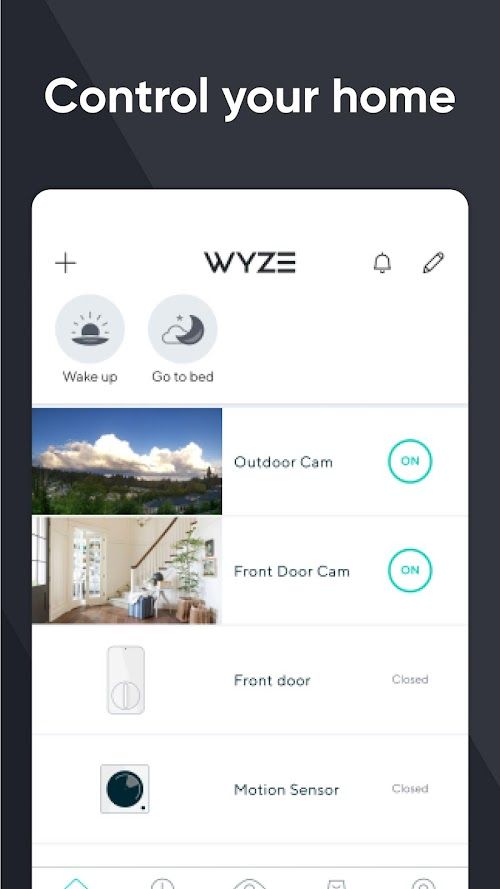


Wyze - Make Your Home Smarter App Info


Introduction
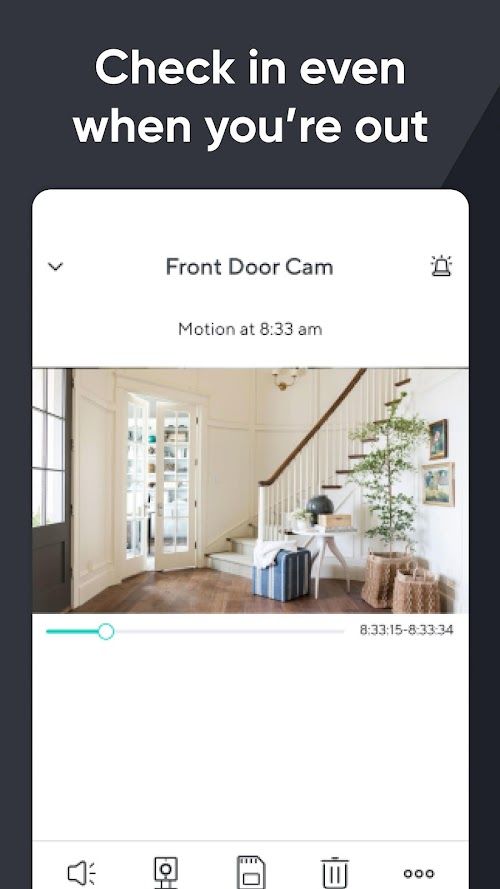
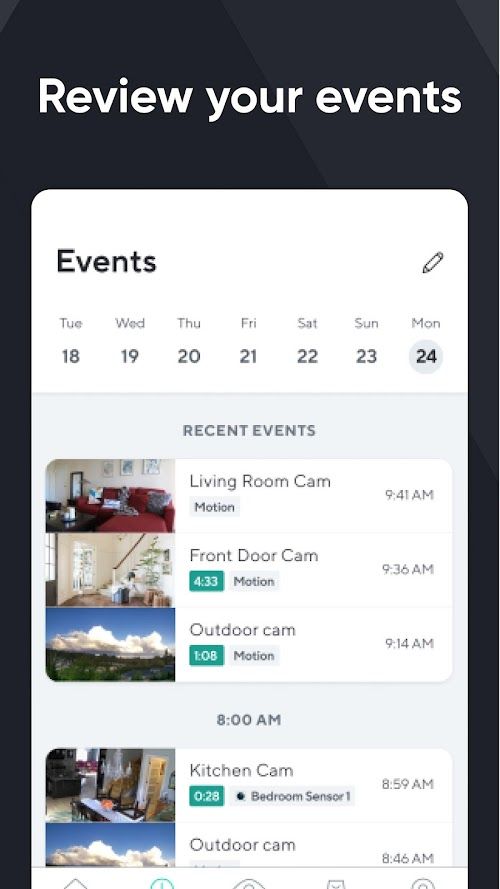
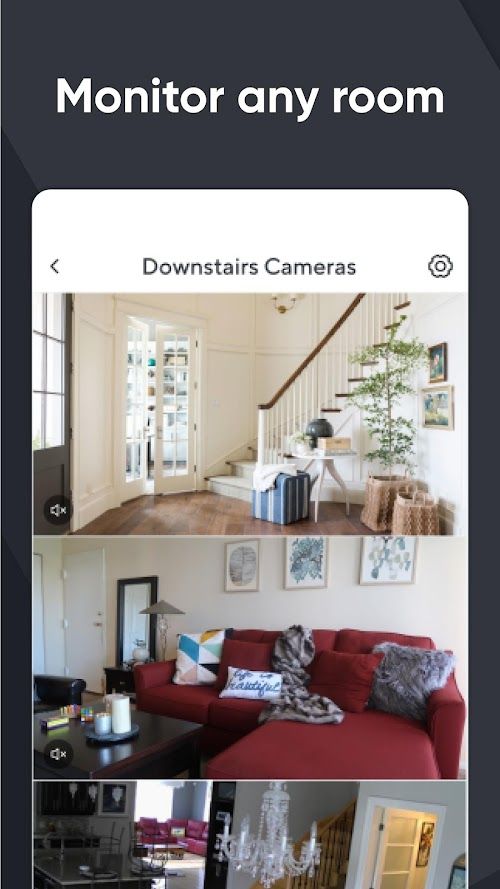
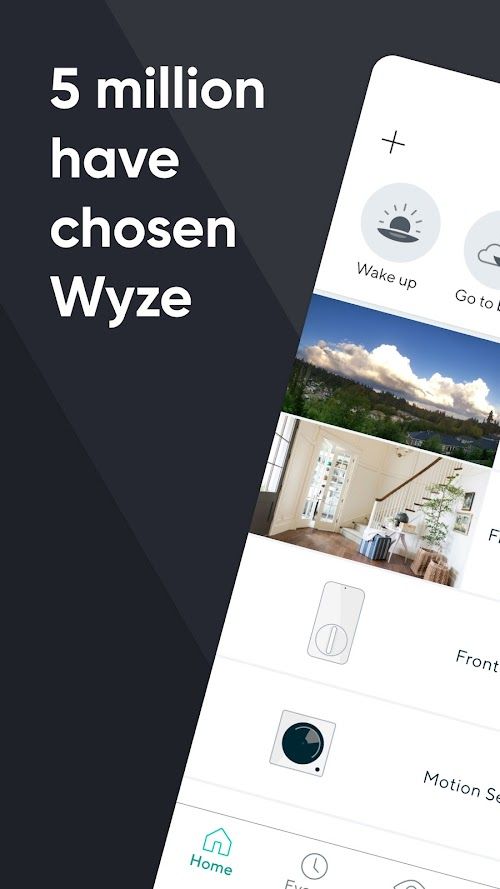
Wyze is an app designed to make your home smarter. With this app, you can easily control all your Wyze devices, including cameras, doorbells, sensors, and smart bulbs. It offers an intuitive interface that allows users to monitor their homes from anywhere in the world, check real-time feeds of their cameras, and receive motion or sound alerts. Moreover, it also supports voice control with Amazon Alexa and Google Assistant, enabling users to control their devices through voice commands. With Wyze, you can enhance your home security, improve energy efficiency, and make your daily life more convenient.
Features of Wyze
 Easy to use
Wyze is user-friendly and requires no technical expertise.
Affordable
Wyze offers its software at a very low cost, making it accessible to everyone.
Compatibility
Wyze is compatible with different devices such as Android, iOS, and Amazon Alexa.
Security
Wyze software offers robust security features such as two-factor authentication and end-to-end encryption to safeguard user data.
Highlights of Wyze
 Smart Home Integration
Wyze seamlessly integrates with popular smart home devices, including Amazon Alexa, Google Assistant, and IFTTT.
Advanced AI Capabilities
Using artificial intelligence technology, Wyze can accurately detect motion and sound, perform person detection, and even recognize the specific sounds of smoke and carbon monoxide alarms.
Affordable Pricing
Wyze is available at an affordable price point, making it accessible to a wide range of users who want advanced home security and monitoring capabilities without breaking the bank.
Tips
 Set up device groups
If you have multiple Wyze devices, consider setting up device groups to easily manage and control them. In the Wyze app, go to the Home tab, tap on the “+” icon, and select “Add Device Group”. You can then assign devices to specific groups and control them all at once
Use shortcuts
Wyze app shortcuts allow you to quickly access frequently used features or devices from your phone’s home screen. To set up a shortcut, press and hold on the Wyze app icon, select “Shortcuts”, and choose the device or feature you want to add.
Enable notifications
To stay informed about what’s happening with your Wyze devices, make sure to enable notifications. In the Wyze app, go to the Account tab, select “Notifications”, and toggle on the types of alerts you want to receive, such as motion detection or sound detection. You can also customize the notification settings for each device.
Pros & Cons
 You can connect your device and start using it in no time.
Can be customized according to user needs.
It can be compatible with other devices.
You can connect your device and start using it in no time.
Can be customized according to user needs.
It can be compatible with other devices.
 Network issues, delays and other availability issues may occur.
It lacks some advanced features.
Network issues, delays and other availability issues may occur.
It lacks some advanced features.
FAQ


Ratings
















