






 4.1
4.1




imo App Info


Introduction
imo-International Calls & Chat is a powerful communication software that provides users with free international voice calls and chat. Whether with family, friends or business partners, imo helps users stay connected easily. imo-International Calls & Chat is a cross-platform communication software that supports Android and iOS devices. It offers free international voice calls and chat, allowing users to communicate with people around the globe simply by connecting to the Internet. imo also supports multiple languages, including English, Spanish, French, German, Italian, Arabic, etc., enabling users to communicate with people around the world. Its multi-platform support, multi-language support and high-quality calls make it a popular communication tool. Although imo requires an Internet connection and the other party to also install imo restrictions, the advantages far outshine the disadvantages. Whether it is a personal user or a business user, imo is a communication software worth trying.
Features of imo-International Calls & Chat
 Free International Calls
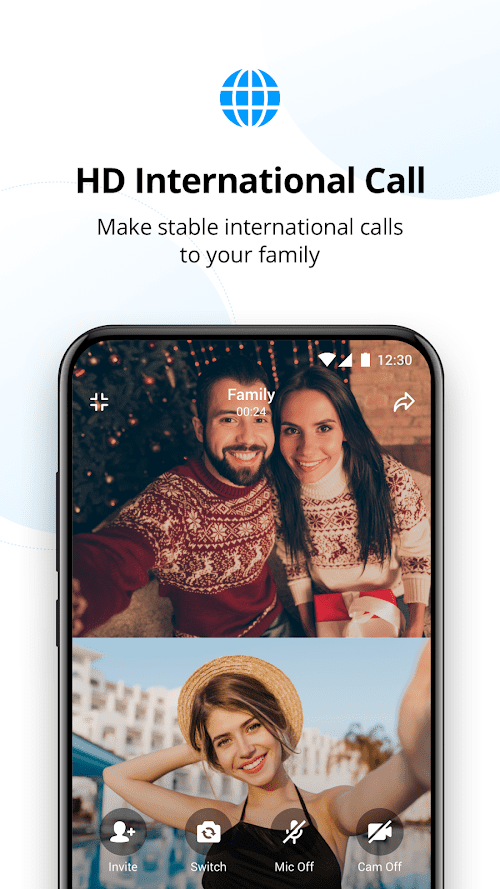
imo allows users to make free international calls via the Internet without paying high international calling fees. Users can make voice calls to friends and family around the world, keeping in touch no matter how far away they are.
 Chat Function
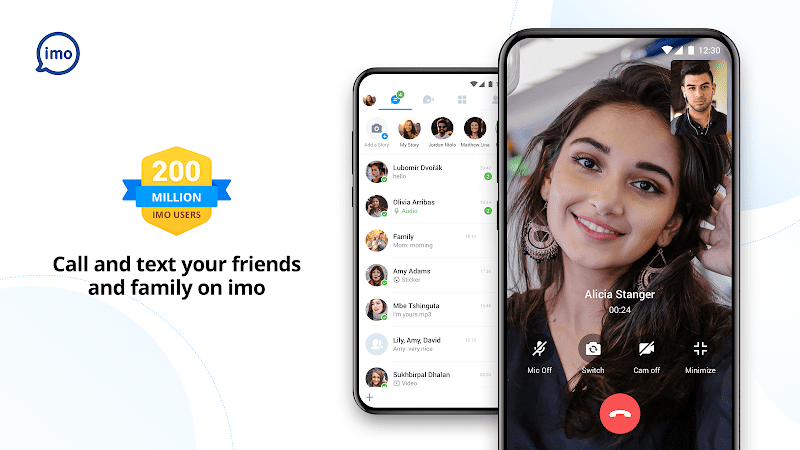
In addition to voice calls, imo also provides chat function, users can text chat with friends, send pictures, videos and voice messages. This makes it easier for users to communicate with others.
High-quality Call
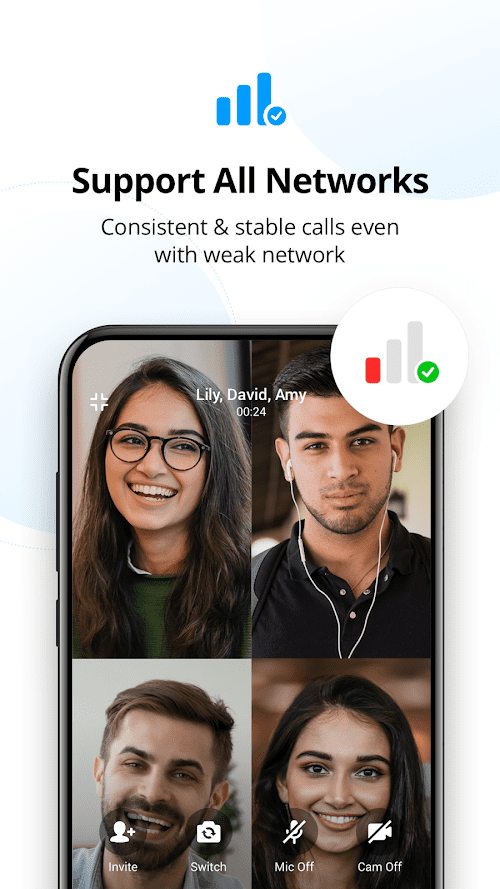
imo uses advanced speech codec technology to ensure that users get high-quality voice during the call. Whether on 2G, 3G or 4G networks, users can enjoy a clear and stable call experience.
Highlights of imo-International Calls & Chat
 Supports Multi-platforms
imo runs on Android and iOS devices, and users can use the software on their phones, tablets and computers to stay connected with others anytime, anywhere.
 Multi-language Support
imo supports multiple languages, and users can choose the language they are familiar with to communicate, eliminating language barriers.
Social Network Integration
imo can integrate with other social network platforms such as Facebook and Google, and users can access their social network accounts directly from the imo app to easily communicate with friends.
Tips
 Registration and login
Before enjoying the various functions given by the imo-International Calls & Chat, users need to register for an imo account and log in by using their mobile number or email address.
 Add contacts
Users can add contacts by entering their mobile number or searching for a user name. Once the other party accepts the user's request, they can start calling and chatting.
Make calls and chats
Users can select a contact and then click the Voice call or Chat button to start communicating with each other.
Pros & Cons
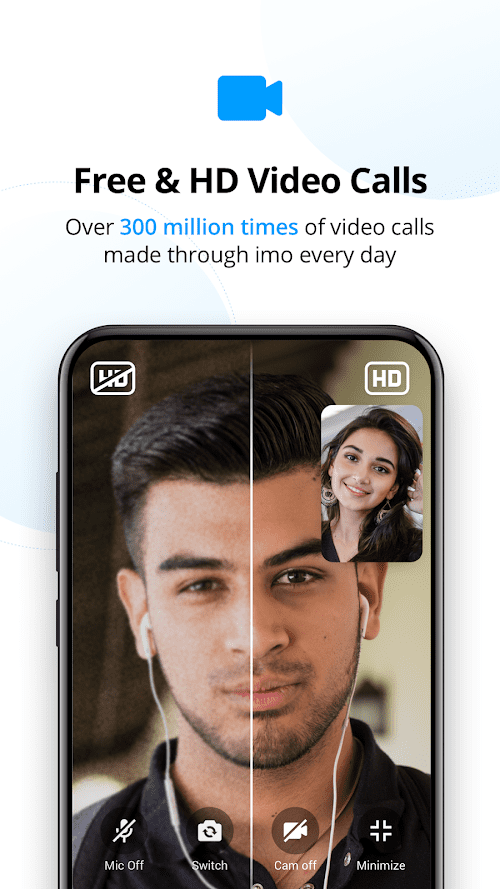
 High definition level of video calls: imo provides high definition level of video calls function, users can see the people on the phone screen clearly.
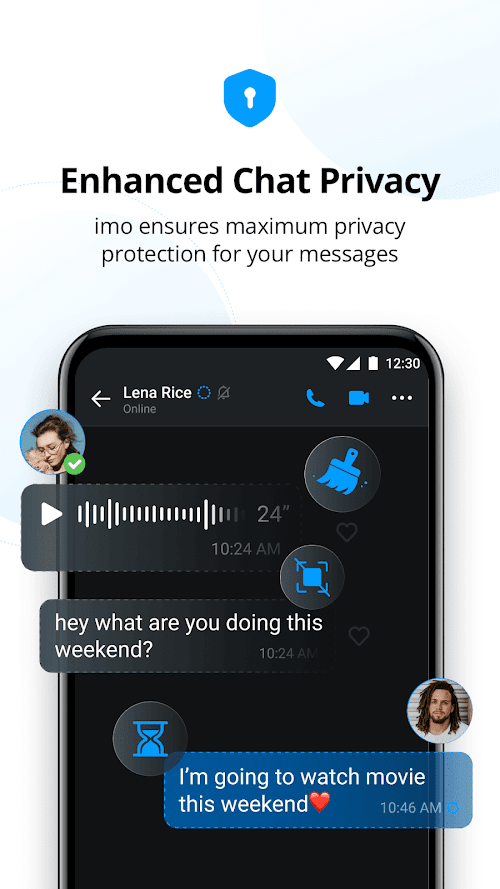
Security Protection imo uses end-to-end encryption for user calls and chats to ensure user privacy and security. Users can communicate with others with confidence without worrying about information leakage.
High definition level of video calls: imo provides high definition level of video calls function, users can see the people on the phone screen clearly.
Security Protection imo uses end-to-end encryption for user calls and chats to ensure user privacy and security. Users can communicate with others with confidence without worrying about information leakage.
 Internet connection required: imo requires users to be connected to the Internet in order to use, and without an Internet connection, users will not be able to make calls and chat.
Need the other party to also install imo: In order to communicate with others, the other party also needs to install the imo application. If the other party does not have imo installed, users will not be able to call and chat with them.
Internet connection required: imo requires users to be connected to the Internet in order to use, and without an Internet connection, users will not be able to make calls and chat.
Need the other party to also install imo: In order to communicate with others, the other party also needs to install the imo application. If the other party does not have imo installed, users will not be able to call and chat with them.
FAQ


Ratings
















