






 3.9
3.9


iRobot Home App Info


Introduction
iRobot Home is a smart home control application developed by iRobot Corporation. It is used in conjunction with iRobot's intelligent sweeping robot series products, providing remote control, planned cleaning, map management and other functions to provide users with a more convenient and intelligent home cleaning experience. Despite some disadvantages, its advantages such as intelligent cleaning, ease of planning cleaning and flexible map management make it the preferred home control application for many users. Whether it is remote control or timed cleaning, iRobot Home can help users easily achieve intelligent home cleaning.
Features of iRobot Home
 Remote Control
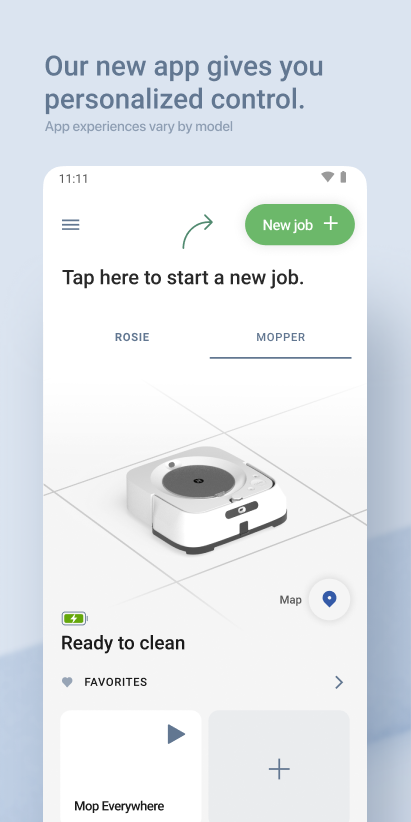
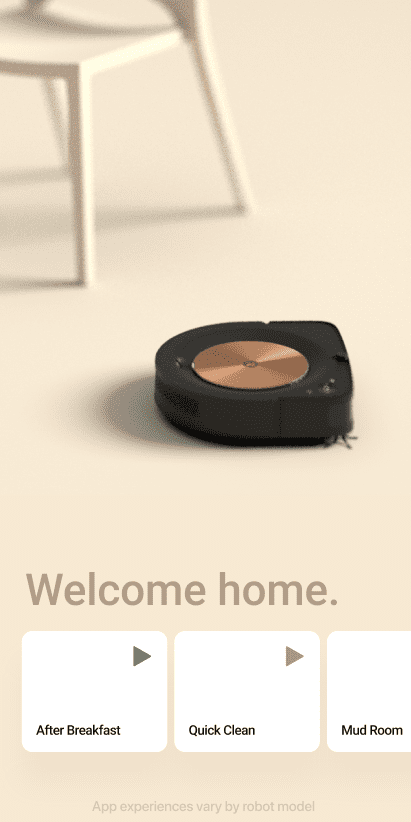
iRobot Home allows users to remotely control intelligent sweeping robots through mobile phones or tablets, and can start, stop and adjust the cleaning mode anytime and anywhere.
 Planned Cleaning
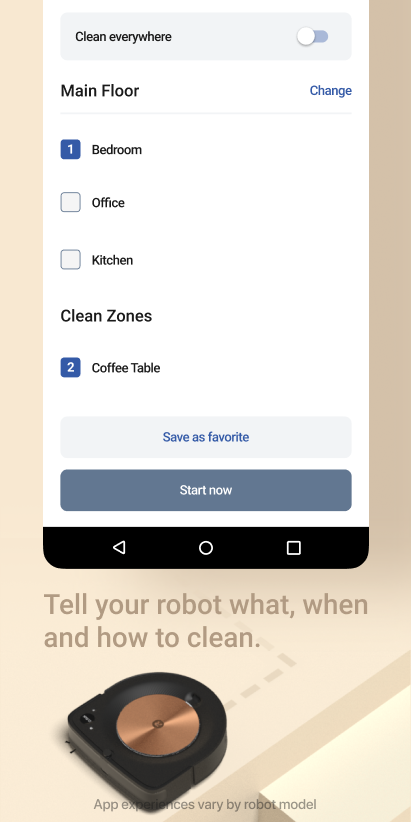
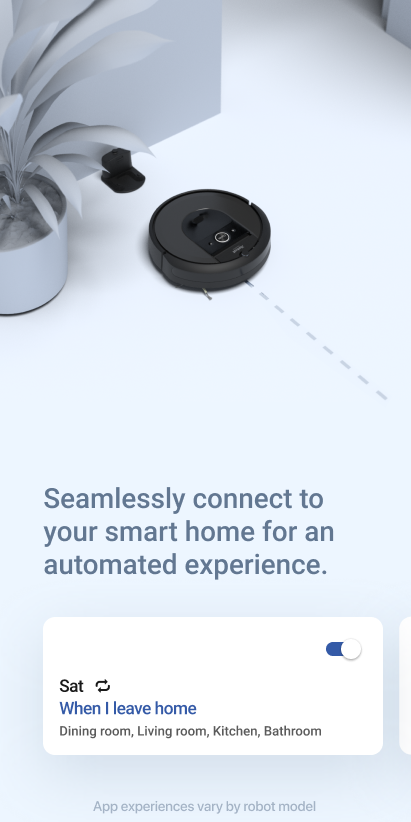
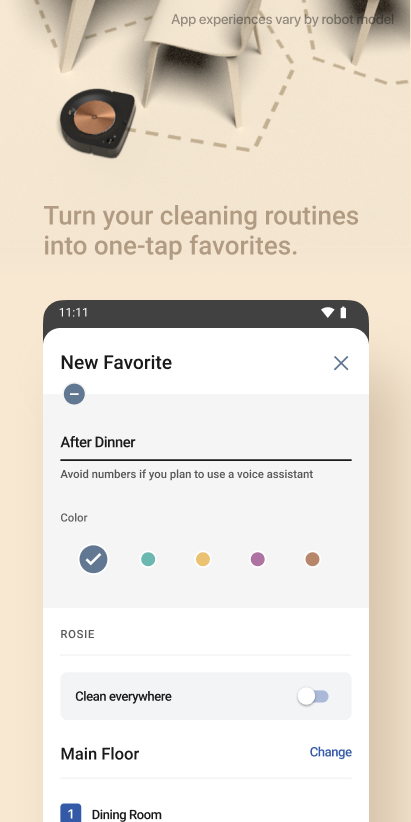
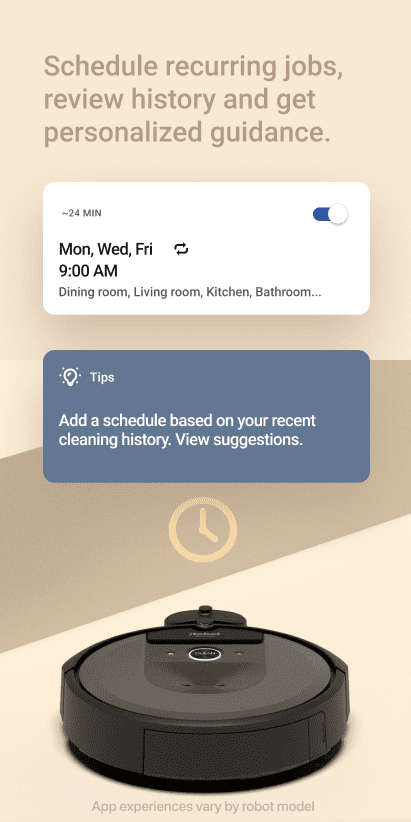
Users can set a cleaning plan in iRobot Home, and regularly start the intelligent sweeping robot to clean, to achieve automatic home cleaning.
Map Management
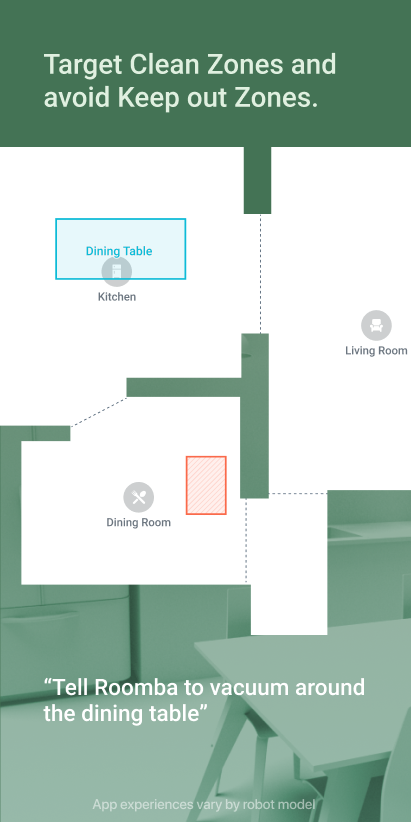
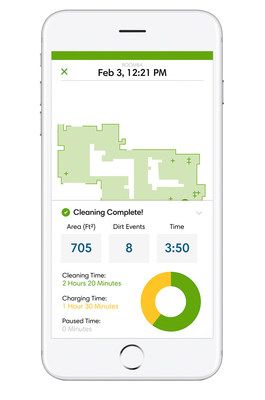
The app can generate a family map and save it in the cloud, and users can view and edit the map at any time, providing more accurate navigation and clearing paths for robots.
Multi-area Cleaning
iRobot Home supports dividing the family into multiple areas, and sets different cleaning modes and times for each area to meet the different needs of users for different areas.
Intelligent Feedback
The app will regularly send cleaning reports to users, including cleaning time, cleaning area, cleaning effect, etc., to help users understand the cleaning situation.
Highlights of iRobot Home
 Smart Home Control
iRobot Home is used in conjunction with intelligent sweeping robots to achieve comprehensive control of smart home cleaning and improve the quality of life of users.
 Convenient Remote Control
Users can remotely control intelligent sweeping robots anytime and anywhere through mobile phones or tablet computers, without personally operating, saving time and energy.
Accurate Map Management
The family map generated by the application is very accurate, and users can edit and adjust it according to needs, ensuring that the robot's cleaning path is more accurate and efficient.
Tips
 Download and install
Download and install the iRobot Home application. Pair the intelligent sweeping robot with the application.
 Change Settings and control
Set basic Settings in the application, such as language and time zone. Set the cleaning plan, cleaning mode, and area division as required. Remotely control the intelligent sweeping robot through the application and view the cleaning report.
Pros & Cons
 Intelligent cleaning: iRobot Home provides a variety of intelligent cleaning modes, such as edge cleaning, deep cleaning, etc., according to different ground conditions and needs, to provide users with personalized cleaning experience.
Convenient planned cleaning: Users can set the cleaning plan in the application, and the robot will automatically start cleaning according to the set time and mode, without user intervention, which improves the cleaning efficiency.
Flexible map management: The map management function of iRobot Home is very flexible, and users can divide and edit according to the actual situation of the family, providing more accurate navigation and cleaning paths for the robot.
Intelligent cleaning: iRobot Home provides a variety of intelligent cleaning modes, such as edge cleaning, deep cleaning, etc., according to different ground conditions and needs, to provide users with personalized cleaning experience.
Convenient planned cleaning: Users can set the cleaning plan in the application, and the robot will automatically start cleaning according to the set time and mode, without user intervention, which improves the cleaning efficiency.
Flexible map management: The map management function of iRobot Home is very flexible, and users can divide and edit according to the actual situation of the family, providing more accurate navigation and cleaning paths for the robot.
 Relying on intelligent sweeping robots: iRobot Home can only be used in conjunction with iRobot's intelligent sweeping robots and cannot operate independently. For users who do not have this product, the function is limited.
Some functions require networking: Some advanced functions, such as remote control and map management, require networking to achieve, which is limited for users without an Internet connection.
Relying on intelligent sweeping robots: iRobot Home can only be used in conjunction with iRobot's intelligent sweeping robots and cannot operate independently. For users who do not have this product, the function is limited.
Some functions require networking: Some advanced functions, such as remote control and map management, require networking to achieve, which is limited for users without an Internet connection.
FAQ


Ratings
















