






 4.1
4.1



MyFitnessPal: Calorie Counter App Info


Introduction
MyFitnessPal is a popular health and fitness app. It allows users to log their meals, track their daily calorie intake and monitor their progress towards their weight loss and fitness goals. The app has a database of over 11 million foods, making it easy for users to find and log their meals. It also offers features such as barcode scanning, recipe logging and exercise tracking. MyFitnessPal is available for free download on both Android and iOS devices, with additional premium features available for a fee. With millions of active users, MyFitnessPal is a trusted and effective tool for those looking to lead a healthier lifestyle.
Features of MyFitnessPal: Calorie Counter
 Comprehensive food database
MyFitnessPal has a vast database of over 11 million foods, including branded and generic options, making it easier for users to track their calorie intake accurately.
Barcode scanner
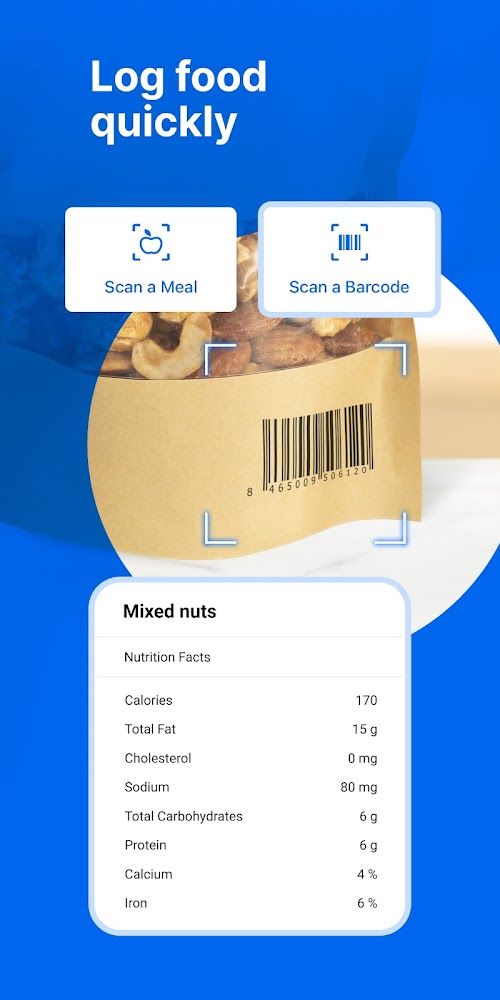
The app allows users to scan the barcode of packaged foods and immediately add the information to their food diary, saving time and effort.
Customizable goals
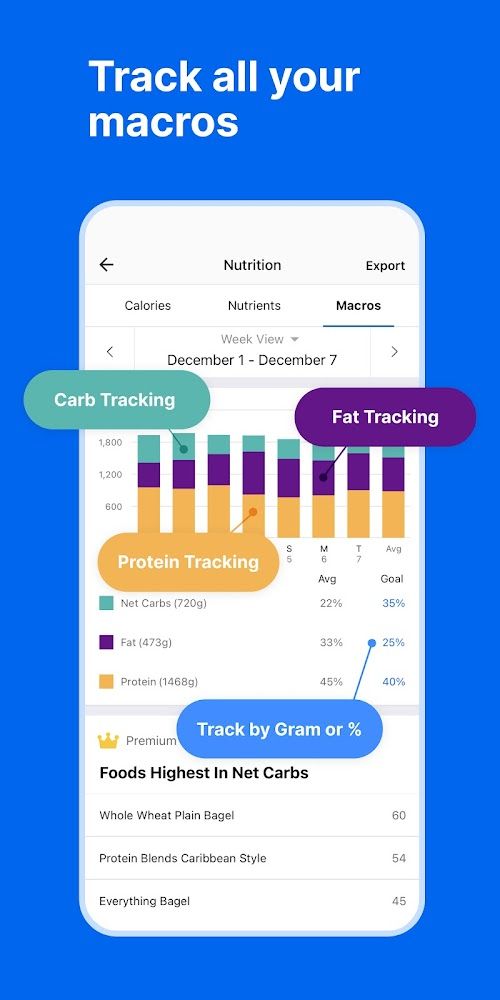
Users can set personalized goals such as calorie intake, macronutrient breakdown, and exercise activity to track their progress towards a healthier lifestyle.
Community support
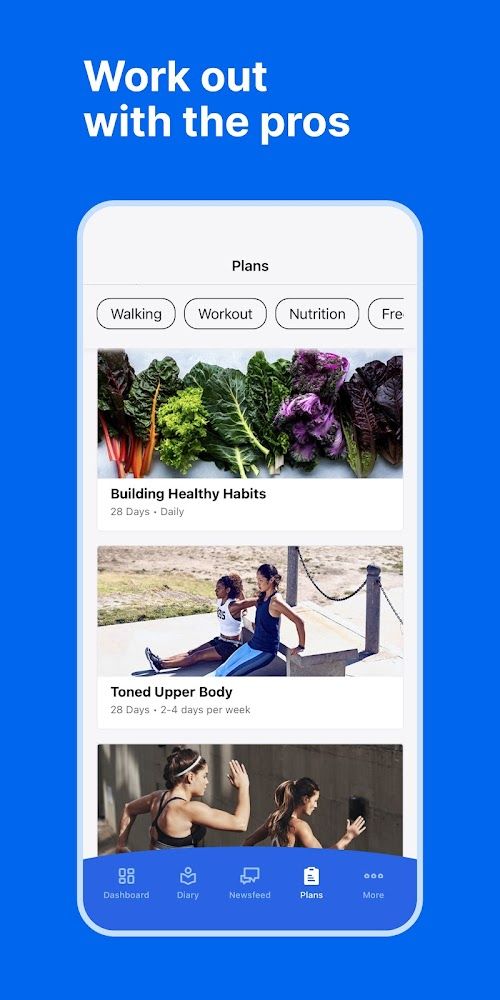
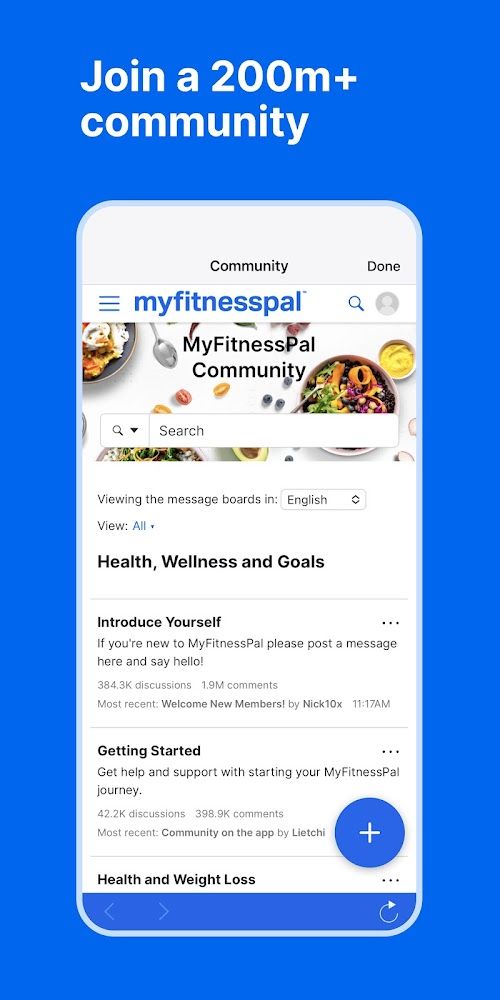
The app has a community forum where users can connect with others for support, motivation, and inspiration. It also offers challenges and competitions to encourage users to reach their health and fitness goals.
Highlights of MyFitnessPal: Calorie Counter
 Track Your Daily Calorie Intake
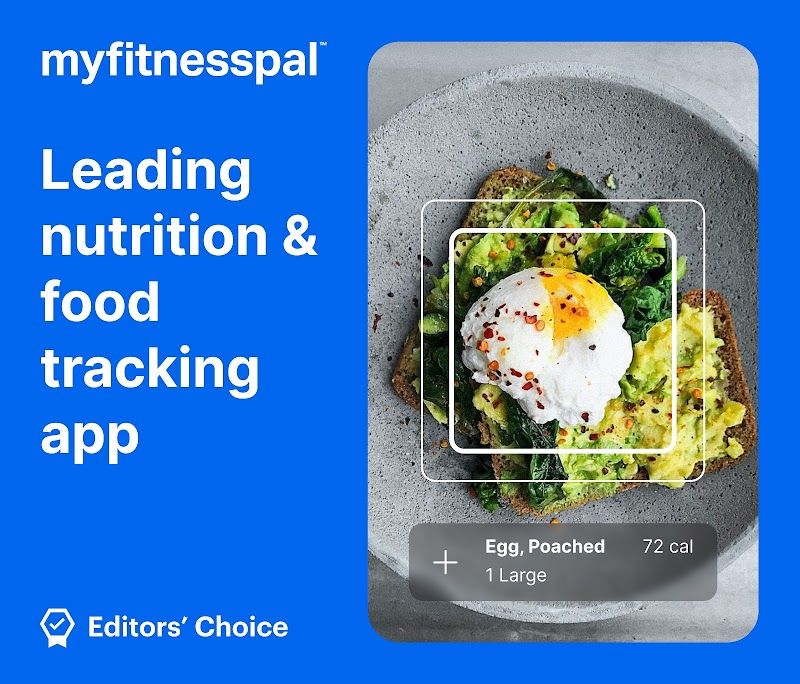
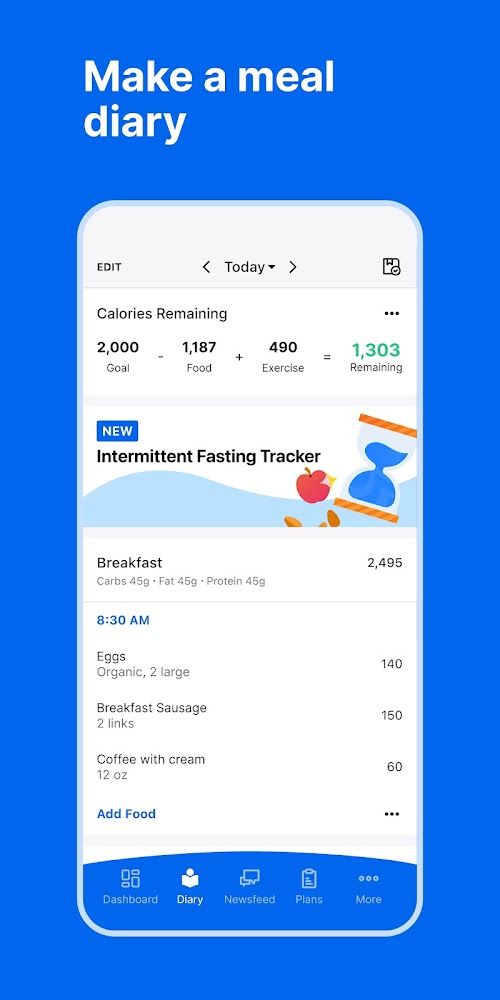
MyFitnessPal allows you to easily track your daily calorie intake, helping you to make informed decisions about the food you eat and how it affects your overall health.
Connect With Your Friends
With MyFitnessPal, you can connect with your friends and share your progress, helping to motivate each other to reach your fitness goals.
Access A Huge Database of Foods
MyFitnessPal features a huge database of foods that you can use to track your calories, making it easy to log your meals and stay on track.
Tips
 Set realistic goals
When using MyFitnessPal, it’s important to set realistic goals for yourself.  Don’t aim for drastic changes that you won’t be able to maintain in the long run. Instead, set small, achievable goals that you can work towards over time.
Track everything
To get the most out of MyFitnessPal, make sure you track everything you eat and drink, as well as your exercise. This will give you a clear picture of your calorie intake and output, which can help you make more informed decisions about your diet and exercise routine.
Customize your settings
MyFitnessPal allows you to customize your settings to better suit your needs. For example, you can set your macros to match your specific diet, adjust your calorie goals based on your activity level, and even connect with friends and share your progress. Take advantage of these features to make the app work for you.
Pros & Cons
 With plenty of food and exercise options, users can quickly find what they need.
Allows users to easily enter food, exercise and water intake.
With plenty of food and exercise options, users can quickly find what they need.
With plenty of food and exercise options, users can quickly find what they need.
Allows users to easily enter food, exercise and water intake.
 Only basic fitness and diet tracking features are provided.
Some foods and exercises in the app may be incomplete or inaccurate.
Only basic fitness and diet tracking features are provided.
Some foods and exercises in the app may be incomplete or inaccurate.
FAQ


Ratings
















