






 4.1
4.1


PayByPhone App Info


Introduction
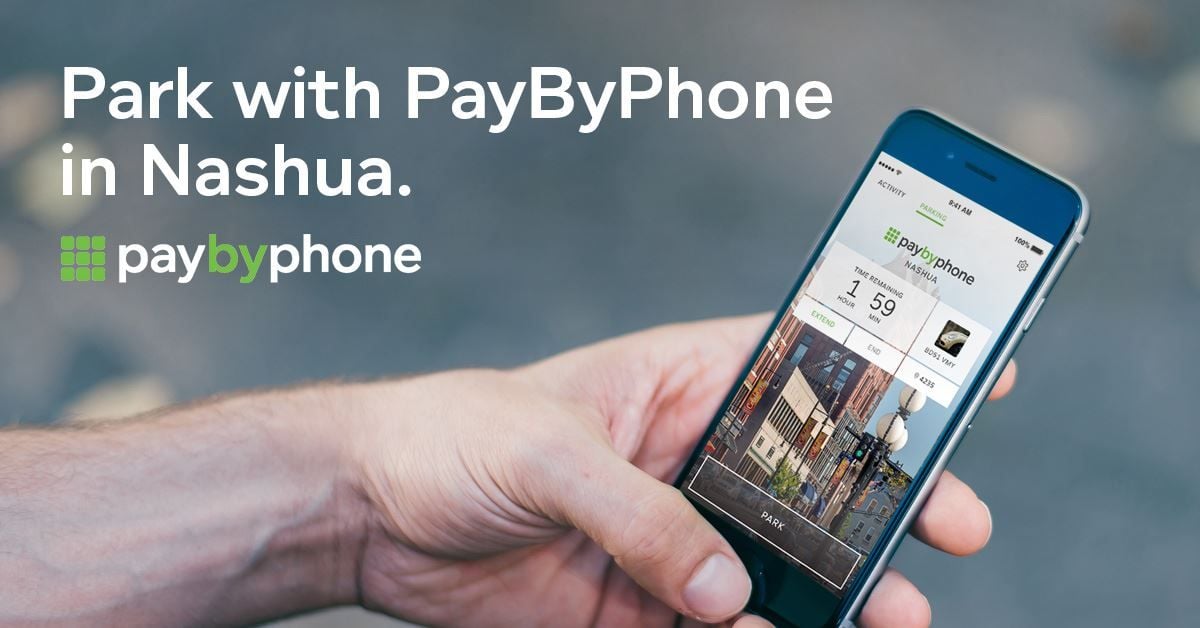
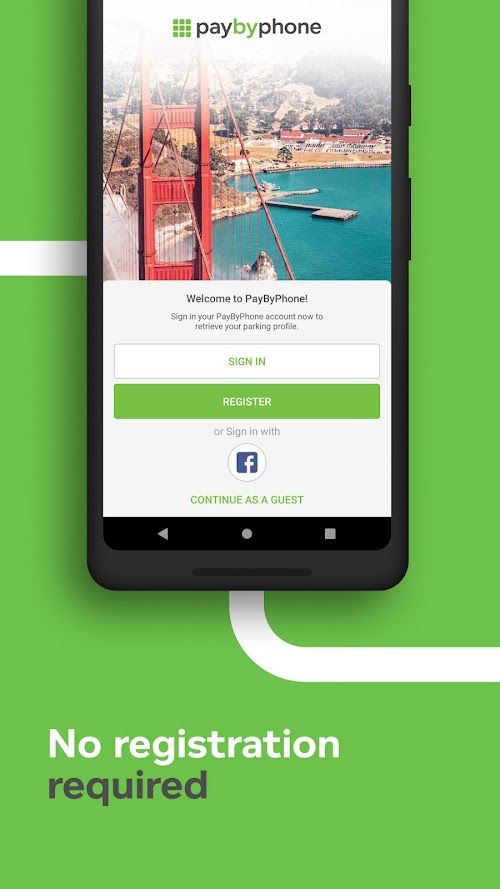
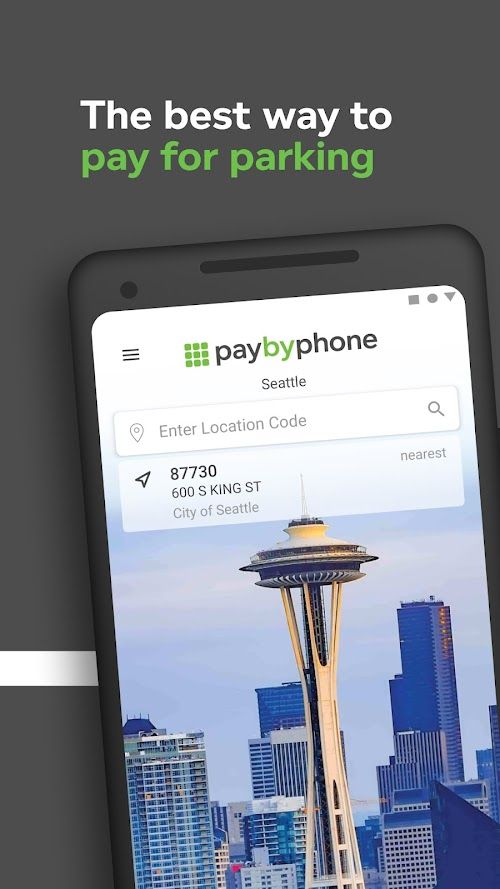
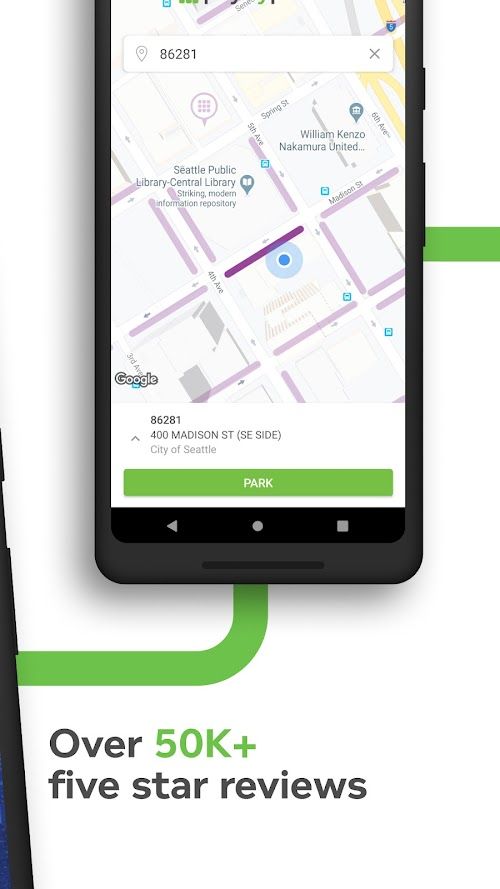
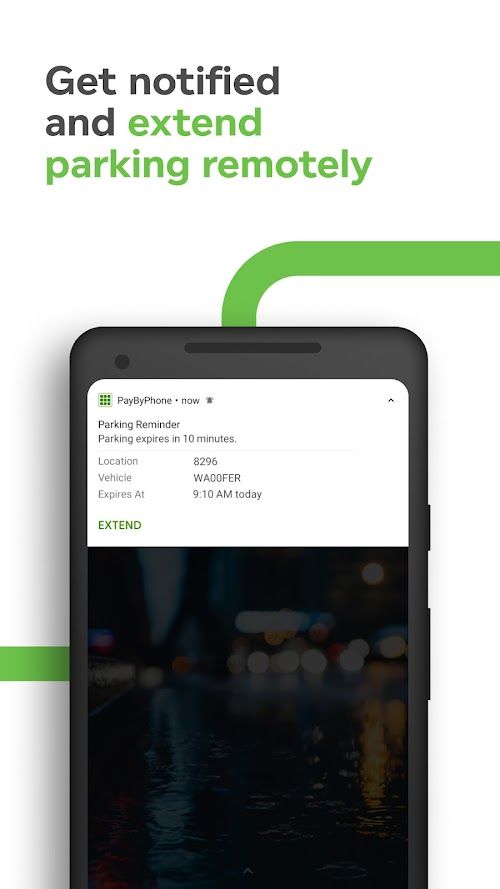
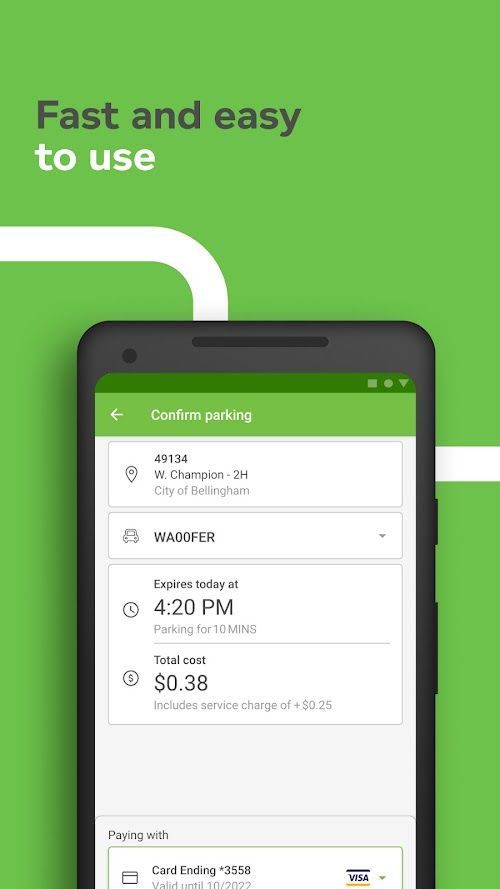
PayByPhone is a mobile payment platform that allows drivers to conveniently pay for parking using their smartphone. It eliminates the need to carry cash or worry about finding a parking meter. Users register their vehicle and payment information on the app and can quickly start a parking session from their phone with just a few taps. The app will notify users when their parking session is about to expire and they can extend their parking time remotely if they need more time. PayByPhone is available in many cities across the world and is a convenient solution for drivers who frequently park in busy areas.
Features of PayByPhone
 Convenience
PayByPhone allows users to pay for parking using their mobile devices, making it a convenient option for those who don’t have cash or who don’t want to use a payment kiosk.
Time-saving
PayByPhone allows users to extend their parking sessions remotely, eliminating the need to run back to the parking meter to add more time.
User-friendly
The PayByPhone app is designed to be user-friendly, with simple and intuitive navigation and quick payment processing.
Security
PayByPhone uses industry-standard security measures to protect users’ personal and payment information, making it a safe and secure way to pay for parking.
Highlights of PayByPhone
 Cross-platform
PayByPhone is available for both iOS and Android operating systems, easy to install and use.
Multiple payment methods
PayByPhone supports multiple online payment methods, including credit cards, debit cards, PayPal and Apple Pay.
Automatic reminders and notifications
PayByPhone can set automatic reminders and notifications to let users know the parking location and payment status in time
Contactless payment
PayByPhone supports contactless payment, users only need to scan the QR code of the parking lot with their mobile phone to complete the payment. This helps reduce the risk of spreading the virus.
Tips
 Enable notifications
By enabling notifications, you can receive reminders when your parking session is about to expire or when your payment method needs updating.
Save frequently used locations
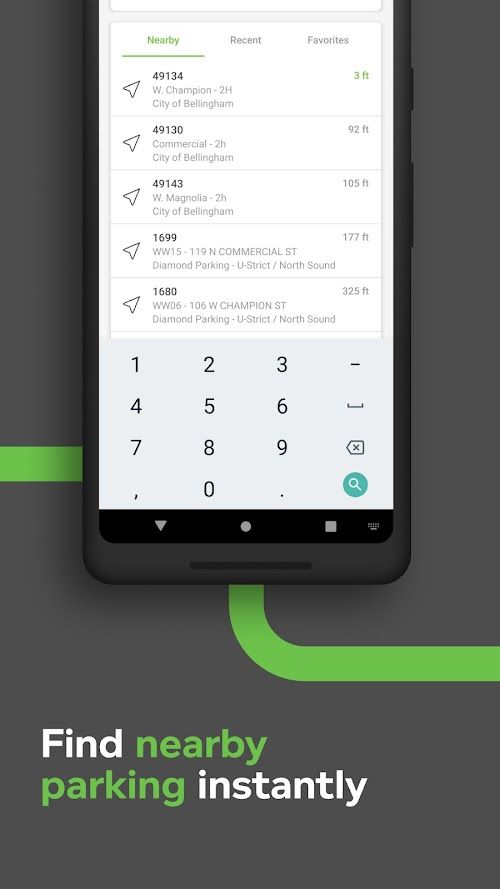
If you frequently park in the same area, save the location in the app so you can quickly start a parking session without having to enter the location details each time.
Use the “Extend Session” feature
If you need to extend your parking session, use the app’s “Extend Session” feature to add additional time without having to return to your vehicle.
Check your transaction history
Keep track of your parking expenses by regularly reviewing your transaction history in the app. This can also help you identify any errors or discrepancies in your parking charges.
Pros & Cons
 The function is very easy to use.
It works on multiple platforms.
No need to carry cash or credit cards.
Merchants can offer special offers to PayByPhone users.
The function is very easy to use.
It works on multiple platforms.
No need to carry cash or credit cards.
Merchants can offer special offers to PayByPhone users.
 The scope of use is limited.
Internet connection required.
The scope of use is limited.
Internet connection required.
FAQ


Ratings
















