





 4
4



PicsArt App Info


Introduction
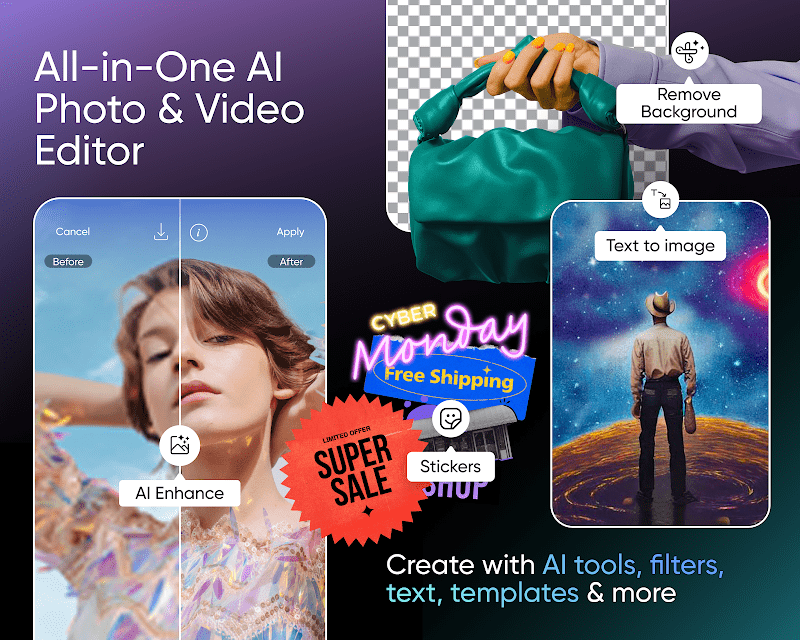
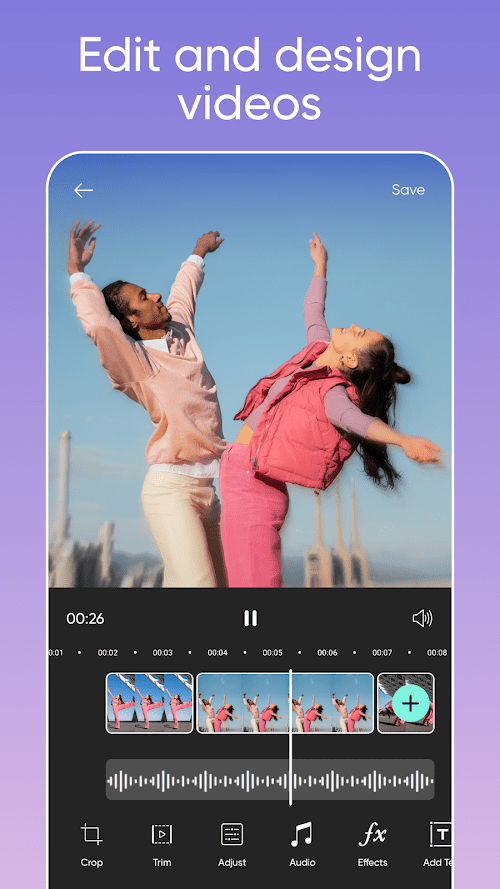
PicsArt is a versatile image processing and editing application that offers a variety of powerful editing tools and effects that make it easy for users to beautify photos, create artwork, and share ideas. The app supports a variety of image formats, including JPEG, PNG and RAW, and users can import, edit and export images through the app. Although there are some drawbacks, such as AD interference and some advanced features require payment, the advantages of its rich editing tools, artistic filters and special effects, and social features make it the app of choice for many users to edit and share photos. From casual users to professional photographers, PicsArt can meet their editorial needs and help them create impressive photos and works.
Features of PicsArt
 Powerful Editing Tools
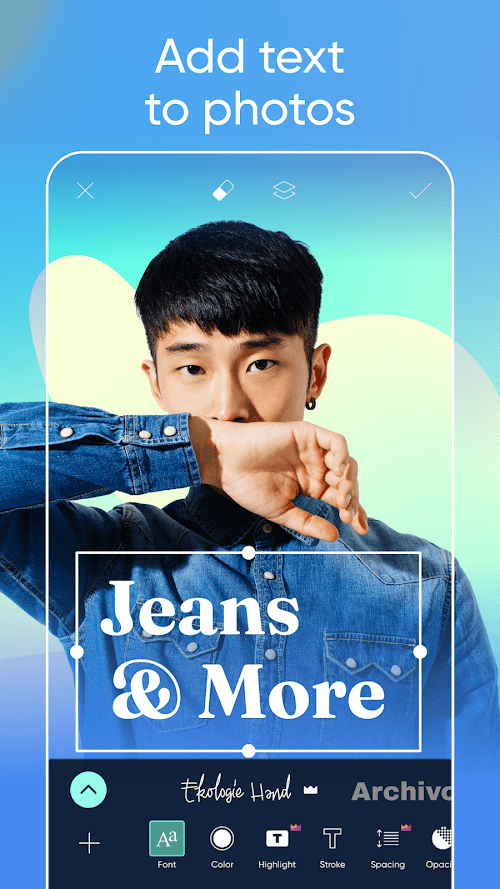
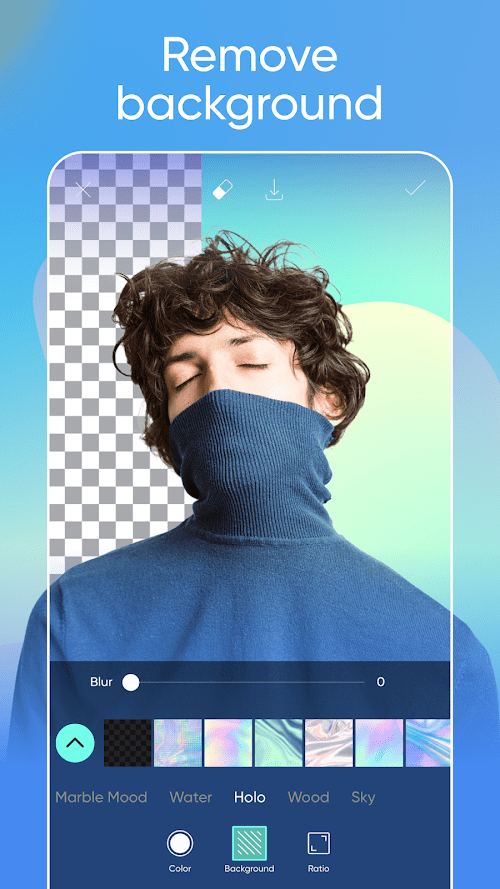
PicsArt provides a wealth of editing tools, including cropping, rotating, adjusting brightness, contrast and saturation. Users can fine-tune and retouch photos as needed.
 Art Filters and Special Effects
The app offers a variety of art filters and special effects, such as drawing, painting, cartoon effects, etc. Through these filters and effects, users can add artistic effects to photos, making them more vivid and interesting.
Stickers
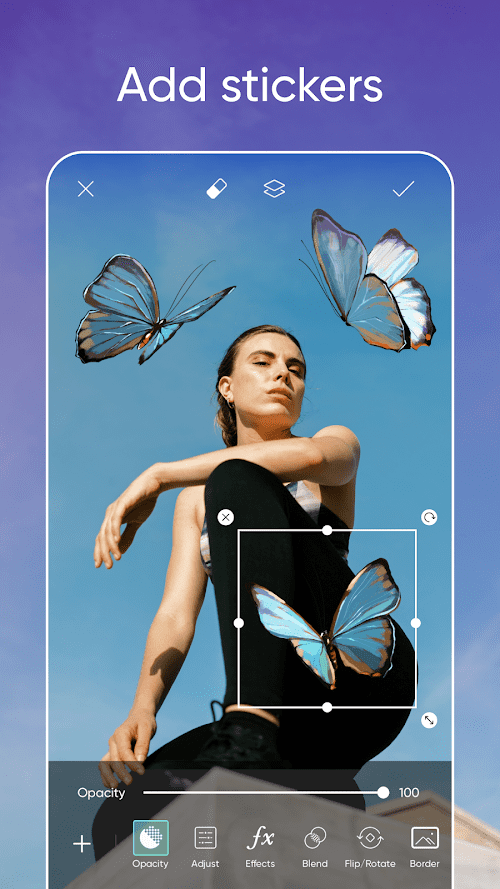
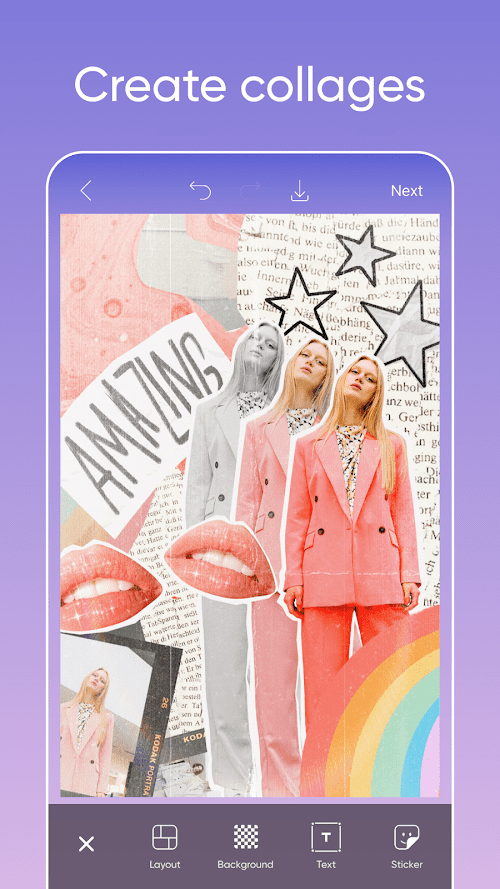
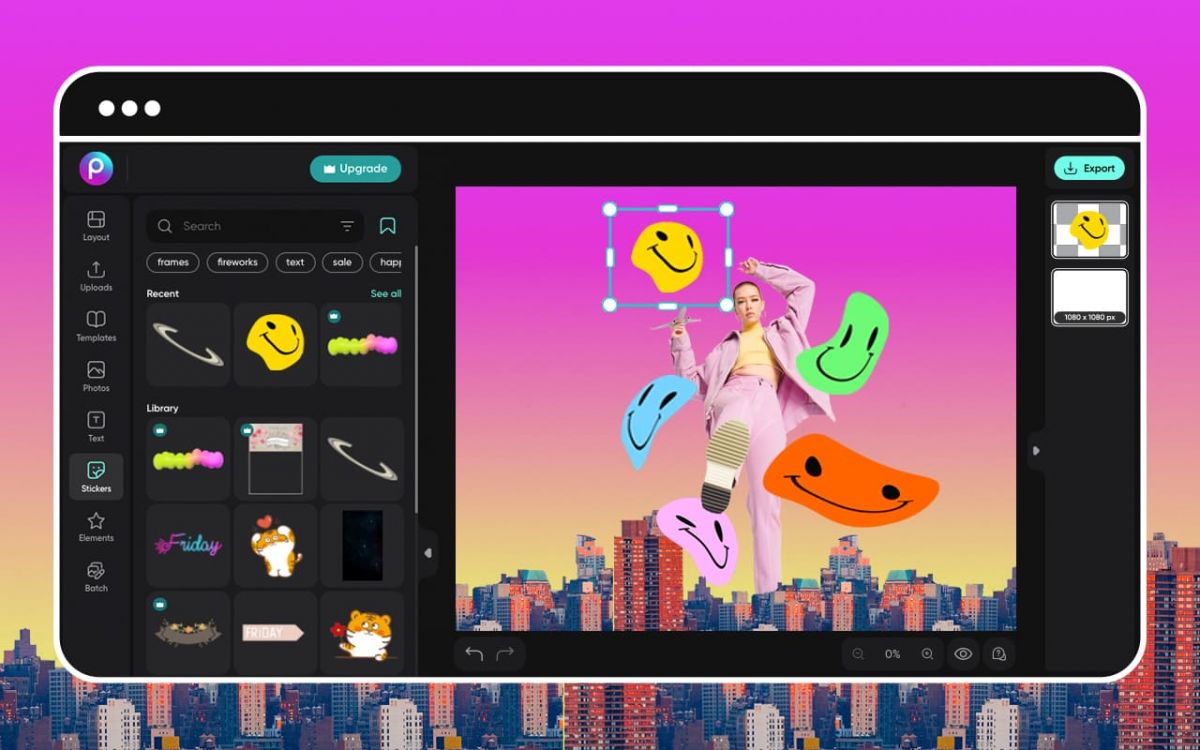
PicsArt provides a wealth of stickers and stickers, users can choose their favorite stickers and stickers, add them to the photo to increase interest and creativity.
Highlights of PicsArt
 AI Technical Support
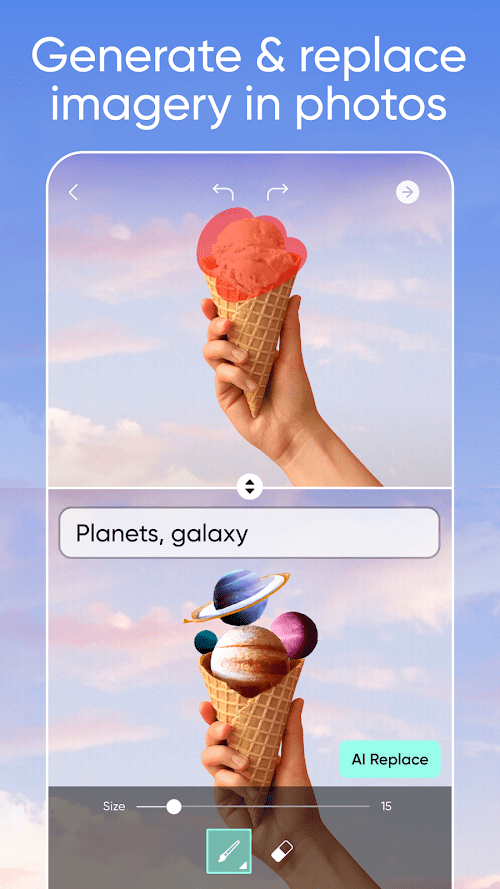
PicsArt adopts advanced artificial intelligence technology, which can automatically identify objects and scenes in photos, and provide corresponding editing suggestions and effects. This greatly simplifies the user's editing process and improves the efficiency and quality of editing.
 Social Platform Integration
The app is integrated with many social media platforms, and users can directly share edited photos and works to Instagram, Facebook, Twitter and other platforms to share their ideas and ideas with friends and fans.
Creative Community
PicsArt has a large user community where users can communicate and share creative work with other users. Users can browse other users' work for inspiration and learn their editing skills.
Tips
 Download and register
Download and install the PicsArt application. Open the app, create a personal account, or log in with an existing social media account.
 Choose a photo to edit
Import photos or take new photos, select the required editing tools and effects to edit. Adjust photo brightness, contrast, saturation, etc., add stickers and textures, apply art filters and special effects. Save the edited photos or share them directly on social media platforms.
Pros & Cons
 Rich editing tools and special effects: PicsArt provides a wealth of editing tools and special effects, so that users can freely adjust and beautify photos, realize their own creativity and ideas.
Simple and easy to use interface: The application interface is simple and intuitive, the operation is easy to understand, and users can easily find the required editing tools and special effects, and carry out the corresponding operation.
Powerful social functions: PicsArt integrates with social media platforms, and users can directly share edited photos and works on various social platforms to share their creativity and ideas with friends and fans.
Rich editing tools and special effects: PicsArt provides a wealth of editing tools and special effects, so that users can freely adjust and beautify photos, realize their own creativity and ideas.
Simple and easy to use interface: The application interface is simple and intuitive, the operation is easy to understand, and users can easily find the required editing tools and special effects, and carry out the corresponding operation.
Powerful social functions: PicsArt integrates with social media platforms, and users can directly share edited photos and works on various social platforms to share their creativity and ideas with friends and fans.
 Advertising interference: PicsArt may display some ads in the free version, which may cause certain interference to the user's experience.
Some premium features require payment: The app provides some premium features and materials, but some of them require payment to use.
Advertising interference: PicsArt may display some ads in the free version, which may cause certain interference to the user's experience.
Some premium features require payment: The app provides some premium features and materials, but some of them require payment to use.
FAQ


Ratings
















