






 4.6
4.6




Pinterest App Info


Introduction
Pinterest is a social media platform that allows users to discover, save and share content such as photos, videos and articles on virtual pinboards. With millions of active users worldwide, Pinterest has become a great source of inspiration for people looking for ideas on fashion, home decor, food, beauty and more. Users can create their own boards and invite others to collaborate by adding, commenting or liking pins. The app also features a search function that allows users to find topics of interest, follow other users or boards, and even shop for products. With its visually appealing interface and endless content, Pinterest is a must-have app for anyone seeking creative inspiration.
Features of Pinterest
 Visual Discovery
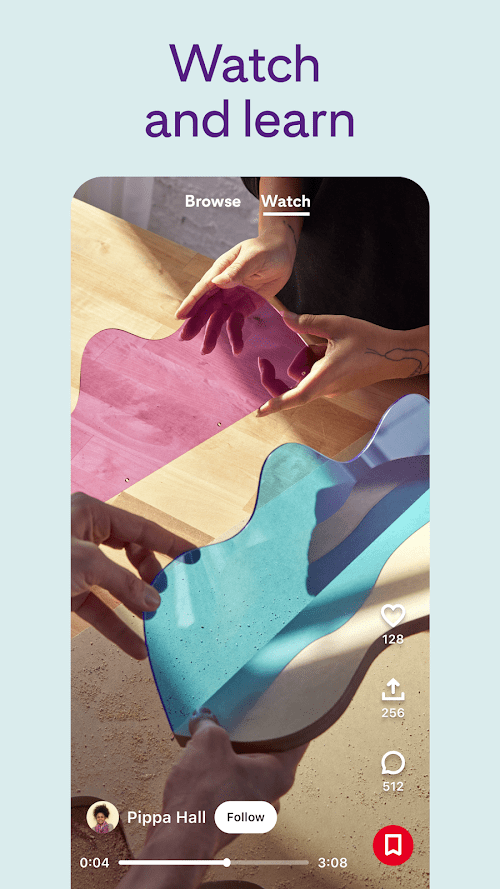
Pinterest is a visual search engine that allows users to discover new ideas through images, videos, and infographics.
Personalization
The app uses machine learning to personalize user experiences, showing recommended content based on their interests and past behavior.
Collaborative Features
Users can collaborate on boards and share ideas with others, making Pinterest a social platform.
Ecommerce Integration
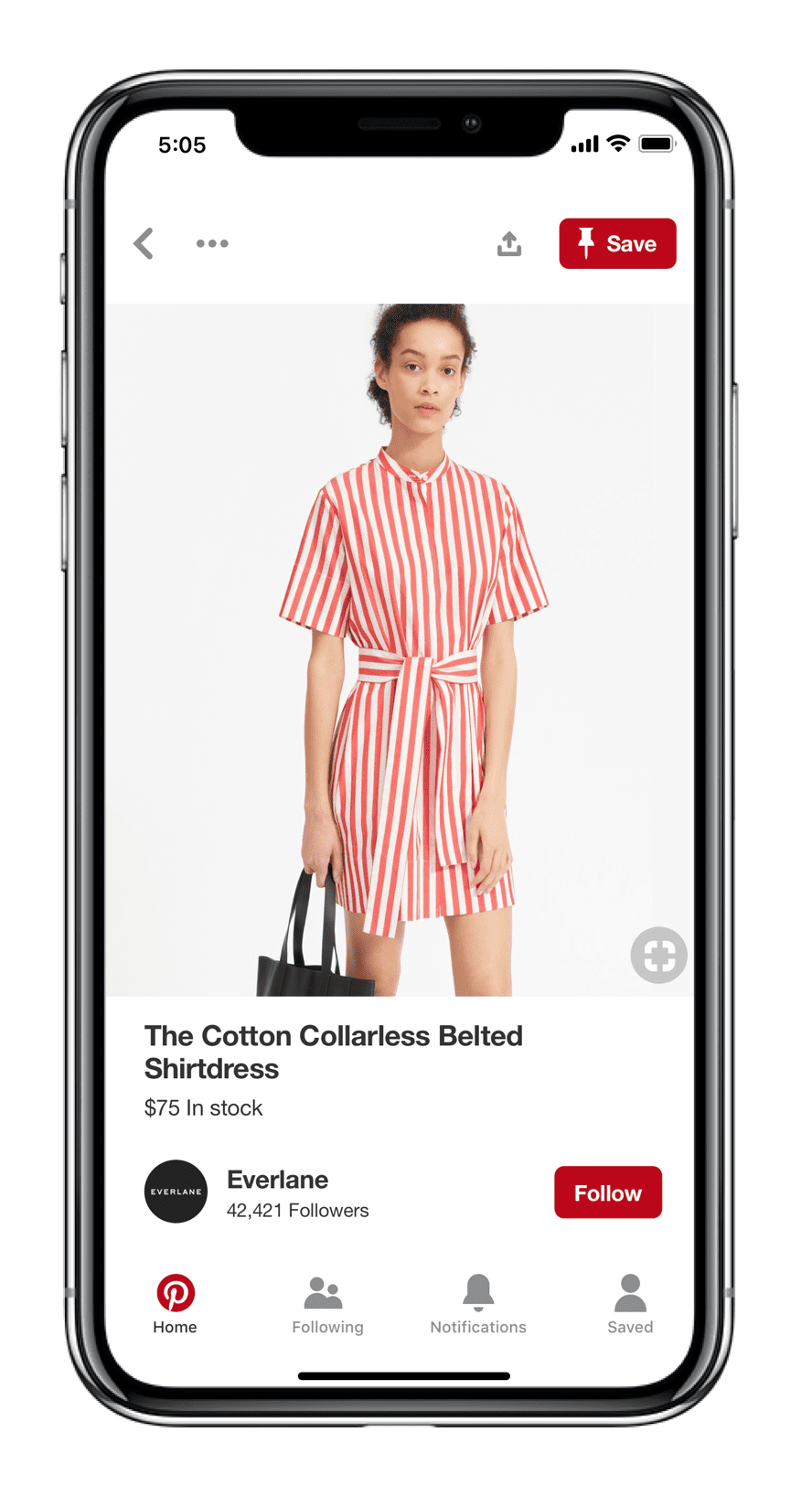
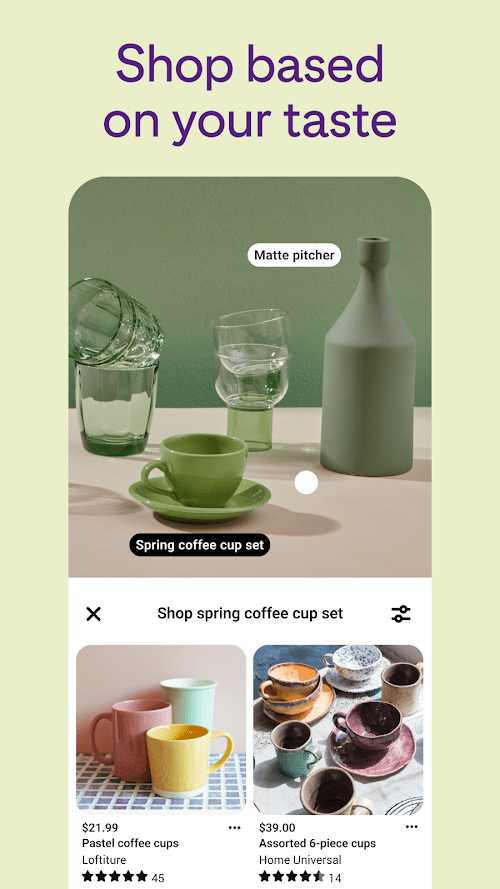
Pinterest has integrated ecommerce features, allowing users to shop directly from the platform by clicking on product links within pins.
Highlights of Pinterest
 Community Connection
Pinterest serves as a social platform where users can connect and share ideas with like-minded individuals, including following boards and profiles, commenting on pins, and collaborating on group boards.
Idea Organization
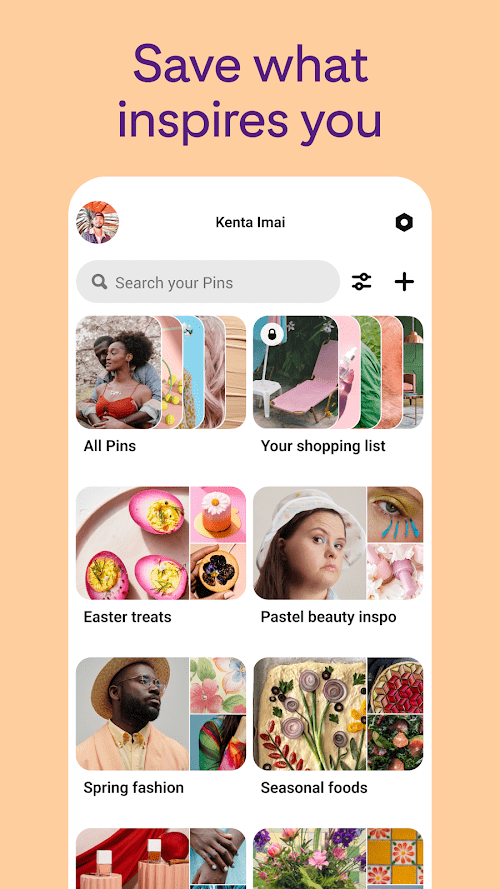
Pinterest’s idea organization tools enable users to save, categorize, and share their favorite ideas and inspiration. This makes it easy to keep track of creative projects, plan events, and collaborate with others.
Ad targeting
Pinterest’s advanced targeting capabilities allow advertisers to reach users based on their interests, behaviors, and search history. This enables advertisers to deliver highly relevant and personalized ads, resulting in better engagement and conversion rates.
Tips
 Organize your boards
To keep your Pinterest account organized and easy to navigate, create boards for different topics and interests. For example, you could have a board for recipes, a board for home decor ideas, and a board for travel inspiration. You can also create sub-boards within your main boards to further categorize your pins.
Use keywords in your searches
When searching for pins on Pinterest, use specific keywords related to what you’re looking for. This will help you find exactly what you’re looking for faster. For example, if you’re searching for healthy dinner ideas, use keywords like “healthy recipes” or “easy dinner ideas.”
Save pins for later
If you come across a pin that you want to save for later, you can save it to one of your boards by tapping the save button. You can also create a secret board to save pins that you want to keep private or share with only certain people. To access your saved pins, go to your profile and tap the “Saved” tab.
Pros & Cons
 Tons of pictures and inspiration.
Easy to use and fast.
Users can save their favorite pictures and links.
Tons of pictures and inspiration.
Easy to use and fast.
Users can save their favorite pictures and links.
 Copyright issues may arise.
No search function limitation.
Users often suffer from information overload.
Copyright issues may arise.
No search function limitation.
Users often suffer from information overload.
FAQ


Ratings
















