






 3.4
3.4
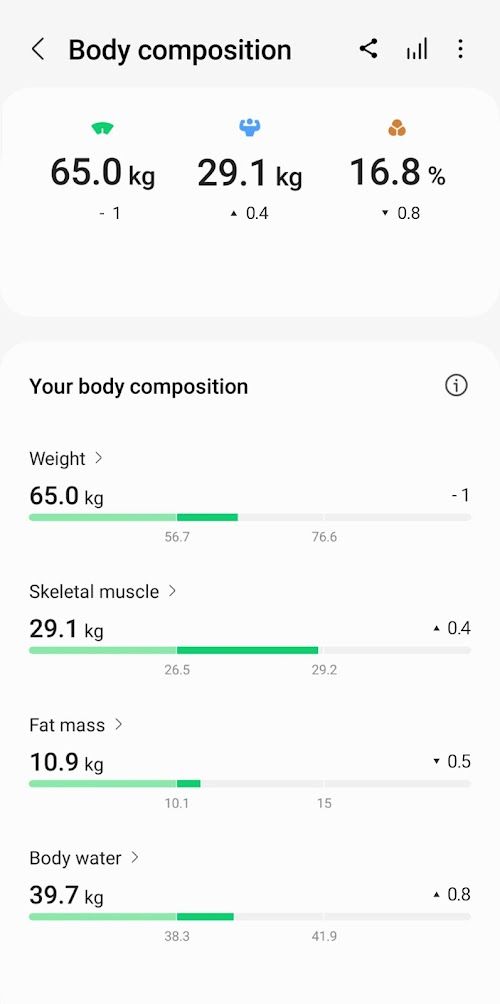
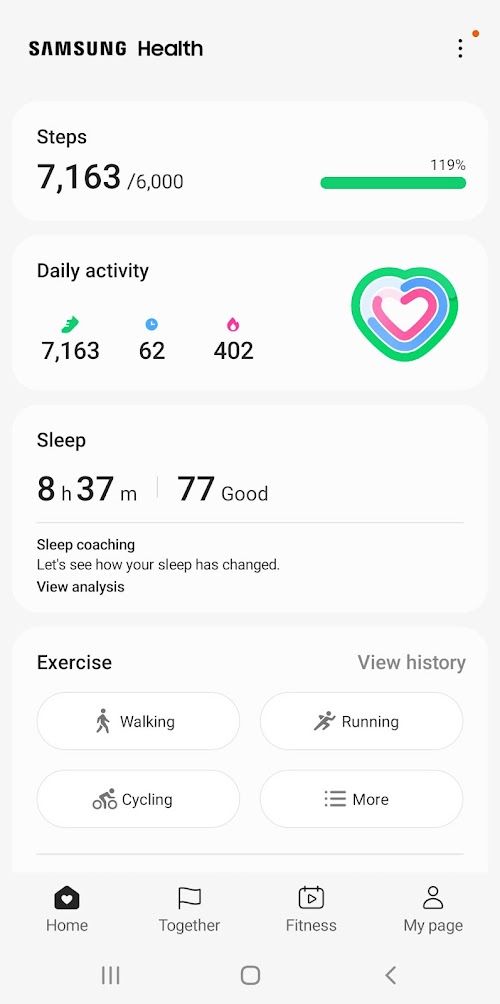


Samsung Health App Info


Introduction
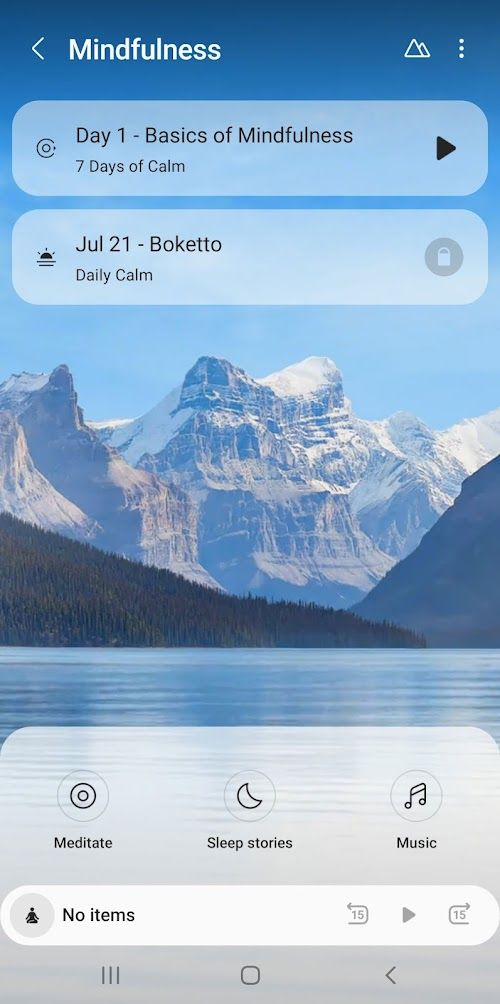
Samsung Health is a health management software developed by Samsung Corporation to help users track and manage their health. Whether it is daily exercise and fitness, or the monitoring of Health data such as heart rate and sleep, Samsung Health can provide comprehensive support and guidance. Samsung Health is a comprehensive health software that integrates health management, exercise tracking, heart rate monitoring, sleep analysis and other functions. Users can synchronize health data to their mobile phones in real time by connecting smart watches, smart bracelets, smart scales and other devices, so that users can view and analyze their health status at any time. Samsung Health is a full-featured, device-compatible health management software. By connecting smart devices, users can track and manage their health status in real time and make reasonable health goals and plans. Although some functions of the software require a smart device or a fee to use, overall, Samsung Health provides users with convenient and comprehensive health management services.
Features of Samsung Health
 Health Management
Samsung Health provides comprehensive health management functions, including health report, health advice, health goal setting, etc. Users can make a reasonable exercise plan and diet plan according to their health status and goals to improve the quality of life.
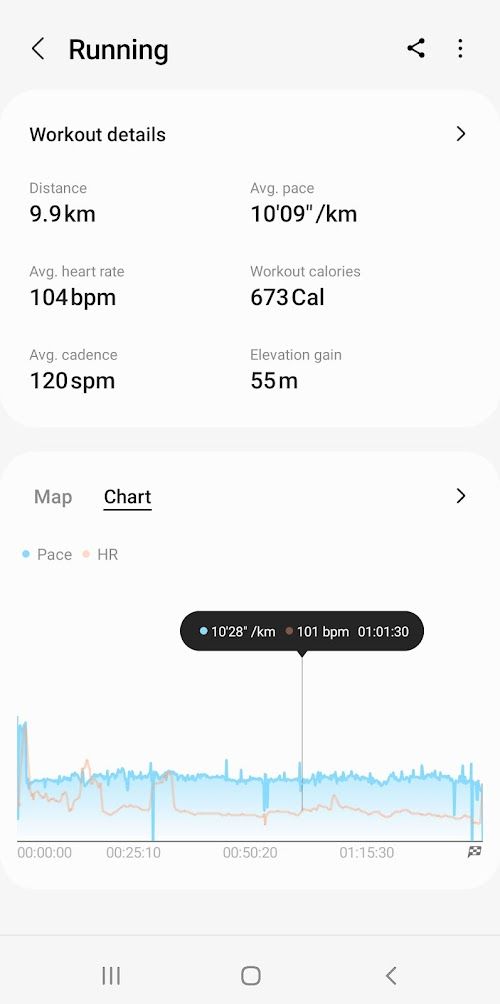
 Sports Tracking
The software supports the tracking of a variety of sports modes, including running, cycling, swimming, etc. Users can record data such as movement track, calories burned and exercise duration to help users better understand their exercise.
Heart Rate Monitoring
By connecting the smart bracelet or smart watch, Samsung Health can monitor the user's heart rate change in real time. Users can view their heart rate data at any time and adjust their exercise intensity and rhythm based on the data.
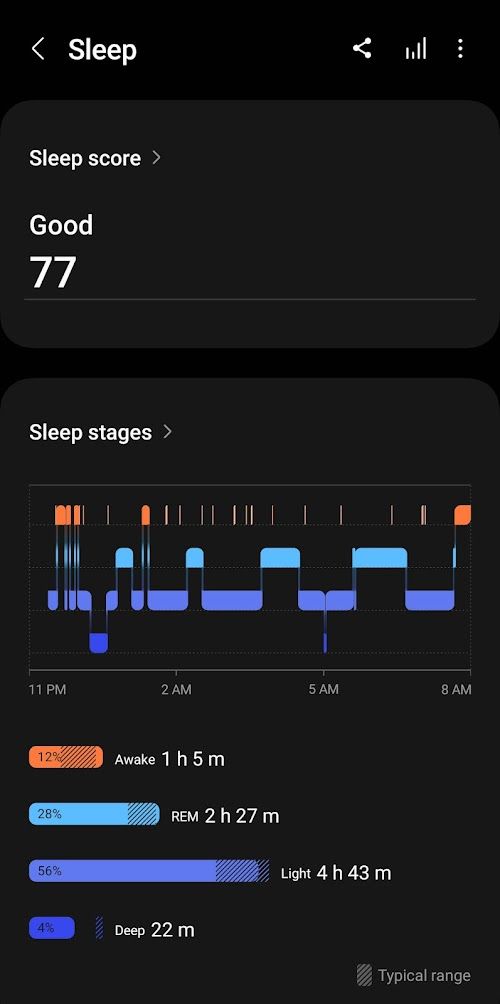
Sleep Analysis
The software supports sleep monitoring function, which can record the user's sleep time, sleep quality and sleep cycle. By analyzing their own sleep data, users can improve their sleep quality, work efficiency and mental state during the day.
Highlights of Samsung Health
 Multi-device Connection
Samsung Health supports the connection of a variety of smart devices, including smart watches, smart bracelets, smart weight scales, etc. Users can synchronize data from different devices to their phones for comprehensive health data management.
 Personalized Advice
Based on the user's Health data and goals, Samsung Health can provide personalized health advice. Users can make their own health plan according to their own needs.
Social Interaction
The software supports social interaction between users, and users can participate in health challenges with friends and family, share health achievements and experiences, and increase the fun of health management.
Tips
 Download and register
Search for Samsung Health in the App Store, download and install it on your phone. After opening the software, follow the prompts to register and log in, and create your own health management account.
 Connect devices
Connect smart watches, smart bracelets and other devices as required to synchronize health data to the mobile phone.
Set health goals
Set reasonable health goals and make health plans according to your own health status and goals.
Pros & Cons
 Comprehensive functions: Samsung Health provides comprehensive health management functions to meet users' various needs for health management.
Convenient data synchronization: By connecting smart devices, Samsung Health can synchronize health data to the mobile phone in real time, and users can check their health status anytime and anywhere.
Comprehensive functions: Samsung Health provides comprehensive health management functions to meet users' various needs for health management.
Convenient data synchronization: By connecting smart devices, Samsung Health can synchronize health data to the mobile phone in real time, and users can check their health status anytime and anywhere.
 Some functions require smart devices: Some functions require users to be equipped with smart watches or smart bracelets and other devices in order to achieve a complete functional experience.
Some features require payment: Some advanced features in the software require payment to use, which may be an inconvenience for some users.
Some functions require smart devices: Some functions require users to be equipped with smart watches or smart bracelets and other devices in order to achieve a complete functional experience.
Some features require payment: Some advanced features in the software require payment to use, which may be an inconvenience for some users.
FAQ


Ratings
















