





 4
4
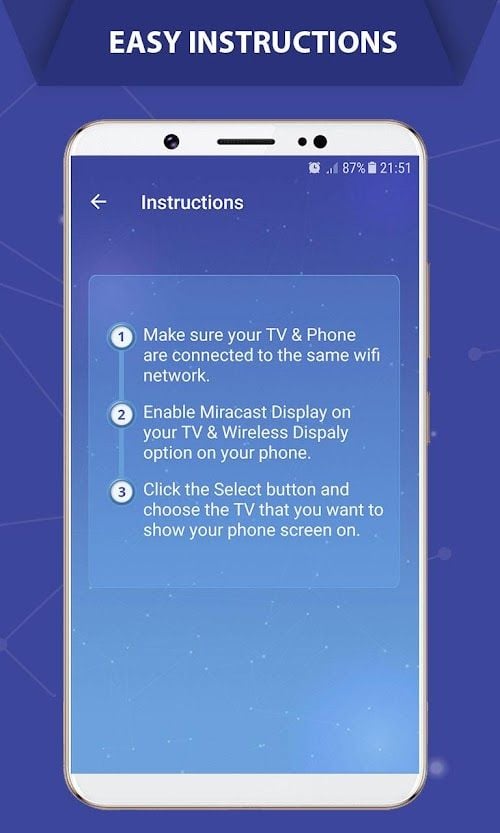
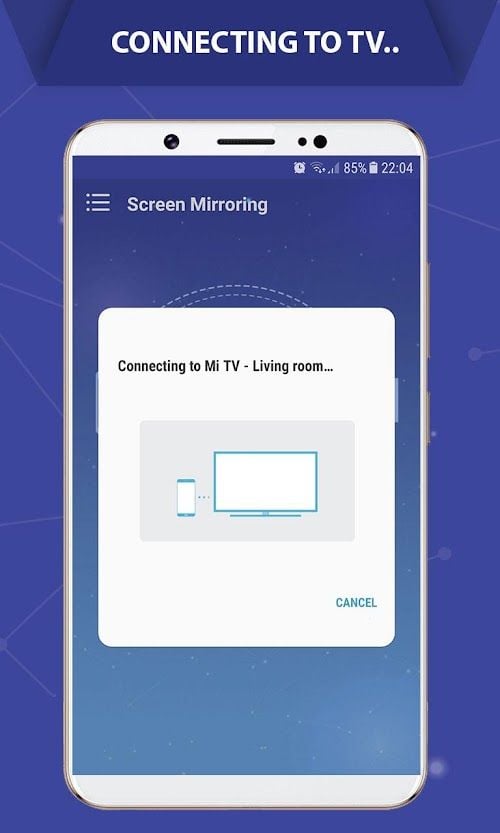
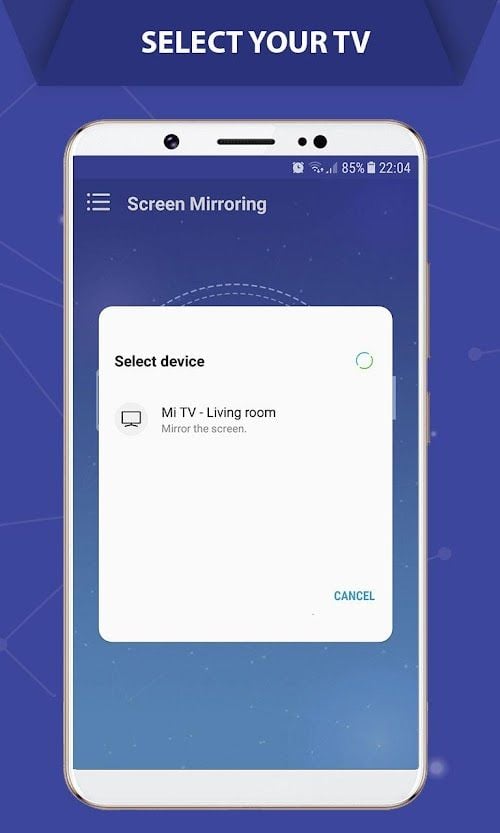
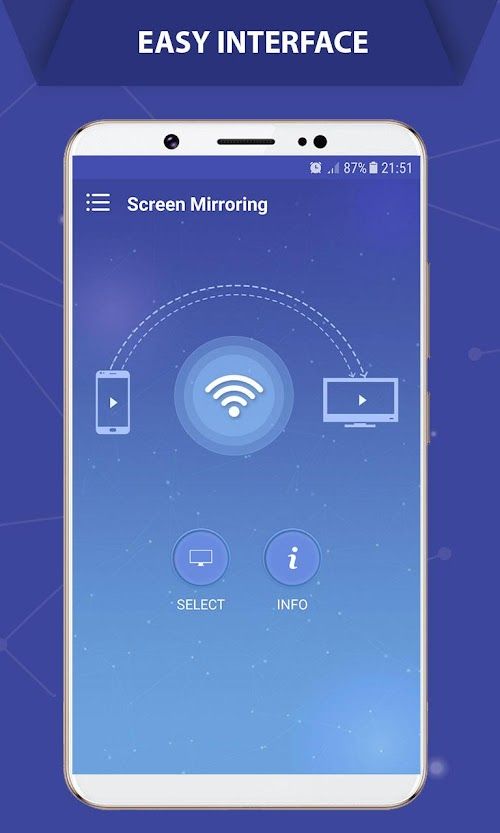


Screen Mirroring App Info


Introduction
Screen Mirroring-Castto is a powerful Screen Mirroring software. It can wirelessly project the screen content of a phone, tablet or computer onto a large-screen device, such as a TV, projector or computer. Through the software, users can easily share the content of pictures, videos, games and other applications without using any cables. In addition, Screen Mirroring-Castto also supports real-time audio and video transmission, allowing users to enjoy a better viewing experience. The software is simple to operate and can be connected and projected in just a few steps. Whether it's for home entertainment, business presentations, or educational training, Screen mirroring-Castto is a useful tool that helps users easily implement Screen Mirroring.
Features of Screen Mirroring
 Easy to Use
Screen Mirroring-Castto's interface is clear and easy to use, even for users with no technical experience.
 Multi-platform Support
The app supports both Android and iOS devices, making it easy to connect to the big screen regardless of which device you're using.
High-quality Projection
Whether you're watching a high-definition movie, playing a game, or making a presentation, the app delivers high-quality projection effects for a better visual experience.
Live Sync
The app synchronizes content on your mobile device in real time, showing it instantly on the big screen whether you're browsing the web, viewing photos, or watching videos.
Multi-screen Interaction
In addition to projecting content from your mobile device onto the big screen, the app also supports multi-screen interaction, allowing you to interact between your mobile device and the big screen.
Highlights of Screen Mirroring
 No Data Cable Required
With Screen Mirroring-Castto, you don't need any data cable to connect the device, you can simply mirror the screen over the wireless network.
 Multi-device Connectivity
The app allows multiple devices to connect at the same time, allowing you to share on-screen content with family, friends, or colleagues for improved communication and collaboration.
Security Protection
The app uses secure encryption technology to protect your privacy and data security, ensuring that your screen image can only be accessed by those you authorize.
Tips
 Download and install
Download and install the Screen Mirroring-Castto application.
 Connect
Open the app and select the device you want to connect to.
Select the content
Select the content you want to project on your mobile device, such as a video, photo, or web page.
Enjoy the large screen
Click the "Project" button to project the content onto the large screen.
Pros & Cons
 Easy and fast: With Screen Mirroring-Castto, you can project content from your mobile device to the large screen anytime, anywhere, without complicated setup and operations.
Multi-function: In addition to screen mirroring, the app also supports screen recording, screen capture and other functions to meet your different needs.
Compatibility: The app is compatible with most large-screen devices, including smart TVS, projectors, computers, and more, enabling screen mirroring no matter what kind of device you're using.
Easy and fast: With Screen Mirroring-Castto, you can project content from your mobile device to the large screen anytime, anywhere, without complicated setup and operations.
Multi-function: In addition to screen mirroring, the app also supports screen recording, screen capture and other functions to meet your different needs.
Compatibility: The app is compatible with most large-screen devices, including smart TVS, projectors, computers, and more, enabling screen mirroring no matter what kind of device you're using.
 Need a stable network connection: Since the screen image needs to transmit data over a wireless network, it is necessary to ensure the stability of the network connection, otherwise there may be delays or delays.
Some features require a fee: While a free version of the app is available, some advanced features require a lockout, which may inconvenience some users.
Need a stable network connection: Since the screen image needs to transmit data over a wireless network, it is necessary to ensure the stability of the network connection, otherwise there may be delays or delays.
Some features require a fee: While a free version of the app is available, some advanced features require a lockout, which may inconvenience some users.
FAQ


Ratings
















