






 3.3
3.3
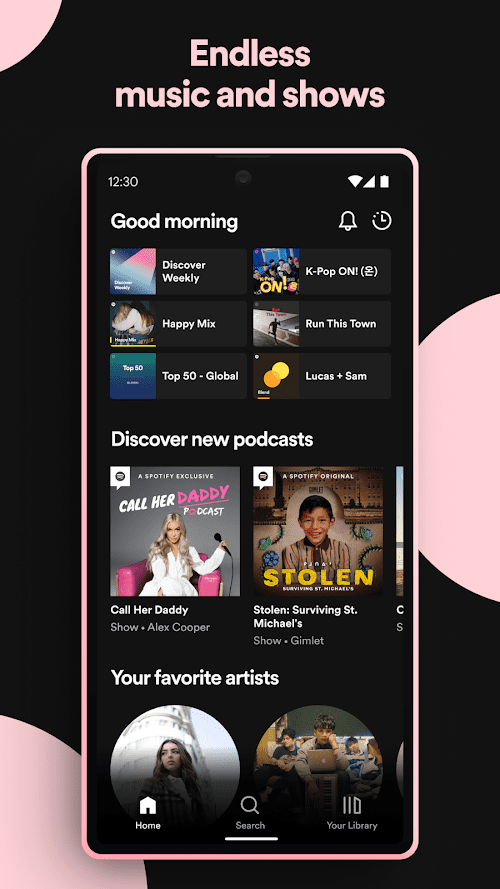
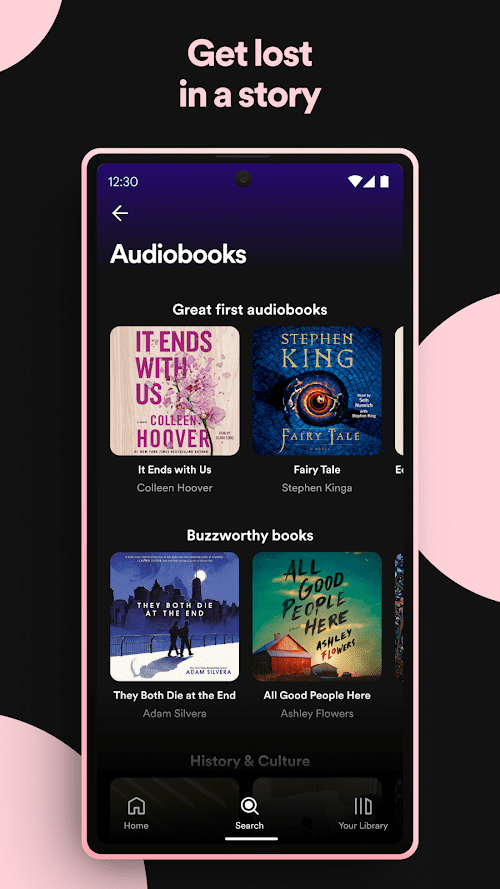
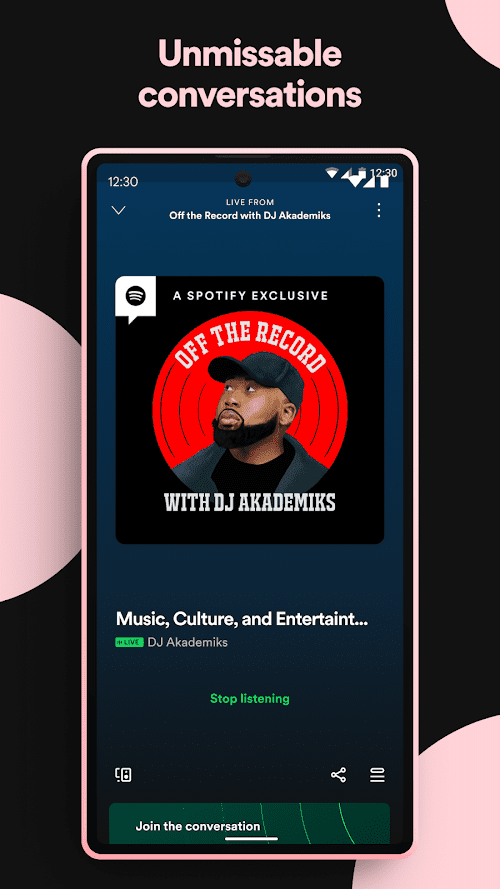
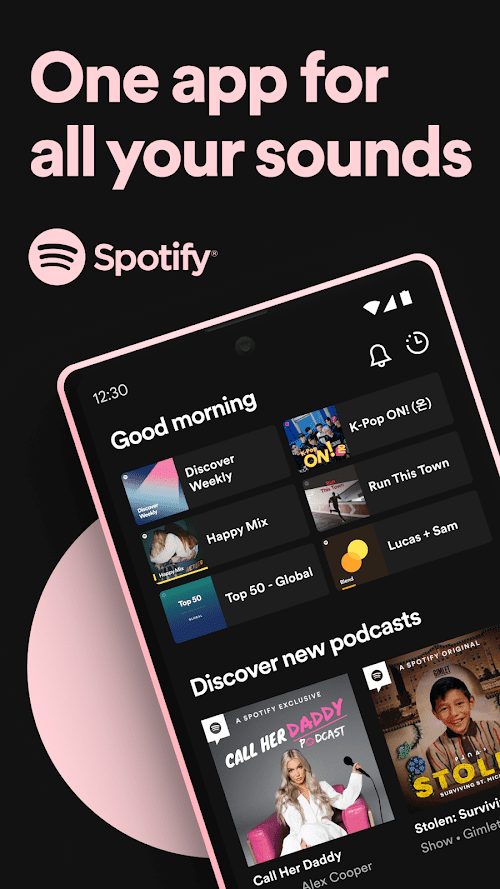
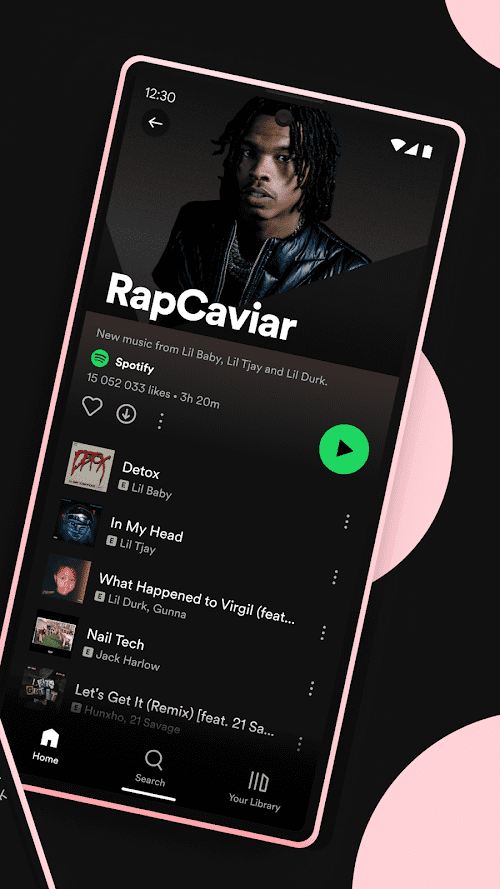


Spotify - Music and Podcasts App Info


Introduction
Spotify: Music, Podcasts, Lit is a popular streaming platform developed by Spotify AB, a Swedish technology company that was founded in 2006. It is available in over 170 countries and has over 365 million active users, making it one of the most widely used music streaming platforms in the world.
Spotify not only allows its users to stream music, podcasts, and audiobooks, as well as create and share playlists with friends and family, but has become a one-stop destination for all your audio needs. It is available on various platforms including web, iOS, Android, Windows, and macOS.
Features of Spotify: Music, Podcasts, Lit
 Extensive Library
Spotify has a vast library of over 70 million songs in multiple languages, including popular international hits, indie music, and underground tracks. It also has a wide range of podcasts and audiobooks, making it an all-encompassing entertainment platform.
Personalized Playlists
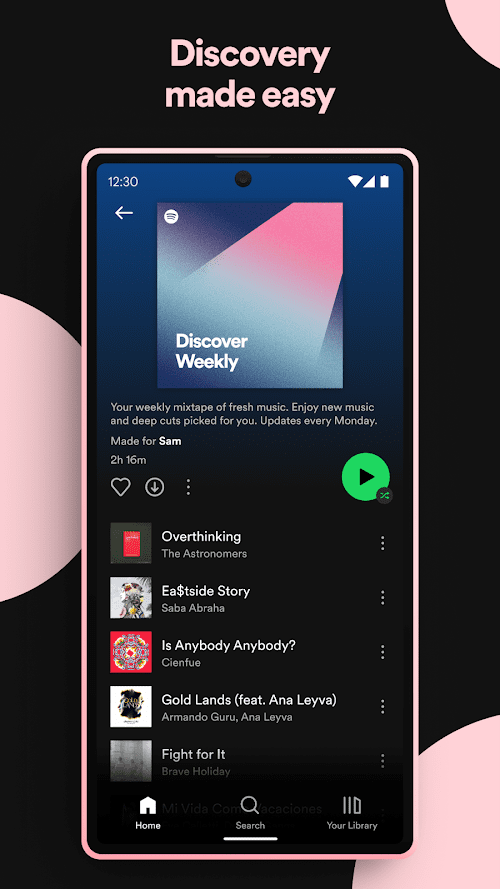
Spotify has a unique algorithm that creates personalized playlists based on your listening habits, the type of music you like, and your mood. This feature is called Discover Weekly, which updates every Monday with a fresh set of songs.
Social Sharing
Spotify allows users to share playlists and songs with their friends on other social media platforms such as Facebook, Twitter, and Instagram. You can also follow other users on Spotify, and their playlists and recommendations will appear in your feed.
Offline Playback
Spotify allows you to download songs and podcasts to your device, making them available offline. This feature is especially helpful for users who don't have a stable internet connection or want to conserve their data usage.
Highlights of Spotify: Music, Podcasts, Lit
 High-Quality Audio
Spotify offers high-quality audio streaming, which provides a more immersive listening experience. Users can switch between different quality levels, including Normal, High, and Very High, based on the internet connection and storage capacity of their device.
Familiar Interface
Spotify has a clean and user-friendly interface that is easy to navigate. New users can quickly learn how to create playlists, follow other users, and search for songs and podcasts.
Affordable Subscription Plans
Spotify offers three subscription plans, including a free version with ads, a premium version with no ads, and a family plan for up to six users. The prices are affordable, and the premium version allows users to enjoy additional features, including unlimited skips and offline listening.
Tips
 Create and organize your playlists!
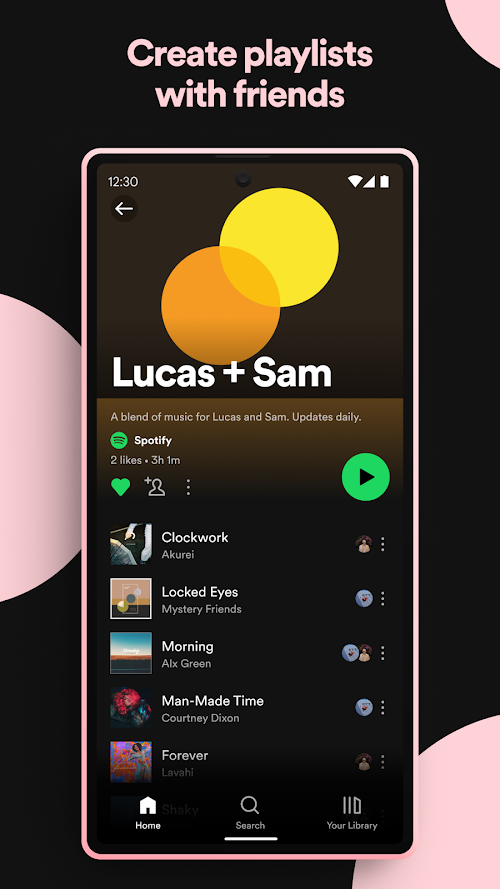
One of the best features of Spotify is the ability to create and organize playlists. You can create playlists based on your favorite artists, genres, moods, or even activities. You can also add, remove, and reorder songs as per your preference. Moreover, you can share your playlists with others or discover new playlists created by other users. To get started, simply click on the “New Playlist” button on the left-hand side of the screen, give your playlist a name, and start adding your favorite songs.
Customize your listening experience.
Spotify has various features that allow you to customize your listening experience. For example, you can adjust the playback speed of a podcast, choose a specific EQ setting, or toggle on the “gapless playback” option for a seamless listening experience Moreover, you can turn on the “private session” mode to listen to music without it being added to your listening history. To access these features, click on the “Settings” icon in the bottom right-hand corner of the screen and select “Playback.”
Pros & Cons
 Spotify: Music, Podcasts, Lit features a vast music library and personalized playlists.
Affordable subscription plans and high-quality audio streaming are generously provided to users
Cross-platform availability on multiple devices allows users to sync music across all devices.
Spotify: Music, Podcasts, Lit features a vast music library and personalized playlists.
Affordable subscription plans and high-quality audio streaming are generously provided to users
Cross-platform availability on multiple devices allows users to sync music across all devices.
 Limited free version with ads and no offline playback.
The algorithm for personalized playlists may recommend the same songs repeatedly.
Limited free version with ads and no offline playback.
The algorithm for personalized playlists may recommend the same songs repeatedly.
FAQ


Ratings
















