






 3.6
3.6


TracFone My Account App Info


Introduction
TracFone My Account is a mobile app designed for TracFone Wireless customers to manage their accounts easily and efficiently. The app allows users to check their balance, add or purchase airtime, view their call and text history, and manage their account settings. Additionally, TracFone My Account also provides users with access to the latest news, promotions, and product information. Whether you need to monitor your usage or find the nearest retailer, this app provides all the essential tools to help you stay connected with TracFone. With a user-friendly interface and secure login, TracFone My Account is the perfect solution for managing your account on the go.
Features of TracFone My Account
 Easy-To-Use Interface
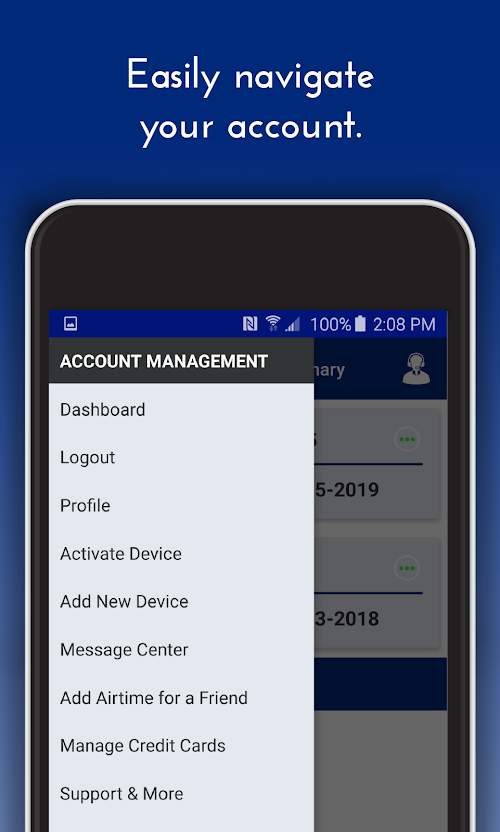
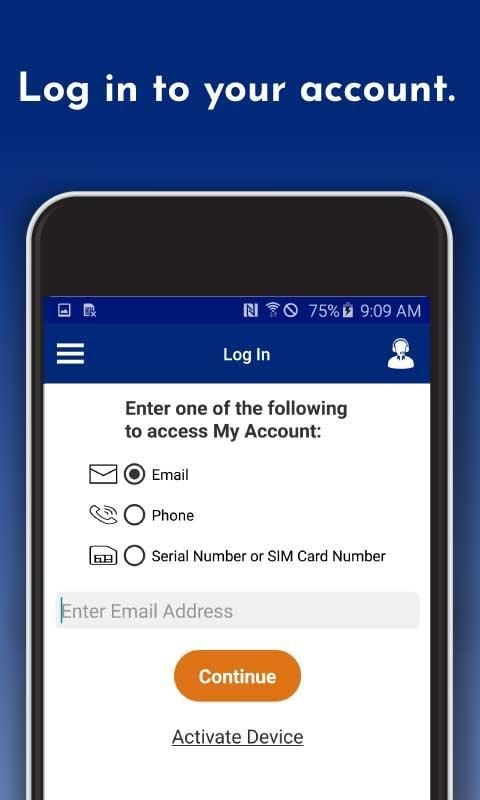
The TracFone My Account app has an intuitive, user-friendly interface that makes managing your account and services a breeze.
Account Management
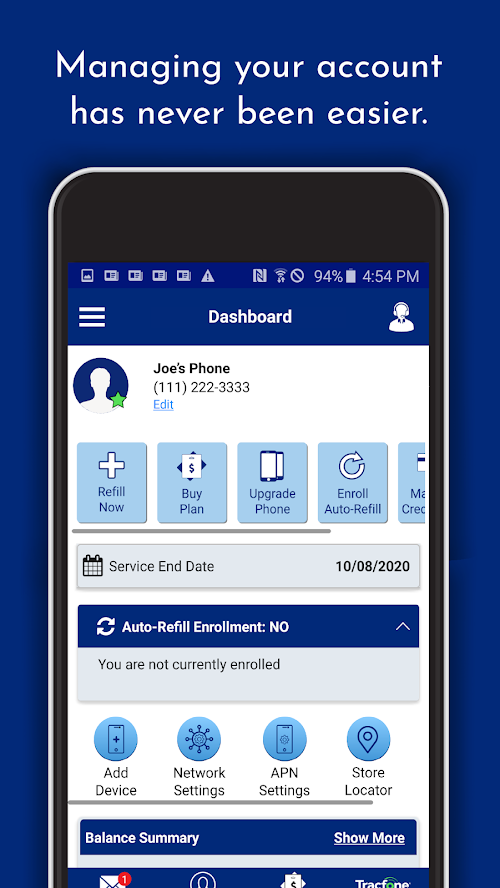
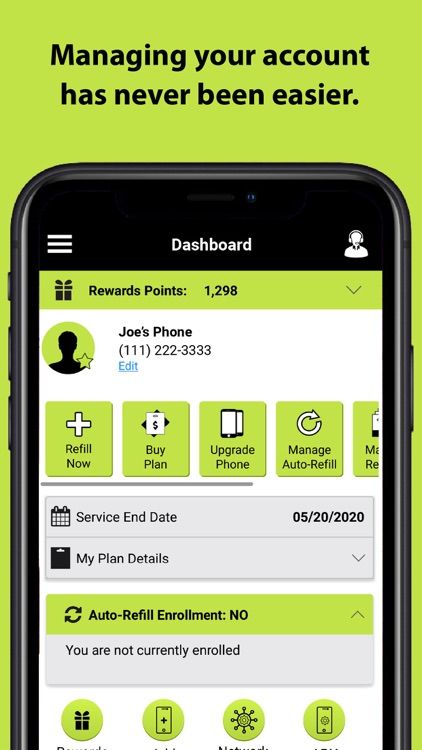
With the TracFone My Account app, users can easily manage their account, track usage, purchase airtime, and add or remove features.
Convenience
The TracFone My Account app allows users to conveniently manage their account from anywhere, at any time, and even provides easy access to customer support.
Highlights of TracFone My Account
 Convenient Account Management
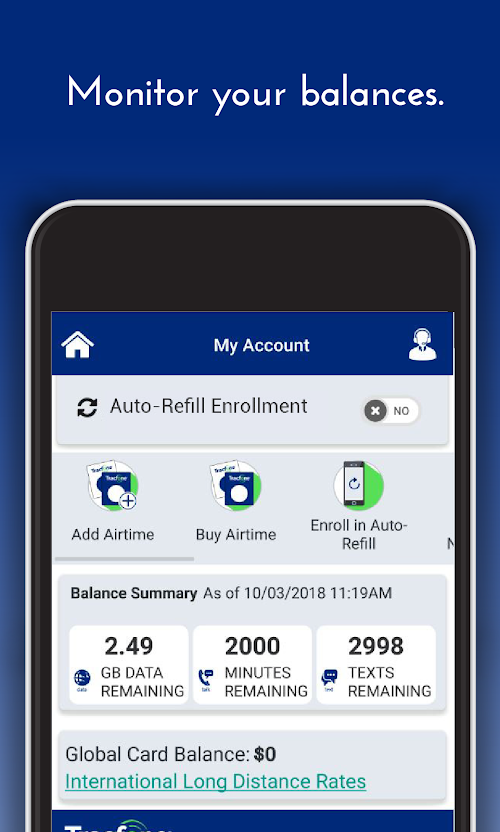
The TracFone My Account app allows users to easily manage their accounts and view important information, such as remaining minutes, texts, and data.
Quick Refill
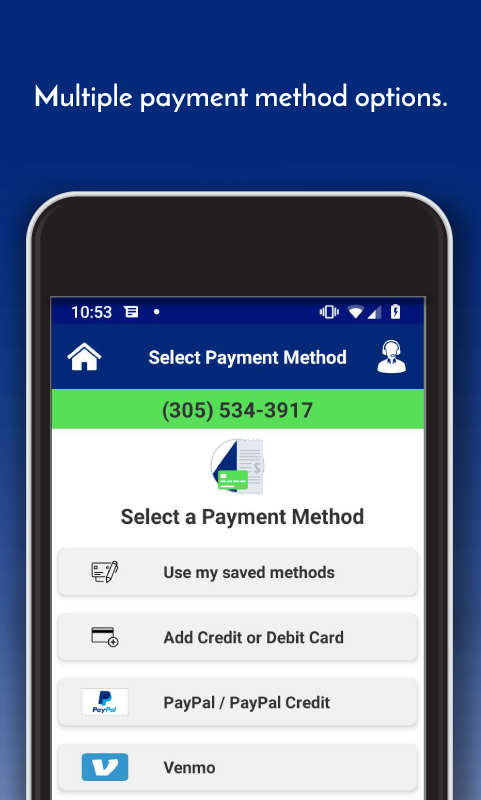
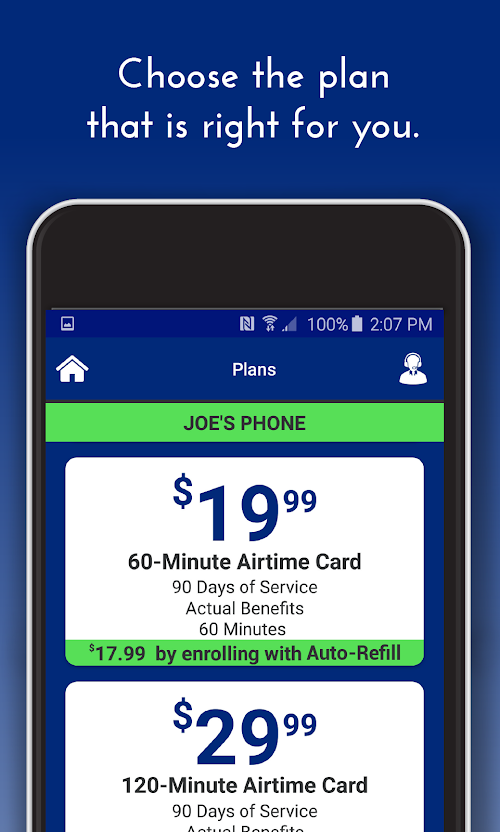
The app provides a quick and easy way for users to refill their accounts with airtime, data or other plans directly from their mobile device.
Balance Inquiry
Users can access their current balance and due date information directly from the app, making it easier to plan and budget for their wireless needs.
Customer Support
TracFone My Account app offers easy access to customer support services, including FAQs, user manuals, and contact information for reaching customer care representatives.
Tips
 Enable push notifications
To stay up-to-date with your TracFone account, enable push notifications in the My Account app. This will ensure that you receive timely alerts about your data usage, account balance, and more.
Use the widget
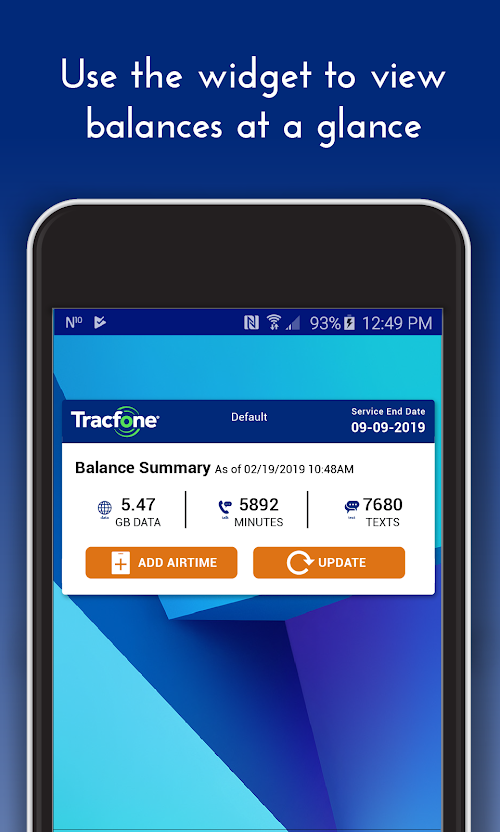
The My Account app comes with a widget that you can add to your home screen. This widget provides quick access to your account balance, data usage, and other important information. To add the widget, long-press on your home screen and select “Widgets”.
Set up Auto-Refill
To avoid running out of minutes or data, set up Auto-Refill in the My Account app. This feature automatically refills your account balance at a predetermined date or when your balance falls below a certain threshold.
View your transaction history
Keep track of your account activity by viewing your transaction history in the My Account app. This will show you when you added funds to your account, purchased a new phone, or made any other changes to your account. To access your transaction history, go to the “History” tab in the app.
Pros & Cons
 Users can manage their accounts and purchase airtime directly from their mobile devices.
Simple interface and easy for users to navigate.
It provides real-time updates.
Users can manage their accounts and purchase airtime directly from their mobile devices.
Simple interface and easy for users to navigate.
It provides real-time updates.
 The app occasionally crashes.
It may not be compatible with all mobile devices.
The app occasionally crashes.
It may not be compatible with all mobile devices.
FAQ


Ratings
















