





 4.4
4.4


Canon PRINT Inkjet/SELPHY App Info


Introduction
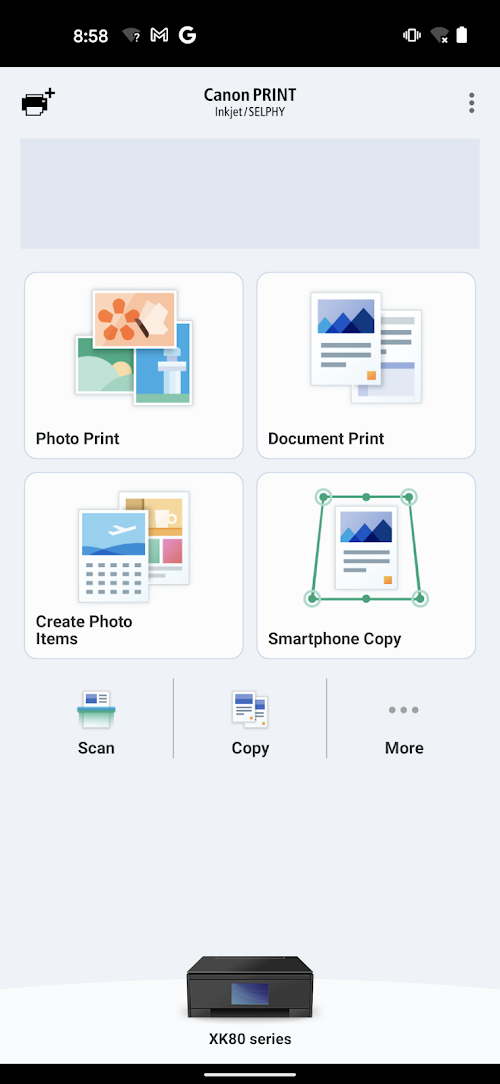
Canon PRINT Inkjet/SELPHY is a versatile software for managing and printing photos and documents. It allows you to easily connect your Canon printer to your mobile device or computer through a wireless network, enabling you to print, scan and copy with ease. With the user-friendly interface, you can easily send files from your device for printing or scanning. The app also offers various features such as photo cropping, editing, and enhancing, and can import pictures from your social media accounts. Furthermore, it provides support for direct printing from cloud services and email attachments, while enabling you to check the ink level and printer status. Overall, the Canon PRINT Inkjet/SELPHY is a useful tool for maximizing the capabilities of your Canon printer.
The Features of Canon PRINT InkjetSELPHY
 Easy Print
The Canon PRINT InkjetSELPHY software features an intuitive and easy-to-use print function, allowing users to quickly and easily print photos and documents from their mobile devices.
Wireless Connectivity
The software enables wireless connectivity between a mobile device and a Canon printer, allowing users to easily print and scan documents and photos from their smartphone or tablet.
Customised Prints
With Canon PRINT InkjetSELPHY software, users can customise their prints with a range of editing tools, including cropping, resizing, and adding filters and effects, to create unique prints that reflect their personal style.
The Highlights of Canon PRINT InkjetSELPHY
 High-quality printing
The software is designed to deliver excellent print quality with precision and accuracy that ensures your photos and documents look as sharp and detailed as possible.
Versatile connectivity
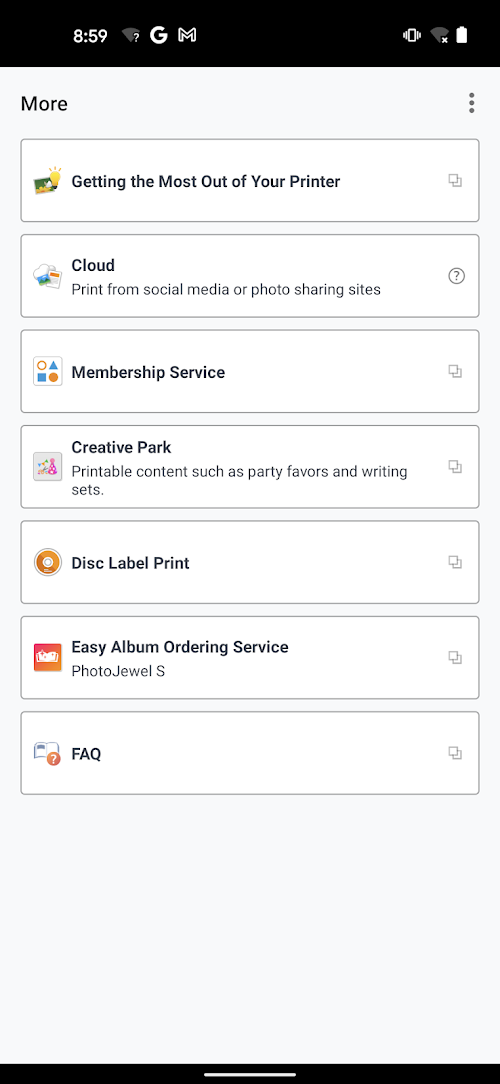
Canon PRINT Inkjet/SELPHY software provides seamless integration with various mobile devices and cloud services, enabling you to print from virtually anywhere and on any device.
Advanced features
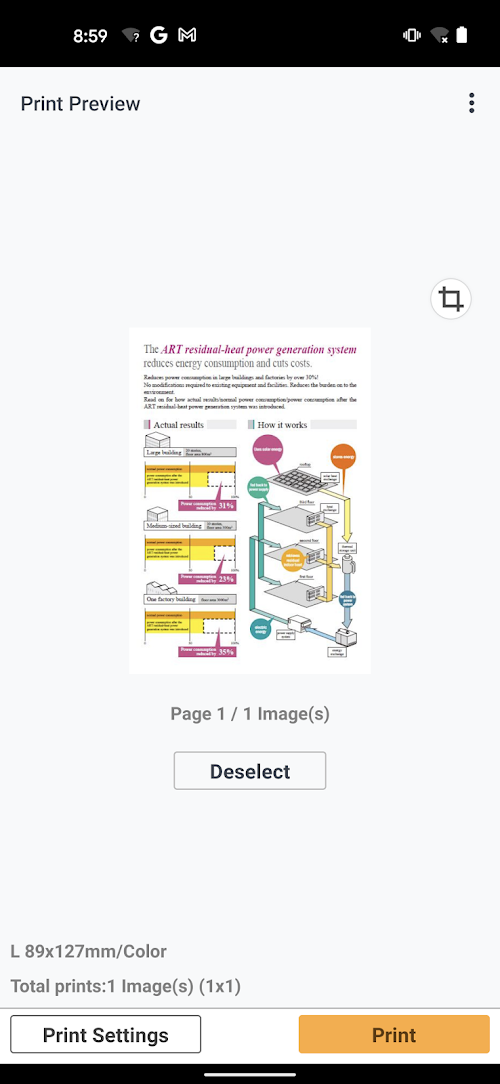
The software offers a range of advanced features, including borderless printing, image enhancements, and print preview, giving you complete control over your printing projects.
Tips
 Keep your app and printer updated
Make sure you have the latest version of the app installed on your device, and that your printer’s firmware is up to date. This can help improve compatibility and performance.
Use the app to adjust print settings
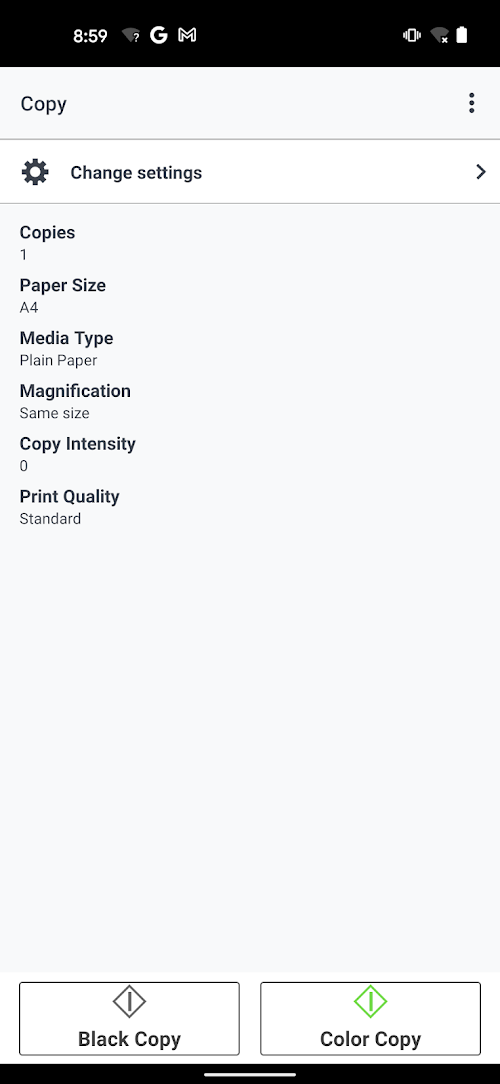
The Canon PRINT Inkjet/SELPHY app allows you to adjust various print settings, such as paper size, orientation, and print quality. Experiment with these settings to get the best possible print results.
Connect your printer to your Wi-Fi network
To use the app, your printer and device must be connected to the same Wi-Fi network. Make sure your printer is connected and that you have the correct Wi-Fi network selected in the app.
Explore additional features
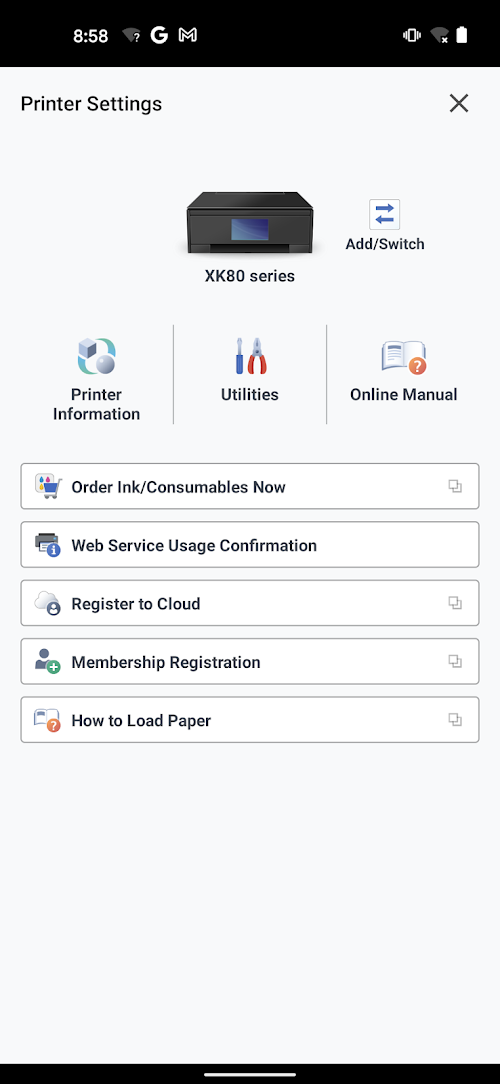
In addition to printing, the Canon PRINT Inkjet/SELPHY app offers additional features such as scanning, copying, and accessing your printer’s user manual. Take some time to explore these features to get the most out of the app.
Pros & Cons
 Easy to use with a user-friendly interface.
Allows printing from multiple devices.
It provides options for photo editing.
It provides various printing options.
Easy to use with a user-friendly interface.
Allows printing from multiple devices.
It provides options for photo editing.
It provides various printing options.
 Requires an internet connection for some features.
It may occasionally experience glitches or connectivity issues.
Requires an internet connection for some features.
It may occasionally experience glitches or connectivity issues.
FAQ


Ratings
















