





 3.4
3.4


Remote Smart ThinQ for LG TV App Info


Introduction
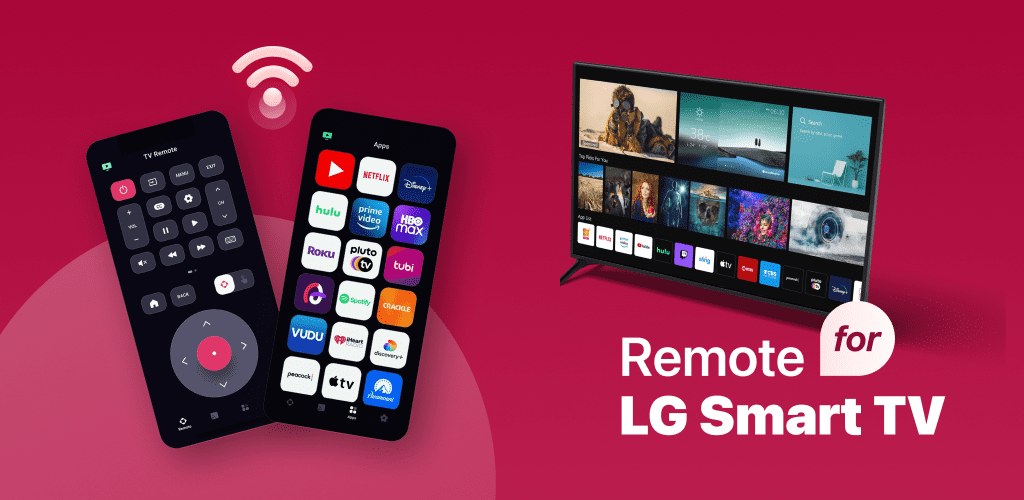
LG Remote for LG TV plus ThinQ app is a smart TV remote control app developed by LG Electronics. It provides users with convenient remote control, while also supporting interworking with LG ThinQ smart home devices. With a Wi-Fi connection, users can turn their phone or tablet into a remote control for a smart TV, allowing them to easily control the TV's various functions. In addition, the app also supports interworking with LG ThinQ smart home devices, allowing users to control smart devices in their homes from their phones. LG Remote for LG TV plus ThinQ app is a convenient and practical smart TV remote control app that provides complete remote control capabilities. While reliance on Wi-Fi connectivity and limited scope are drawbacks for some users, overall, the LG Remote for LG TV plus ThinQ app is a recommended app. Users can easily control TV and smart home devices through their mobile phones or tablets, and enjoy a more intelligent and convenient home entertainment experience.
Features of This App
 Complete Remote Control Function
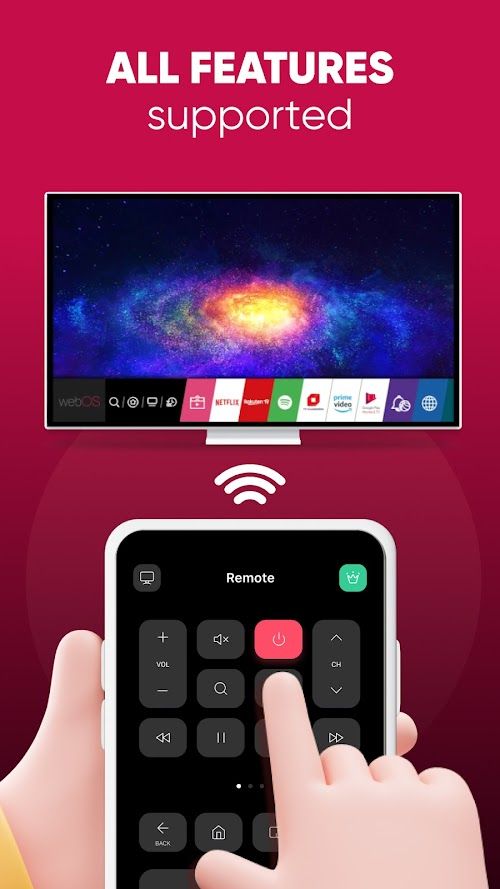
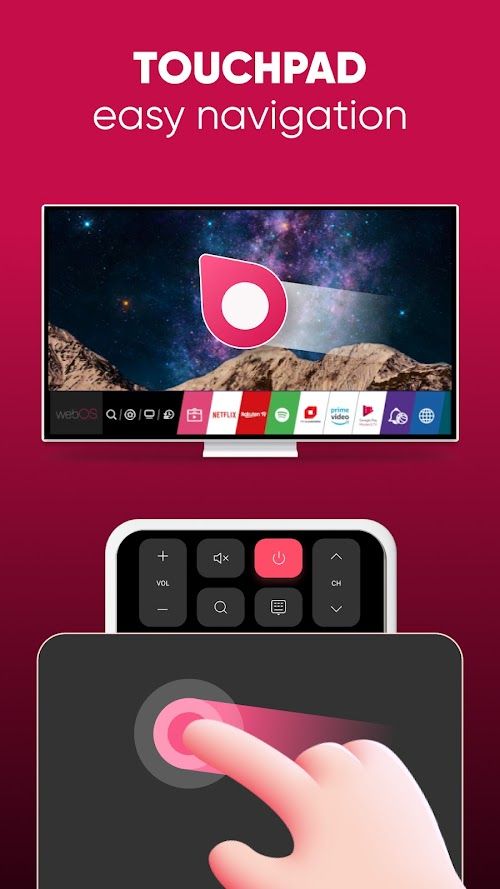
LG Remote for LG TV plus ThinQ app provides complete remote control function, including TV switching, volume adjustment, channel switching, input source selection, etc. Users can easily control the TV from their phone or tablet.
 Smart Home Control
The app supports interworking with LG ThinQ smart home devices. Users can control smart devices in their homes, such as air conditioners, washing machines, refrigerators, etc., through their mobile phones.
Voice control
LG Remote for LG TV plus ThinQ app supports voice control function. Users can quickly control TV and smart home devices through voice commands, improving the ease of use.
Highlights of This App
 Convenient Remote Control Function
By turning a mobile phone or tablet into a remote control, users can more easily control various functions of the TV, no longer need additional remote control.
 Smart Home Connectivity
LG Remote for LG TV plus ThinQ app supports connectivity with LG ThinQ smart home devices, allowing users to control smart devices at home through their mobile phones to achieve convenient control of smart homes.
Rapid Remote Response
With high technology in this app, when we operate it, we will get quick response from this app to control LG devices.
Tips
 Download and install
Users can download and install the LG Remote for LG TV plus ThinQ app from the App Store, then register and log in.
 Connect the TV
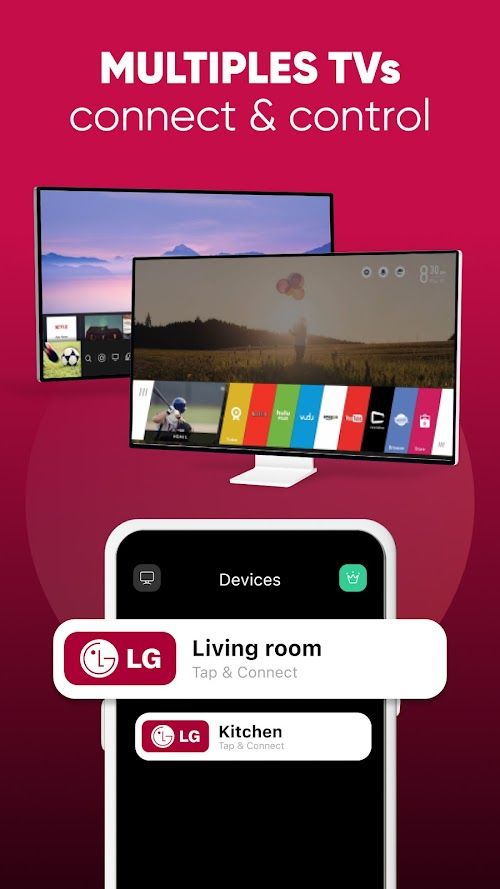
Make sure your phone and TV are connected to the same Wi-Fi network, open the app and select the TV you want to connect to.
Remote control TV
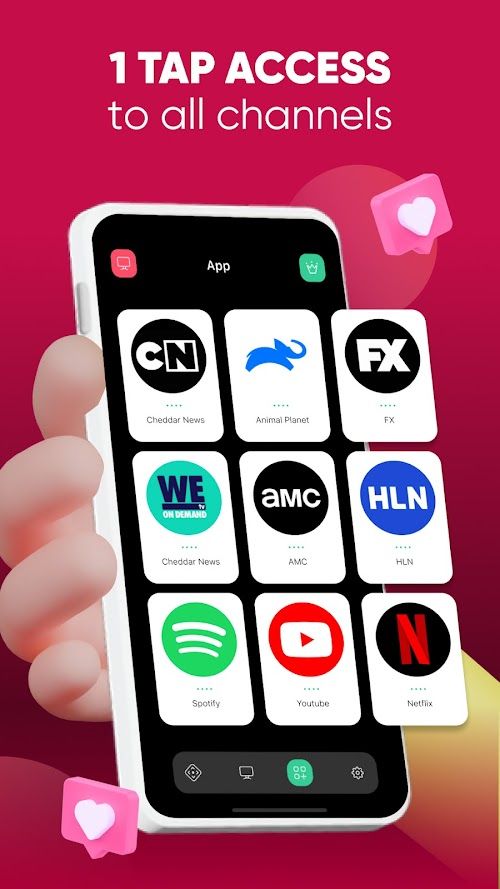
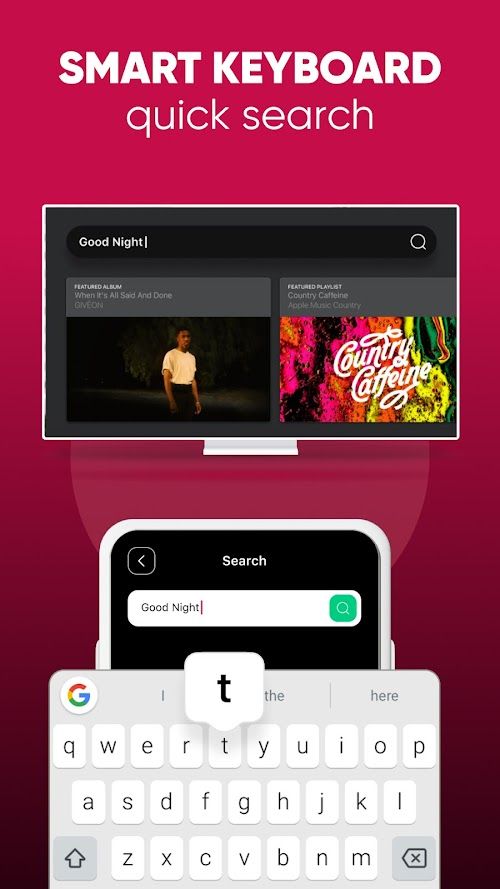
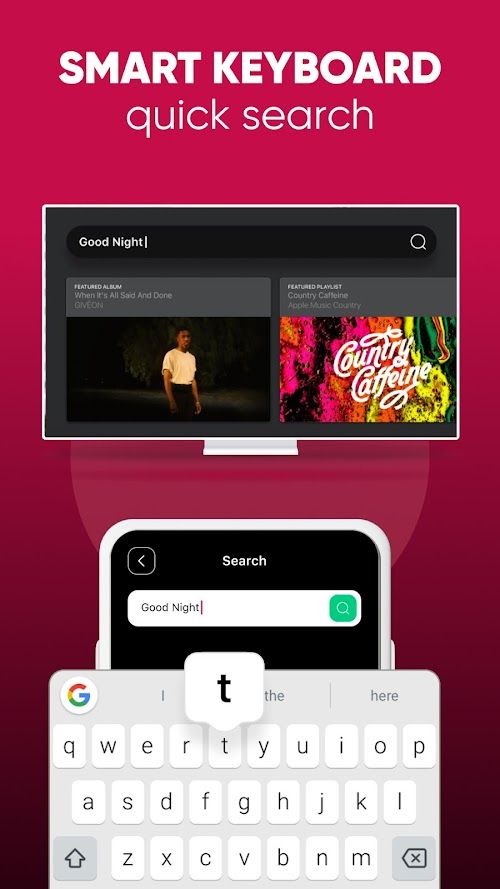
Through buttons or voice commands on the application interface, users can control various functions of the TV, such as switching, volume adjustment, channel switching, etc.
Control smart home devices
If users have LG ThinQ smart home devices at home, they can control these devices through the app, such as air conditioners, washing machines, refrigerators, etc.
Pros & Cons
 Easy to use: The application interface is simple and intuitive, the operation is simple and clear, users can easily start and quickly grasp the remote control function.
Versatility: LG Remote for LG TV plus ThinQ app not only provides complete remote control function, but also supports the control of smart home devices to meet users' needs for intelligent life.
Voice control: Through the voice control function, users can more easily control the TV and smart home devices, improve the user experience.
Easy to use: The application interface is simple and intuitive, the operation is simple and clear, users can easily start and quickly grasp the remote control function.
Versatility: LG Remote for LG TV plus ThinQ app not only provides complete remote control function, but also supports the control of smart home devices to meet users' needs for intelligent life.
Voice control: Through the voice control function, users can more easily control the TV and smart home devices, improve the user experience.
 Rely on WIFI connection: The LG Remote for LG TV plus ThinQ app requires a Wi-Fi connection with the TV to work properly, and if the Wi-Fi signal is unstable or the connection is interrupted, the use experience may be affected.
Limited scope: The app is only available for LG Smart TVS and LG ThinQ smart home devices, and may not be available for devices of other brands.
Rely on WIFI connection: The LG Remote for LG TV plus ThinQ app requires a Wi-Fi connection with the TV to work properly, and if the Wi-Fi signal is unstable or the connection is interrupted, the use experience may be affected.
Limited scope: The app is only available for LG Smart TVS and LG ThinQ smart home devices, and may not be available for devices of other brands.
FAQ


Ratings
















