





 3.8
3.8
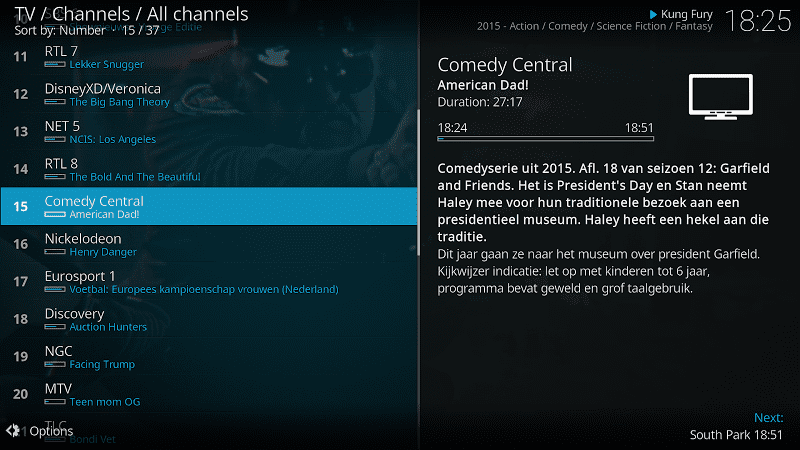
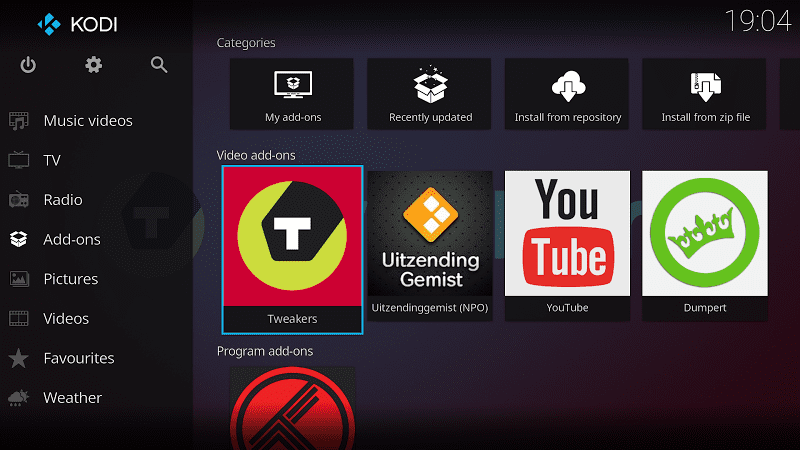


Kodi App Info


Introduction
Kodi is an app provides you the chance to make your home like a theater where you can watch films and movies. It can be personalized, you can use a lot of skins to change its appearance, and diverse plugins offer users the permission to access streaming content through online services like Crackle, Amazon Prime Instant Video, Pandora Internet Radio and so on. It supports and upholds multiple platforms functions, has powerful media library management and provides individualized choices. Although there are several downsides, but the fact is that its strengths outweigh its weaknesses. And if you want to go through the experience of feeling at a cinema, Kodi is an app that you can not miss.
Features of Kodi
 Multi-platform Support
Kodi runs on multiple operating systems such as Windows, Mac, Linux, Android, etc., allowing you to enjoy a consistent media experience across different devices.
 Powerful Media Library Management
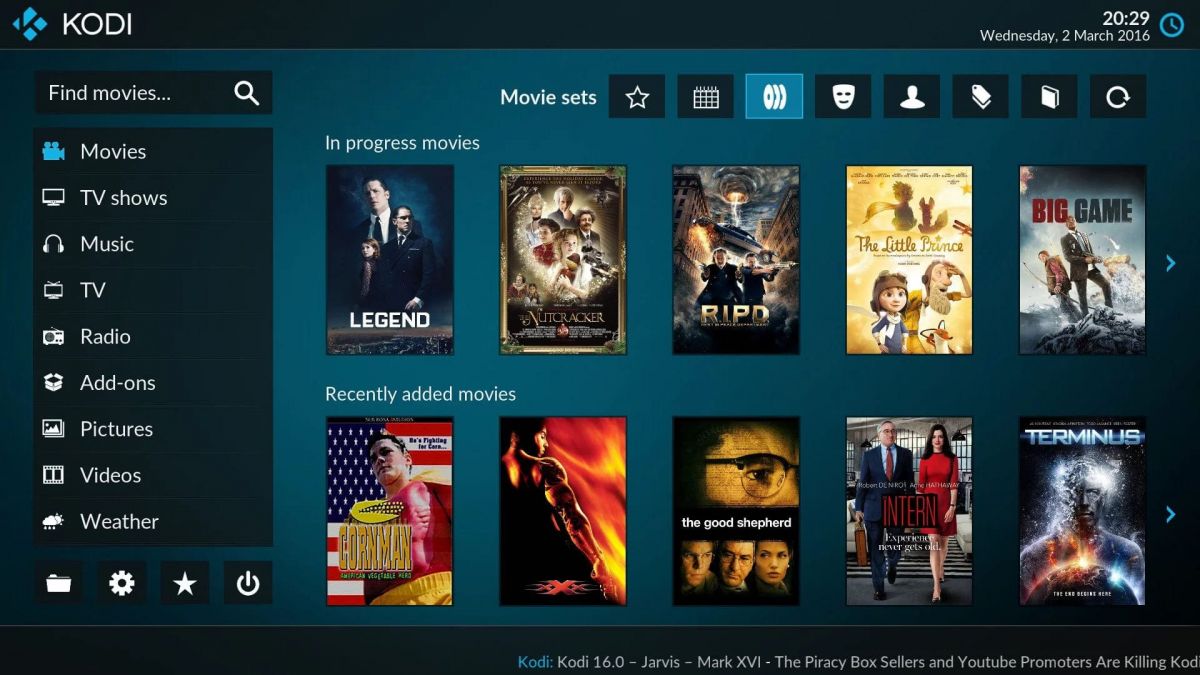
Kodi automatically scans your media files and classifies them based on metadata, enabling you to easily browse and search for your media content.
Multiple Media Format Support
Kodi supports almost all common audio and video formats, including MP3, AAC, FLAC, MP4, MKV, etc., without worrying about file format compatibility issues.
Plugins and Extensions
Kodi has a wealth of plugins and extensions that give you access to a variety of online content such as YouTube, Netflix, Plex, and more, as well as the ability to add new functions and features through plugins.
Customized Interface
Kodi offers a variety of themes and skins, and you can customize the look and layout of the interface according to your personal preferences, making it more in line with your aesthetic needs.
Highlights of Kodi
 Multi-device Syncing
Kodi supports multi-device syncing, so you can start watching a movie on one device and continue watching it on another without having to start over.
 Multi-user Support
Kodi can create a separate profile for each user, enabling each user to enjoy a personalized media experience.
Powerful Plugin Ecosystem
Kodi's plugin ecosystem is so rich that you can access a variety of online content such as movies, TV shows, music, news, and more through plug-ins to meet your various needs.
Tips
 Download and install Kodi
You can download the installation package for your device from the official Kodi website and follow the installation wizard to install it.
 Add Media files
When you open Kodi, you can choose to add a media folder and Kodi will automatically scan and classify your media files.
Browse and play Media content
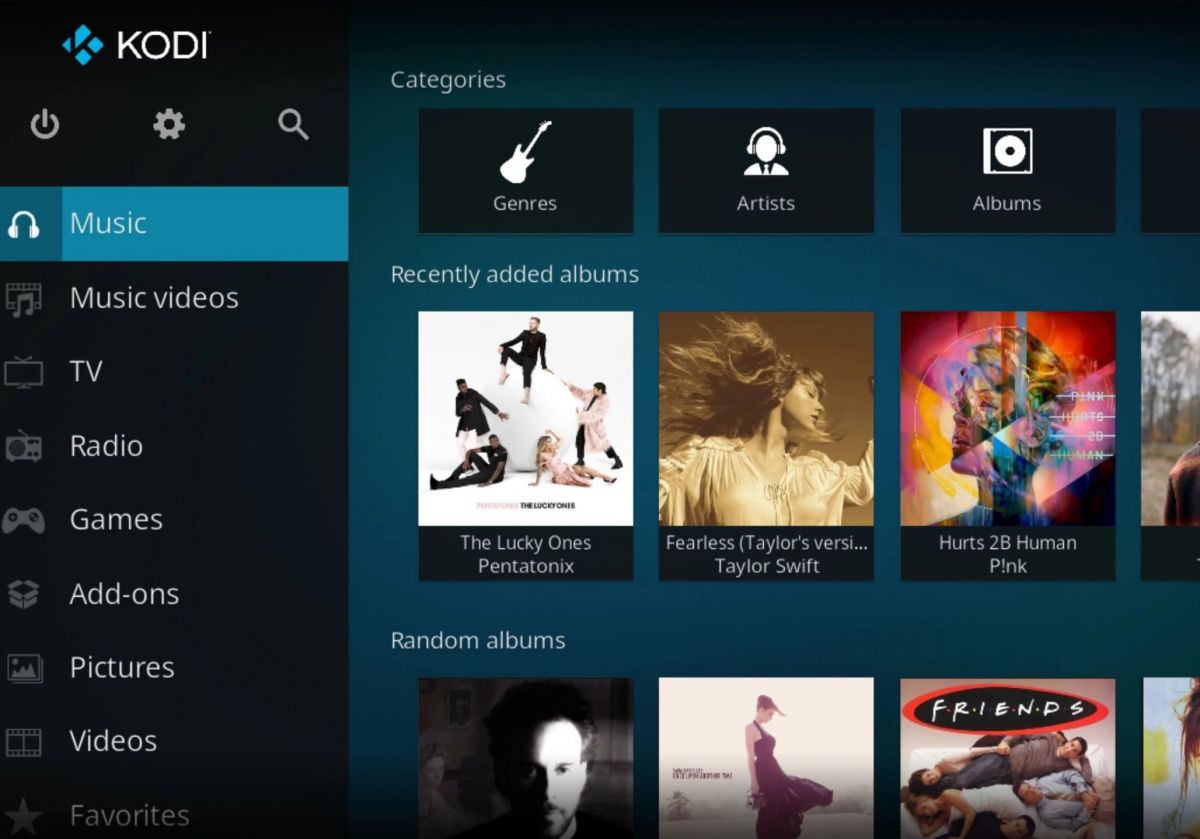
On Kodi's main interface, you can browse and search your media content, and choose to play what you want to watch or listen to.
Customized Settings
You can choose themes and skins according to your personal preferences, and you can also adjust audio and video Settings, network Settings, and more to meet your individual needs.
Pros & Cons
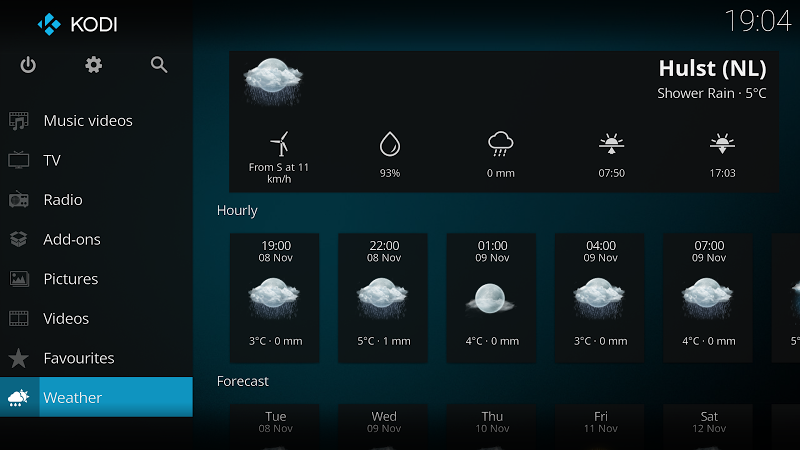
 Friendly interface: Kodi's interface design is simple and intuitive, easy to use, even for novice users can quickly get started.
Multi-platform support: Kodi runs on multiple operating systems, allowing you to enjoy a consistent media experience across different devices.
Powerful media library management: Kodi automatically scans and classifies your media files, enabling you to easily browse and search for your media content.
Multiple media format support: Kodi supports almost all common audio and video formats without having to worry about file format compatibility.
Friendly interface: Kodi's interface design is simple and intuitive, easy to use, even for novice users can quickly get started.
Multi-platform support: Kodi runs on multiple operating systems, allowing you to enjoy a consistent media experience across different devices.
Powerful media library management: Kodi automatically scans and classifies your media files, enabling you to easily browse and search for your media content.
Multiple media format support: Kodi supports almost all common audio and video formats without having to worry about file format compatibility.
 Steep learning curve: For novice users, some of Kodi's advanced features may require some learning and understanding to use.
Requires a stable Internet connection: Kodi's online content requires a stable Internet connection to play smoothly, and if the network is unstable, there may be problems with stutch or slow loading.
Steep learning curve: For novice users, some of Kodi's advanced features may require some learning and understanding to use.
Requires a stable Internet connection: Kodi's online content requires a stable Internet connection to play smoothly, and if the network is unstable, there may be problems with stutch or slow loading.
FAQ


Ratings
















