






 4.7
4.7


Step Tracker - Pedometer App Info


Introduction
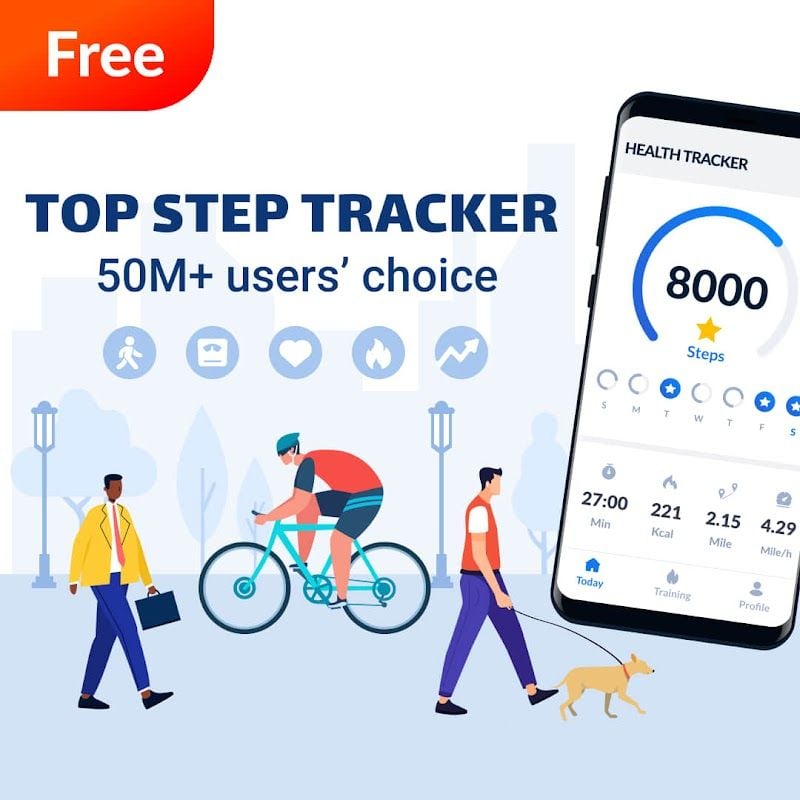
Step Tracker - Pedometer is a smartphone app designed to help users track and record their steps. It utilizes a smartphone's accelerometer and gyroscope to accurately measure the user's walking activity and provides detailed statistics and reports to help users understand their movements. Whether it's a daily walk or a fitness workout, the app provides users with accurate and comprehensive data. Step Tracker - Pedometer is a powerful step tracking app. It accurately measures the user's step count and provides versatile statistics and real-time monitoring to help users understand their movement. The application is simple to operate, the interface is concise, and users can easily use and view the data. Although it has a high power consumption and requires a mobile phone to be carried for normal use, its accuracy and reliability make it the preferred application for many people to track their steps. Whether it's a daily walk or a fitness workout, Step Trackers - Pedometer provides users with accurate and comprehensive data analysis to help them maintain a healthy lifestyle.
Features of Step Tracker
 Accurate Measurement
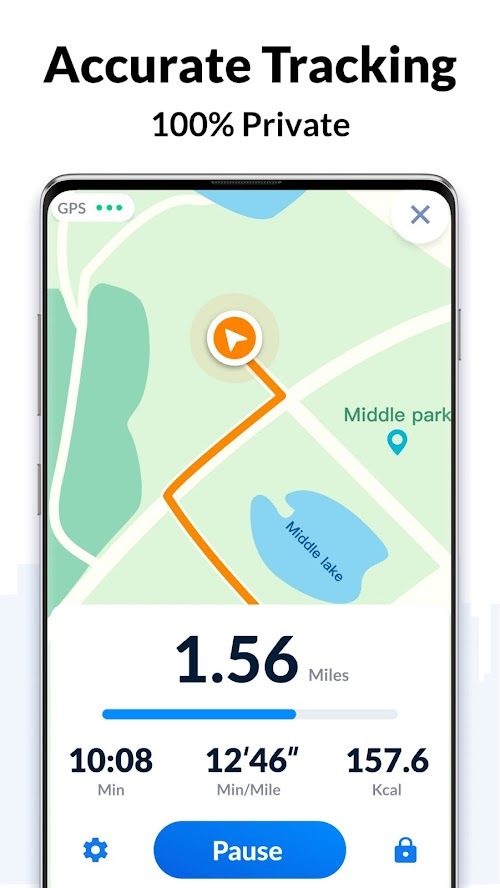
Step Tracker - Pedometer uses advanced sensor technology to accurately measure the number of steps taken by the user. Whether outdoors or indoors, whether walking slowly or running fast, the app provides accurate data.
 Multi-functional Statistics
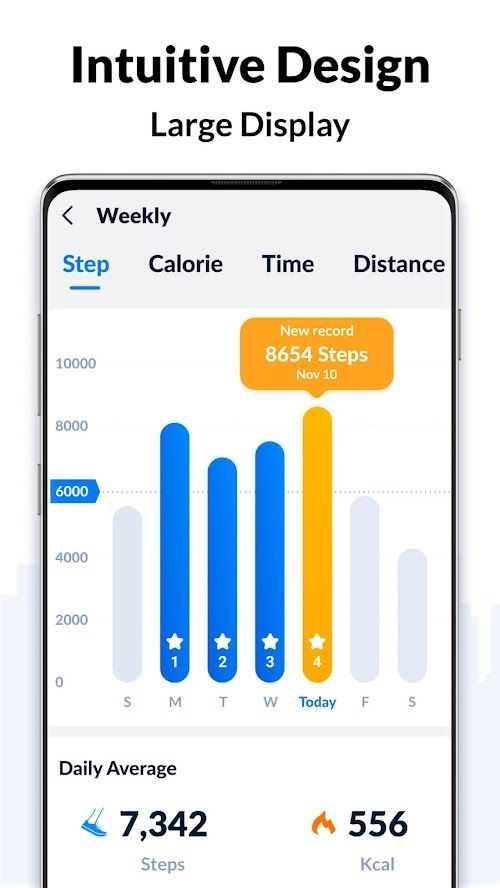
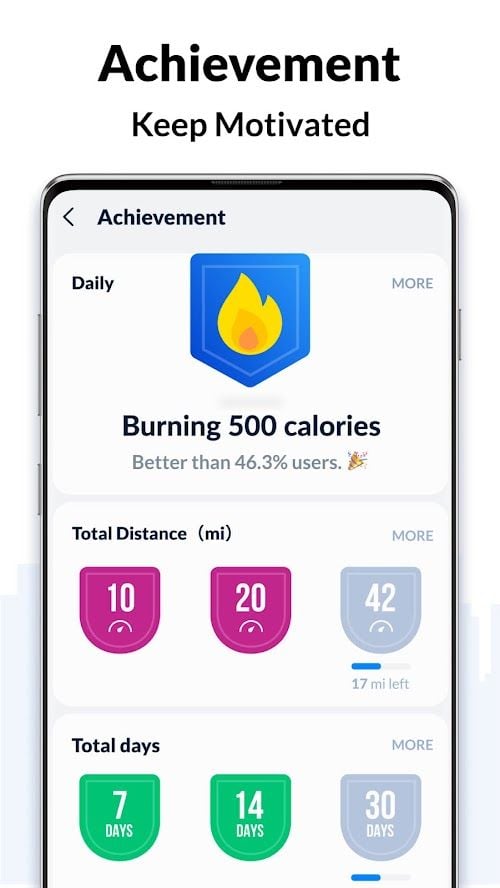
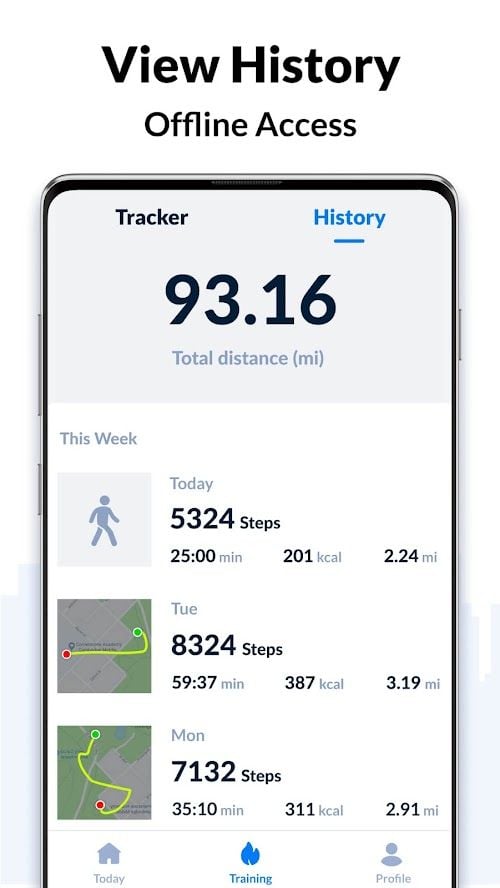
The app not only records the number of steps, but also statistics the user's exercise distance, calories consumed, exercise time, etc. Users can understand their exercise habits and effects through these data.
Real-time Monitoring
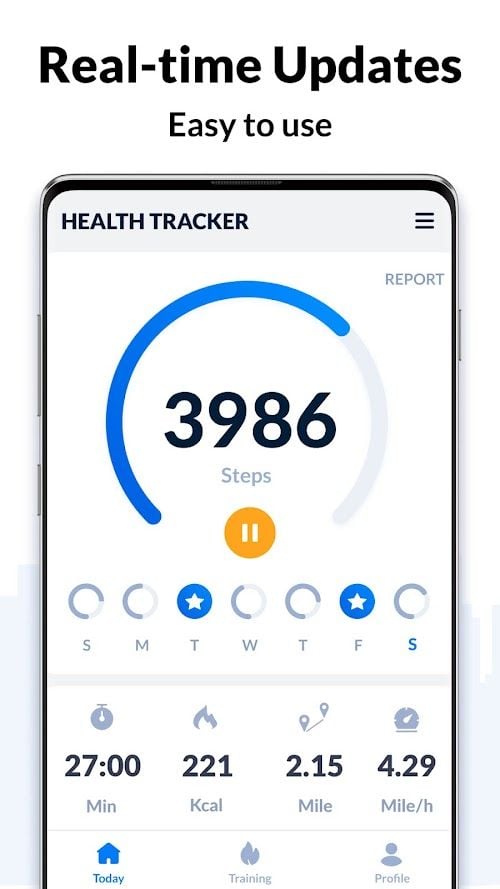
Step Tracker - Pedometer can monitor the user's step count in real time and display it on the screen. This way users can keep track of their exercise status and motivate themselves to stay active.
Highlights of Step Tracker
 Simple Interface
Step Trackers - Pedometer interface design is simple and clear, easy to use. Users can easily view their steps and related statistics.
 Data Synchronization
The application supports data synchronization with other health applications and devices. Users can import their step data to other platforms to compare and share with other users.
Multi-language Support
Step Tracker - Pedometer supports multiple languages for global users.
Tips:
 Download and register
Users can search for "Step trackers - Pedometer" in the app Store and download and install the app. When opening the app for the first time, users need to register an account. The registration process is simple and users only need to provide some basic information to complete.
 Start tracking
After registration, users can start tracking their steps using Step Trackers - Pedometer. Simply place the phone on your body and the app automatically starts monitoring your walking activity.
View statistics
Users can open the app at any time to view their steps and related statistics. The app also provides charts and reports to help users better understand their movements.
Pros & Cons
 Easy to use: Step Trackers - Pedometer is simple to operate, users only need to download and install the application, and then start using. There are no complicated setup and operation steps.
Data analysis: Step Tracker - Pedometer provides detailed statistics and charts to help users understand their exercise habits and effects. Users can adjust their exercise schedule based on this data.
Easy to use: Step Trackers - Pedometer is simple to operate, users only need to download and install the application, and then start using. There are no complicated setup and operation steps.
Data analysis: Step Tracker - Pedometer provides detailed statistics and charts to help users understand their exercise habits and effects. Users can adjust their exercise schedule based on this data.
 High power consumption: Due to the need to continuously monitor the number of steps of the user, the Step Trackers - Pedometer has a high power consumption. Users need to charge frequently to ensure the normal operation of the application.
Need to carry a phone: The app relies on a smartphone's sensor to measure steps, and users need to carry their phone with them to use it properly.
High power consumption: Due to the need to continuously monitor the number of steps of the user, the Step Trackers - Pedometer has a high power consumption. Users need to charge frequently to ensure the normal operation of the application.
Need to carry a phone: The app relies on a smartphone's sensor to measure steps, and users need to carry their phone with them to use it properly.
FAQ


Ratings
















