





 4.1
4.1


Pluto TV App Info


Introduction
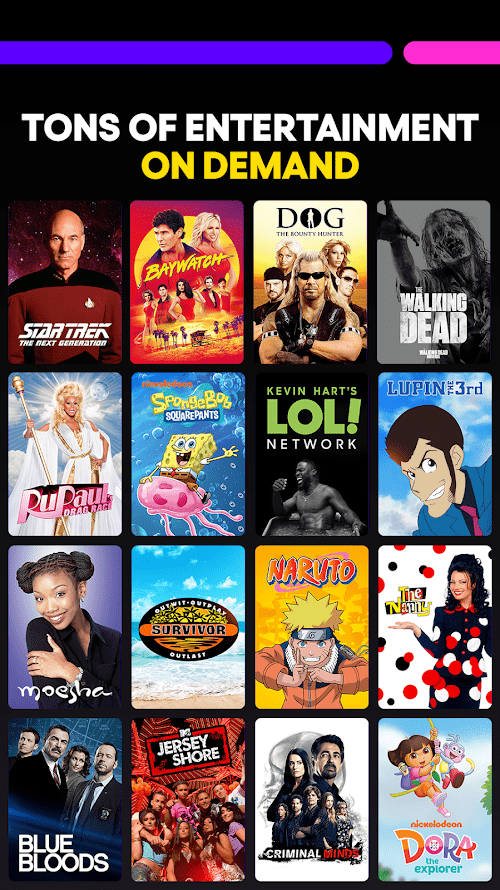
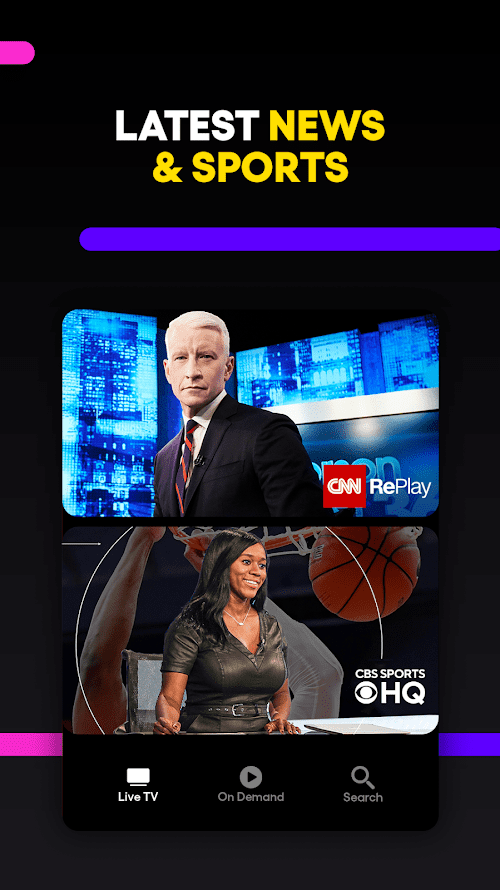
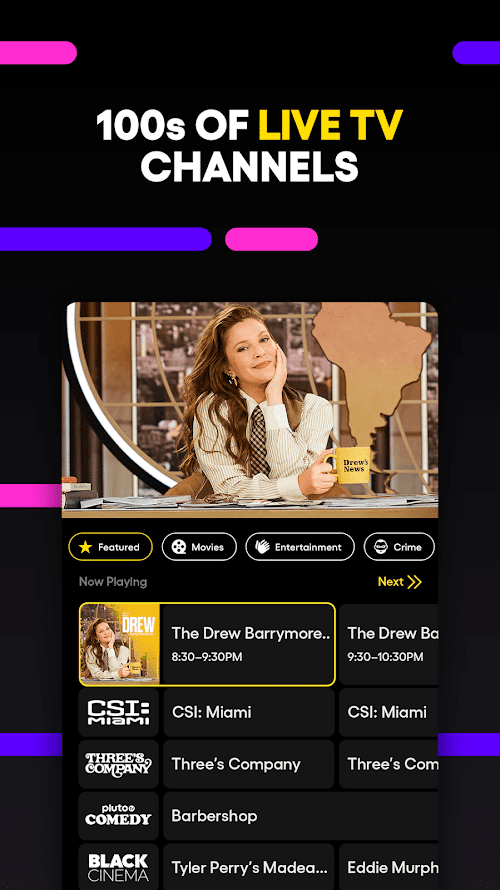
Pluto TV is a free online streaming platform that offers a wide range of TV channels and programming. With over 250 channels, Pluto TV boasts an impressive lineup of live news, sports, and entertainment channels. The platform also has a vast library of on-demand movies and TV shows. Pluto TV is available for download on all major devices, including smartphones, tablets, and smart TVs. What sets Pluto TV apart from other streaming services is that it’s entirely free, making it an excellent option for cord-cutters looking to save money on their entertainment needs.
Features of Pluto TV
 Free to use
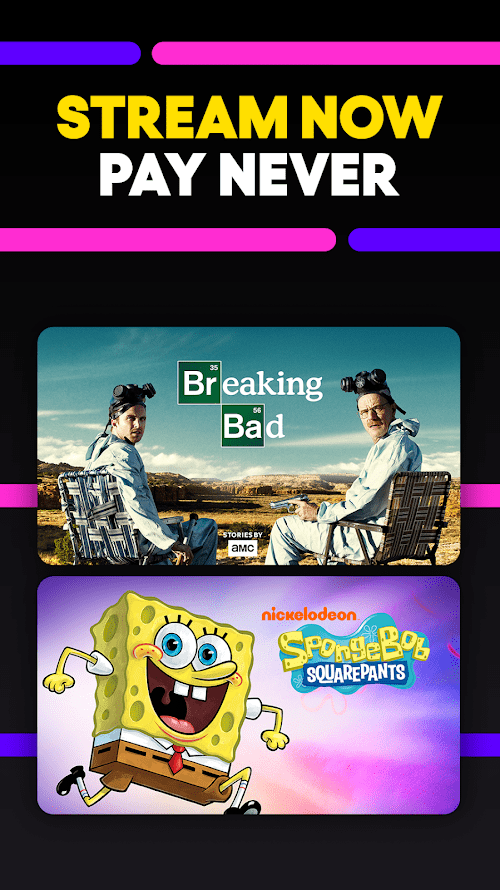
Pluto TV is completely free to use for all users.
Large variety of content
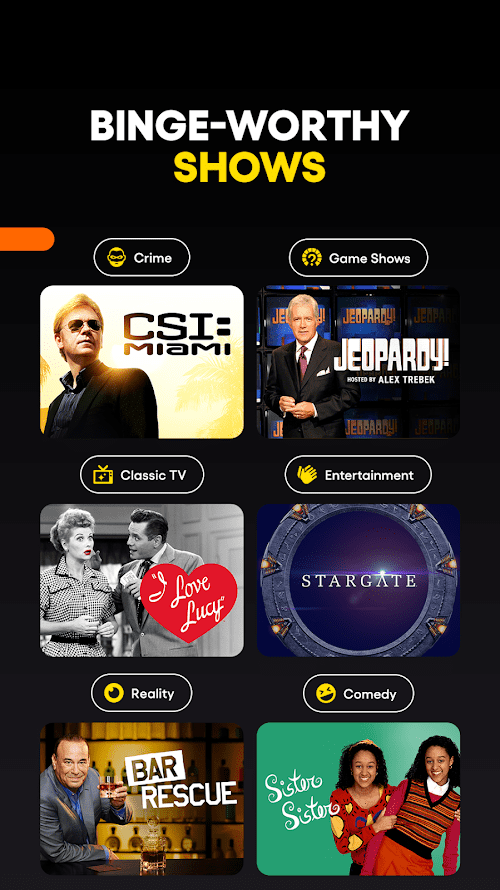
Pluto TV offers a large variety of content including live TV channels, on-demand movies, and TV shows.
User-friendly interface
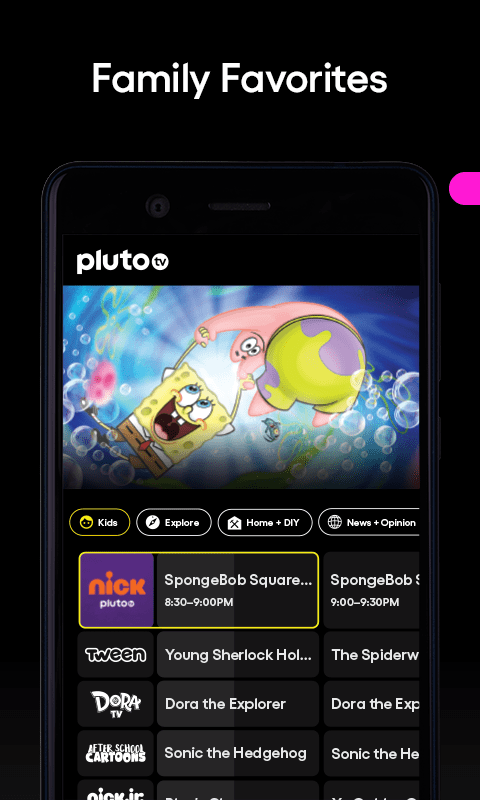
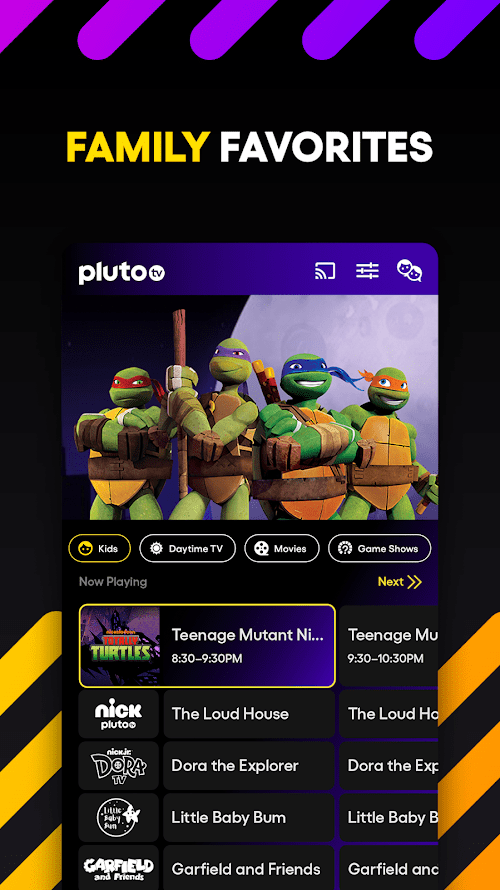
The user interface of Pluto TV is simple and easy to navigate, making it easy for users to find the content they want to watch.
Available on multiple devices
Pluto TV is available on multiple devices such as smartphones, tablets, smart TVs, and gaming consoles, making it convenient for users to watch their favorite content from anywhere.
Highlights of Pluto TV
 Extensive Content Library
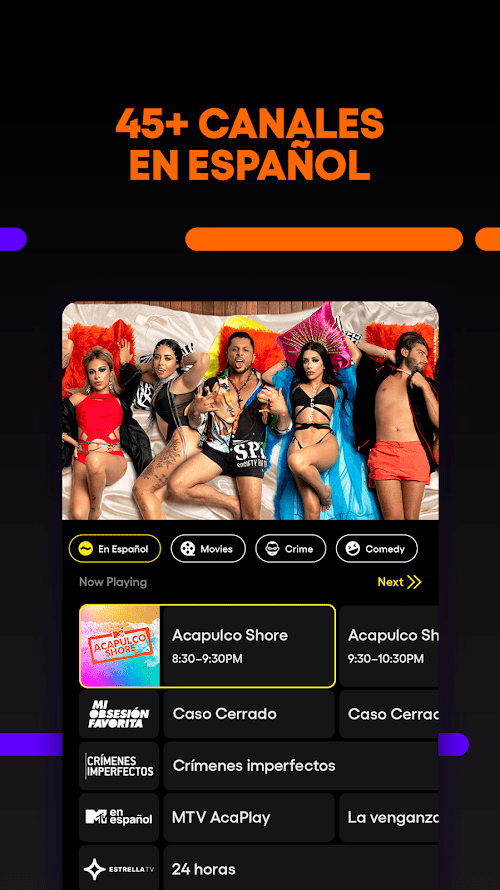
Pluto TV offers an extensive library of over 250 live and original channels, as well as on-demand content from leading networks, publishers, and digital media companies.
Free, Ad-supported Service
Pluto TV is a free, ad-supported service that offers its users access to its entire library without any subscription fees or charges.
Custom channels
Pluto TV provides a variety of custom channels for users to choose from. They can customize their own channels according to their personal preferences, and intimate customized users can enjoy an ad-free experience.
Tips
 Browse channels by category
Pluto TV offers a wide range of channels, and it can be overwhelming to choose what to watch. To make it easier, browse channels by category. You can do this by selecting the “Live TV” tab, and then selecting the category you’re interested in, such as “News” or “Movies.”
Add channels to your favorites
If you have favorite channels that you like to watch regularly, add them to your favorites list. This way, you can easily find them by selecting the “Favorites” tab on the Pluto TV home screen.
Use the “Watchlist” feature
If you come across a movie or TV show that you’re interested in but don’t have time to watch right away, add it to your Watchlist. This feature allows you to save titles for later viewing.
Customize your experience
Pluto TV offers some customization options, such as the ability to turn on closed captions or change the video quality. To access these options, select the gear icon in the top right corner of the screen and select “Settings.” From there, you can adjust various settings to make your Pluto TV experience more personalized.
Pros & Cons
 Offers a wealth of free TV and movie content.
No subscription or payment required.
Provides more than 100 channels.
Available on a variety of devices.
Offers a wealth of free TV and movie content.
No subscription or payment required.
Provides more than 100 channels.
Available on a variety of devices.
 Internet speed is required.
Certain channels may only be available in certain regions.
Internet speed is required.
Certain channels may only be available in certain regions.
FAQ


Ratings
















