






 4.9
4.9




Zoom App Info


Introduction
Zoom - One Platform to Connect is a cloud-based video conferencing platform developed by Zoom Video Communications, Inc. It enables remote users to engage in virtual meetings, webinars, audio conferencing, and other collaborative activities without the need for physical presence. Founded in 2011, Zoom has grown to become one of the most widely used video conferencing applications, with over 90,000 businesses and organizations relying on it for their communication needs.
With an easy-to-use interface and a wide range of features, Zoom has revolutionized the way we communicate and collaborate remotely. Some of its key features include its ability to host video conferences with up to 1000 participants, screen sharing, virtual backgrounds, and recording capabilities. Additionally, Zoom offers seamless integrations with many other productivity tools, such as Slack, Google Drive, and Microsoft Teams.
Features of Zoom - One Platform to Connect
 Virtual Backgrounds
Zoom’s virtual background feature enables users to show their video feed with a virtual background. It’s particularly popular for users who can’t work with colleagues face-to-face or are insecure about their work area.
 Screen Sharing
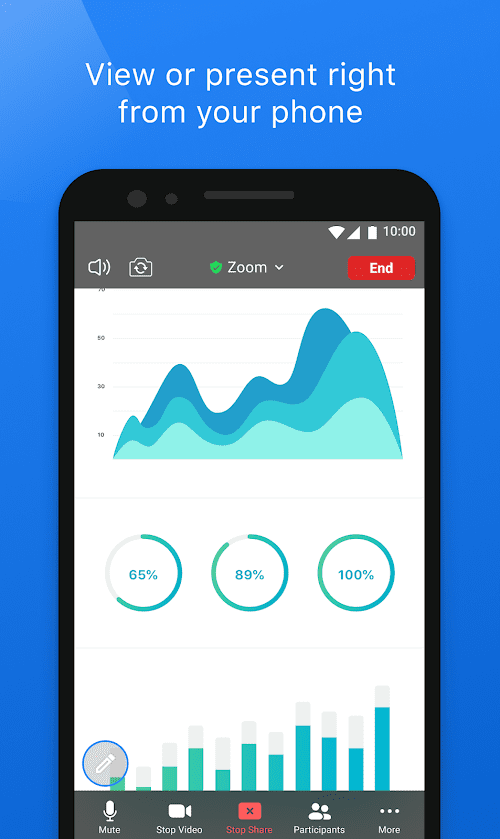
Another exciting feature is screen sharing, which allows users to share their computer or mobile screens with other participants. This feature is particularly useful for remote workers as they can present their work during meetings, training sessions, and collaborative sessions.
Video and Audio Calls
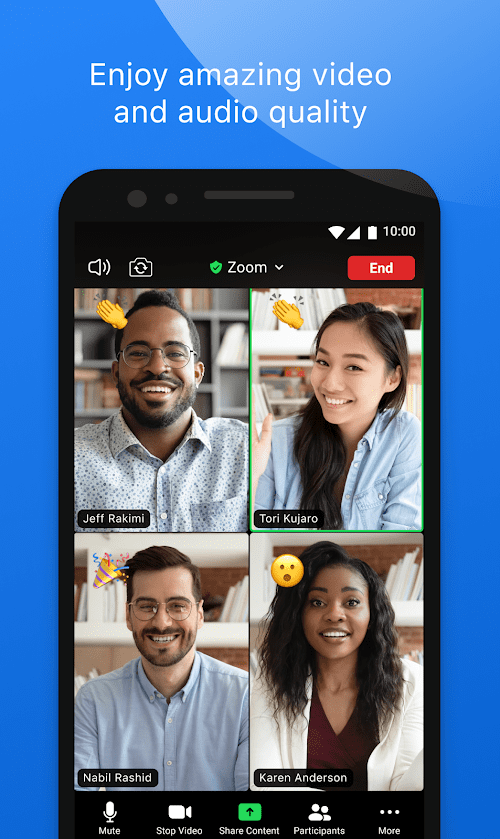
The most notable feature of Zoom is its video and audio calling functionality. Users can engage in high-quality video and audio calls with up to 100 participants with the basic plan and up to 1000 participants with enterprise plans.
Recording for Review and Retention of Records
Zoom also allows users to record their meetings, which can be helpful for future reference or for sharing with those who were unable to attend.
Highlights of Zoom - One Platform to Connect
 Absolute Reassurance and Security of All Private Meetings
Zoom - One Platform to Connect provides robust security measures, including end-to-end encryption and a range of security protocols that ensure that all meetings and data stay secure.
Great Video and Audio Quality
Zoom delivers high-quality video and audio with low latency, making it an ideal platform for remote teams, online courses, and webinars.
Large Meeting Capacity
Zoom can accommodate up to 1000 participants in a single meeting, making it a great option for large organizations or events.
Tips
 Make use of keyboard shortcuts to maximize productivity!
Zoom has many keyboard shortcuts, which makes users run their meetings a lot faster and more efficiently. For example, hold down Alt, Shift, and T to take a screenshot of the meeting being displayed and save valuable information, or hold down Command, Shift, and R to record the meeting locally at any time.
Use break-out rooms.
Break-out rooms enable coordinators or leaders of meetings to divide participants into smaller groups during a meeting to discuss different topics.
Pros & Cons
 High levels of video and audio conferencing connectivity and audio-visual quality ensure maximum efficiency.
The simple and intuitive user-interface makes meetings with thousands of people easy and instant.
A variety of user-friendly practical functions are designed to make one-time meetings flexible and smooth.
High levels of video and audio conferencing connectivity and audio-visual quality ensure maximum efficiency.
The simple and intuitive user-interface makes meetings with thousands of people easy and instant.
A variety of user-friendly practical functions are designed to make one-time meetings flexible and smooth.
 Meeting time is limited for those who haven’t upgraded to a paid account.
Users may experience delays when meeting in low-bandwidth areas.
Meeting time is limited for those who haven’t upgraded to a paid account.
Users may experience delays when meeting in low-bandwidth areas.
FAQ


Ratings
















