






 4.2
4.2




YouTube App Info


Introduction
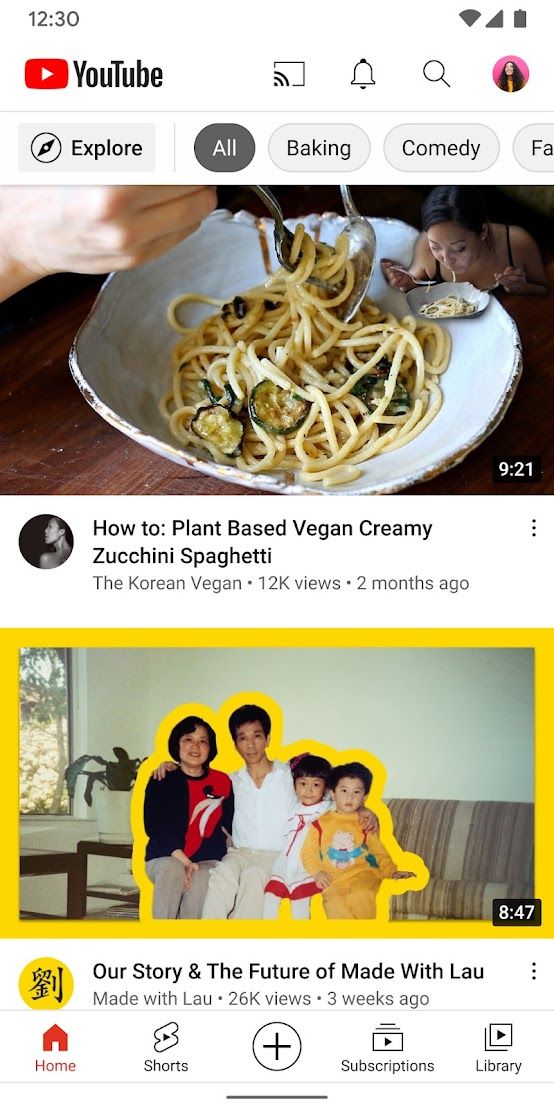
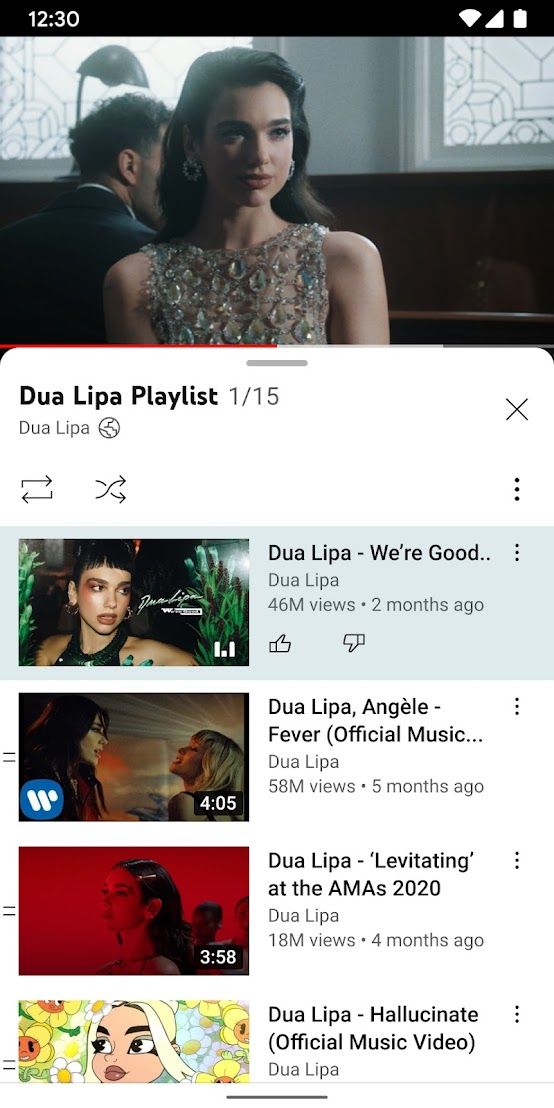
YouTube is a video-sharing website where users can upload, view, and share videos. It was created in 2005 and has since become one of the most popular platforms on the internet. The YouTube app makes it easy to watch videos on the go or at home. The app is available on both iOS and Android devices. Users can search for videos and channels, subscribe to their favorite creators, and create playlists of their favorite videos. YouTube also offers a variety of features, like live streaming and comments, to make the viewing experience even more engaging.
Features of YouTube
 User-generated content
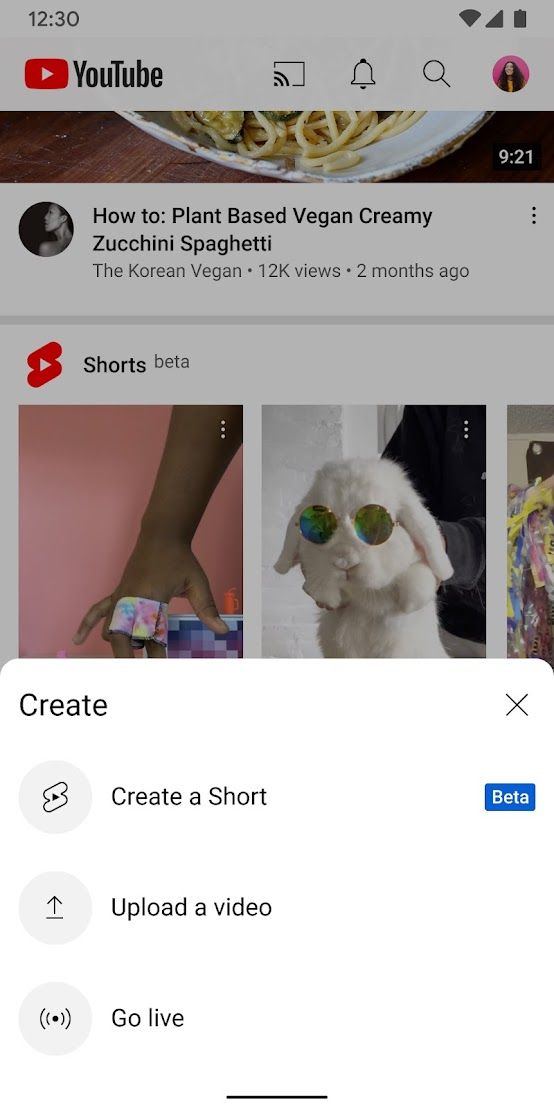
YouTube allows users to create and upload their own videos, making it a platform for user-generated content.
Social interaction
Users can comment on, like, and share videos, creating a social interaction and community on the platform.
Search and discoverability
With its powerful search function and recommendation algorithm, YouTube makes it easy for users to discover new and relevant content.
Monetization
YouTube provides multiple ways for content creators to monetize their videos, including advertising and sponsorships, making it a viable career choice for some users.
Highlights of YouTube
 Broad range of content
YouTube offers a wide range of content, from educational and informative videos to entertainment and music content. This ensures that users can always find something to suit their interests.
User-generated content
The app allows users to upload their own videos, giving rise to an enormous variety of content. Some of the most popular categories include vlogs, DIY tutorials, and product reviews.
Advanced search capabilities
With powerful search algorithms and filters, YouTube makes it easy for users to find exactly what they are looking for.
Accessibility
YouTube can be accessed from a multitude of devices, including smartphones, tablets, and smart TVs. This allows users to enjoy their favorite content wherever they are and whenever they want.
Tips
 Use keyboard shortcuts
YouTube has several keyboard shortcuts that can make your viewing experience more efficient. For example, press “k” to pause or play a video, “j” to rewind 10 seconds, and “l” to fast forward 10 seconds.
Use playlists
Create playlists to organize your favorite videos and channels. This can save you time from searching for videos every time you want to watch them. You can also share your playlists with friends or save them for later viewing.
Use captions and subtitles
YouTube offers captions and subtitles in many languages, which can be helpful if you’re watching a video in a language you’re not fluent in or if the audio is hard to hear. To enable captions or subtitles, click on the “CC” button at the bottom of the video player and select your preferred language.
Pros & Cons
 It is free to use for both content creators and viewers.
Anyone can upload videos to YouTube.
YouTube offers a vast range of content in various categories.
It can be accessed on various devices.
It is free to use for both content creators and viewers.
Anyone can upload videos to YouTube.
YouTube offers a vast range of content in various categories.
It can be accessed on various devices.
 YouTube also contains inappropriate and offensive content.
Too many ads, which affect the viewing experience of users.
YouTube also contains inappropriate and offensive content.
Too many ads, which affect the viewing experience of users.
FAQ


Ratings
















