






 4.4
4.4

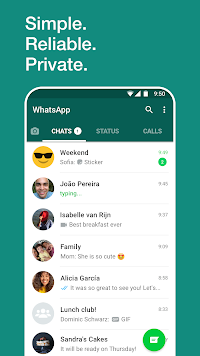


WhatsApp Messenger App Info


Introduction
WhatsApp Messenger is a free messaging and calling app that allows users to send text messages, voice messages, photos, videos, and documents with ease. The app uses the internet to send and receive messages instead of traditional SMS or MMS messaging, making it cost-effective for users. With WhatsApp, you can make audio and video calls to your contacts, create group chats with up to 256 participants, share your location, and access a wide range of emoticons and stickers to express yourself better. The app also offers end-to-end encryption to ensure the security and privacy of your conversations. Available on both Android and iOS devices, WhatsApp is one of the most popular messaging apps in the world, with over 2 billion active users.
Features of WhatsApp Messenger
 Cross-platform compatibility
WhatsApp Messenger can be used on all major operating systems, including Android, iOS, Windows Phone, and Blackberry.
End-to-end encryption
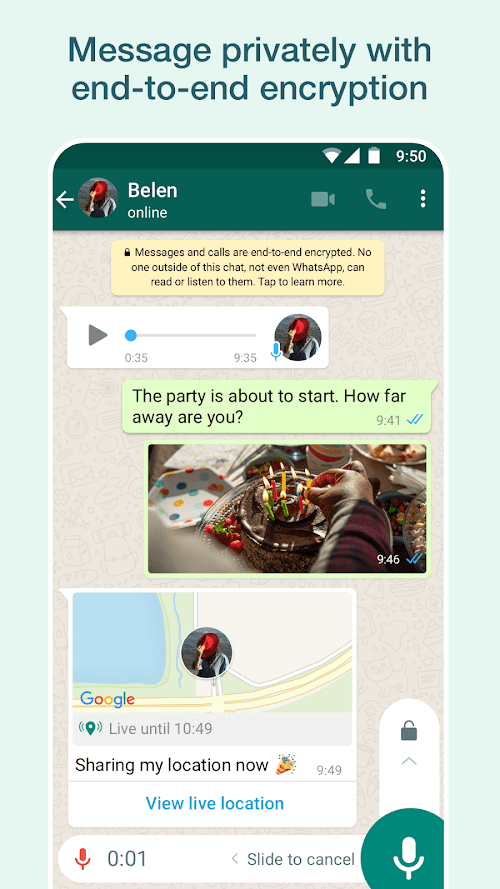
All messages, calls, photos, and videos sent through WhatsApp are protected by end-to-end encryption, ensuring user privacy and security.
Group chats
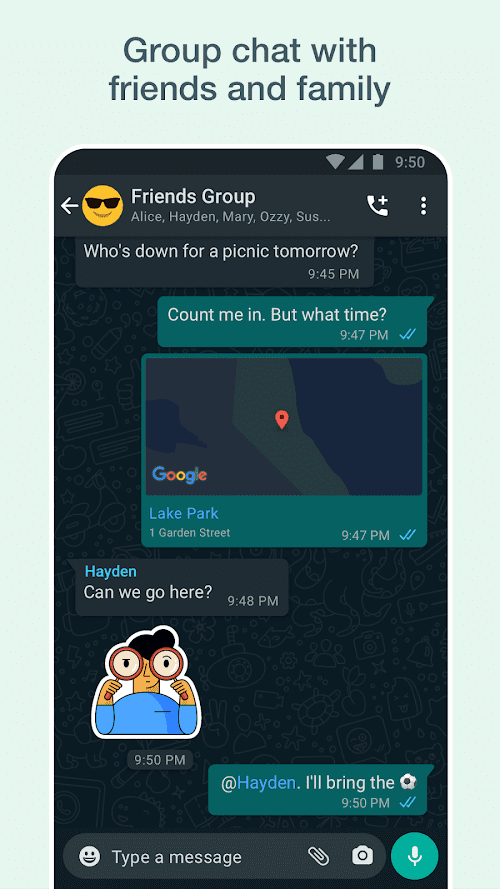
Users can create group chats with up to 256 members, making it easy to communicate with multiple people at once.
Voice and video calling
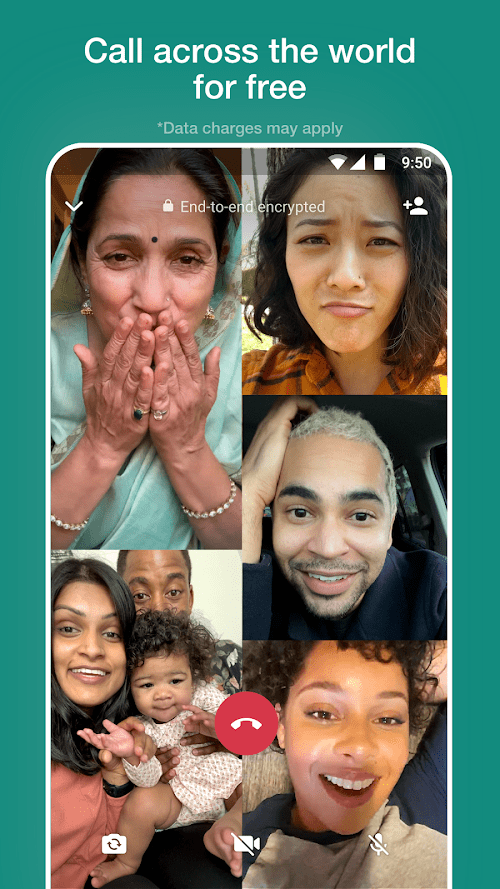
In addition to text messaging, users can also make high-quality voice and video calls with WhatsApp, allowing for more personal and interactive conversations.
Highlights of WhatsApp Messenger
 Location sharing
You can share your current location with your friends, so they can find you easily.
Share photos and videos
You can share photos and videos with your friends and family, whether they’re near or far away.
Status updates
You can keep your friends and family up-to-date with what you're doing by posting text or image status updates.
Emojis and stickers
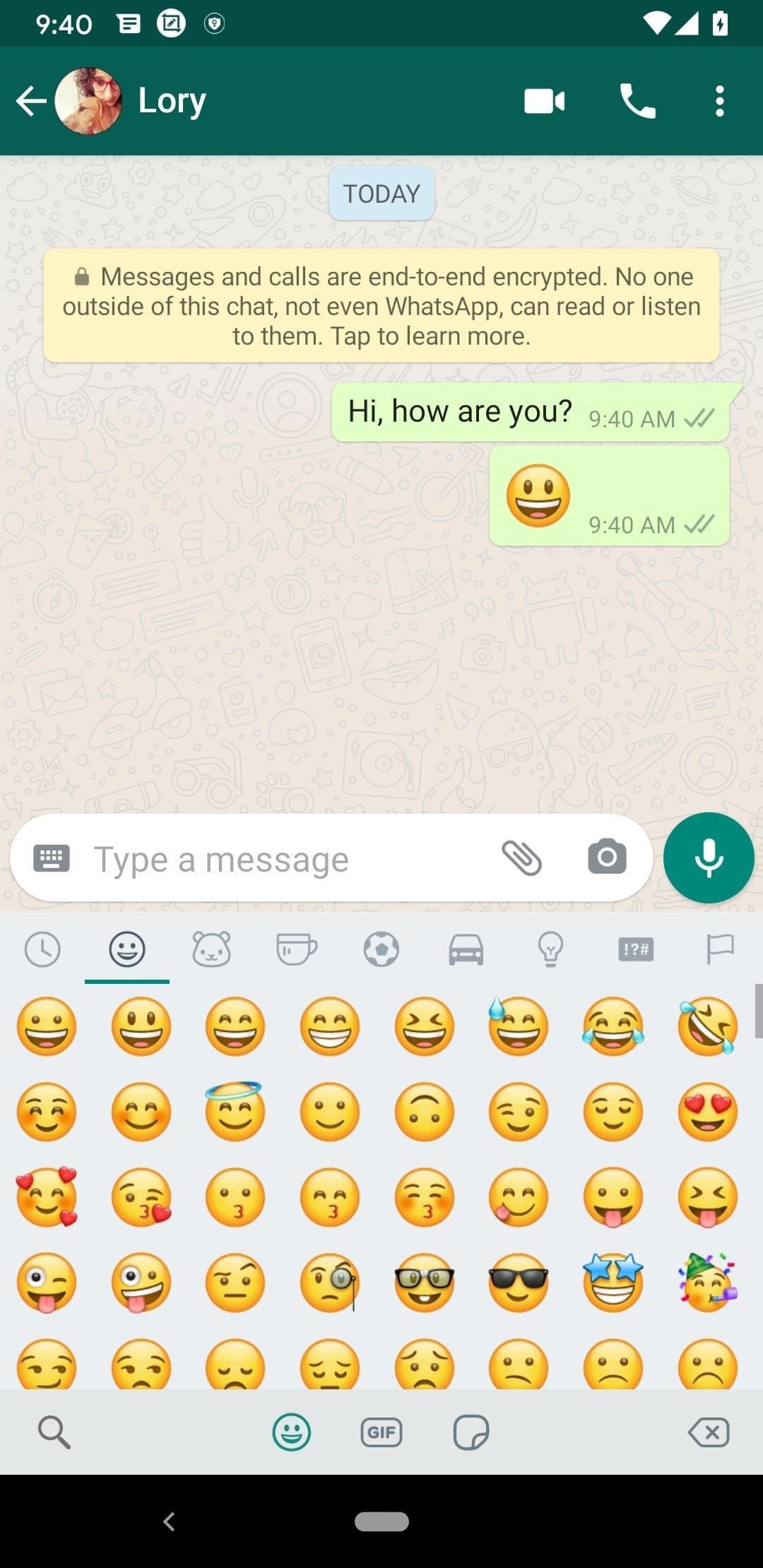
You can express your emotions through the use of a wide range of emojis and stickers.
Tips
 Use WhatsApp Web
If you’re working on a computer, you can access your WhatsApp account through the web browser by going to the WhatsApp Web website and scanning the QR code with your phone. This way, you can type messages more easily and quickly, and you can also see your chat history on a larger screen.
Create shortcuts for frequently used chats
You can create shortcuts on your phone’s home screen for your most frequently used chats. To do this on an Android phone, long-press on the chat you want to create a shortcut for, tap on “Add conversation shortcut,” and it will appear on your home screen. On an iPhone, swipe right on the chat, tap on “More,” and then on “Add Shortcut.”
Use WhatsApp’s broadcast feature
If you want to send the same message to multiple people without creating a group chat, you can use WhatsApp’s broadcast feature. This allows you to send a message to multiple contacts at once, but they won’t be able to see each other's responses. To create a broadcast, go to the “Chats” tab, tap on the three dots in the top-right corner, and select “New broadcast.”
Latest News


Pros & Cons
 Users can easily and quickly keep in touch with other people.
Cross-platform support.
Allow users to create and join group chats.
Users can easily and quickly keep in touch with other people.
Cross-platform support.
Allow users to create and join group chats.
 Rely on internet connection.
The app may contain spam.
Rely on internet connection.
The app may contain spam.
FAQ


Ratings
















