Mastering WhatsApp: A Complete Guide to Global Messaging
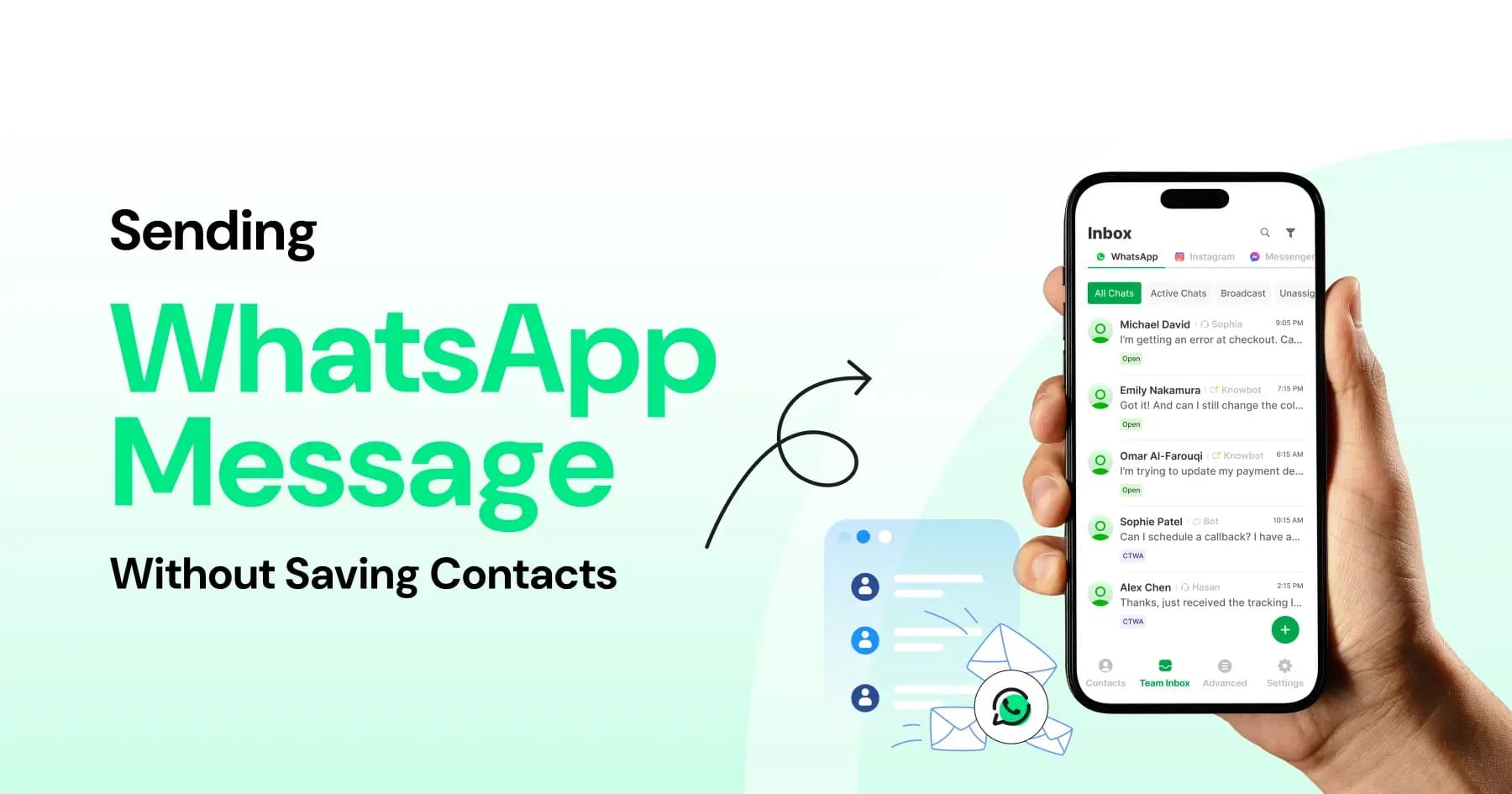
WhatsApp Messenger has revolutionized cross-border and cross-device communication as the application has billions of active users all over the globe. It is a powerful application owned by Meta that is based on your internet connection and is used to send messages and make calls effectively bypassing the traditional SMS charges and the high costs of international calls. WhatsApp is a powerful and trusted application, either when you need to connect with relatives abroad, communicate with collaborators, or simply chat with your friends. This tutorial will assist you in exploring its main functions and perfect your experience with digital messaging.



Setting Up Your Account
It is so easy to start using WhatsApp. Once you download the app, you will be required to key in your mobile phone number. WhatsApp gives you this number as a unique identification and sends you a verification number through SMS to ascertain who you are. After verifying, you have the option of creating your profile by uploading a photo, your name, and a short status of about yourself. It will automatically connect with your address book on your phone, automatically searching through it notifying you which of your contacts are already on WhatsApp so you can start chatting with them without having to manually add them.
Learning to use Chats and Calls
At the core, WhatsApp is created to communicate in a seamless, multimedia way. It is as easy as tapping the name of a contact to start a text chat yet the app does much more than a mere text. It is easy to post high-resolution photographs, videos, documents and real-time location information. Voice notes: A common functionality when you are on the go - just press the microphone icon to record and send a brief audio message. Moreover, WhatsApp also provides a high-quality voice and video call. You may have individual calls or organize big group video calls. Group chats are especially potent, with up to 1,024 participants able to work in a single thread, including the ability to have an admin.
Making Privacy and Security a Priority
WhatsApp has a major selling point, which is its dedication to security based on default end-to-end encryption. This implies that only you and your communication partner can read or listen to the received content and no one, including WhatsApp or Meta, in between can see your messages. To further customize your privacy, dive into the application's settings menu. There, you are able to turn off Read Receipts (blue checkmarks), the Last Seen and Online timestamps, and control who is able to see your profile picture. To be as secure as possible, it is always best to use two step verification so that you are asked to enter in a custom PIN in case your phone number is ever entered on a new phone.
Exploring Advanced Features
You ought to seek its extended features to reap maximum out of the platform. WhatsApp Web and the companion desktop app enable you to reflect the phone chats to a computer, and typing long messages and exchanging computer files is incredibly easy. There is also the "Status" functionality, which allows you to share fleeting text, photo or video posts, which self-destruct after 24 hours. Another feature of WhatsApp is the so-called channels: a one-way broadcasting tool, which is private and allows following updates of organizations, sports teams, or news media. With bigger groups, the tab of Communities can be used to have related group chats come together under one umbrella that can be managed.
Conclusion
WhatsApp Messenger is an inseparable part of our world of interconnection, which incorporates unconditional simplicity with an affluent diversity of functions. It helps close the distance between devices and distances, enabling simple text messaging to secure long-distance and wide-community video calls. With the right profile setup, use of the various communication tools and the powerful privacy settings you can have a safe and smooth chatting time on Skype. Get the app, add your contacts, and begin living the new gold standard of worldwide communication.